
0/5000
 Rejoignez notre Discord
 Transformez vos idées, documents ou processus en organigrammes clairs en quelques secondes. Avec iWeaver, générez, modifiez et partagez instantanément des diagrammes professionnels, sans dessin manuel.
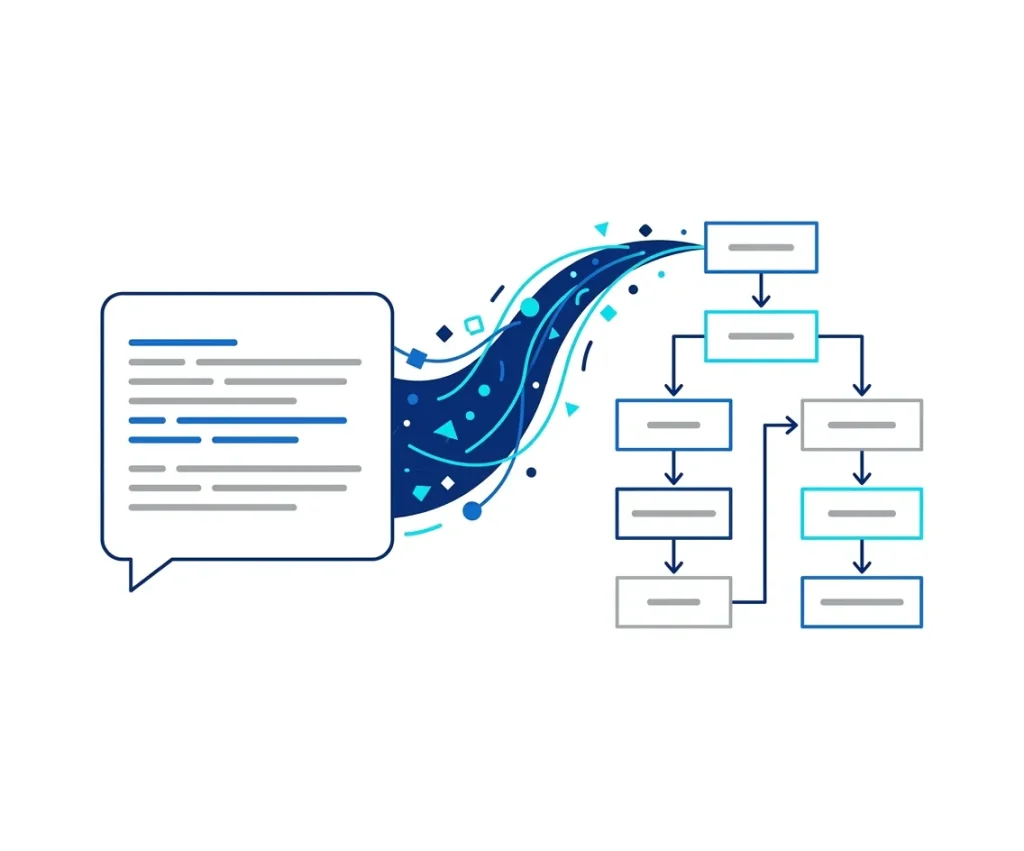
Rejoignez notre Discord Convertissez instantanément du texte brut en organigrammes structurés grâce à une cartographie logique précise.
Organise automatiquement les étapes, les décisions et les embranchements en flux visuels clairs.
Modifiez facilement les nœuds, les connexions et les agencements sans repartir de zéro.
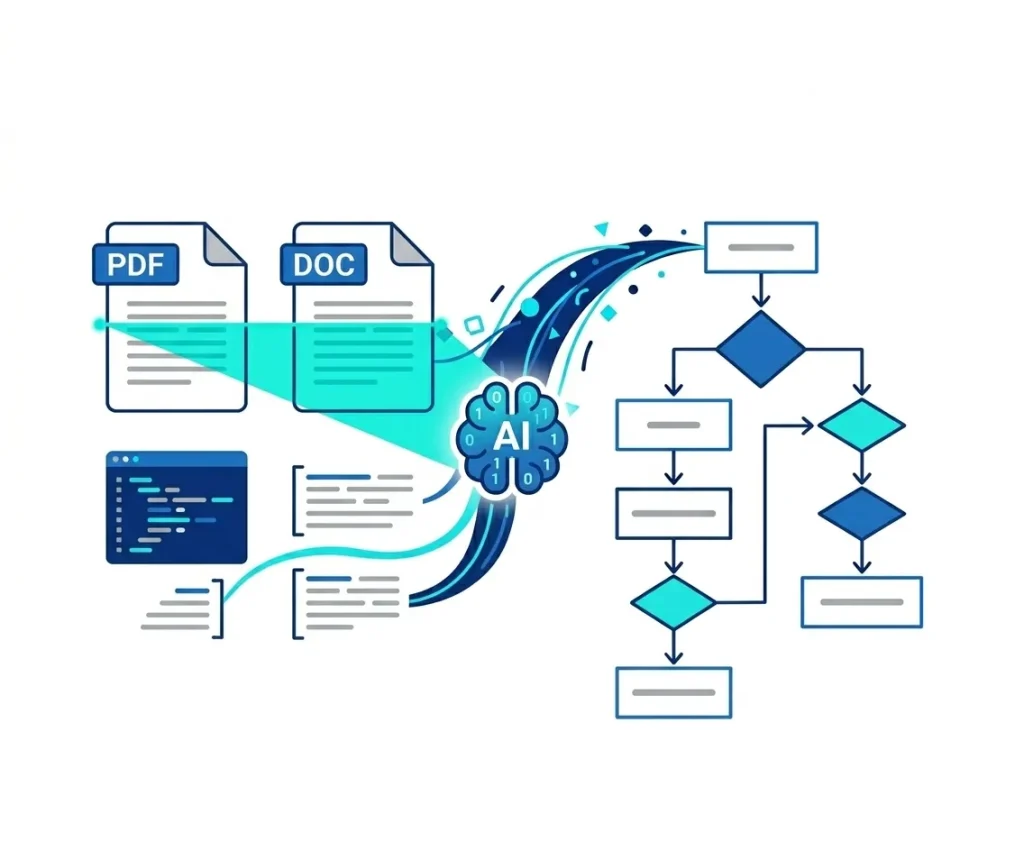
Générez des organigrammes à partir de texte, de PDF, de notes ou de contenu de base de connaissances.
Créez des diagrammes complets en quelques secondes au lieu de dessiner manuellement des formes.
Téléchargez ou partagez des organigrammes pour vos présentations, documents ou collaborations d'équipe.
Un générateur de diagrammes de flux basé sur l'IA convertit automatiquement du texte, des idées ou du contenu structuré en diagrammes de processus visuels.
Au lieu de créer manuellement des formes et des connecteurs, l'IA analyse vos données d'entrée et les organise en étapes logiques, nœuds de décision et flux de processus.
Avec iWeaverVous pouvez ainsi générer des organigrammes à partir de documents, de comptes rendus de réunion, de flux de travail ou d'invites, ce qui facilite la compréhension et le partage des processus complexes.
Transformez des sources de données diverses en diagrammes de processus professionnels grâce à l'IA.
Améliorez votre flux de travail grâce aux agents IA spécialisés d'iWeaver.
Transformez instantanément les transcriptions de réunions et les contenus longs en notes structurées et exploitables.
Accélérez l'apprentissage en transformant des documents complexes en quiz et résumés personnalisés.
Transformez vos données brutes et vos analyses en infographies professionnelles, prêtes à être présentées, grâce à la précision de l'IA.
iWeaver AI Flowchart Generator est un outil puissant qui convertit automatiquement textes, invites, images et documents en organigrammes et diagrammes de flux modifiables. Il utilise une IA avancée pour analyser votre contenu et générer instantanément des diagrammes clairs et structurés.
Oui. iWeaver propose une version gratuite permettant de créer des organigrammes et des diagrammes de flux générés par IA. Vous pouvez convertir du texte en organigrammes, générer des diagrammes à partir d'images et exporter gratuitement des formats de base. Les abonnements premium offrent la génération par lots, l'exportation en haute résolution et bien plus encore.
L'IA analyse votre texte pour identifier les étapes, les points de décision, les hiérarchies et les relations logiques. Elle génère ensuite automatiquement un organigramme structuré, ce qui représente un gain de temps considérable par rapport à la création manuelle de diagrammes.
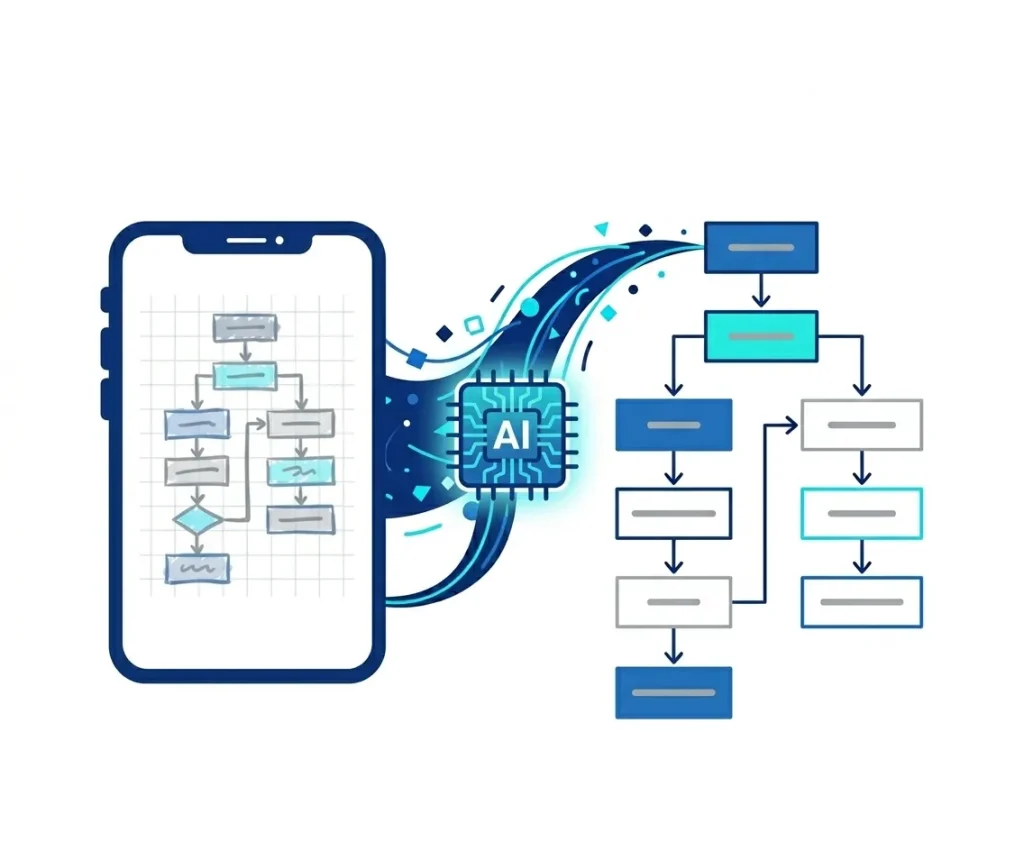
Vous pouvez importer des fichiers texte, PDF, DOCX, PPT, des captures d'écran et des documents de processus. L'IA d'iWeaver extrait les informations clés et les transforme en organigrammes ou diagrammes modifiables, ce qui les rend utiles pour les flux de travail, les procédures opérationnelles standard et la documentation technique.
iWeaver permet d'exporter les diagrammes aux formats PNG, JPG, SVG, PDF et DOCX. Ces formats garantissent la compatibilité avec les présentations, les rapports, les sites web et les outils de collaboration d'équipe.
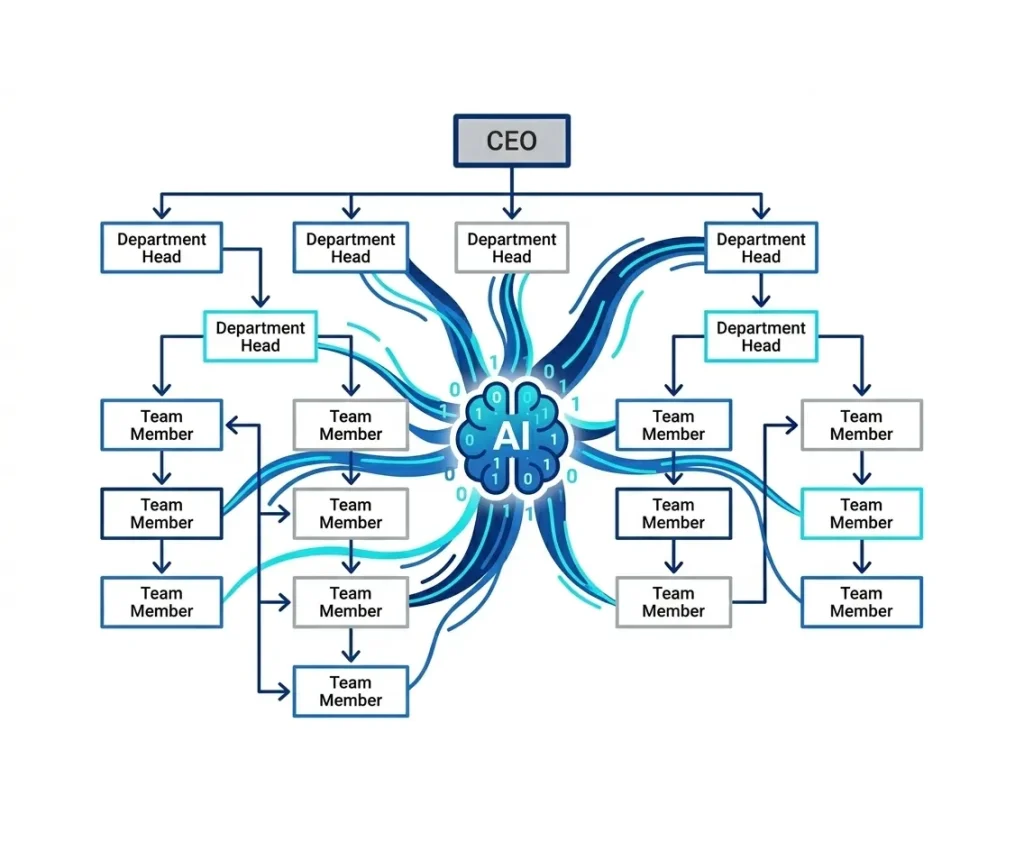
Oui. iWeaver intègre un générateur d'organigrammes basé sur l'IA. Importez des structures d'équipe, des descriptions hiérarchiques ou des profils d'entreprise, et l'outil générera automatiquement un organigramme clair et modifiable.
Oui. iWeaver permet aux équipes d'enregistrer, de gérer et de partager des organigrammes générés par l'IA. Les membres peuvent collaborer à la modification des diagrammes, à la mise à jour des flux de travail et à l'amélioration des structures visuelles, en temps réel ou de manière asynchrone.