
AI Notes Generator
Organize reviewed text into useful notes.
Organize the TranscriptionTurn a written process into a flowchart that shows what happens next, where decisions split, and how each path ends.
Add a process description or source document to iWeaver to generate a visual workflow. Start with the steps you already know, then check the resulting diagram against the way the process actually works.
Input guidance: Include the starting event, main steps, decision conditions, and possible outcomes. Mention exceptions such as rejected requests or failed payments.
Paste your workflow description or upload a process document. Specify where the workflow starts and ends, and include any rules that change the next step.
Let iWeaver organize the description into connected steps and decision branches. Compare the flow with your original instructions.
Follow every branch from start to finish. Refine unclear labels, missing steps, or incorrect connections before using the diagram in documentation.
Example brief — illustrative, not a captured product result:
“Create a flowchart for a purchase request. An employee submits the request. A manager checks the budget. If approved, procurement places the order and the process ends. If rejected, return the request to the employee for revision and another review.”
Review checklist: Does the approval decision have two labeled exits? Does the revision path return to review? Is the final order step reached only after approval?
A connected diagram helps readers follow a sequence without repeatedly searching through paragraphs.
Include rejection, retry, and escalation paths in your brief so the review covers more than the ideal route.
Use a written procedure as your starting point instead of rebuilding its logic from memory.
Discuss a specific branch, connection, or handoff when checking the draft with the people responsible for the process.
Trace each branch to its outcome so you can spot paths that stop too early, loop without an exit, or leave the next action unclear.
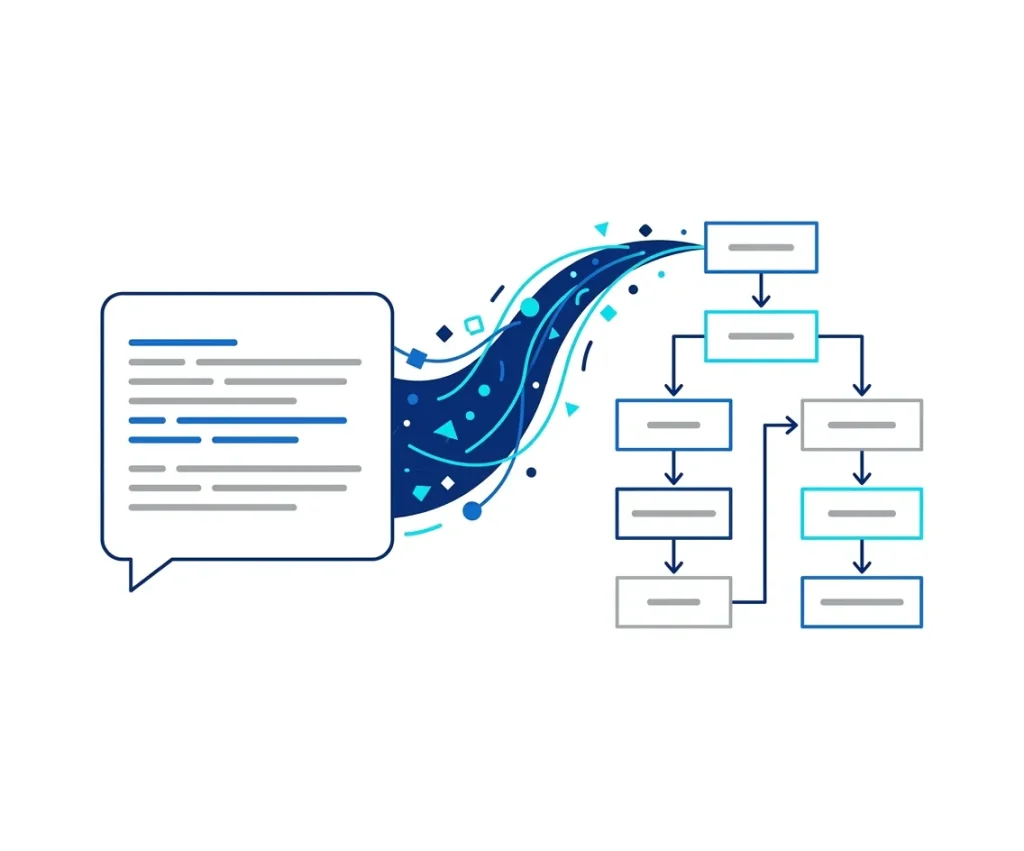
Start with an expense or purchasing procedure. Map the review point and the accepted and rejected paths before updating the SOP.
Map an Approval Process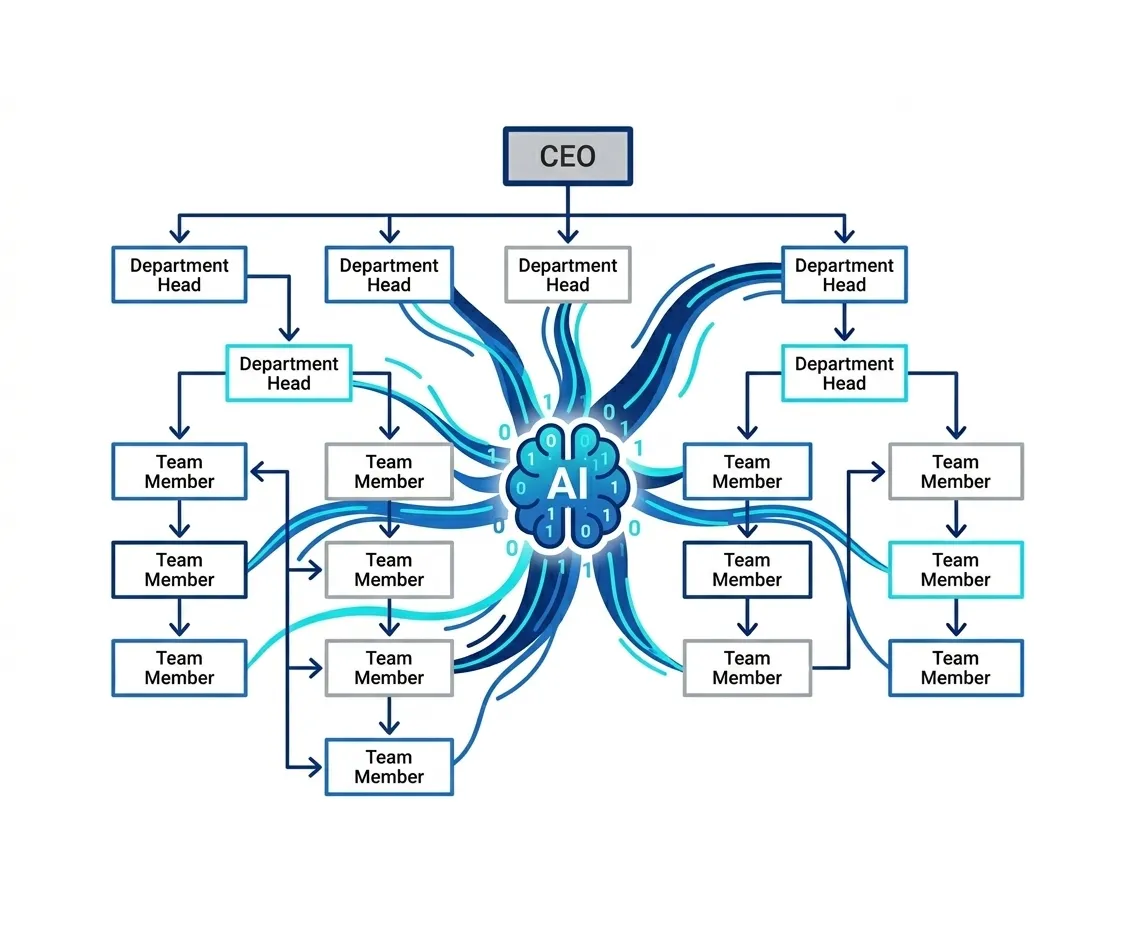
Describe how a request moves from initial triage to resolution or specialist review. Check that unresolved issues have a defined next step.
Visualize Support Routing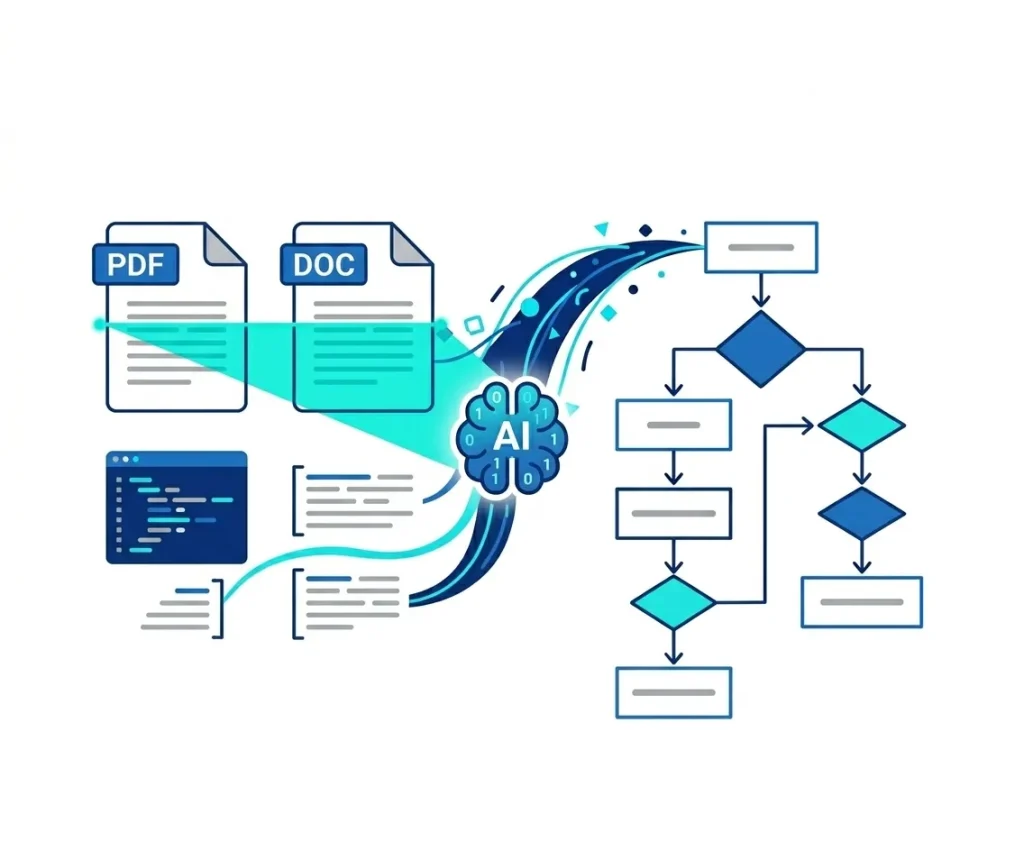
Write out a simple algorithm or application flow. Use the diagram to inspect conditions, loops, and stopping points before implementation.
Outline a Logic Flow
Turn onboarding instructions into a sequence that makes prerequisites and handoffs easier to discuss with new team members.
Map Onboarding StepsChoose the next tool according to what you need from the recovered text.
Organize reviewed text into useful notes.
Organize the TranscriptionTurn notebook ideas into a writing plan.
Build a Writing OutlineUse checked key points as the basis for a visual explanation.
Visualize Key PointsBring the steps and decisions. Generate a first diagram, then check every route before putting it to work.
Generate My Flowchart