
Free AI Concept Map Generator
Turn topics, notes, documents, URLs, or images into a visual map of connected concepts and relationships with iWeaver.
What Is an AI Concept Map Generator?
An AI concept map generator turns information into a visual network of concepts and relationships. Instead of listing ideas separately, it shows how concepts connect, depend on one another, or fit within a larger topic.
Use iWeaver to organize study material, research notes, lesson content, project information, or other supported sources into a clearer concept map for review, planning, discussion, or presentation.
What You Can Map
Use iWeaver AI Concept Map Generator when you need to reveal relationships, organize complex knowledge, and make connected ideas easier to review.
Study Topics
Connect key terms, supporting ideas, examples, and definitions from lessons or study notes.
Research Concepts
Organize research questions, theories, evidence, findings, and relationships between sources.
Lesson Structures
Arrange learning objectives, topics, examples, and supporting material into a teachable structure.
Project Plans
Show goals, tasks, resources, dependencies, and decisions within a project.
Complex Processes
Map stages, participants, dependencies, and outcomes in a system or workflow.
Comparison Topics
Compare categories, approaches, similarities, differences, and shared characteristics.
Brainstorming Ideas
Group scattered ideas and reveal connections before moving into planning or writing.
Knowledge Reviews
Build a visual overview before an exam, meeting, presentation, or important discussion.
Concept maps work best when you need to show relationships—not simply list information.
How to Create a Concept Map
Add a Source
Enter a topic, paste notes, or upload supported files, images, or links.
Generate a Map
iWeaver identifies key concepts and organizes related ideas into connected nodes and branches.
Review and Refine
Check the structure, adjust the map when needed, then export or share available results.
Why Use iWeaver for Concept Mapping?
Map Relationships
See how main concepts, supporting ideas, and related topics connect instead of reviewing isolated keywords.
Start from Sources
Work from topics, notes, documents, URLs, or images instead of building every concept from a blank canvas.
Clarify Complex Topics
Use a visual structure to review important concepts, supporting points, dependencies, and gaps in your material.
Refine the Structure
Review the generated map and adjust concepts, branches, labels, or styles when the source needs clarification.
Reuse the Output
Use the finished map as a starting point for revision, explanation, planning, discussion, or presentation.
Use Cases for an AI Concept Map Generator
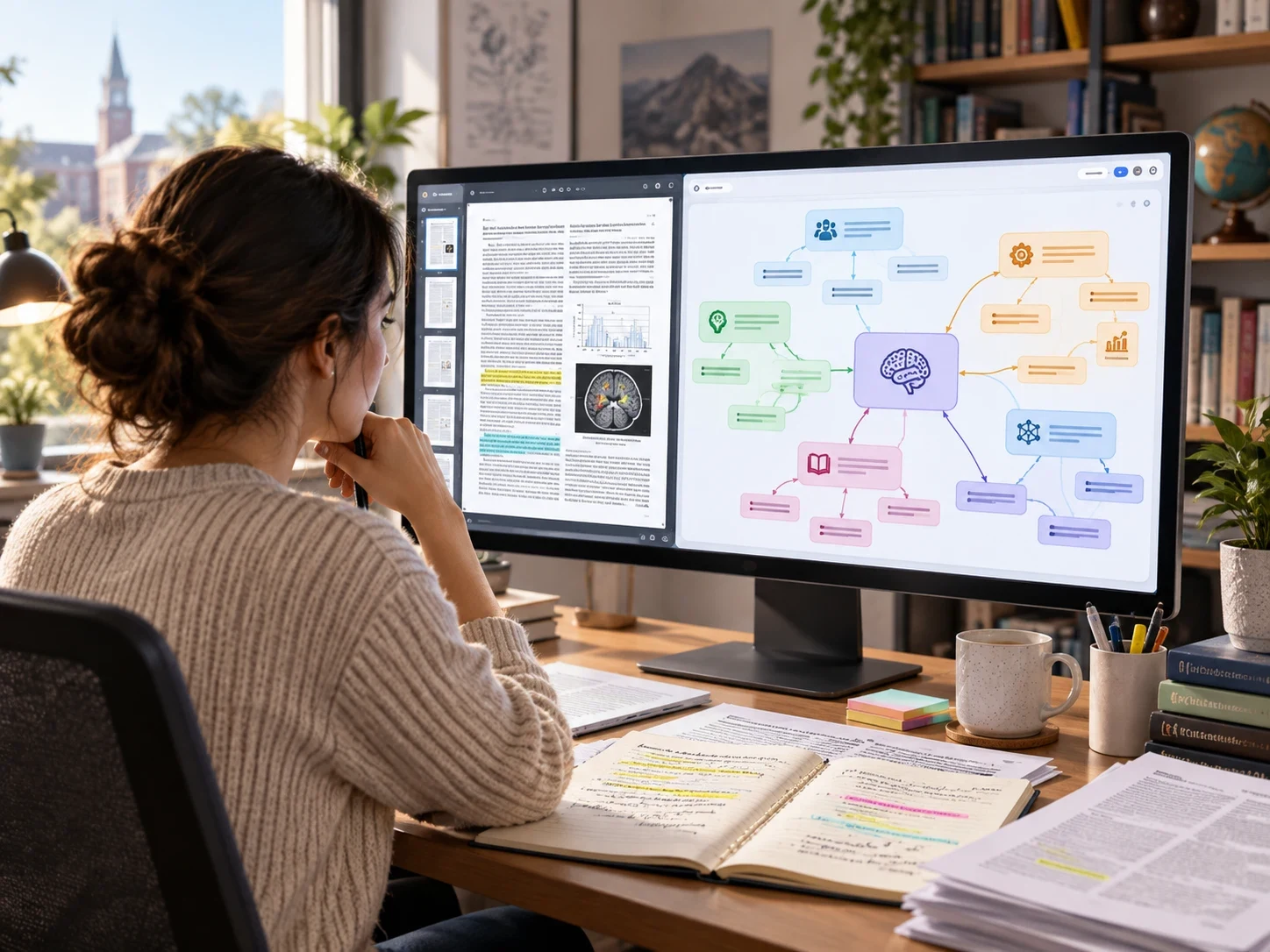
Study and Revision
Turn textbooks, lecture notes, or revision material into a visual structure showing main concepts and supporting ideas. Use the map to review relationships, identify gaps, and prepare a clearer starting point for exams or class discussion.
Map Topics
Lesson Planning
Organize lesson topics, subtopics, and supporting concepts before teaching. A concept map can help educators explain how ideas fit together and provide students with a visual structure for review.
Plan Lessons
Research Mapping
Connect research questions, theories, findings, and supporting notes into one visual structure. Review the generated map to compare ideas, spot relationships, and decide which sources need closer reading.
Map Research
Process Planning
Use a concept map to organize project information, workflows, tasks, and dependencies before a planning meeting. The visual structure helps teams discuss how parts of a process fit together and what needs clarification.
Map ProcessesContinue Your Visual Knowledge Workflow
Choose a related iWeaver tool when you need to organize ideas, build an academic structure, or turn notes into a reusable output.
Theoretical Framework Generator
Build a clearer academic framework from your research concepts, variables, and supporting relationships.
Build Framework →AI Notes Generator
Turn source material into organized notes when a visual map is not the final format you need.
Create Notes →AI Study Agent
Use a structured study workflow to review complex subjects and prepare learning materials.
Start Studying →FAQs About iWeaver's AI Concept Map Generator
Create Your Concept Map
Start with a topic, note, document, URL, or image and organize connected ideas into a clearer visual structure.
Create Map