
Printed Handwriting
Convert clearly separated handwritten letters and words into editable digital text.
Bring handwritten pages into your digital workflow. Convert notes from photos or scans into editable text you can check and reuse.
AI handwriting recognition, also called handwritten text recognition or HTR, is technology that reads writing from an image or scanned document and converts it into machine-readable text.
Traditional OCR works best with printed characters that have consistent shapes. Handwriting recognition has to interpret connected letters, personal writing styles, uneven spacing, crossed-out words, page angles, and variations in pen pressure or image quality.
iWeavercombines handwriting recognition with a broader document workflow. Once the text is extracted, you can edit it, summarize it, turn it into notes, build a mind map, or store it in a searchable workspace.
Add a photo or scan using an accepted upload format. If the page is tilted or faint, improve the image before starting recognition.
Ask iWeaver to transcribe the handwritten content. Specify whether you need the original wording or a separately organized version.
Check the transcription beside the page. Verify names, numbers, abbreviations, and any words that were difficult to read before reusing the text.
Convert different types of handwritten content into editable, searchable text, from clear notebook pages to scanned forms and mixed documents.
Convert clearly separated handwritten letters and words into editable digital text.
Recognize connected letters and cursive handwriting when the strokes are clear enough to distinguish.
Digitize handwritten class notes, meeting notes, reading notes, and personal notebook pages.
Capture temporary ideas, brainstorming sessions, and handwritten tasks before they are erased or lost.
Extract readable handwriting from scanned forms, surveys, applications, checklists, and other structured documents.
Process pages that combine printed text, handwritten annotations, headings, comments, and margin notes.
Recognition works best with clear handwriting, even lighting, sharp images, and pages photographed from a straight angle. Highly stylized writing or complex layouts may require manual correction.
Convert different types of handwritten content into editable, searchable text, from clear notebook pages to scanned forms and mixed documents.
Convert clearly separated handwritten letters and words into editable digital text.
Recognize connected letters and cursive handwriting when the strokes are clear enough to distinguish.
Digitize handwritten class notes, meeting notes, reading notes, and personal notebook pages.
Capture temporary ideas, brainstorming sessions, and handwritten tasks before they are erased or lost.
Extract readable handwriting from scanned forms, surveys, applications, checklists, and other structured documents.
Process pages that combine printed text, handwritten annotations, headings, comments, and margin notes.
Recognition works best with clear handwriting, even lighting, sharp images, and pages photographed from a straight angle. Highly stylized writing or complex layouts may require manual correction.
Advanced handwriting recognition models analyze complex handwriting styles and convert them into clear digital text with high accuracy.
iWeaver goes beyond OCR. Recognized text can instantly flow into summaries, mind maps, and knowledge workflows powered by AI agents.
All recognized notes can be stored, organized, and searched inside your personal AI knowledge base.
Skip the hassle of manual typing—let AI do the work for you.
Supports multiple languages, making it versatile for global users.
Streamline your workflow by quickly digitizing handwritten content.

Convert lecture notes and revision pages into searchable text, then create summaries, flashcards, outlines, or study guides.
Digitize Study Notes
Turn meeting notes, workshop pages, and handwritten action items into structured records that are easier to share and track.
Convert Meeting Notes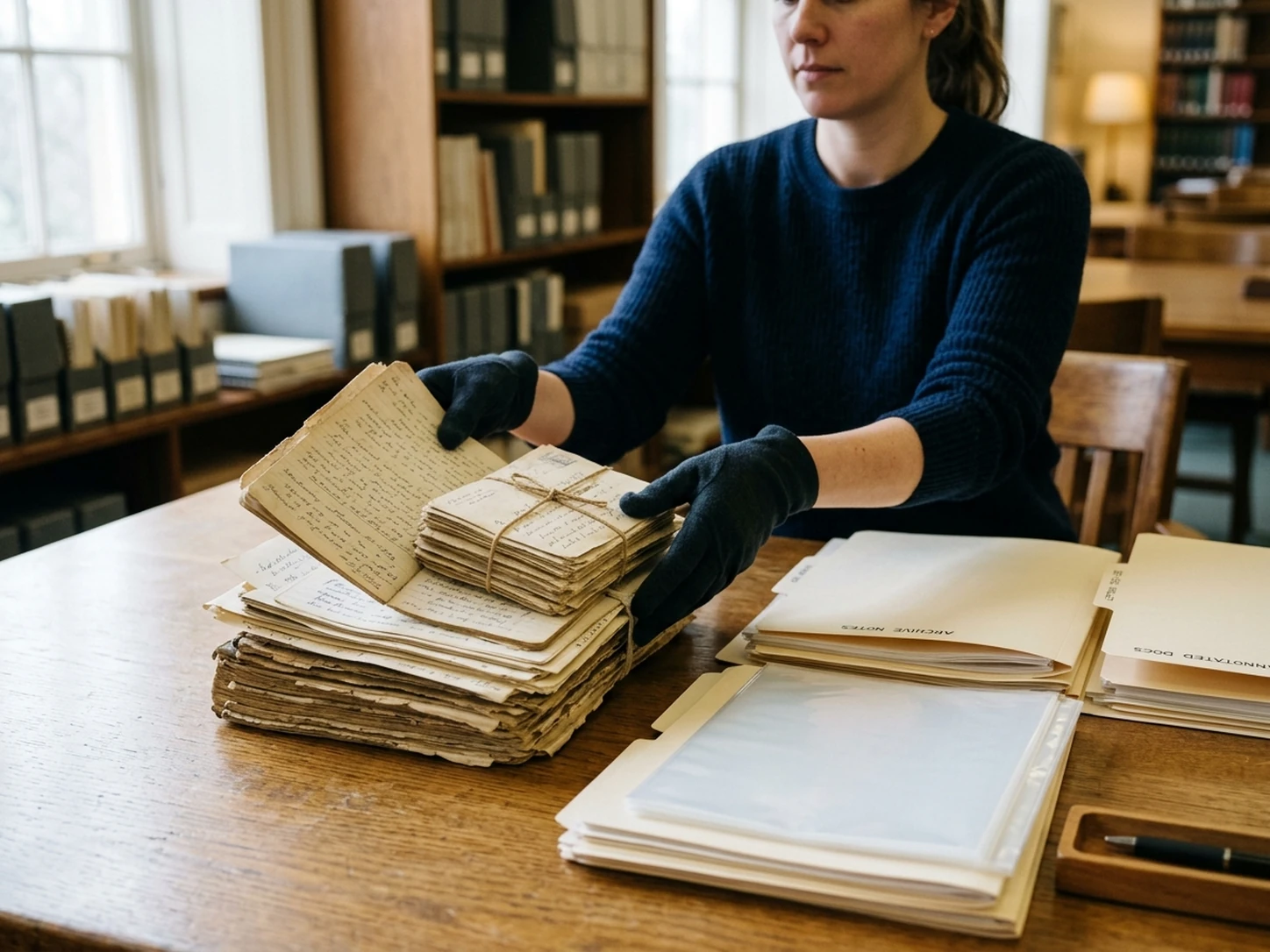
Transcribe research notes, annotations, field notebooks, letters, and readable historical material for analysis and search.
Transcribe Research Notes
Reduce manual data entry from handwritten forms, surveys, applications, checklists, and inspection notes.
Process Handwritten FormsEach method converts document content into digital text, but they differ in speed, supported inputs, and the amount of review required.
| Method | Best At | Main Limitation | Best Used For |
|---|---|---|---|
|
|
Handwritten notes, cursive writing, connected letters, and mixed handwritten pages. | Accuracy depends heavily on handwriting style, page layout, and image quality. | Digitizing notebooks, lecture notes, forms, whiteboards, and handwritten records. |
|
|
Clean printed text with consistent fonts, spacing, and document structure. | Often struggles with cursive, personal writing styles, and irregular handwritten characters. | Scanned books, receipts, printed forms, screenshots, and digital document archives. |
|
|
Careful interpretation of difficult handwriting, unusual formatting, and unclear words. | Slow, repetitive, and labor-intensive when processing many pages. | Short documents, highly sensitive text, or pages that automated tools cannot recognize reliably. |
Use standard OCR for clean printed documents and AI handwriting recognition for handwritten pages. Manual typing remains useful for difficult or high-stakes content, but combining AI recognition with human review is usually the fastest practical workflow.
Clear images and readable handwriting can significantly improve recognition quality. Understanding the limits also helps you know when manual review is necessary.
Avoid dark areas, harsh shadows, and uneven lighting across the page.
Photograph the page from directly above to reduce distortion and skewed text.
Remove desks, fingers, backgrounds, and other objects that do not belong to the document.
Sharp images make small letters, punctuation, and closely written words easier to recognize.
Flatten folded pages and make sure the complete text area is visible.
Difficult handwriting is often easier to process when pages are separated.
Check glossy paper and whiteboards for reflections that cover letters or numbers.
Double-check names, dates, numbers, formulas, abbreviations, and technical terminology.
No handwriting recognition system can interpret every page perfectly. Accuracy may decrease when the source contains the following conditions.
Do not rely on unreviewed output for legal evidence, medical information, financial records, graded work, archival publication, or other high-stakes uses.
For the best workflow, use AI handwriting recognition to create the first draft, compare it with the original page, and manually correct uncertain words before reusing or publishing the text.
Explore powerful AI workflows designed to streamline your daily work.
Transform messy ideas and transcripts into structured, professional notes with smart organization.
Create Notes →Quickly convert images and scanned documents into editable text with advanced optical recognition.
Convert Now →Extract core insights and executive summaries from lengthy PDF reports and documents in seconds.
Summarize PDF →Upload a handwritten image, scan, or PDF to create editable text, then organize and reuse the information without typing every page manually.
Convert Handwriting to Text