UN

Flux de travail IA Assistant for Knowledge Workers

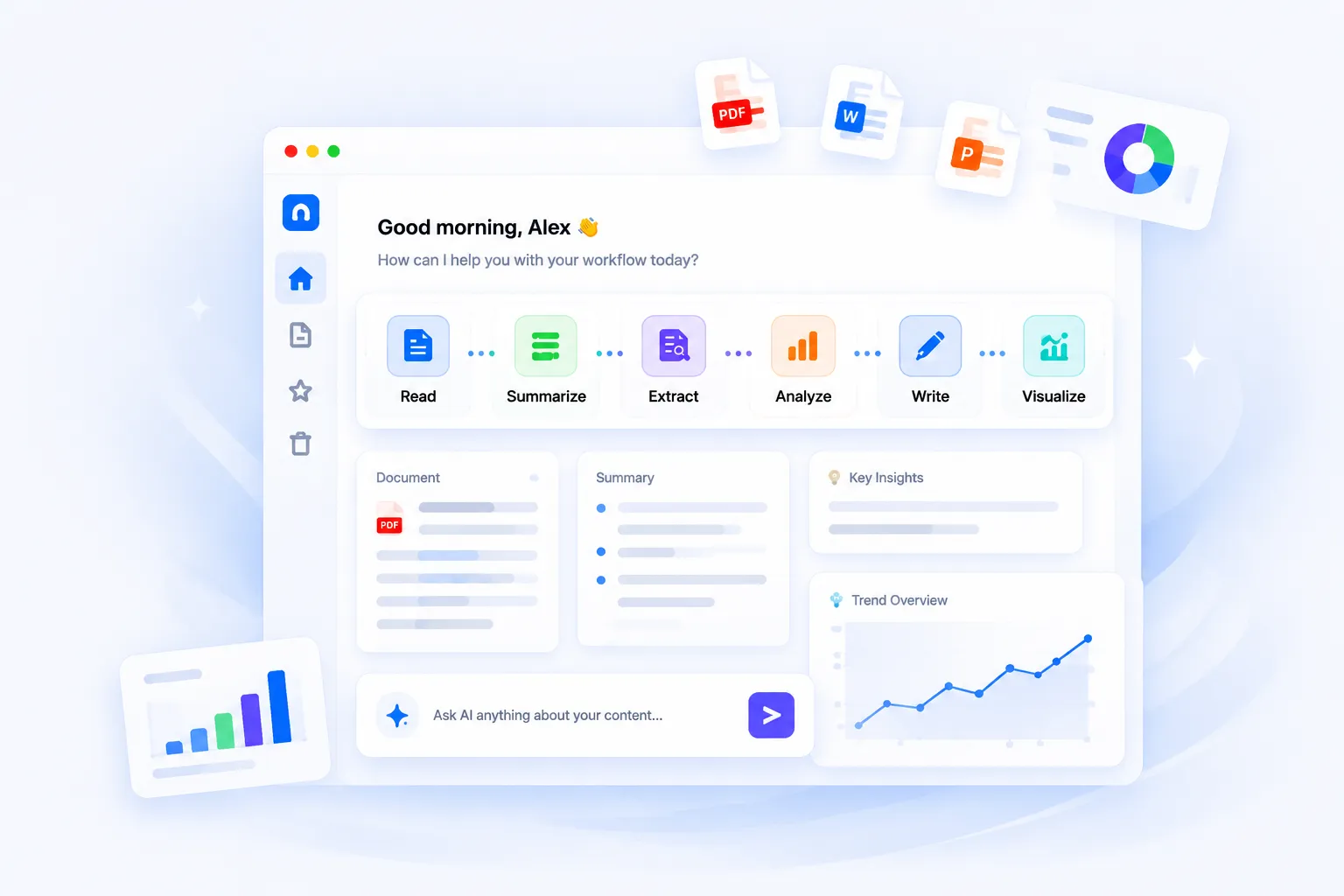
Connect reading, summarizing, extracting, analyzing, writing, and visualizing into one workflow for everyday office work.

iWeaver AI Workflow Assistant

What Is an AI Workflow?

An AI workflow is a connected process where AI helps complete multiple steps of a task, instead of handling only one isolated action.

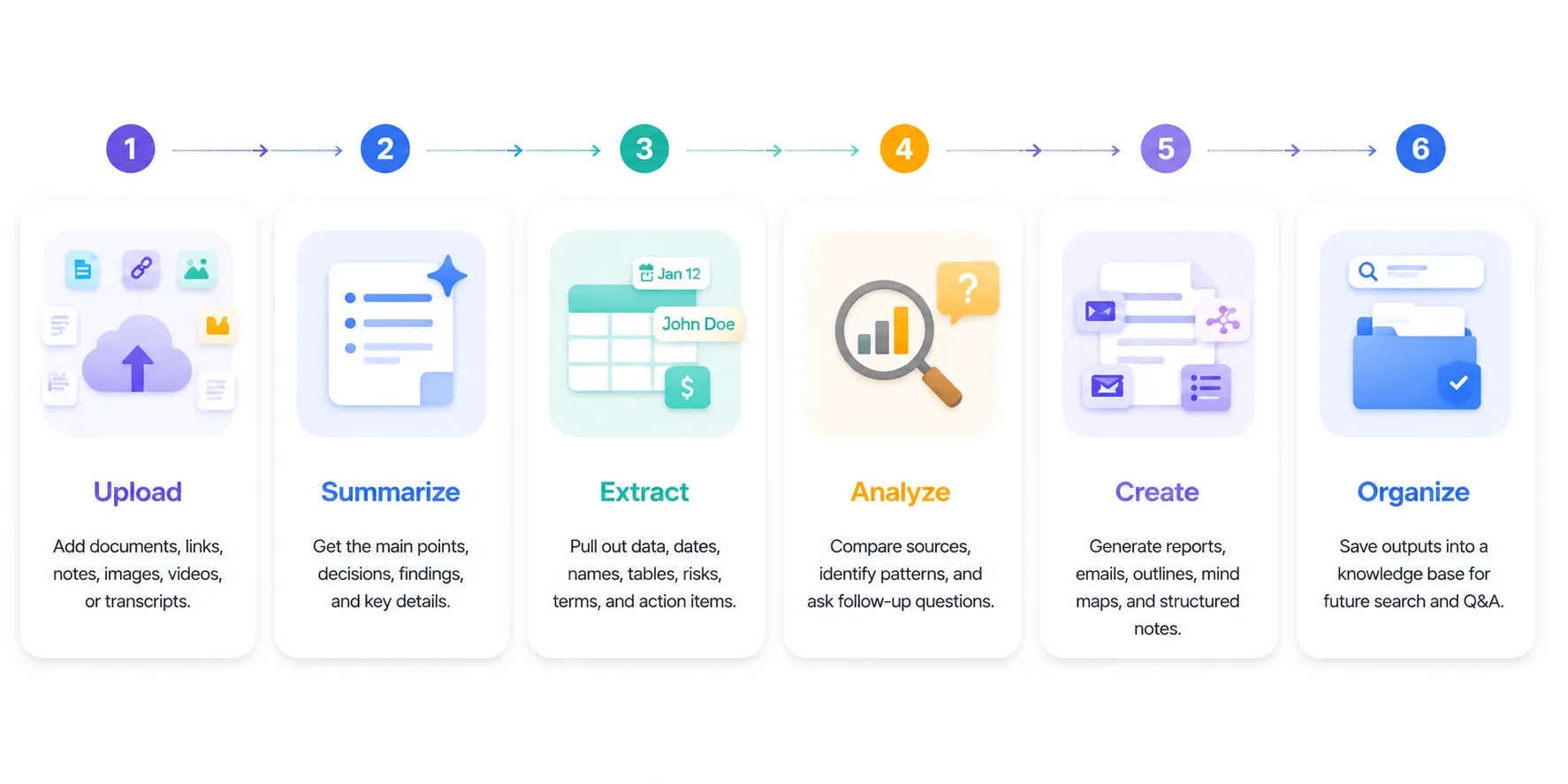
For example, a document workflow may start with uploading a PDF, then summarizing it, extracting key data, asking follow-up questions, generating a report, and turning the result into a mind map or presentation outline.

Before vs After

Before: Téléverser un fichier Read manually Copy notes Ask another tool Create summary Make mind map separately.

After: Upload once Résumer Extrait Ask Create Save to knowledge base.

AI Workflow Templates

Choose a pre-built workflow to automate your professional tasks in seconds.

Document 📄

Document Review

PDF, DOCX, PPT
Summarize & Extract
Meeting 🎙️

Meeting Insights

Audio & Transcripts
Task Extraction
Recherche 🔍

Research Engine

Articles & Papers
Synthesize Data
Commercialisation ✍️

Texte marketing

Campaign Briefs
Creative Writing

From Information to Action in One Workflow

Most AI tools stop at one task. iWeaver connects the steps that usually happen before and after summarization.

From Information to Action in One Workflow

AI Workflows for Different Teams

Managers
Common tasks Review weekly reports, prepare meeting briefs, and track follow-up actions.
Recommended workflow Report Summary → Meeting Brief → Action Items → Follow-up Email
Recommended agents AI Report Analyst, AI Meeting Assistant, Business Email Writer
Démarrez votre flux de travail
chercheurs
Common tasks Review academic papers, organize literature reviews, and track citations.
Recommended workflow Paper Extraction → Literature Mapping → Insight Synthesis → Reference Draft
Recommended agents Academic Paper Reader, Literature Review Bot, Research Assistant
Démarrez votre flux de travail
Finance Teams
Common tasks Analyze quarterly reports, market updates, and financial statements.
Recommended workflow Data Extraction → Trend Analysis → Risk Assessment → Summary Report
Recommended agents Financial Data Analyst, Market Trend Tracker, Auditor Assistant
Démarrez votre flux de travail
Équipes marketing
Common tasks Research competitor strategies, draft social media campaigns, and analyze feedback.
Recommended workflow Market Research → Content Ideation → Campaign Drafting → SEO Optimization
Recommended agents Competitor Analyst, Creative Copywriter, SEO Specialist Agent
Démarrez votre flux de travail
Étudiants
Common tasks Summarize lecture notes, create study materials, and prepare for exams.
Recommended workflow Lecture Transcription → Key Concept Mapping → Flashcard Prep → Essay Drafting
Recommended agents Study Note Summarizer, Mind Map Assistant, Academic Tutor
Démarrez votre flux de travail

Build Your Workflow with iWeaver Agents

Combine summarization, extraction, analysis, writing, visualization, and knowledge organization in one workspace.

📌

Résumer

Turn long documents, pages, videos, and notes into clear summaries.

Explore →
🔎

Extrait

Pull out data, clauses, dates, tasks, metrics, and key details.

Explore →
📊

Analyser

Compare information, identify risks, and ask source-based questions.

Explore →
✍️

Write

Create reports, emails, outlines, summaries, and business drafts.

Explore →
🧠

Visualize

Turn complex information into mind maps, charts, and visual structures.

Explore →
🗂️

Organize

Save outputs into a reusable knowledge base for search and Q&A.

Explore →

AI Workflow FAQ

What is AI workflow automation?

AI workflow automation uses AI to complete connected steps in a task, such as reading a document, summarizing it, extracting data, generating a report, and organizing the result.

How can AI improve office workflows?

+
AI can reduce repetitive reading, manual note-taking, data extraction, report drafting, and information organization.

Is iWeaver a workflow automation tool?

+
iWeaver helps knowledge workers build AI workflows around documents, research, meetings, reports, and knowledge management.

Can I use iWeaver for document workflows?

+
Yes. You can upload documents, summarize them, extract information, ask questions, create mind maps, and generate structured outputs.

Can iWeaver replace multiple single-purpose AI tools?

+
For document-heavy work, yes. iWeaver combines summarization, extraction, Q&A, writing, visualization, and knowledge organization in one workspace.

Automatisez votre flux de travail Master Your Day with iWeaver

Stop juggling repetitive tasks. Deploy intelligent AI agents to streamline your complex processes and boost productivity instantly.

Build Your Workflow Now