Why Prompting Matters for Students
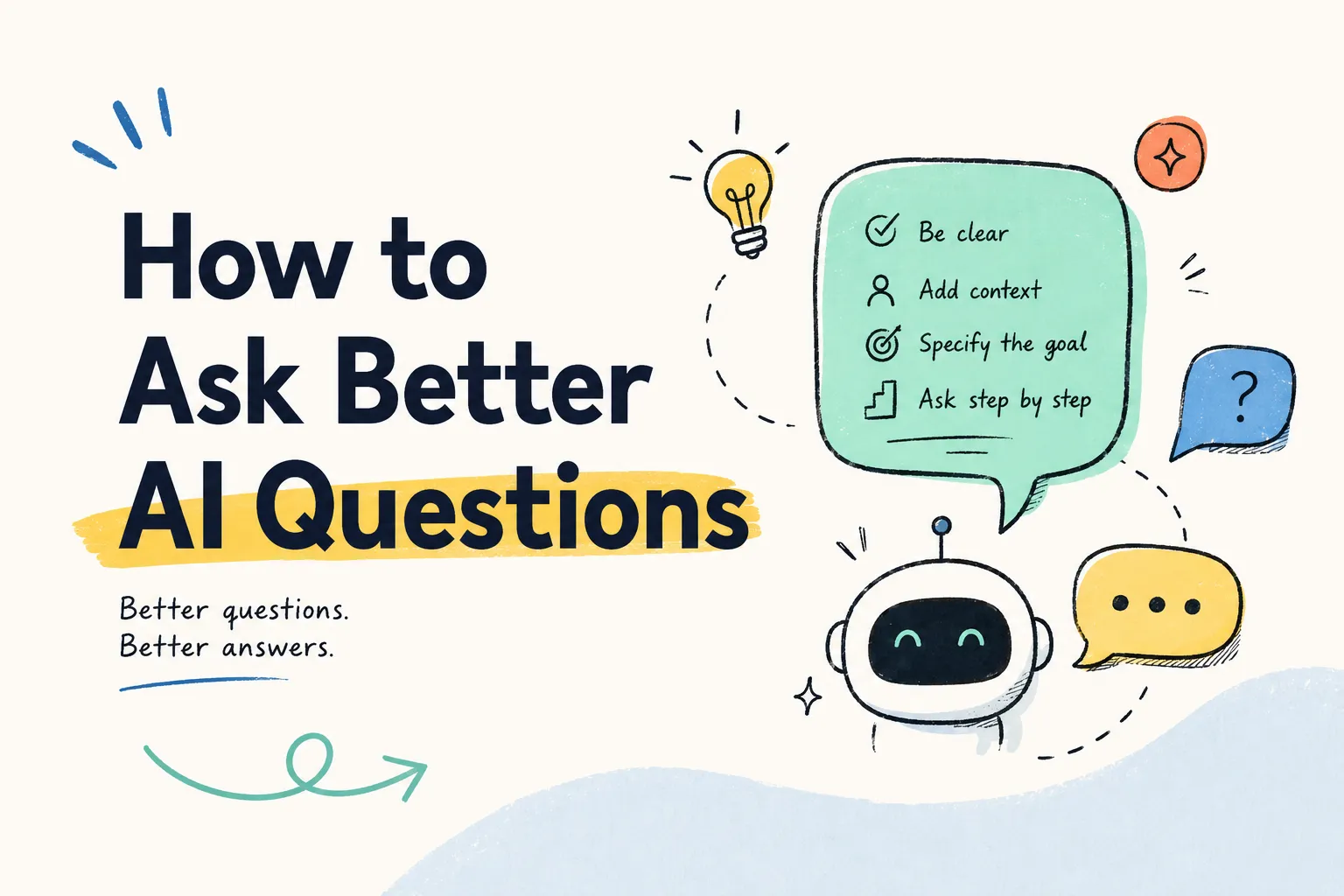
The quality of an AI response often depends on the quality of the question. A vague prompt usually leads to a vague answer. A clear prompt gives context, explains the task, sets the level, and names the output format.
For students, prompting is not just a productivity skill. It is a learning skill. Better prompts can lead to clearer explanations, stronger practice questions, more useful feedback, and better study plans.
Prompting also supports responsible AI use. When students ask for explanation, practice, feedback, or planning, they are more likely to learn. When they ask for finished answers, they risk skipping the thinking their assignments are designed to build.
The Student Prompt Formula
A strong student prompt usually includes five parts:
- Context: What class, topic, source, or assignment is this about?
- Task: What do you want help with?
- Level: What grade level or depth should the response match?
- Format: Do you want a table, outline, quiz, checklist, or paragraph?
- Boundary: What should the response avoid or focus on?
Simple formula:
“Using [context], help me [task] at a [level]. Format the answer as [format]. Focus on [boundary].”
Weak Prompt vs Strong Prompt
Weak Prompt
“Explain the Civil War.”
Strong Prompt
“Using my 11th-grade U.S. history notes, explain three major causes of the Civil War in simple language. Format the answer as a table with cause, explanation, and one study question.”
The stronger prompt gives the tool something to work with. It also gives the student a better study output.
Prompt Types Students Can Use
Concept Explanation Prompt
“Explain [concept] for a [grade level] student. Use simple language, include one analogy, and give three check-for-understanding questions.”
Esempio:
“Explain natural selection for a 10th-grade biology student. Use simple language, include one analogy, and give three check-for-understanding questions.”
Study Notes Prompt
“Organize these notes into key ideas, definitions, examples, and likely test questions.”
With iWeaver, students can upload notes, PDFs, or readings and ask for structured summaries tied to the source material.
Flashcard Prompt
“Create flashcards from this material. Include term, answer, example, and one common mistake.”
This works well for vocabulary, biology terms, formulas, historical events, and language learning.
Quiz Practice Prompt
“Create 10 mixed-difficulty practice questions from these notes. Include answers and explanations after the questions.”
Students can ask iWeaver to make questions from class notes, then repeat missed topics.
Essay Planning Prompt
“Help me brainstorm essay angles for [topic]. Do not write the essay. Give possible thesis directions, evidence I should look for, and counterarguments.”
This keeps the prompt focused on planning, not replacement.
Feedback Prompt
“Review my draft for clarity, organization, and missing evidence. Do not rewrite it. Give specific revision suggestions.”
This helps students improve their own work without losing voice or ownership.
Research Prompt
“Based on these source notes, group ideas by theme and list questions I still need to verify.”
This supports research organization while reminding students to check sources themselves.
Follow-Up Prompts That Improve Learning
Students should not stop at the first answer. Good follow-ups include:
- “Make this simpler.”
- “Give me a harder version.”
- “What might be missing?”
- “Turn this into practice questions.”
- “Explain the difference between these two ideas.”
- “Give me an example from everyday life.”
- “What should I verify before using this?”
- “Quiz me one question at a time.”
Follow-up prompts turn AI from a one-shot answer generator into a study conversation.
Prompting Mistakes Students Should Avoid
Asking for Final Answers
Prompts like “write my essay” or “do my homework” can violate academic integrity rules and weaken learning.
Giving No Context
AI cannot match a class or assignment well without notes, rubric details, source material, or topic context.
Skipping Verification
Even a well-written answer needs checking when facts, sources, or grades are involved.
Sharing Private Information
Students should not include sensitive personal details, school records, passwords, or private family information in prompts.
Accepting the First Output
Good studying often requires follow-up, comparison, and correction.
How to Prompt iWeaver for Better Study Support
iWeaver is useful when students want prompts connected to their own learning materials. Instead of asking a general question, students can upload class notes, PDFs, lecture slides, or readings.
Example prompt:
“Using this PDF chapter and my class notes, create a study guide with key terms, main ideas, three confusing points, and 10 practice questions with explanations.”
That prompt gives iWeaver context, task, format, and outcome. It also helps students verify the response against the source material.
Student Prompt Checklist
Before sending a prompt, ask:
- Did I include the class or subject?
- Did I include source material or context?
- Did I name the task clearly?
- Did I set the grade level or depth?
- Did I request a useful format?
- Did I avoid asking for final submitted work?
- Did I plan to verify important information?
Prompt Templates for Students
Explain
“Explain [topic] using [source/context]. Write for [grade level]. Include examples and three review questions.”
Riassumere
“Summarize this material into key ideas, terms, examples, and questions I should study.”
Pratica
“Create [number] practice questions from this material. Include answers and explanations after I try them.”
Confrontare
“Compare [concept A] and [concept B] in a table with similarities, differences, examples, and common mistakes.”
Feedback
“Give feedback on my draft for clarity, organization, evidence, and next revisions. Do not rewrite the draft.”
Plan
“Create a study plan for [deadline/exam] using my available time and weakest topics.”
FAQs About Prompting for Students
What is a good prompt for students?
A good prompt includes context, task, level, format, and a clear learning goal.
Can prompts help students avoid cheating?
Yes. Prompts that ask for explanation, feedback, practice, and planning support learning more responsibly than prompts that ask for final answers.
Should students include class notes in prompts?
When allowed, class notes can make responses more relevant and easier to verify.
What should students do if an answer seems wrong?
They should check class materials, ask for sources, compare with trusted references, and ask a teacher when needed.
Can iWeaver create quizzes from prompts?
Yes. Students can ask iWeaver to create practice questions, flashcards, and mock exams from uploaded study materials.