
UN
Convert video files or YouTube links into editable text transcripts with timestamps and speaker labels. iWeaver extracts dialogue from lectures, meetings, and interviews for accessibility, SEO, or content repurposing.
Attendi mentre elaboriamo i tuoi file
Drag-and-drop MP4, MOV files or paste YouTube links directly into iWeaver’s interface.
iWeaver automatically detects speakers, filters background noise, and transcribes speech.
Download formatted text with timestamps as TXT, DOCX, or SRT files for subtitles.
Ottieni informazioni chiave dai video con un solo clic, senza bisogno di guardarli per intero.
Filters background sounds and accents to improve transcription accuracy in noisy environments.
Generates transcripts with synchronized timestamps for easy video editing or subtitle creation.
Export as plain text for notes, formatted documents for reports, or SRT for video captions.
Process YouTube or Zoom recordings without downloading files first, saving storage space.
Students transcribe recorded lectures into searchable text with highlighted key points, eliminating manual note-taking during classes. Export as study guides or share with classmates.
Prova gratis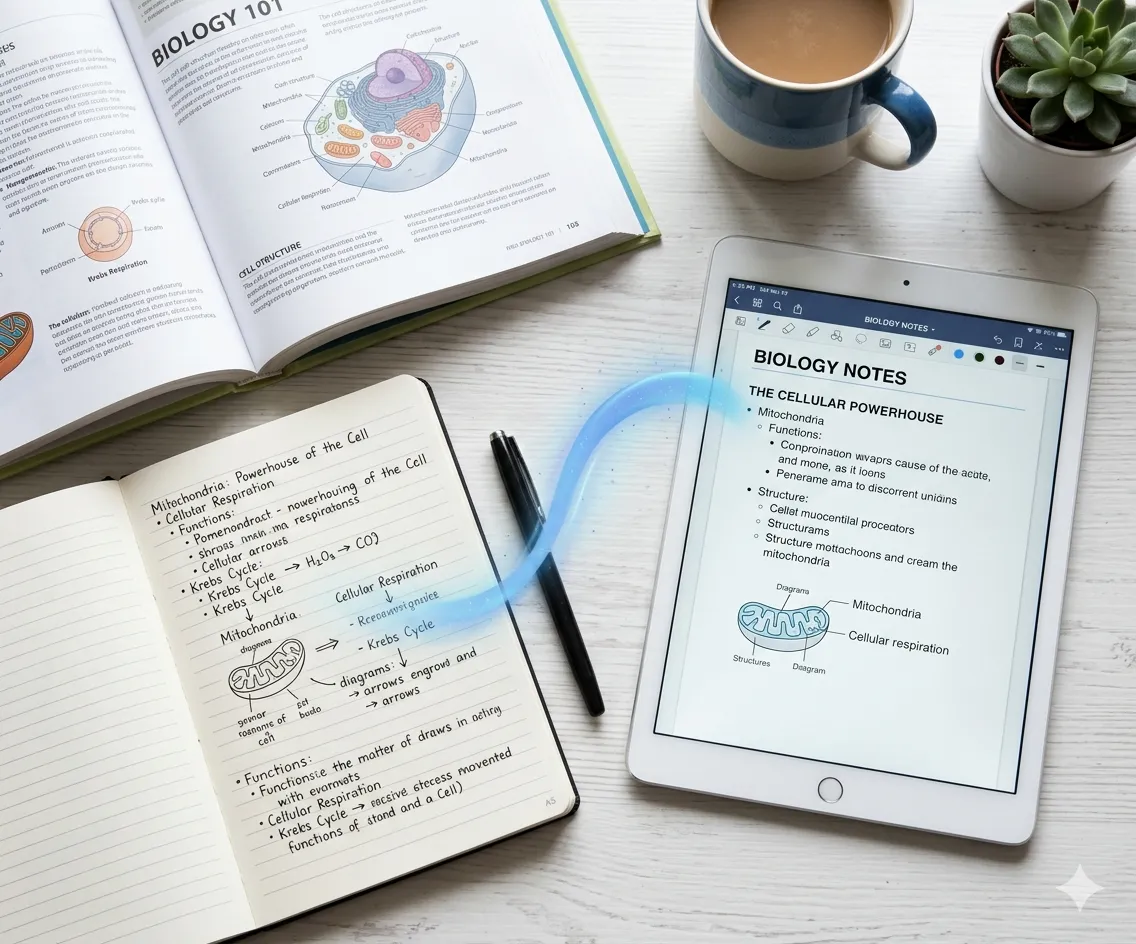
Professionals convert Zoom meeting recordings into action items with speaker attribution. Edit transcripts directly to highlight decisions or tasks before sharing with teams.
Inizia ora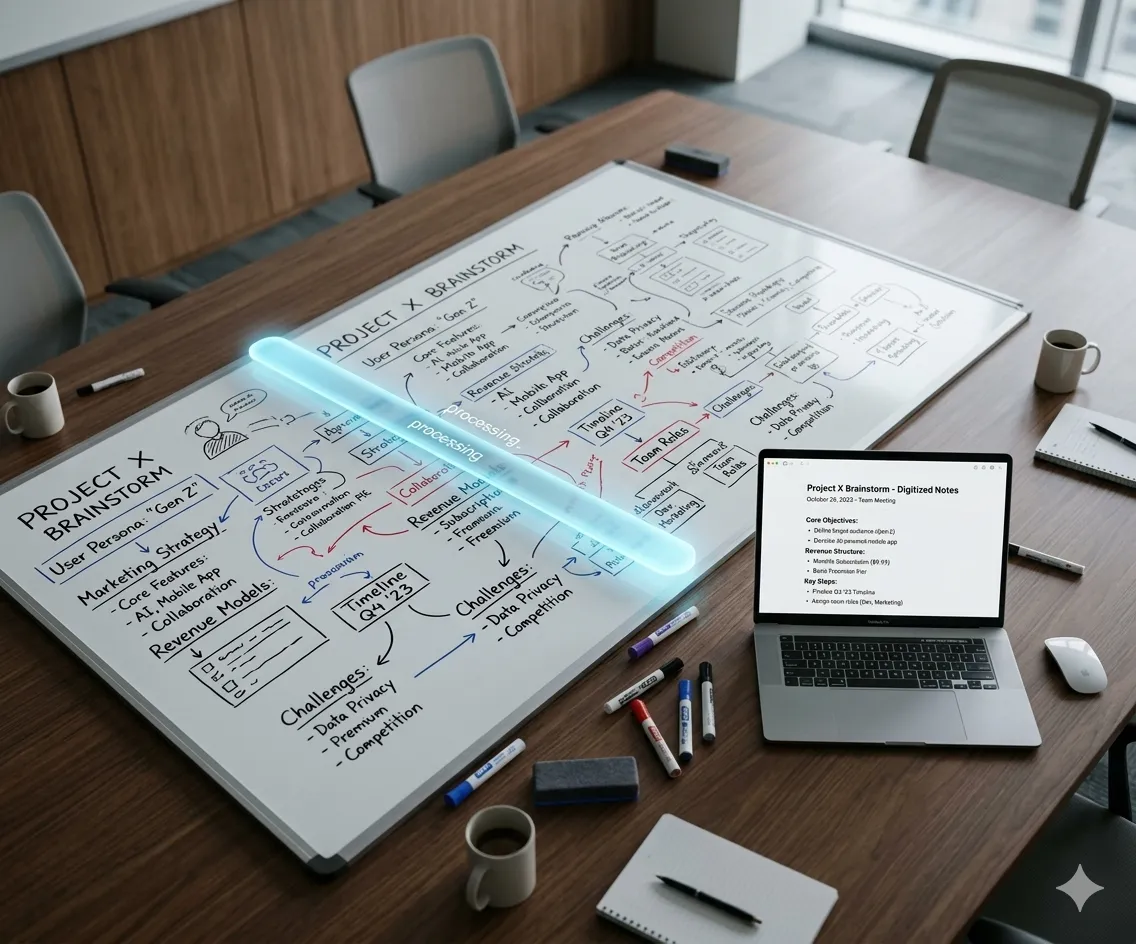
Marketers repurpose webinar videos into blog posts by extracting transcripts. Optimize text for search engines before publishing to drive organic traffic from video content.
Get Transcript
Creators generate SRT subtitles from YouTube videos to comply with accessibility standards. Edit auto-generated captions for accuracy before uploading to platforms.
Add CaptionsGet accurate transcripts from any video today. iWeaver gives you 3 free attempts to test the quality.
Inizia gratis