
Printed Handwriting
Convert clearly separated handwritten letters and words into editable digital text.
Converta anotações manuscritas, páginas digitalizadas e fotos em texto digital editável. A iWeaver ajuda você a digitalizar a caligrafia, revisar o resultado, organizá-lo em notas estruturadas e seguir com resumos, mapas mentais ou conhecimento pesquisável.
O reconhecimento de caligrafia com IA, também chamado de reconhecimento de texto manuscrito ou HTR, é uma tecnologia que lê escrita em uma imagem ou documento digitalizado e a converte em texto legível por máquina.
O OCR tradicional funciona melhor com caracteres impressos, que têm formas consistentes. O reconhecimento de caligrafia precisa interpretar letras conectadas, estilos pessoais de escrita, espaçamento irregular, palavras riscadas, ângulos da página e variações na pressão da caneta ou na qualidade da imagem.
iWeaver combina reconhecimento de caligrafia com um fluxo de trabalho documental mais amplo. Depois que o texto é extraído, você pode editá-lo, resumí-lo, transformá-lo em notas, criar um mapa mental ou armazená-lo em um espaço de trabalho pesquisável.
Adicione uma imagem nítida de anotações manuscritas, uma página de caderno digitalizada, uma foto de quadro branco ou um PDF com escrita manual.
A iWeaver analisa a página, identifica o conteúdo manuscrito e converte as partes legíveis em texto digital.
Compare a saída com o original, corrija quaisquer palavras incertas e depois copie, organize, resuma ou salve o texto para uso posterior.
Convert different types of handwritten content into editable, searchable text, from clear notebook pages to scanned forms and mixed documents.
Convert clearly separated handwritten letters and words into editable digital text.
Recognize connected letters and cursive handwriting when the strokes are clear enough to distinguish.
Digitize handwritten class notes, meeting notes, reading notes, and personal notebook pages.
Capture temporary ideas, brainstorming sessions, and handwritten tasks before they are erased or lost.
Extract readable handwriting from scanned forms, surveys, applications, checklists, and other structured documents.
Process pages that combine printed text, handwritten annotations, headings, comments, and margin notes.
Recognition works best with clear handwriting, even lighting, sharp images, and pages photographed from a straight angle. Highly stylized writing or complex layouts may require manual correction.
Convert different types of handwritten content into editable, searchable text, from clear notebook pages to scanned forms and mixed documents.
Convert clearly separated handwritten letters and words into editable digital text.
Recognize connected letters and cursive handwriting when the strokes are clear enough to distinguish.
Digitize handwritten class notes, meeting notes, reading notes, and personal notebook pages.
Capture temporary ideas, brainstorming sessions, and handwritten tasks before they are erased or lost.
Extract readable handwriting from scanned forms, surveys, applications, checklists, and other structured documents.
Process pages that combine printed text, handwritten annotations, headings, comments, and margin notes.
Recognition works best with clear handwriting, even lighting, sharp images, and pages photographed from a straight angle. Highly stylized writing or complex layouts may require manual correction.
Modelos avançados de reconhecimento de caligrafia analisam estilos complexos e os convertem em texto digital claro com alta precisão.
A iWeaver vai além do OCR. O texto reconhecido pode seguir instantaneamente para resumos, mapas mentais e fluxos de conhecimento com agentes de IA.
Todas as notas reconhecidas podem ser armazenadas, organizadas e pesquisadas na sua base de conhecimento pessoal com IA.
Evite a digitação manual — deixe a IA fazer o trabalho por você.
Compatível com vários idiomas, tornando-o versátil para usuários no mundo todo.
Otimize seu fluxo de trabalho digitalizando rapidamente conteúdo manuscrito.
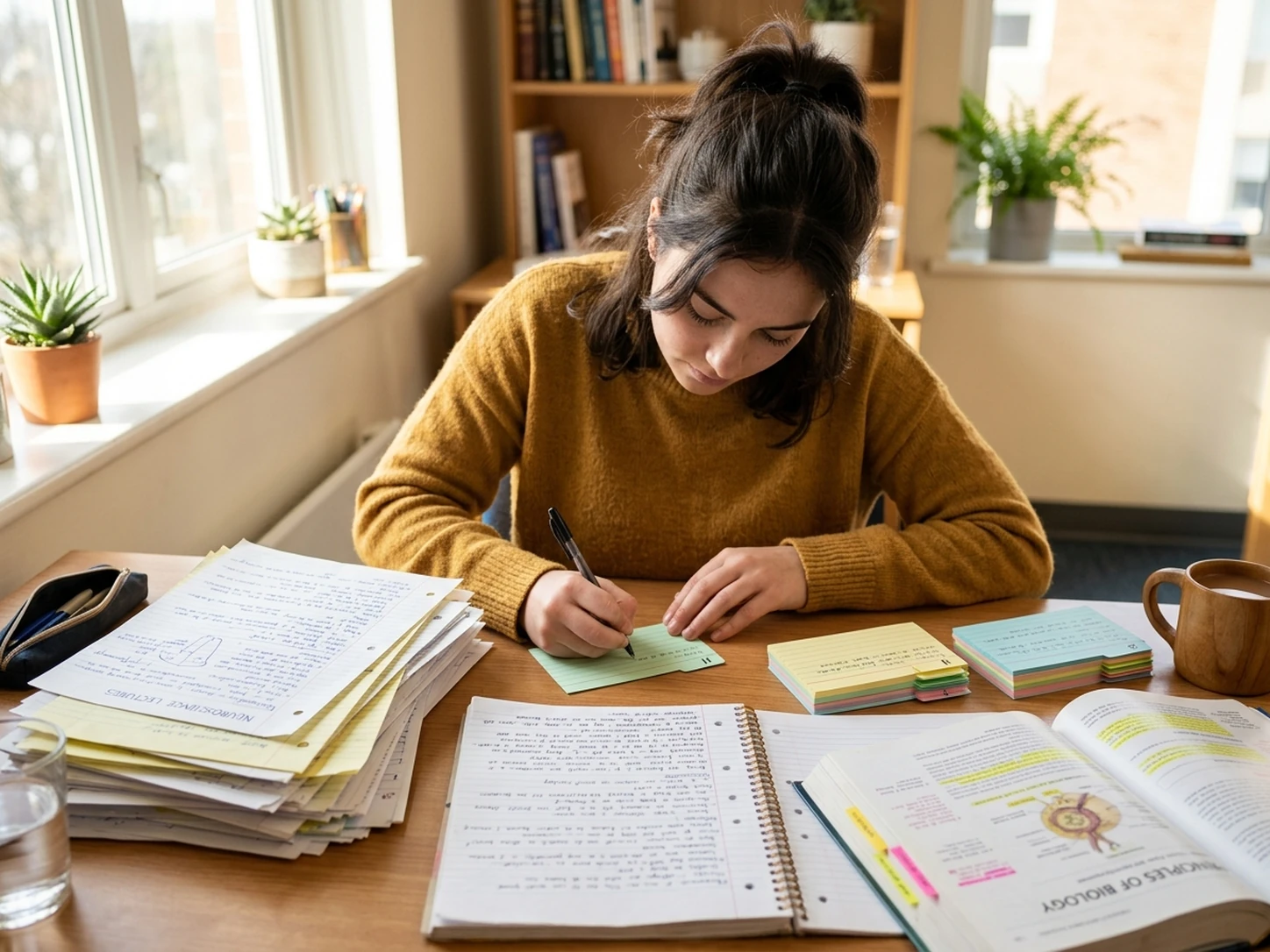
Converta anotações de aula e páginas de revisão em texto pesquisável e depois crie resumos, flashcards, esquemas ou guias de estudo.
Digitalizar anotações de estudo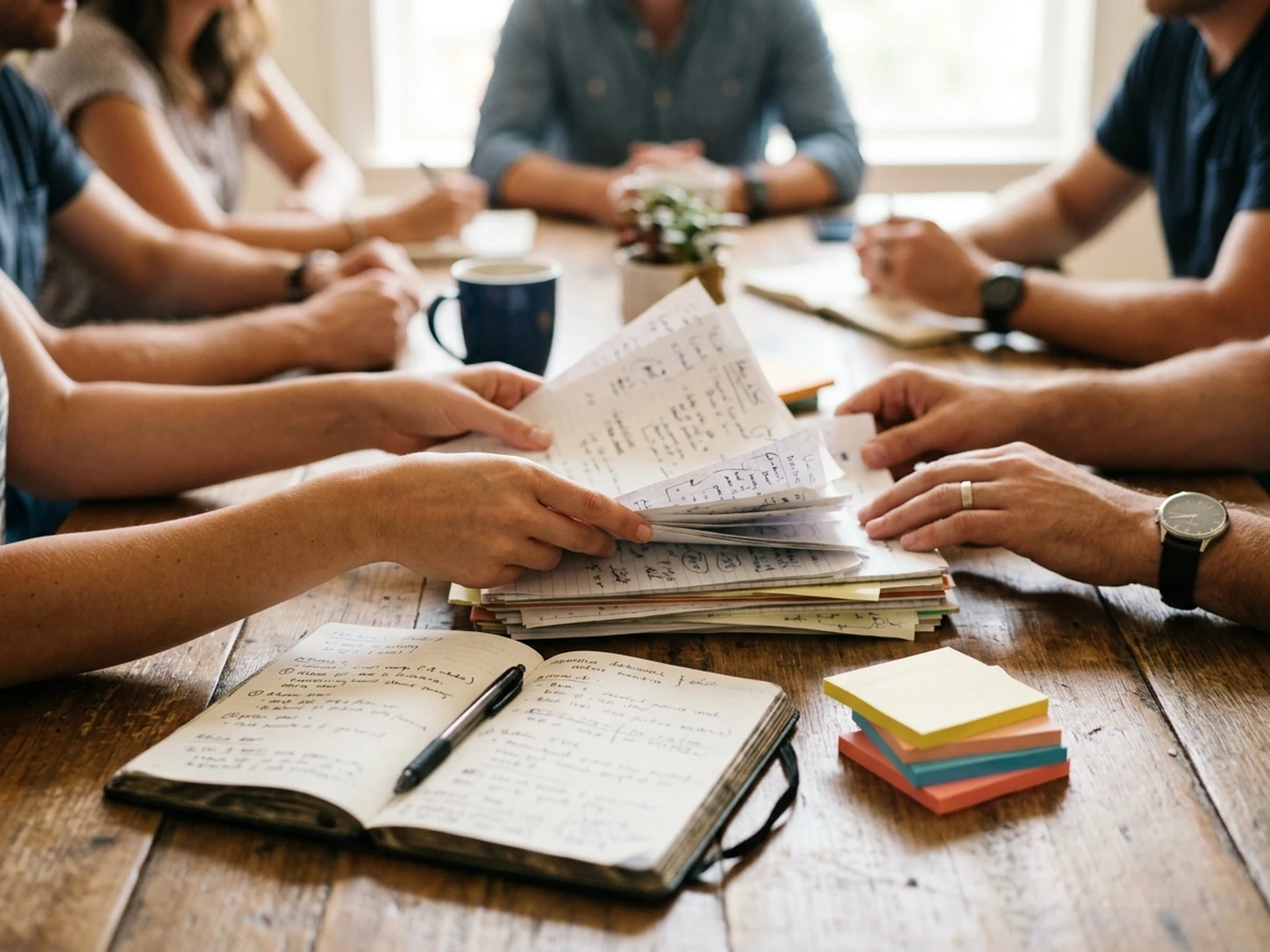
Transforme anotações de reuniões, páginas de workshops e itens de ação manuscritos em registros estruturados, mais fáceis de compartilhar e acompanhar.
Converter anotações de reunião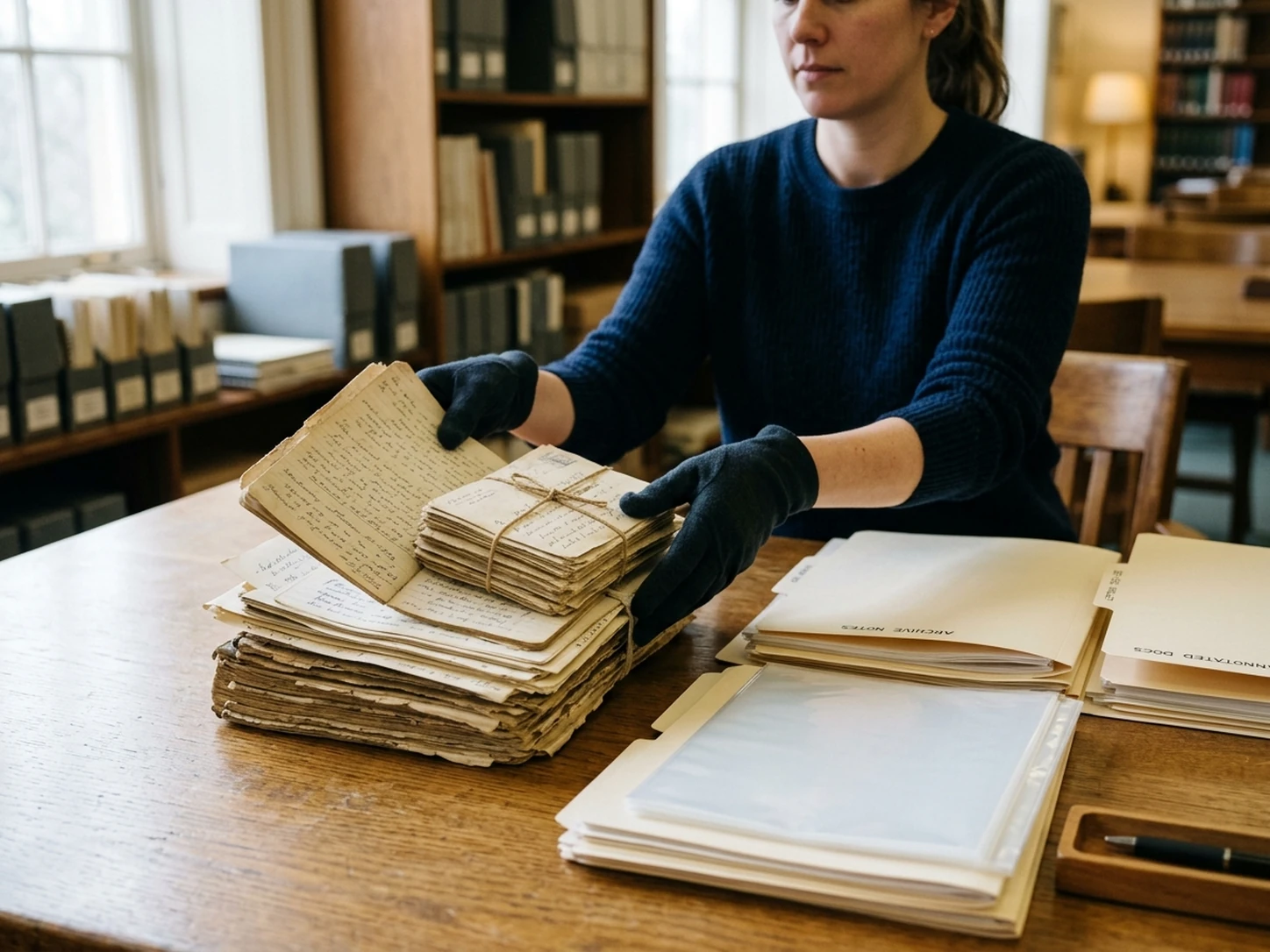
Transcreva anotações de pesquisa, observações, cadernos de campo, cartas e materiais históricos legíveis para análise e busca.
Transcrever notas de pesquisa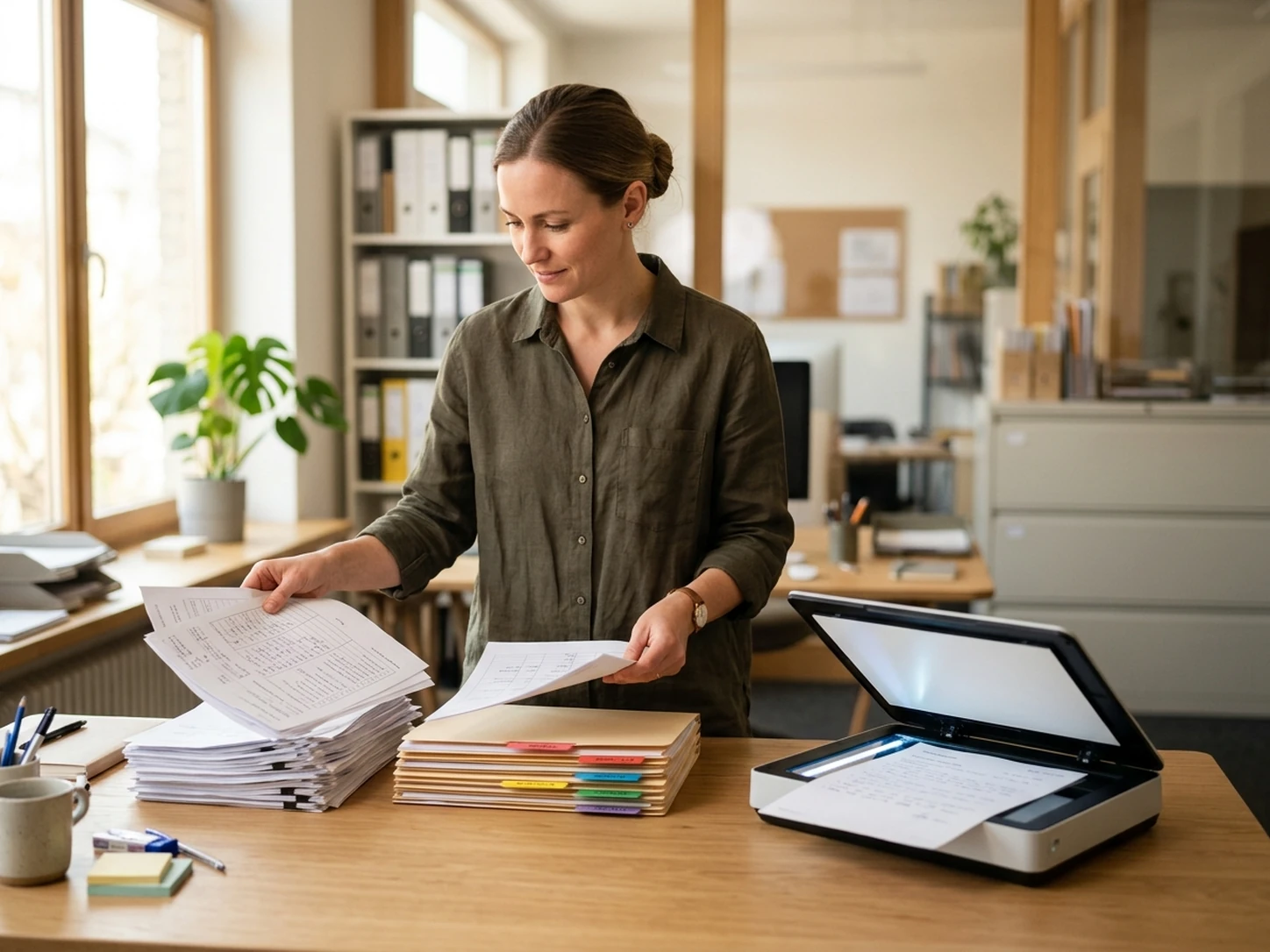
Reduza a entrada manual de dados de formulários manuscritos, pesquisas, inscrições, listas de verificação e notas de inspeção.
Processar formulários manuscritosEach method converts document content into digital text, but they differ in speed, supported inputs, and the amount of review required.
| Method | Best At | Main Limitation | Best Used For |
|---|---|---|---|
|
|
Handwritten notes, cursive writing, connected letters, and mixed handwritten pages. | Accuracy depends heavily on handwriting style, page layout, and image quality. | Digitizing notebooks, lecture notes, forms, whiteboards, and handwritten records. |
|
|
Clean printed text with consistent fonts, spacing, and document structure. | Often struggles with cursive, personal writing styles, and irregular handwritten characters. | Scanned books, receipts, printed forms, screenshots, and digital document archives. |
|
|
Careful interpretation of difficult handwriting, unusual formatting, and unclear words. | Slow, repetitive, and labor-intensive when processing many pages. | Short documents, highly sensitive text, or pages that automated tools cannot recognize reliably. |
Use standard OCR for clean printed documents and AI handwriting recognition for handwritten pages. Manual typing remains useful for difficult or high-stakes content, but combining AI recognition with human review is usually the fastest practical workflow.
Clear images and readable handwriting can significantly improve recognition quality. Understanding the limits also helps you know when manual review is necessary.
Avoid dark areas, harsh shadows, and uneven lighting across the page.
Photograph the page from directly above to reduce distortion and skewed text.
Remove desks, fingers, backgrounds, and other objects that do not belong to the document.
Sharp images make small letters, punctuation, and closely written words easier to recognize.
Flatten folded pages and make sure the complete text area is visible.
Difficult handwriting is often easier to process when pages are separated.
Check glossy paper and whiteboards for reflections that cover letters or numbers.
Double-check names, dates, numbers, formulas, abbreviations, and technical terminology.
No handwriting recognition system can interpret every page perfectly. Accuracy may decrease when the source contains the following conditions.
Do not rely on unreviewed output for legal evidence, medical information, financial records, graded work, archival publication, or other high-stakes uses.
For the best workflow, use AI handwriting recognition to create the first draft, compare it with the original page, and manually correct uncertain words before reusing or publishing the text.
Explore powerful AI workflows designed to streamline your daily work.
Transform messy ideas and transcripts into structured, professional notes with smart organization.
Create Notes →Quickly convert images and scanned documents into editable text with advanced optical recognition.
Convert Now →Extract core insights and executive summaries from lengthy PDF reports and documents in seconds.
Summarize PDF →Envie uma imagem manuscrita, digitalização ou PDF para criar texto editável e depois organize e reutilize as informações sem digitar manualmente cada página.
Converter caligrafia em texto