 加入我们的 Discord
一个
Turn scanned or image-based PDFs into fully editable Word documents in seconds. iWeaver’s OCR PDF to Word Converter accurately extracts text, preserves layout, and supports multiple languages—no installation required.
加入我们的 DiscordBoost your efficiency by converting multiple images at once with our high-speed concurrent processing engine.
Export results directly into fully formatted Word or TXT files, ready for immediate editing and sharing.
Break language barriers with AI-driven recognition that supports dozens of global languages with precision.
Save local resources. Our secure cloud infrastructure handles the heavy lifting for lightning-fast results.
Start converting instantly in your browser. No downloads, no plugins, and no complicated setup process.
Experience industry-leading AI accuracy while keeping your data private and protected with encrypted transfers.
Convert scanned contracts into editable Word files to quickly update terms and clauses.

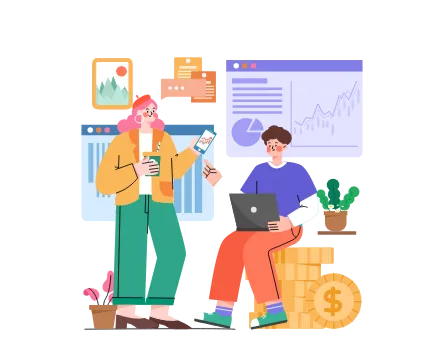
Turn old scanned documents into searchable and editable digital files.
Extract text and tables from invoices for faster data entry and financial workflows.

Convert scanned lecture notes or books into editable documents for study and editing.
| Conversion Type | Works On | Editable Word Output |
|---|---|---|
| Standard Conversion | Digital / Native PDFs | 是的 |
| OCR Conversion | Scanned PDFs & Images | 是的 |
Unlock the full potential of your files with our specialized AI conversion and creation agents.
Turn complex text or documents into clear, professional flowcharts and logic diagrams instantly.
Automatically detect and extract tables from PDFs into perfectly formatted Excel spreadsheets.
Convert your static PDF reports into editable PowerPoint slides for professional presentations.
OCR (Optical Character Recognition) converts text inside scanned PDFs or images into editable Word content.
Yes. OCR technology enables accurate extraction of text from scanned or image-based PDFs.
Most layouts—including text, tables, and images—are preserved, though complex designs may need minor adjustments.
Yes, you can convert PDFs online without installing software.
Your files are processed securely and automatically deleted after conversion.
Yes, OCR supports multiple languages for accurate text recognition.