一个

Create Handwritten Notes Online with iWeaver Free Text to handwriting Converter

Turn typed text into natural handwritten-style pages in seconds. iWeaver Text to Handwriting Converter helps you create printable notes, personal letters, cards, study materials, and creative handwriting designs from plain text.

iWeaver 人工智能生成的手写体

展示如何将打印文本在几秒钟内转换成手写页面。
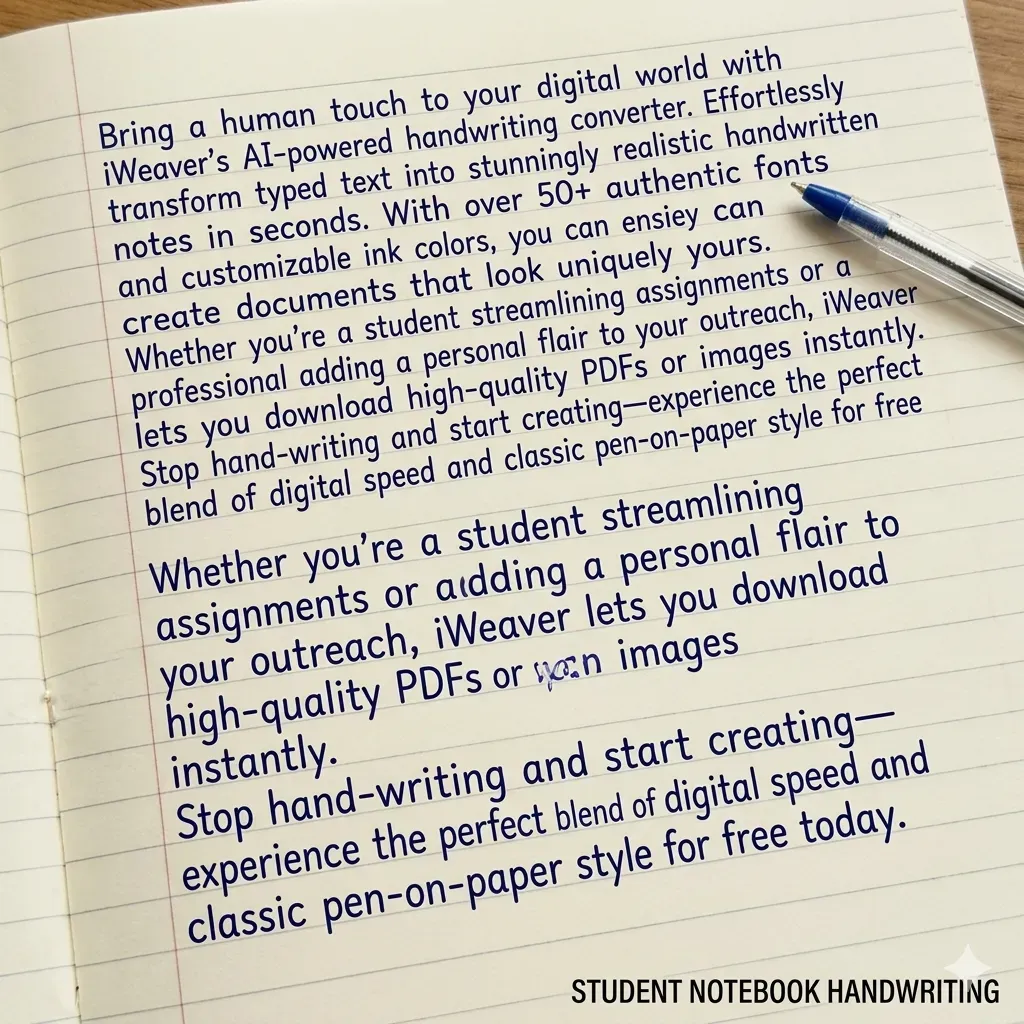
学生笔记本风格

学生笔记本

真实的课堂风格

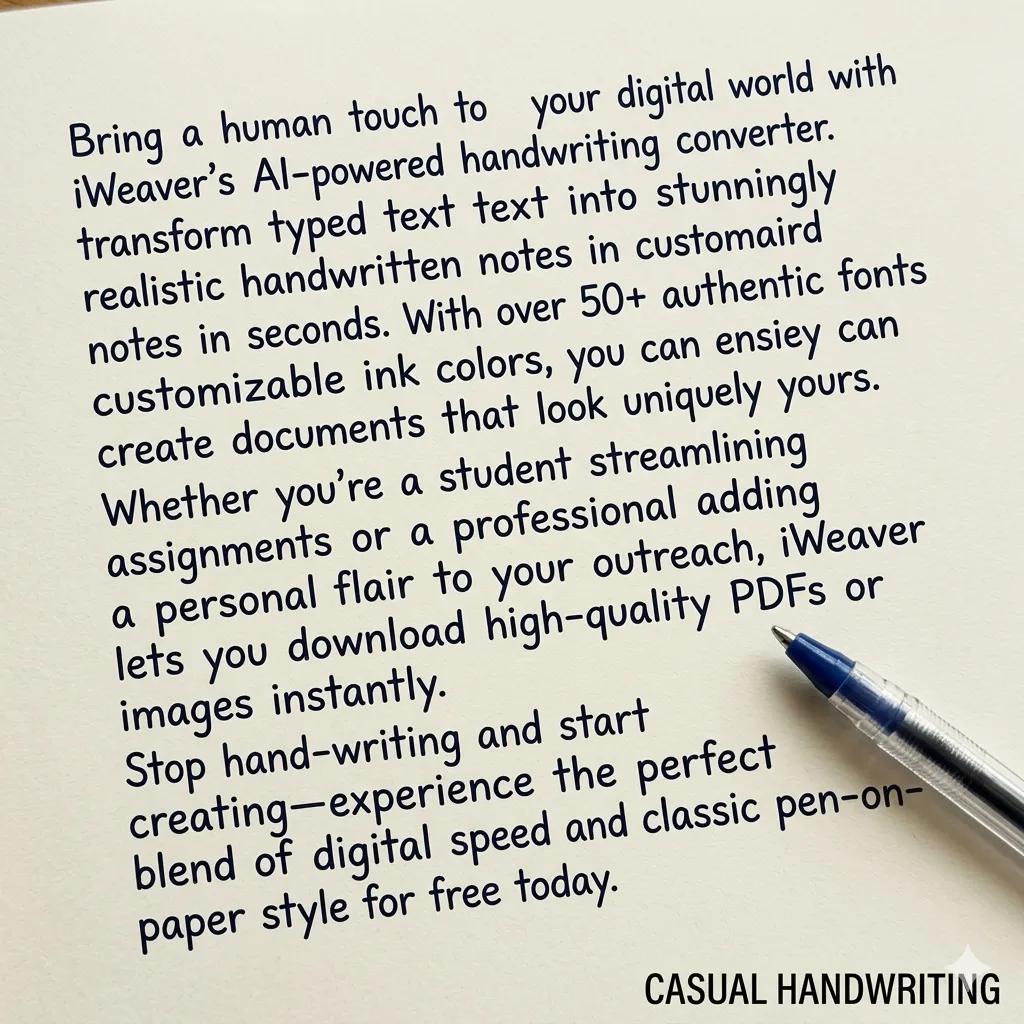
随意手写风格

随笔

自然放松的流动

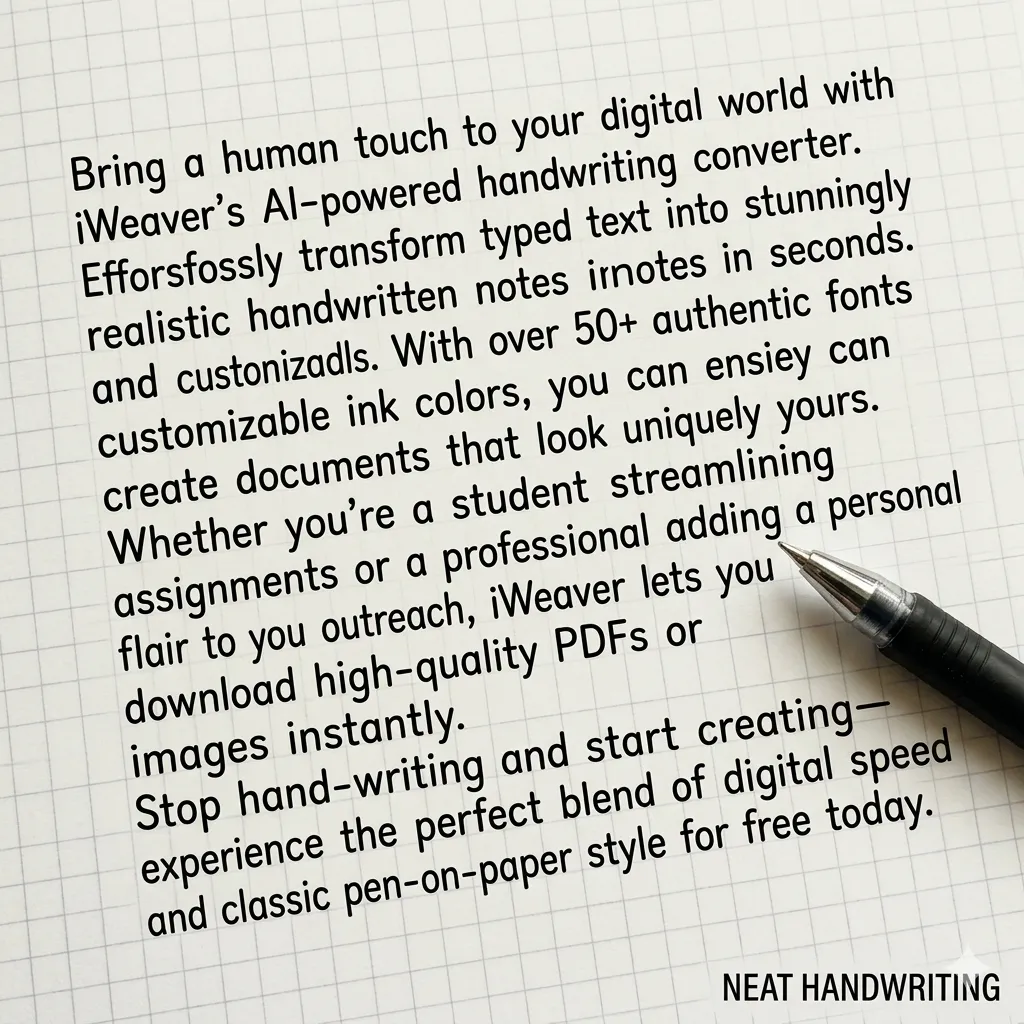
字迹工整

布局简洁

非常适合做作业

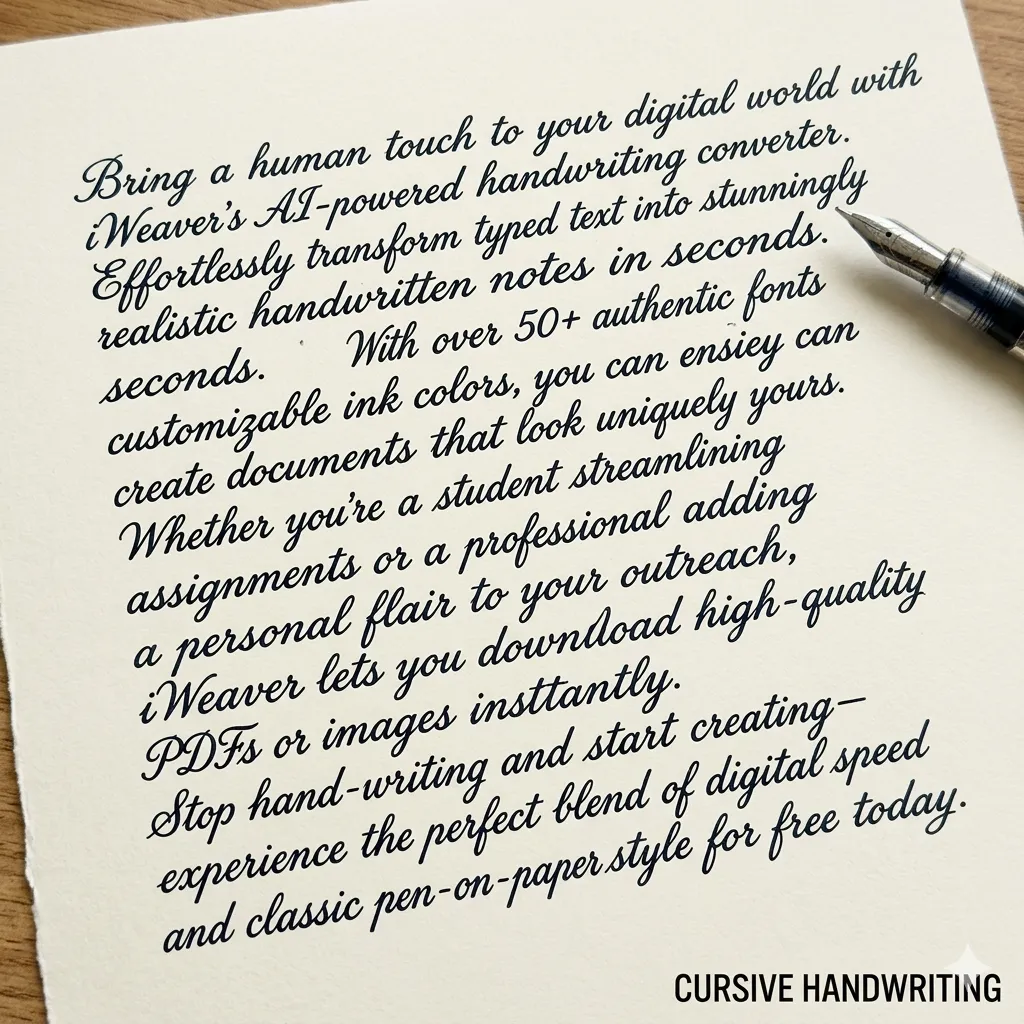
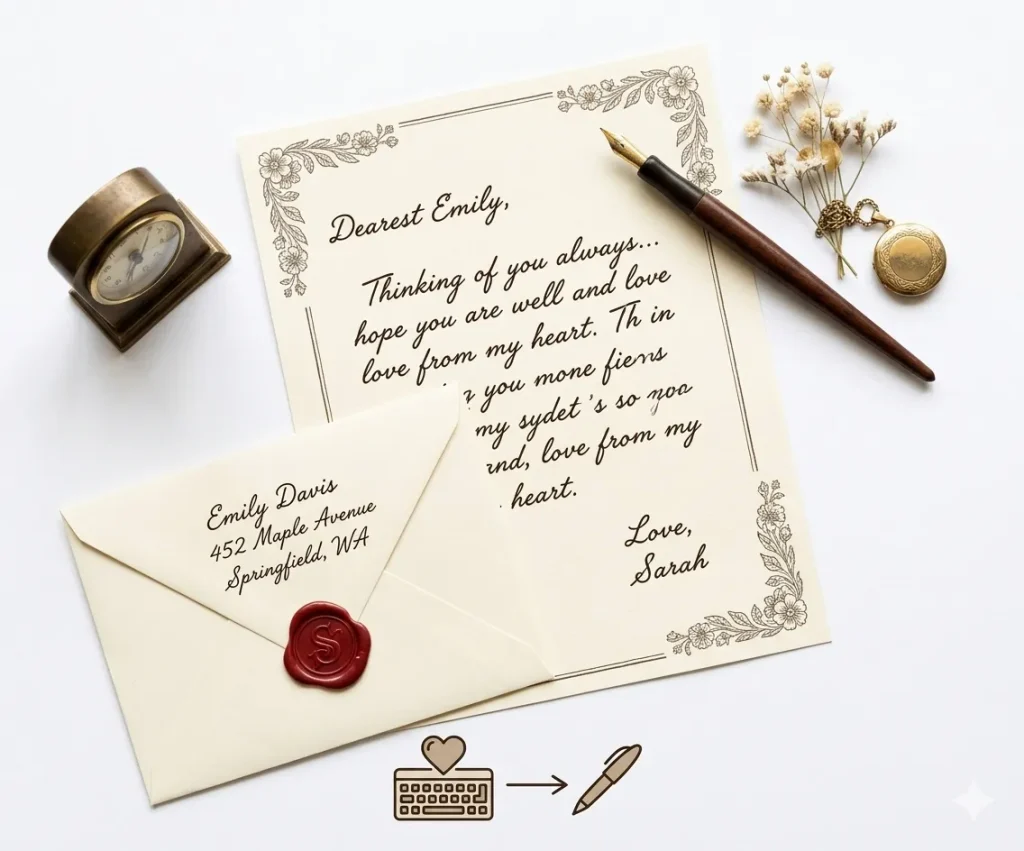
信函式手写体

信纸样式

优雅专业的脚本

什么是文本转手写转换器?

文本转手写转换器可以将数字文本转换为逼真的手写输出。 iWeaver用户可以自定义手写风格、间距和纸张格式,用于笔记、作业或创意项目。

Text to Handwriting vs Handwriting Recognition

These two tools work in opposite directions. One turns typed text into a handwritten-style page, while the other converts handwriting into editable digital text.

文本转手写

Create handwritten-style content

Text to handwriting converts typed words into a handwritten-style page. It is useful when you want notes, letters, or creative documents to look more personal.

手写识别

Extract editable text

Handwriting recognition does the opposite. It reads handwritten images or scanned notes and converts them into editable digital text.

使用 iWeaver Text to Handwriting Converter when you want to create handwritten-style content. Use handwriting recognition or OCR tools when you want to extract text from handwritten or image-based documents.

如何将文本转换为手写体?

01
添加文本
将内容粘贴或输入到 iWeaver 中。支持段落、列表和结构化笔记,且不会出现格式问题。
02
自定义样式
选择你喜欢的手写字体,调整字号、间距和纸张样式,以获得你想要的精准手写效果。
03
导出文件
将手写稿下载为高质量的 PNG 或 PDF 文件,即可进行打印、分享或提交。

为什么选择iWeaver文本转手写转换器?

多种样式
多种书写风格可供选择,以满足不同的书写需求,包括工整的笔记、随意的手写体或草书风格,适用于作业、信件和创意项目。
纸期权
您可以选择横格纸、笔记本纸、方格纸或空白背景,使手写输出看起来自然,适用于学校作业、笔记或个人写作。
实际输出
AI 会调整字母间距、行流和文本对齐方式,从而创建出看起来更自然、更接近真人书写的笔迹。
快速世代
在几秒钟内将长段落或整个文档转换为手写页面,与手动手写相比,可节省时间。
轻松出口
快速下载生成的手写页面,用于打印、分享或添加到文档、演示文稿、学习材料或创意项目中。

如何让AI手写看起来更逼真

为了让AI生成的笔迹看起来更自然,请尝试以下技巧:

  • 将长段落拆分成较短的部分
  • 使用带横格的纸张或笔记本纸作为背景
  • 选择蓝色或黑色墨水颜色
  • 稍微增加行间距
  • 避免使用完全对齐的文本块

手写转换器的用例

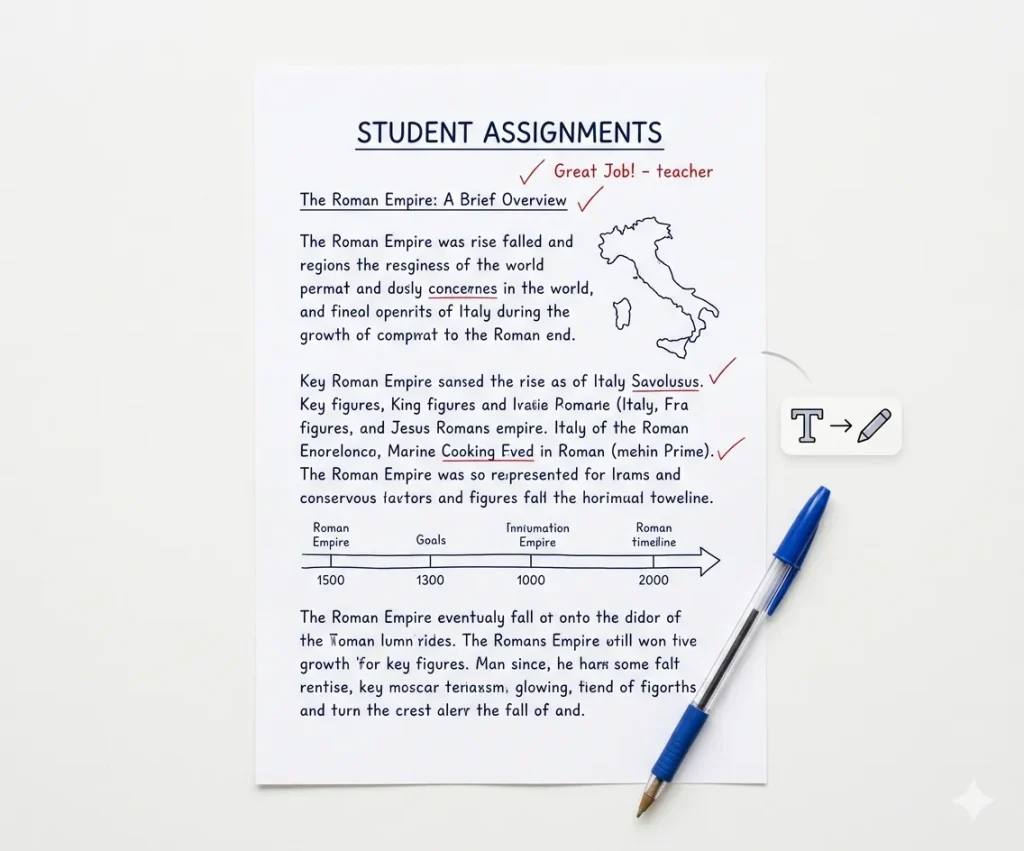
学生作业

将打印的论文或作业转换成逼真的手写格式。这有助于将作业格式调整得更符合笔记本式的提交方式,同时相比完全手写长篇论文,还能节省时间。

学生作业

学习笔记

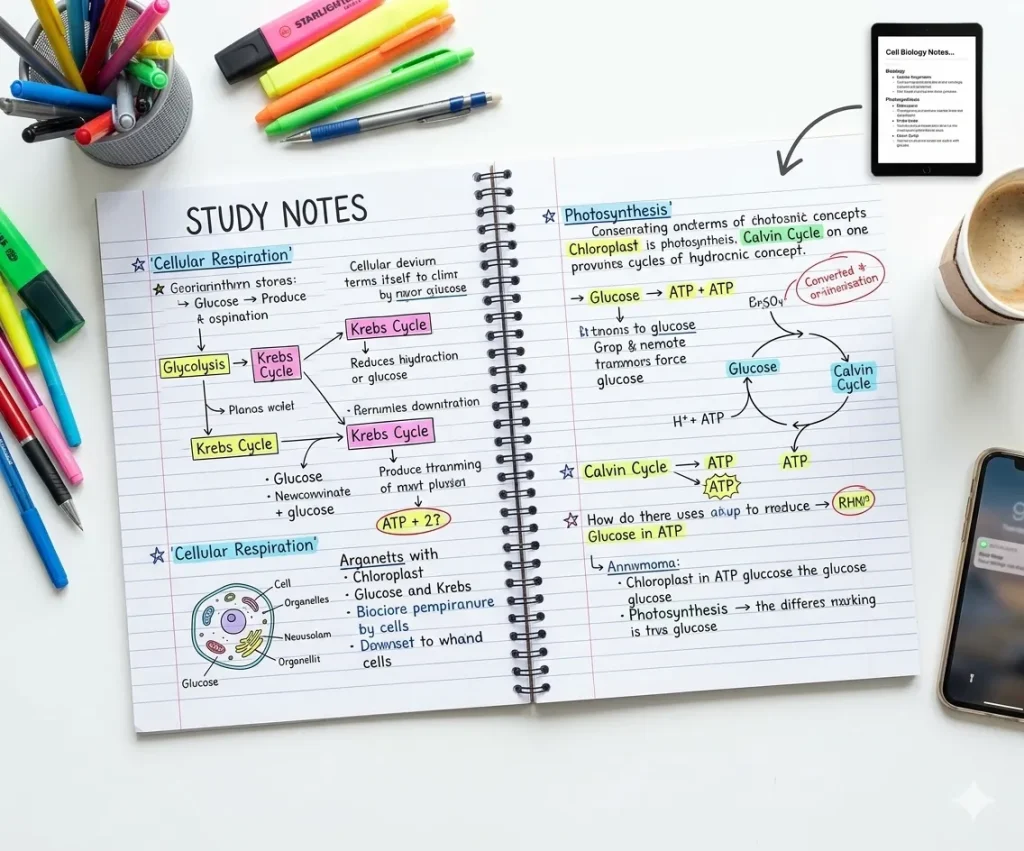
将课堂笔记、总结或学习资料转换成手写稿。手写笔记可以提高可读性,并且有助于复习课程、制作复习资料或整理学习内容。

私人信件

生成手写信件或信息,增添个性化气息。非常适合用于邀请函、感谢信或简短信息,让文字看起来像自然的手写体。

创意项目

为海报、日记、剪贴簿或设计项目创作手写文字。手写风格可以为视觉内容和创意材料增添个性和人情味。

选择合适的纸张样式

不同的书写任务需要不同的纸张格式。

纸张类型最佳用途
横格纸学校作业
笔记本纸讲义
方格纸数学问题
空白纸书信或创意写作

文本转手写转换器功能,带来真实的手写体验

写实风格

iWeaver 提供自然流畅的手写风格,笔画变化自然,避免重复或机械化的模式。

🖋️

字体种类

多种手写字体可供选择——从整洁的学术字体到随意的个人笔记字体。

📏

布局控制

调整页边距、行距和对齐方式,以模拟真实的笔记本或纸张格式。

📝

纸期权

根据不同的使用场景,您可以选择横格纸、空白纸或自定义背景。

📥

出口灵活性

下载高质量 PNG 或 PDF 格式的文件,针对打印或数字用途进行了优化。

快速转换

即使是长文本块或文档,也能在几秒钟内生成手写内容。

关于文本转手写内容的常见问题解答

What is a text to handwriting converter?

A text to handwriting converter turns typed text into a handwritten-style page. You can paste text, choose a handwriting style, preview the layout, and create notes, letters, cards, or printable pages.

Yes. Paste your typed notes into iWeaver Text to Handwriting Converter and generate a handwritten-style version for studying, printing, or creative use.

No. The tool creates handwriting-style output. It should not be used to imitate another person’s handwriting or create fake signatures.

You can use it for study notes, drafts, examples, and creative learning materials. If you are submitting work, follow your school’s rules and do not use the tool to misrepresent how the work was created.

Short notes, letters, cards, summaries, classroom examples, and journal-style text work best. Very long documents may need to be converted section by section.

The page should offer a downloadable or saveable handwritten-style output. Preview the result first to check spacing, line breaks, and readability.

Long paragraphs, narrow margins, or small spacing can make the page look crowded. Split your text into shorter sections and increase spacing if the tool supports layout controls.

Text to handwriting turns typed text into handwriting-style output. OCR reads text from images, scanned pages, or handwritten notes and turns it into editable digital text.

Best For & Not For

iWeaver Text to Handwriting Converter is helpful for creating personal-looking content, but it should not be used to misrepresent identity, authorship, or official documents.

最适合

iWeaver Text to Handwriting Converter is best for:

  • Creating printable handwritten-style notes.
  • Designing personal letters and cards.
  • Making study pages easier to review.
  • Turning short messages into warm visual content.
  • Creating classroom examples or creative worksheets.
  • Adding a personal look to typed content.
! Not For

Text to Handwriting Converter should not be used for:

  • Forging someone else’s handwriting.
  • Misrepresenting schoolwork or workplace submissions.
  • Creating fake signatures or official documents.
  • Replacing required handwritten assignments when rules prohibit digital tools.
  • Producing legal, financial, or identity documents.

Use iWeaver Text to Handwriting Converter for creative, educational, and personal design purposes — not for deception, identity use, or rule-breaking submissions.

Ready to turn typed text into handwritten-style notes?

Paste your text, choose a handwriting style, preview the page, and create a clean handwritten design for notes, letters, cards, or study materials.
1

负责任的使用:此手写转换器专为教育和创意用途而设计。

用户应确保生成的笔迹符合其学校或机构的政策。