
A
Laden Sie beliebige MP4-, MOV- oder AVI-Videos hoch und extrahieren Sie hochauflösende Einzelbilder als JPG- oder PNG-Dateien. Durchsuchen Sie die Bilder Bild für Bild, wählen Sie den gewünschten Moment aus und laden Sie einzelne Bilder oder ein ZIP-Archiv herunter – ideal für Vorschaubilder, Produktfotos, Screenshots aus Dokumentationen und den Export von Vorlesungsfolien.
Bitte warten Sie, während wir Ihre Dateien verarbeiten.
Ziehen Sie Ihre Videodatei per Drag & Drop in iWeaver oder fügen Sie eine Video-URL ein. Unterstützte Formate sind MP4, MOV, AVI, WebM und MKV.
Durchsuchen Sie das Video Bild für Bild, legen Sie ein benutzerdefiniertes Extraktionsintervall fest oder lassen Sie iWeaver Szenenwechsel automatisch erkennen, um einzelne Bilder zu identifizieren.
Exportieren Sie ausgewählte Einzelbilder als JPG- oder PNG-Dateien. Laden Sie sie einzeln herunter oder sichern Sie sich das gesamte Set als einzelnes ZIP-Archiv.
Laden Sie iWeaver-Videos in den Formaten MP4, MOV, AVI, WebM, MKV und anderen gängigen Containern hoch. Eine Vorkonvertierung der Dateien vor dem Extrahieren der Einzelbilder ist nicht erforderlich – laden Sie einfach die Originalaufnahme hoch und wählen Sie die gewünschten Bilder aus.
Navigieren Sie mit den Pfeiltasten durch jedes einzelne Bild, anstatt raten zu müssen, wo Sie den Spieler pausieren sollen. Wählen Sie den exakten Moment, den Sie benötigen – keine unscharfen Screenshots mitten im Übergang, keine wiederholten Versuche.
Exportieren Sie die extrahierten Frames als JPG für kleinere Dateigrößen oder als PNG für verlustfreie Transparenzunterstützung. Wählen Sie das Format, das am besten zu Ihrem Workflow passt, egal ob Blogbeitrag, Produktbeschreibung oder Designentwurf.
Benötigen Sie Dutzende oder Hunderte von Einzelbildern aus einem Video? iWeaver packt diese in eine einzige ZIP-Datei. So sparen Sie sich das wiederholte Klicken, Speichern und Umbenennen und erhalten in einem Schritt einen sofort einsatzbereiten Bildsatz.
Über die reinen Bilddateien hinaus kann iWeaver extrahierte Frames zusammen mit Notizen, Zeitstempeln und strukturierten Metadaten organisieren – und das gesamte Paket dann als doc-, PDF-, markdown- oder mindmap-Format zur Dokumentation exportieren.
Sie haben eine Produktrezension oder ein Tutorial aufgenommen und benötigen ein scharfes Standbild für das YouTube-Thumbnail, aber beim Pausieren des Players landen Sie nie im richtigen Frame? Mit iWeaver können Sie durch jedes einzelne Frame des Videos scrollen, den ausdrucksstärksten Moment auswählen und ihn als hochauflösendes JPG exportieren, das Sie direkt hochladen können.
Miniaturansichten extrahieren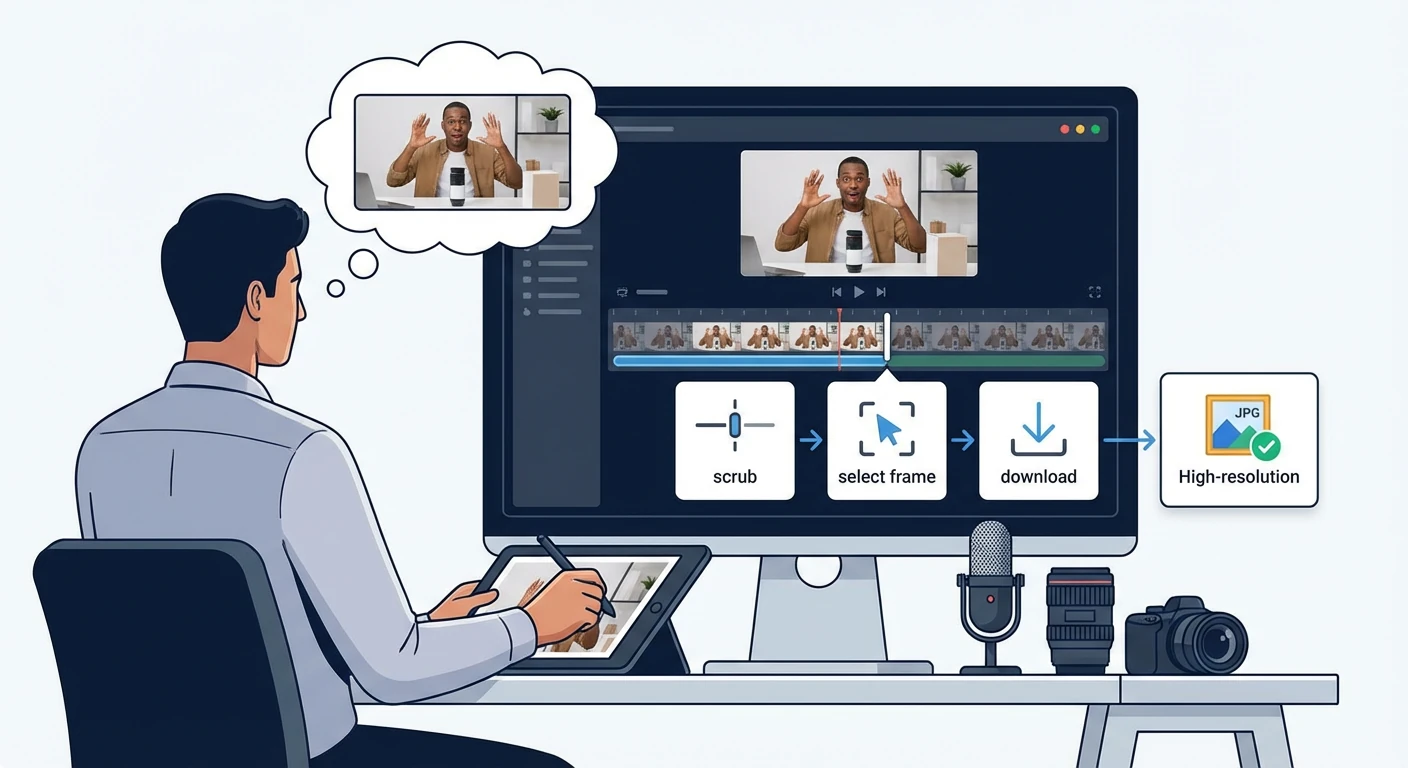
Nach der Aufzeichnung einer Software-Demonstration benötigen Sie Schritt-für-Schritt-Screenshots für eine Hilfeanleitung. Manuelle Bildschirmaufnahmen erfassen jedoch oft Übergänge nicht und schneiden Bilder uneinheitlich zu. iWeaver extrahiert jeden einzelnen Bildschirm aus dem Video in Originalauflösung und exportiert den gesamten Bildsatz als ZIP-Datei zur direkten Verwendung in Ihren Dokumenten.
Screenshots aufnehmen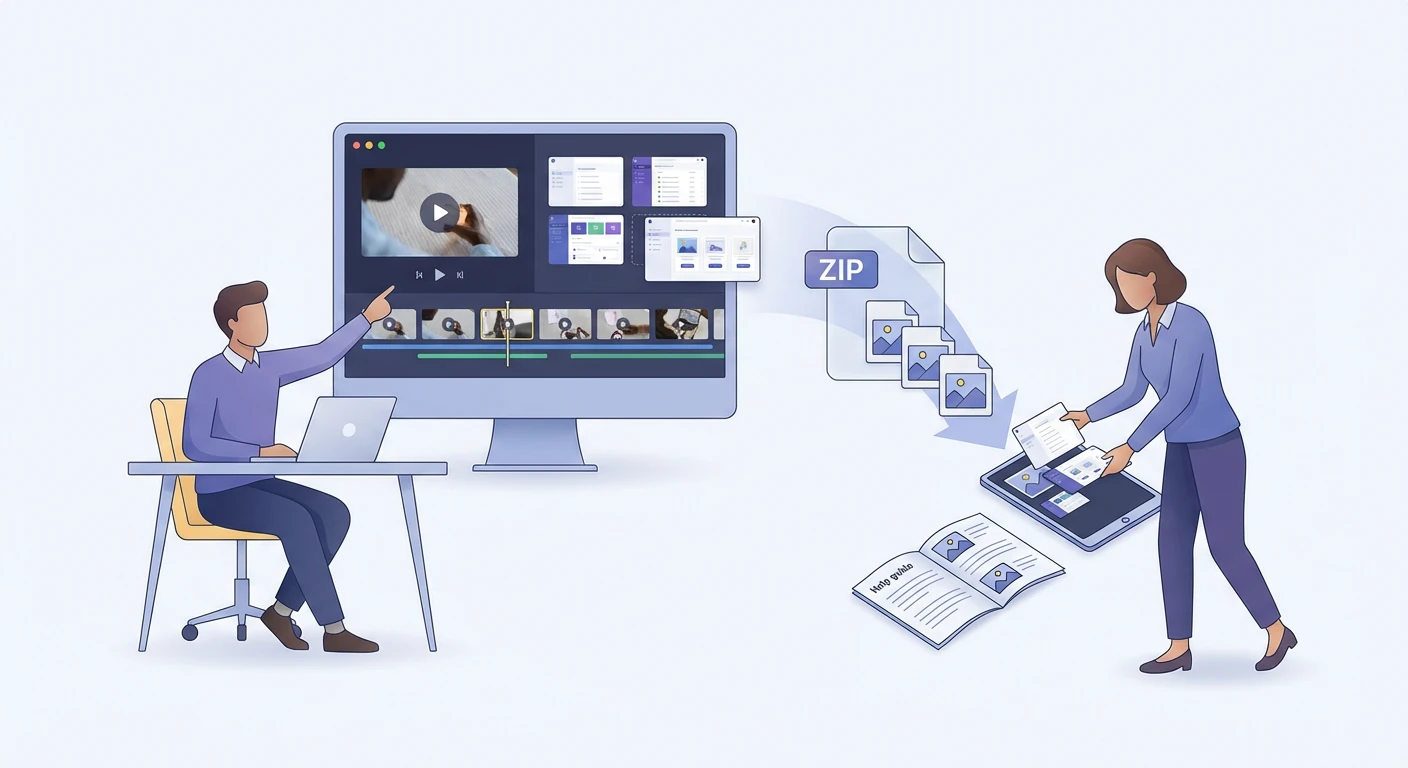
Online-Händler erstellen oft ein einzelnes 360°-Drehtellervideo anstelle von Dutzenden Einzelfotos. Das manuelle Aufteilen dieses Videos in winkelspezifische Bilder ist jedoch mühsam. iWeaver erkennt Szenenwechsel während der Drehung und gibt jeden Winkel als separate PNG-Datei für Ihr Produktangebot aus.
Produktfotos aus dem Auszug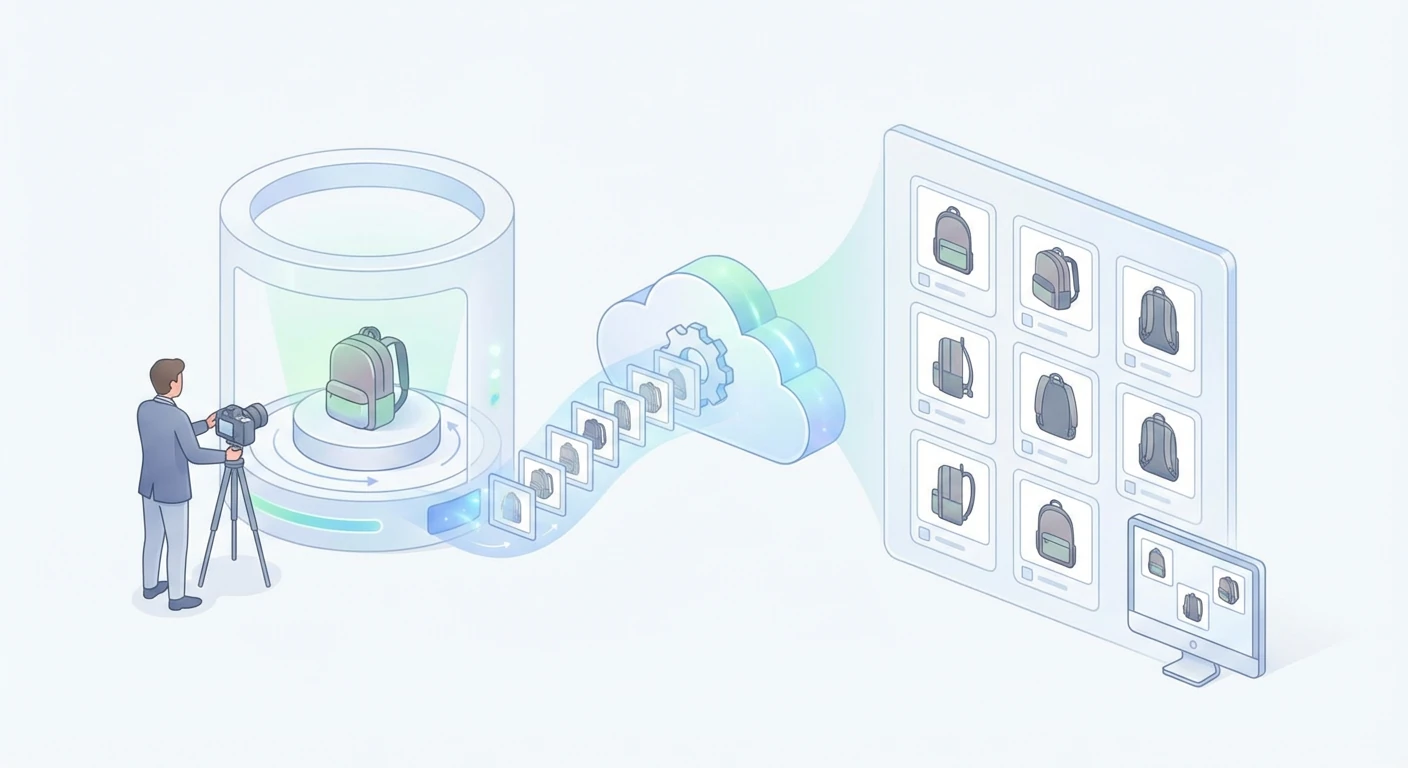
Studierende und Dozenten benötigen Screenshots einzelner Folien aus aufgezeichneten Vorlesungen. Das manuelle Erstellen von Screenshots während der Videowiedergabe ist jedoch zeitaufwendig und führt zu uneinheitlicher Qualität. iWeaver erkennt Folienübergänge im Video, extrahiert pro Folie ein sauberes Einzelbild und stellt die vollständige Bildsequenz als herunterladbares Archiv bereit.
Folien aufnehmen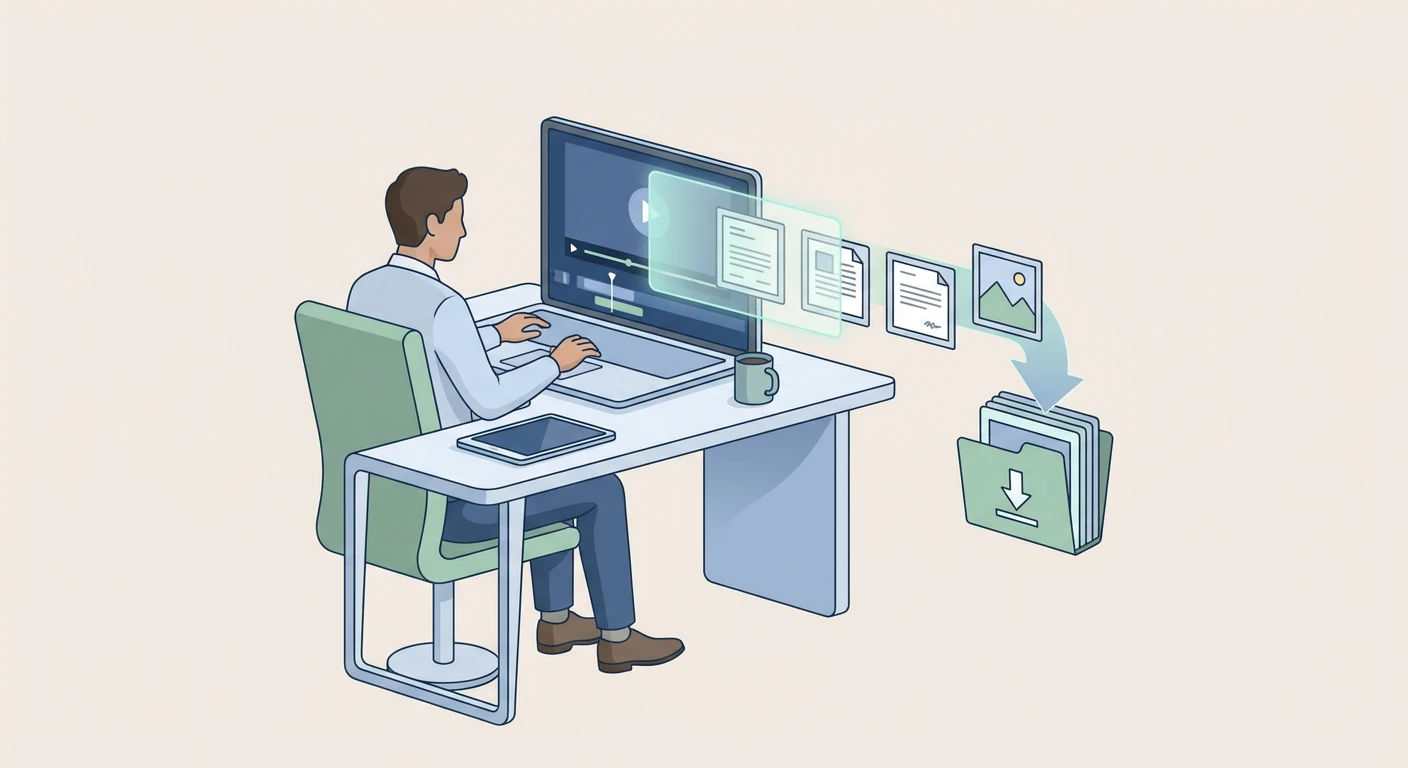
Laden Sie ein Video hoch, betrachten Sie es Bild für Bild und laden Sie die benötigten Standbilder herunter. Starten Sie mit 3 kostenlosen Konvertierungen pro Tag – ganz unverbindlich.
Lade ein Video hoch