
KI-Infografik-Generator von iWeaver
Verwandeln Sie Texte, Daten oder Dokumente in Sekundenschnelle in visuell ansprechende Infografiken. iWeaver hilft Ihnen dabei, strukturierte, professionelle Designs zu erstellen – ganz ohne Vorlagen oder Designkenntnisse.
Was ist ein KI-Infografikgenerator?
Ein KI-Infografikgenerator wandelt Text, Daten oder Dokumente in strukturierte visuelle Inhalte um.
Statt manuell zu gestalten, analysiert es die wichtigsten Punkte, organisiert die Informationen und generiert automatisch sofort einsatzbereite Infografik-Layouts.
Mit iWeaverSie können im Handumdrehen professionelle Grafiken für Berichte, Präsentationen oder soziale Medien erstellen – ganz ohne Designkenntnisse.iWeaver, you can instantly create professional visuals for reports, presentations, or social media—without design skills.
Hauptmerkmale des iWeaver KI-Infografikgenerators
Intelligentes Layout
Inhalte werden automatisch in übersichtliche, professionelle und gut lesbare Infografik-Formate strukturiert.
Text zu Bild
Verwandeln Sie Rohtexte, PDFs oder Forschungsnotizen mit einem einzigen Klick in ansprechende visuelle Geschichten.
Automatische Diagramme
Generieren Sie aus Ihren Eingabedaten im Handumdrehen präzise Diagramme, komplexe Schaubilder und Datenvisualisierungen.
Stilsteuerung
Passen Sie Farben, Typografie und professionelle Layouts individuell an, um sie perfekt an Ihre Markenbedürfnisse anzupassen.
Echtzeitbearbeitung
Passen Sie KI-generierte Elemente einfach an, ändern Sie Texte oder verfeinern Sie Formen, um Ihr endgültiges Design zu perfektionieren.
Multi-Format
Exportieren Sie Infografiken als hochauflösende Bilder, Präsentationsfolien oder teilbare Weblinks.
Lerne XPT kennen — das neue KI-Produkt von iWeaver
Bereit für den nächsten Schritt? Entdecke mehr mit XPT, einem KI-Tool für ehrliche Antworten, weniger Ablehnungen und mehr Freiheit, das zu fragen, was dir wirklich wichtig ist.
- ✓Alles fragen
- ✓Verschiedene Perspektiven erkunden
- ✓Ideen weiterverfolgen
Wie erstellt man Infografiken?
Eingabeinhalt
Fügen Sie Text ein, laden Sie Dokumente hoch oder beschreiben Sie Ihr Thema. iWeaver analysiert die wichtigsten Ideen und erstellt strukturierte Inhalte für die Infografik-Generierung.
Design generieren
iWeaver erstellt automatisch Layouts, Grafiken und Diagramme auf Basis Ihrer Inhalte und wandelt so komplexe Informationen in übersichtliche und ansprechende Infografiken um.
Exportanteil
Laden Sie Ihre Infografik herunter oder teilen Sie sie sofort. Nutzen Sie sie in Präsentationen, Berichten, sozialen Medien oder in der Teamzusammenarbeit.
Warum iWeaver die erste Wahl für Ihren KI-Infografik-Generator ist
Schnellere Erstellung
Erstellen Sie in Sekundenschnelle vollständige Infografiken. Manuelle Gestaltung oder komplexe Tools sind nicht erforderlich – so sparen Sie Zeit und können sich auf Ihre Ideen konzentrieren.
Kein Design
Designkenntnisse sind nicht erforderlich. Die KI kümmert sich automatisch um Layout, Struktur und Visualisierung und macht so die Erstellung von Infografiken für jeden zugänglich.
Workflow-bereit
Entwickelt für reale Arbeitsabläufe. Dokumente, Notizen und Daten lassen sich mühelos in visuelle Darstellungen für Berichte, Präsentationen und die tägliche Arbeit umwandeln.
Intelligente Struktur
iWeaver versteht den Kontext von Inhalten und organisiert Informationen in logische visuelle Abläufe.
Exportfertig
Laden Sie hochwertige Grafiken für Präsentationen, soziale Medien oder den professionellen Einsatz herunter.
Anwendungsfälle für KI-Infografik-Generator
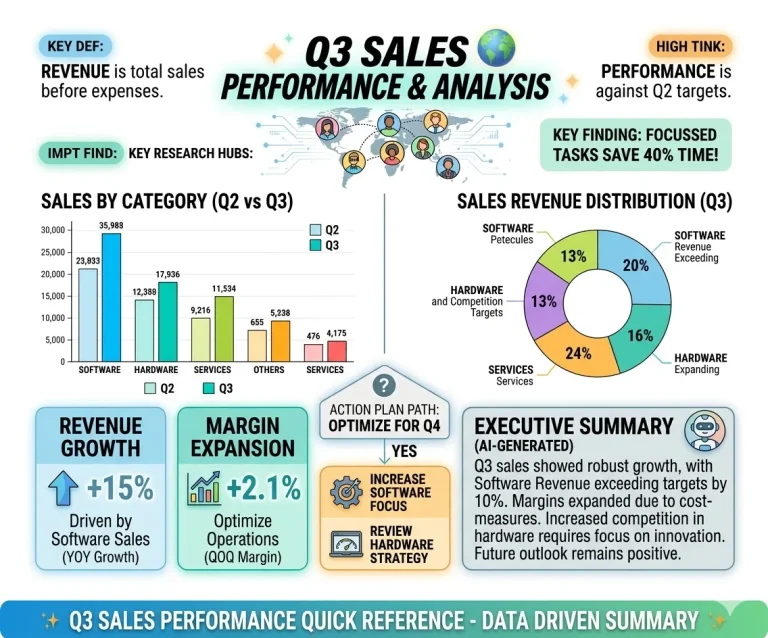
Geschäftsberichte
Verwandeln Sie lange Berichte in prägnante visuelle Zusammenfassungen. Heben Sie wichtige Erkenntnisse, Trends und Kennzahlen hervor, damit die Beteiligten diese schneller verstehen und Entscheidungen treffen können.
Jetzt ausprobieren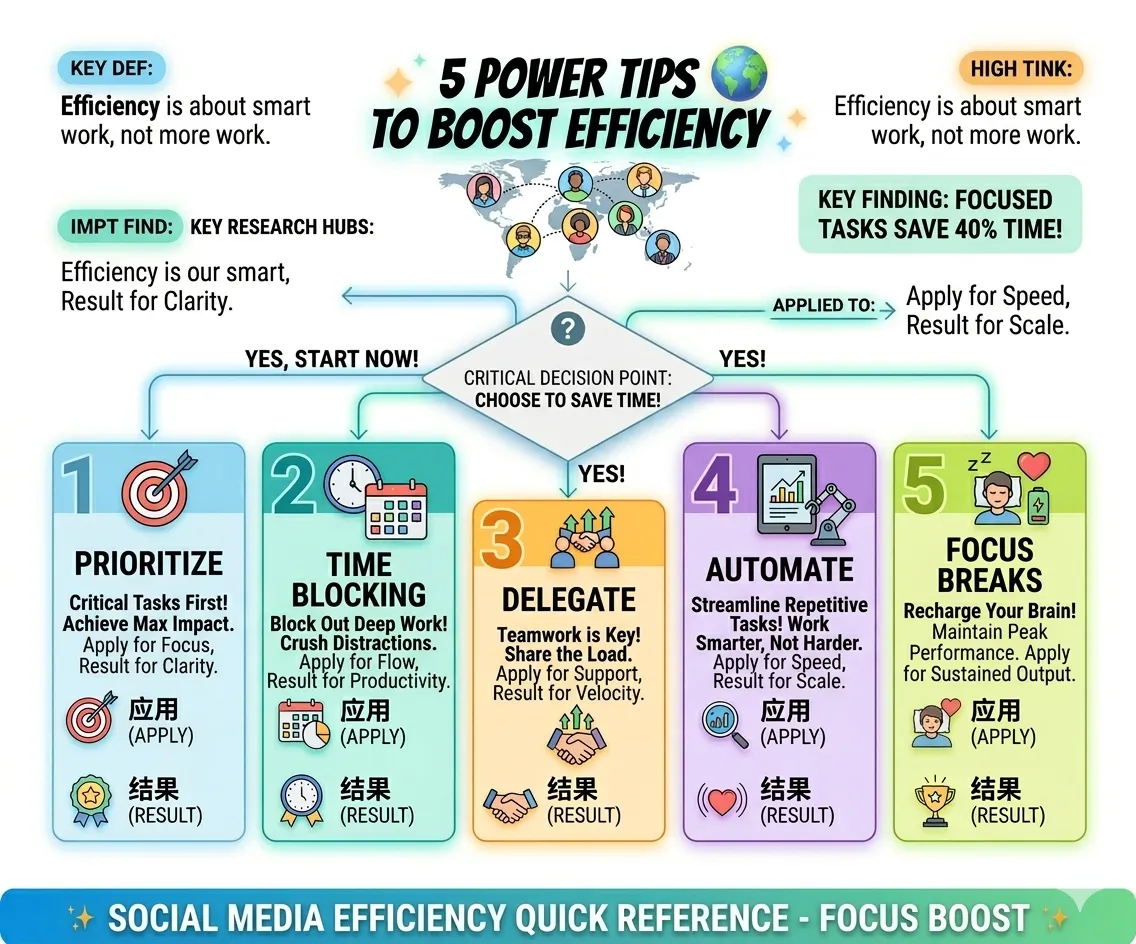
Marketinginhalte
Erstellen Sie ansprechende Infografiken für soziale Medien, Blogs oder Kampagnen. Verwandeln Sie komplexe Ideen in visuelle Inhalte, die die Interaktion fördern und die Performance Ihrer Inhalte verbessern.
Jetzt erstellen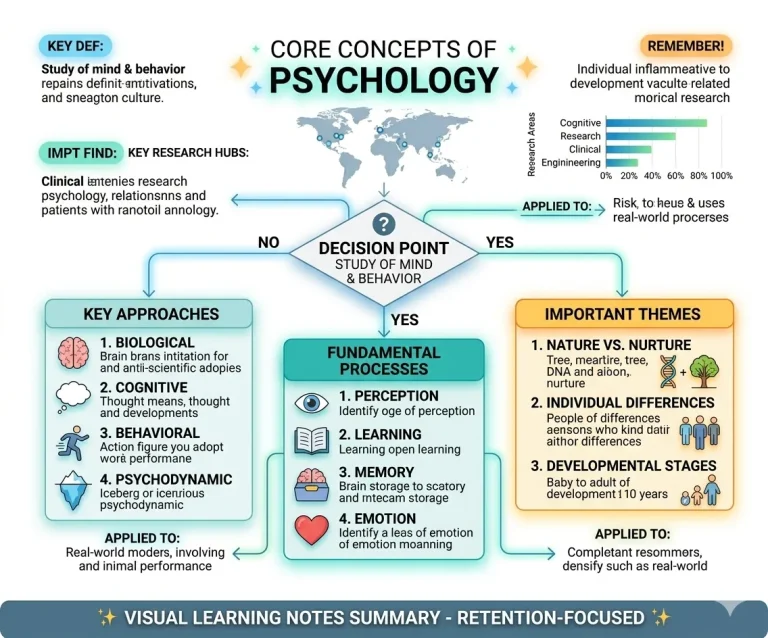
Studiennotizen
Wandeln Sie Lernmaterialien, Artikel oder PDFs in strukturierte visuelle Notizen um. Verbessern Sie Ihr Erinnerungsvermögen und erleichtern Sie das Verständnis komplexer Themen.
Jetzt startenProzessablauf
Unterteilen Sie Arbeitsabläufe oder schrittweise Prozesse in leicht verständliche Grafiken. Ideal für Standardarbeitsanweisungen, Einarbeitungsunterlagen und interne Dokumentation.
Jetzt bauenEntdecken Sie weitere KI-gestützte visuelle Erstellungsagenten
KI-Flussdiagrammgenerator
Über Infografiken hinaus hilft Ihnen iWeaver dabei, Daten und Logik in Sekundenschnelle zu visualisieren.
KI-Grafikgenerator
Automatische Abbildung komplexer Arbeitsabläufe und Entscheidungsbäume aus einfachen Textbeschreibungen.
Organigramm-Generator
Verwandeln Sie Rohdatensätze im Handumdrehen in professionelle statistische Grafiken und Beziehungsdiagramme.
FAQs zum kostenlosen KI-Infografik-Generator von iWeaver
Erstellen Sie kostenlos online Infografiken
Verwandeln Sie Ihre Ideen mit iWeaver in professionelle Grafiken. Keine Vorlagen. Keine Designkenntnisse. Nur Ergebnisse.
Jetzt kostenlos starten