
0/5000
 Join Our Discord
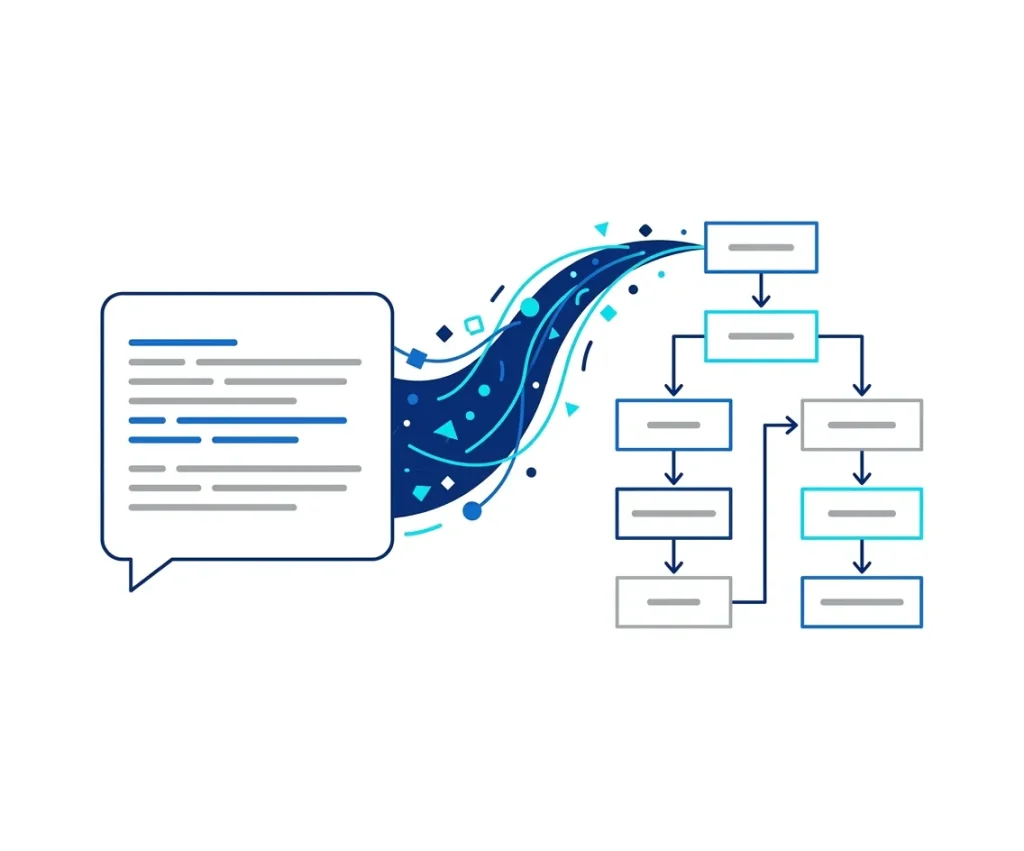
 Turn ideas, documents, or workflows into clear flowcharts in seconds. With iWeaver, you can generate, edit, and share professional diagrams instantly—no manual drawing required.
Join Our Discord Convert plain text into structured flowcharts instantly with accurate logic mapping.
Automatically organizes steps, decisions, and branches into clean visual flows.
Easily modify nodes, connections, and layouts without starting from scratch.
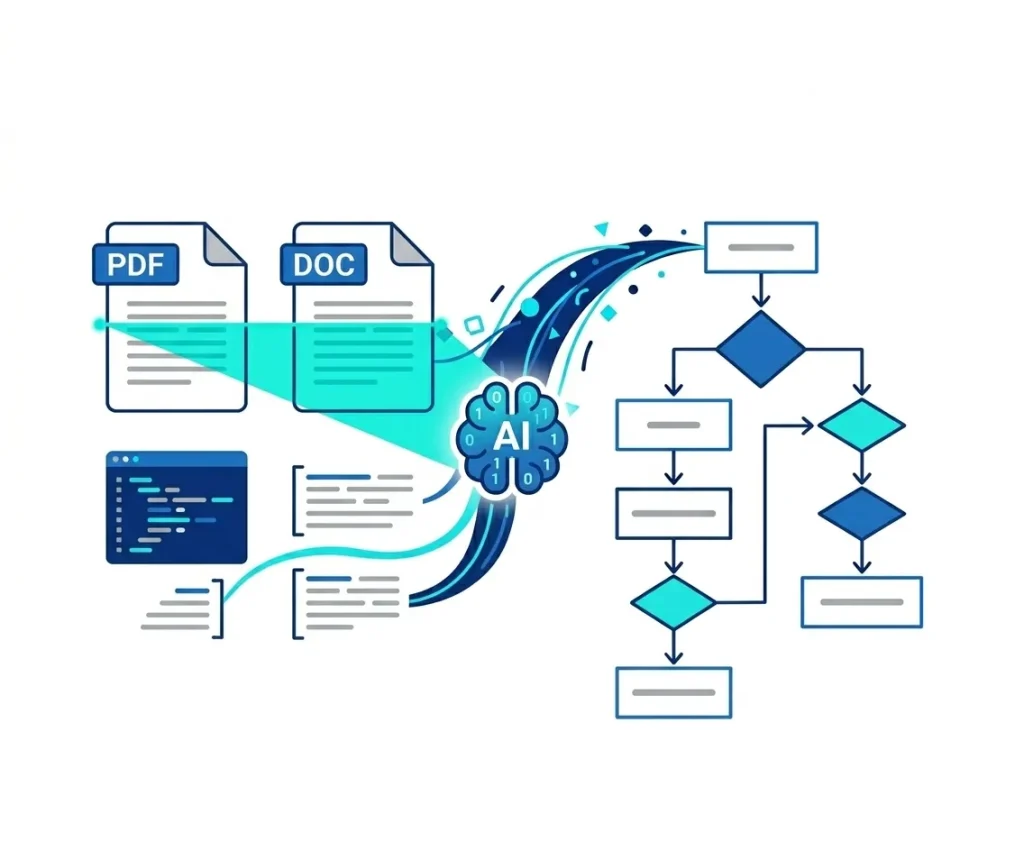
Generate flowcharts from text, PDFs, notes, or knowledge base content.
Create complete diagrams in seconds instead of manually drawing shapes.
Download or share flowcharts for presentations, docs, or team collaboration.
An AI flowchart generator automatically converts text, ideas, or structured content into visual process diagrams.
Instead of manually creating shapes and connectors, AI analyzes your input and organizes it into logical steps, decision nodes, and process flows.
With iWeaver, you can generate flowcharts from documents, meeting notes, workflows, or prompts — making complex processes easier to understand and share.
Transform diverse data sources into professional process diagrams with AI.
Enhance your workflow with iWeaver's specialized AI agents.
Transform meeting transcripts and long-form content into structured, actionable notes instantly.
Accelerate learning by converting complex materials into personalized quizzes and summaries.
Turn raw data and insights into professional, presentation-ready infographics with AI precision.
iWeaver AI Flowchart Generator is a powerful tool that automatically converts text, prompts, images, and documents into editable flowcharts and organizational charts. It uses advanced AI to analyze your content and instantly generate clean, structured diagrams.
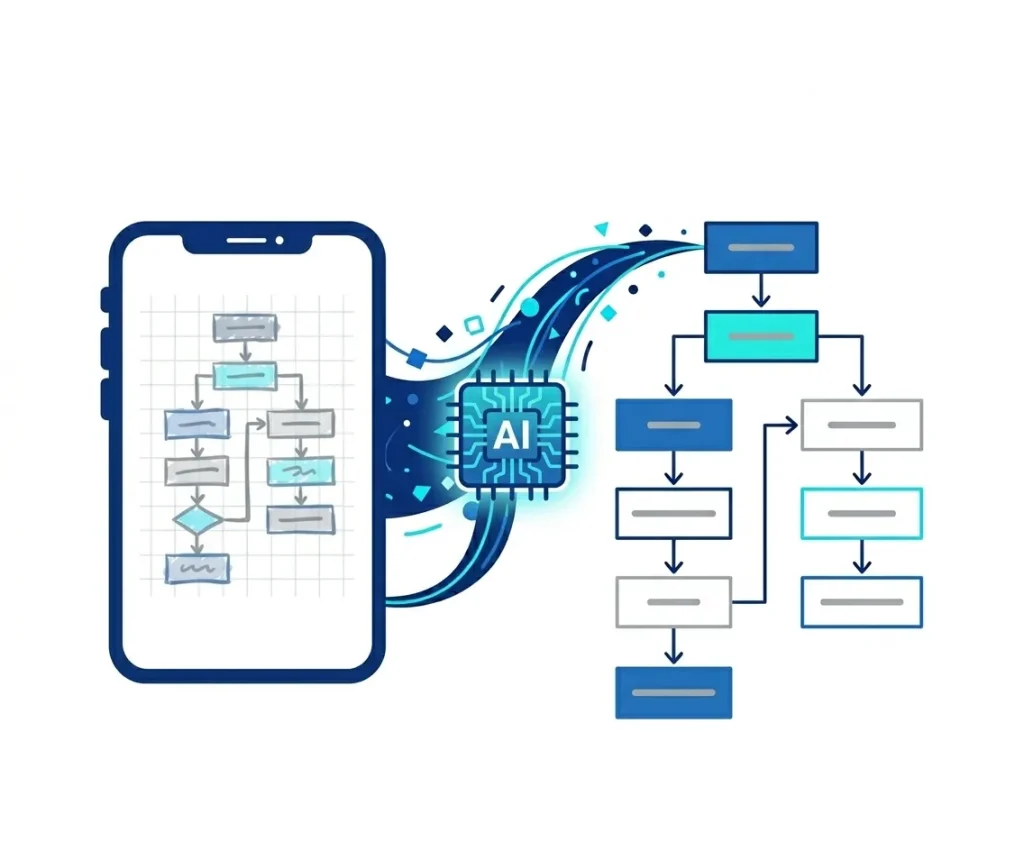
Yes. iWeaver offers a free version that lets you create AI-generated flowcharts and org charts. You can convert text to flowcharts, generate diagrams from images, and export basic formats without cost. Premium plans unlock batch generation, high-resolution exports, and more.
The AI analyzes your text to identify steps, decision points, hierarchies, and logical relationships. It then automatically builds a structured flowchart or organizational chart, saving time compared with manual diagramming.
You can upload text files, PDFs, DOCX, PPT, screenshots, and process documents. iWeaver’s AI extracts key information and transforms it into editable flowcharts or diagrams, making it useful for workflows, SOPs, and technical documentation.
iWeaver supports exporting diagrams as PNG, JPG, SVG, PDF, and DOCX. These formats ensure compatibility with presentation slides, reports, websites, and team collaboration tools.
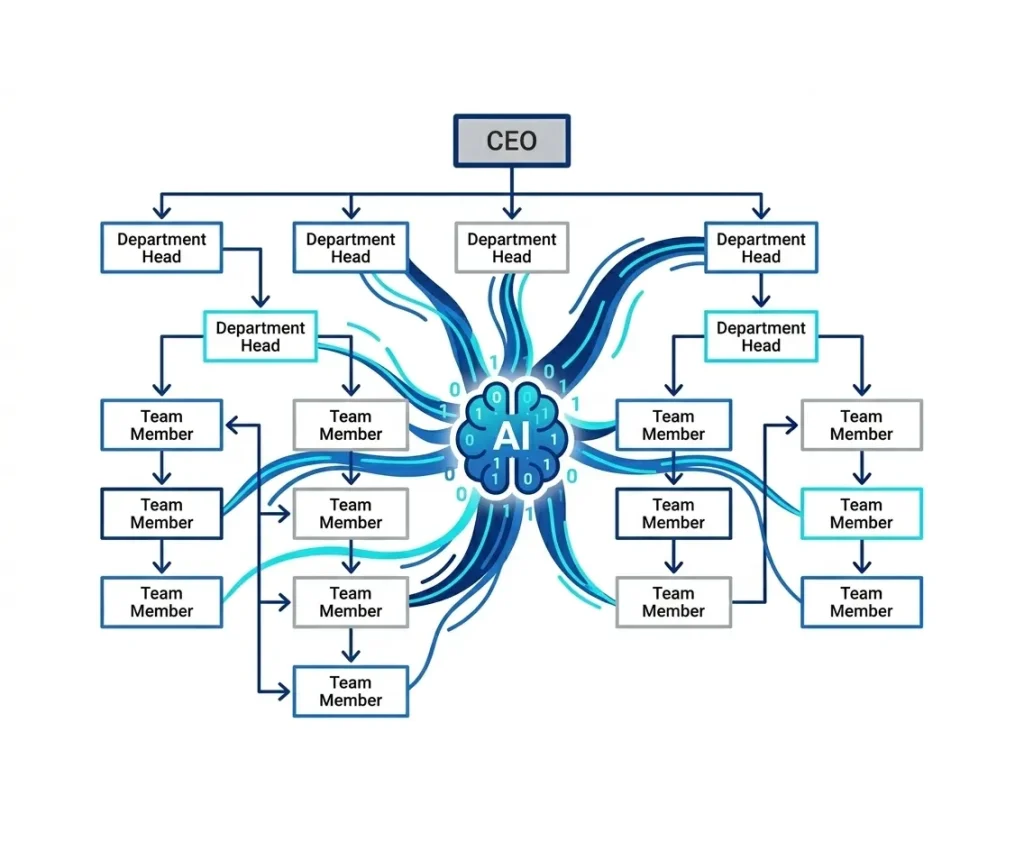
Yes. iWeaver includes a built-in AI organizational chart creator. Upload team structures, hierarchy descriptions, or company profiles, and the tool will automatically generate a clean, editable organizational chart.
Yes. iWeaver allows teams to save, manage, and share AI-generated flowcharts. Members can collaborate on editing diagrams, updating workflows, and refining visual structures in real time or asynchronously.