Google AI Edge Eloquent Review: Is This Offline AI Dictator the End of Apple Dictation in 2026?
iWeaver||3 min read
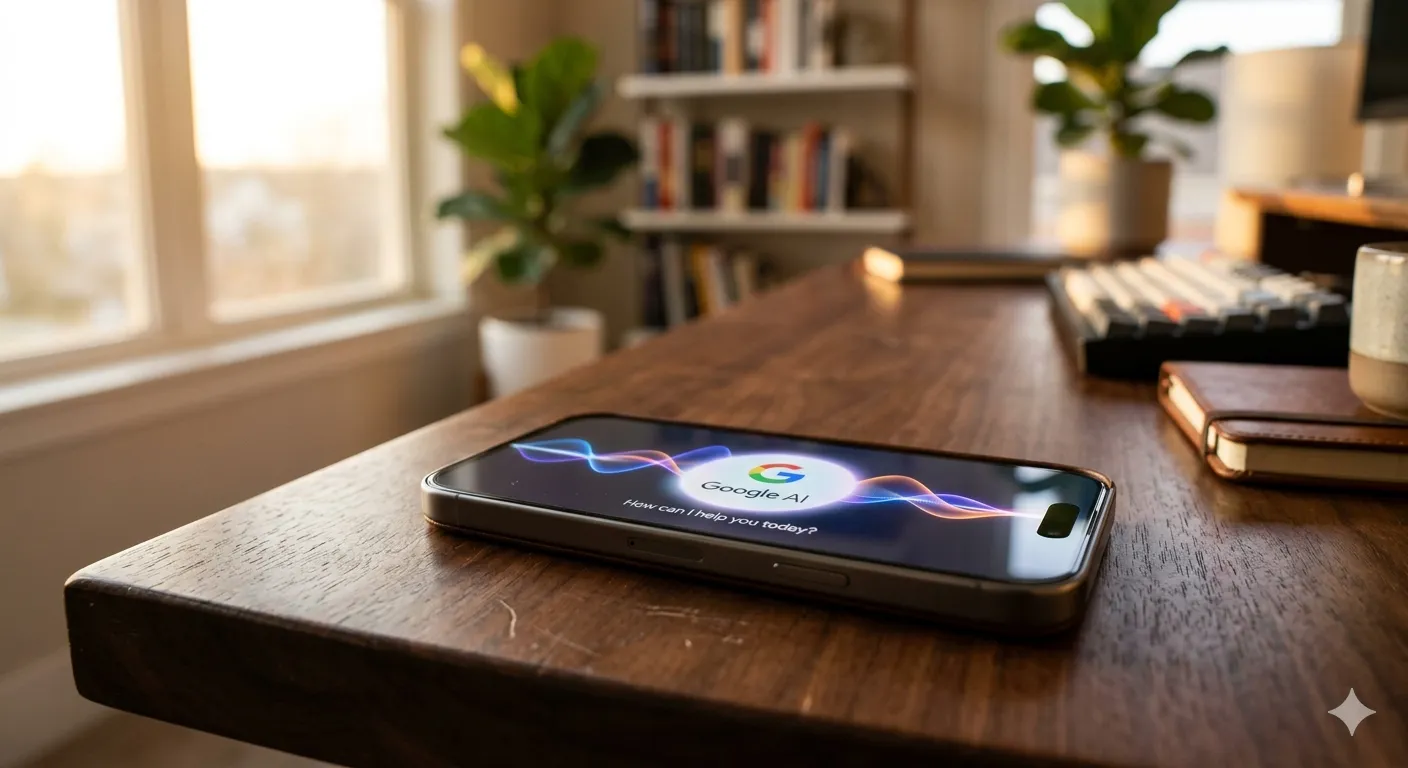
Google just pulled a classic “stealth drop” with Google AI Edge Eloquent on the iOS App Store. Forget the cloud-dependent lag you’re used to. This app brings Google’s Gemma models directly to your iPhone’s silicon, turning your device into a localized powerhouse that transcribes without an internet connection.
What is Google AI Edge Eloquent?
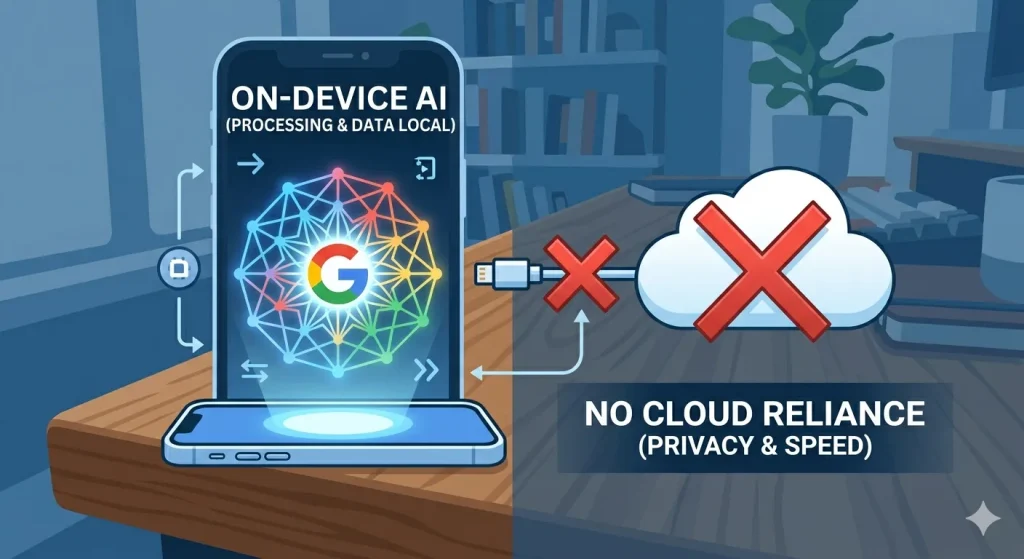
Google AI Edge Eloquent is a high-performance, offline-first dictation tool designed for professionals who demand speed and privacy. By leveraging on-device AI (Edge AI), it processes voice data locally on your iPhone, removing the need for data packets to ever leave your device. It doesn’t just record; it understands context, cleans up disfluencies, and formats text in real-time.
Expert Take: Eloquent represents Google’s shift from “Cloud-First” to “Edge-First,” challenging Apple on its own hardware by utilizing the iPhone’s Neural Engine more efficiently than Apple’s native tools.
Why is Google Launching on iOS First?
It’s a strategic move. By capturing the high-value iOS user base, Google is stress-testing its AI Edge SDK in a closed hardware environment.
Gemma Integration: Eloquent isn’t using basic speech-to-text; it’s likely running a quantized version of the Gemma 2B model.
Privacy as a Product: By keeping data off the cloud, Google is courting legal, medical, and corporate users who are traditionally “AI-shy” due to security concerns.
Comparison Table: Eloquent vs. Apple Native Dictation vs. Otter.ai
Feature
Google Eloquent
Apple Dictation
Otter.ai
Processing
100% On-Device
Mixed (Cloud/Local)
Cloud-Based
Model
Gemma-based LLM
Proprietary ASR
Proprietary ASR
Internet Req.
None
Required for Long Text
Always Required
Best For
Extreme Privacy
General Use
Meeting Summaries
How to Set Up Google AI Edge Eloquent for Maximum Productivity
To get the most out of this tool, you need to configure the local model weights:
Download the Model: Upon first launch, allow the app to download the ~400MB language model.
Toggle “Smart Clean”: Enable this to automatically strip out “umms” and “ahhs.”
iWeaver Workflow Integration: While Eloquent captures the words, your workflow often requires more.
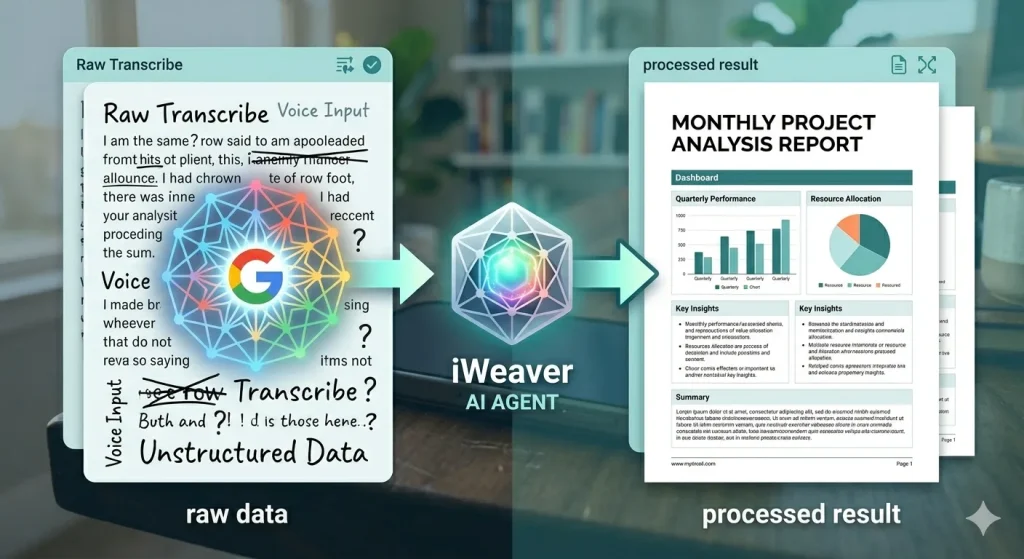
For those needing to turn transcripts into action, we recommend iWeaver. iWeaver is a powerful AI Agent that handles complex office workflows without complex prompts. It can ingest your Eloquent transcripts, parse them alongside images or PDFs, and deliver structured docs or professional reports automatically.
Eloquent vs. Apple Dictation: Which Offers Better Privacy?
The “Privacy Gap” is narrowing. While Apple has long touted on-device processing, Google’s Eloquent provides a “Physical Air-Gap” mode. You can literally put your phone in Airplane Mode, and the AI keeps thinking. This is a game-changer for journalists in the field or executives handling trade secrets.
FAQ: Everything You Need to Know About Google AI Edge Eloquent
Is Google AI Edge Eloquent free to use?
Yes, as of its initial launch in 2026, Google AI Edge Eloquent is a free application on the iOS App Store. It does not require a Google Workspace subscription for its core offline dictation features, though integration with advanced Gemini models may vary by region.
Does Eloquent work without an internet connection?
Absolutely. Unlike traditional dictation tools, Eloquent is designed for 100% offline use. Once you have downloaded the initial language model (Gemma), you can transcribe voice to text in airplane mode with zero data usage.
Which iPhone models support Google AI Edge Eloquent?
Since the app relies on heavy local computation, it requires an iPhone with a powerful Neural Engine. It is optimized for iPhone 13 and newer, running iOS 17.0 or later. For the best experience with the Gemma LLM, iPhone 15 Pro and 16 series are recommended.
How does Eloquent protect my privacy compared to other apps?
Most apps send your voice data to a cloud server for processing. Eloquent processes everything on-device. Your audio recordings and resulting transcripts never leave your phone, making it the most secure choice for legal, medical, and sensitive corporate work.
Can I export Eloquent transcripts to other apps?
Yes, you can export text as TXT, PDF, or directly sync it with Google Docs.
Pro Tip: For professional users, you can use iWeaver to automatically ingest these transcripts and transform them into structured project reports or meeting minutes using its advanced AI Agent workflows.