
Transformar texto en escritura a mano con iWeaver Convertidor gratuito
Convierte texto plano en escritura a mano natural en segundos. iWeaver te ayuda a crear notas, cartas y trabajos escritos a mano con un aspecto realista, sin necesidad de escribir a mano. Ideal para estudiantes y profesionales.
iWeaver Escritura a mano generada por IA
Muestra cómo el texto escrito a máquina se convierte en páginas escritas a mano en segundos.
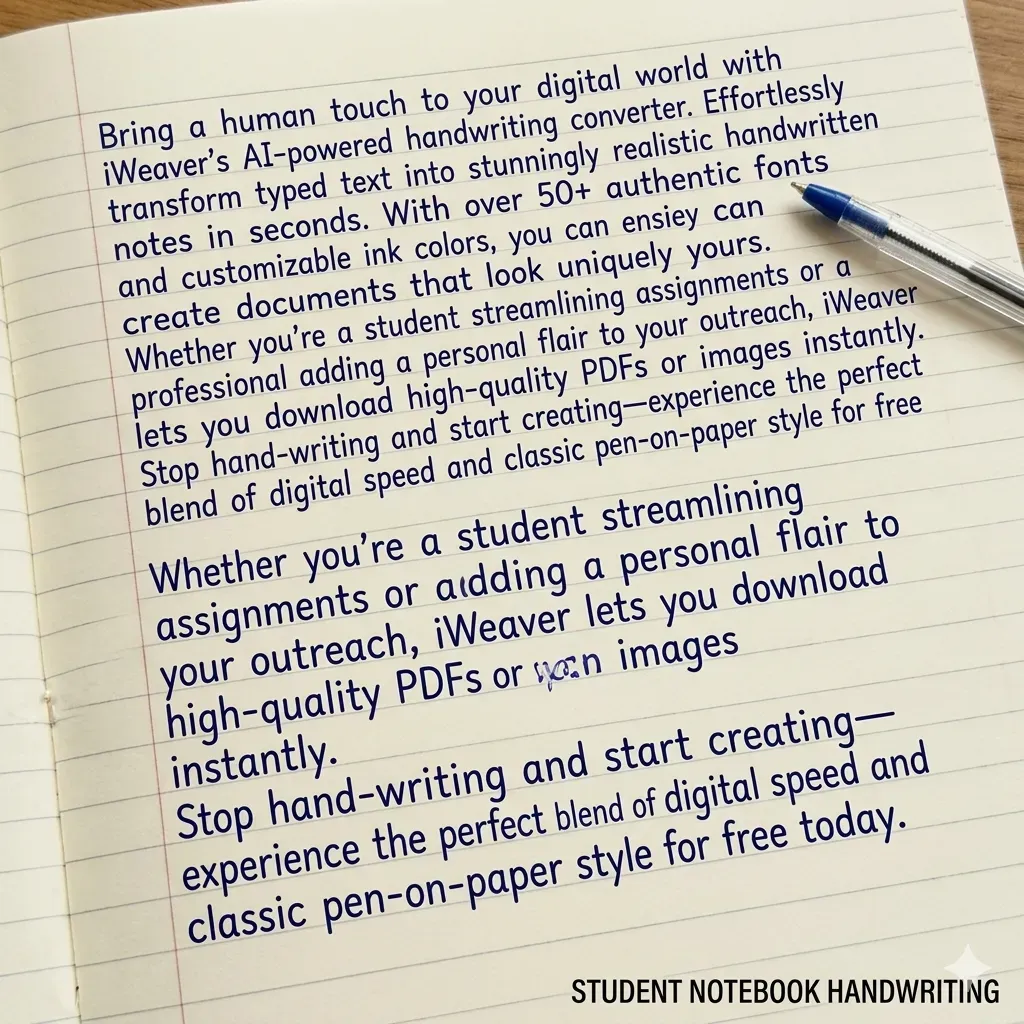
Student Notebook
Estilo de aula auténtico
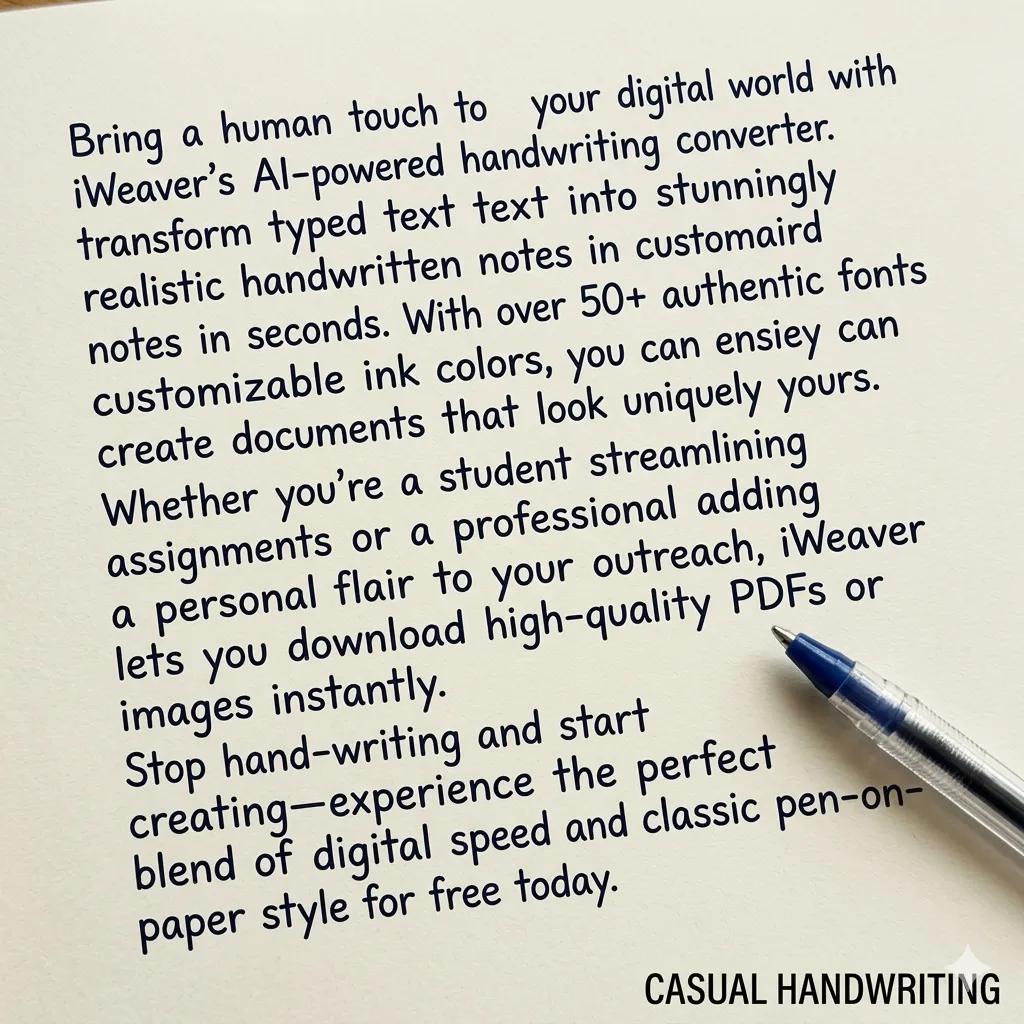
Casual Writing
Flujo natural y relajado
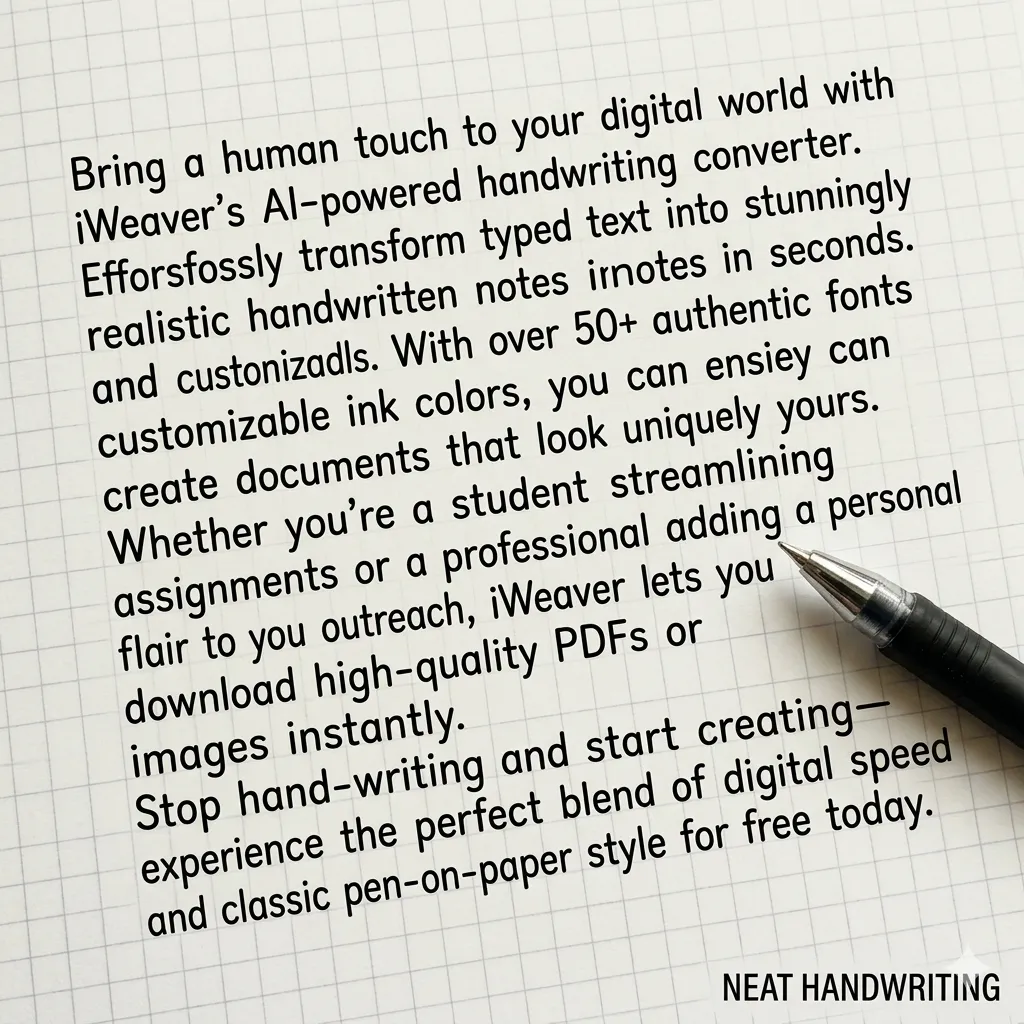
Neat Layout
Perfecto para tareas
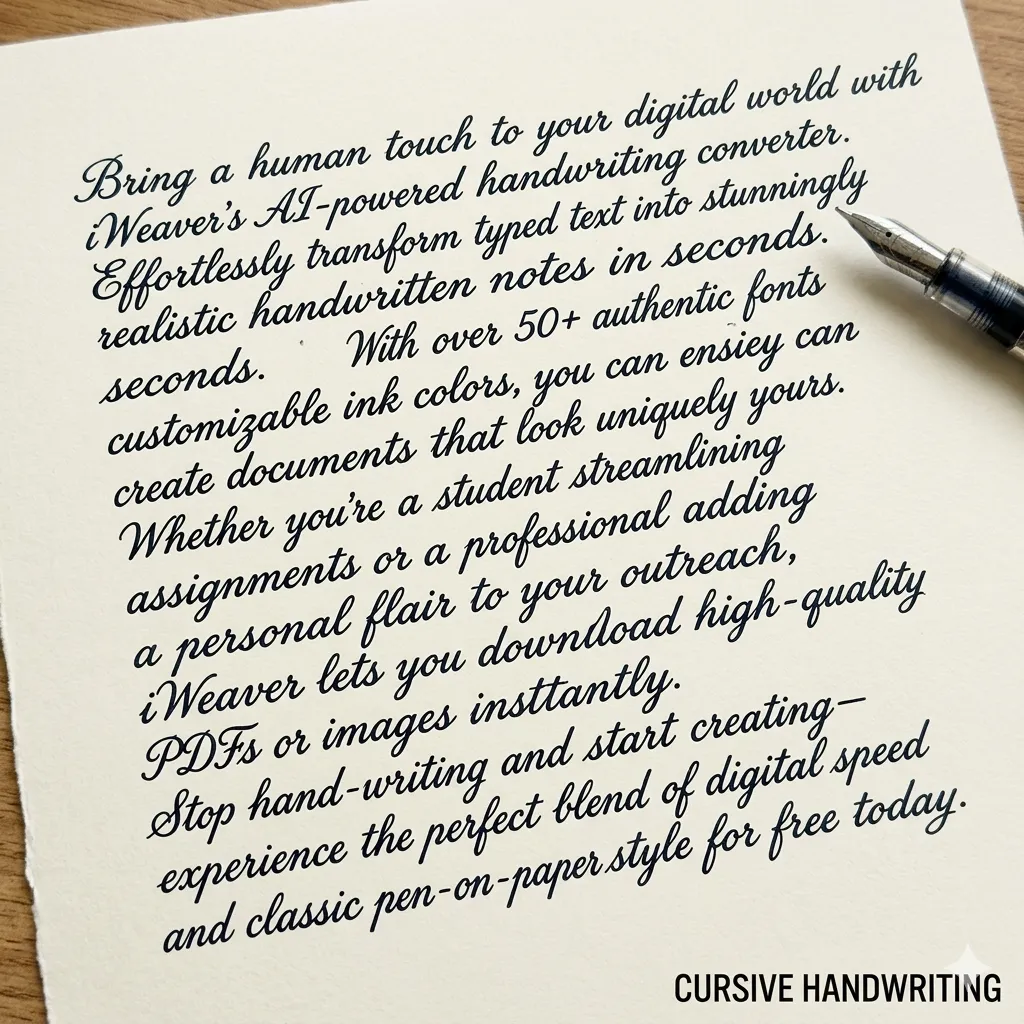
Letter Style
Escritura profesional elegante
¿Qué es un convertidor de texto a escritura a mano?
Un convertidor de texto a escritura a mano transforma texto digital en contenido con apariencia manuscrita realista. Con iWeaver, los usuarios pueden personalizar estilos de escritura, espaciado y formatos de papel para notas, tareas, cartas o proyectos creativos.
¿Cómo convertir texto a escritura a mano?
Agregar texto
Pega o escribe tu contenido en iWeaver. Admite párrafos, listas y notas estructuradas sin problemas de formato.
Personaliza el estilo
Elige tu fuente de escritura a mano preferida, ajusta el tamaño, el espaciado y el estilo del papel para conseguir el efecto de escritura a mano exacto que deseas.
Exportar archivo
Descarga tu texto manuscrito en formato PNG o PDF de alta calidad, listo para imprimir, compartir o enviar.
¿Por qué elegir iWeaver Text to Handwriting Converter?
Múltiples estilos
Elija entre varios estilos de escritura a mano para satisfacer diferentes necesidades de escritura, incluidas notas prolijas, escritura informal o estilos cursivos para tareas, cartas y proyectos creativos.
Opciones de papel
Seleccione entre papel rayado, papel de cuaderno, papel cuadriculado o fondos en blanco para que el texto escrito a mano luzca natural para trabajos escolares, notas o escritura personal.
Salida realista
La IA ajusta el espaciado entre letras, el flujo de líneas y la alineación del texto para crear una escritura a mano que parezca más natural y cercana a la escritura humana real.
Generación rápida
Convierta párrafos largos o documentos completos en páginas escritas a mano en cuestión de segundos, ahorrando tiempo en comparación con escribir todo manualmente.
Exportación fácil
Descargue rápidamente páginas manuscritas generadas para imprimirlas, compartirlas o agregarlas a documentos, presentaciones, materiales de estudio o proyectos creativos.
Consejos para que la escritura a mano con IA parezca más realista
Para que la escritura a mano generada por IA parezca más natural, prueba estos consejos:
- Divida los párrafos largos en secciones más cortas
- Utilice fondos de papel rayado o de cuaderno.
- Elija colores de tinta azul o negra
- Aumente ligeramente el espacio entre líneas
- Evite bloques de texto perfectamente alineados
Estos ajustes ayudan a crear una escritura a mano que se parezca más a la escritura humana real.
Casos de uso del convertidor de escritura a mano
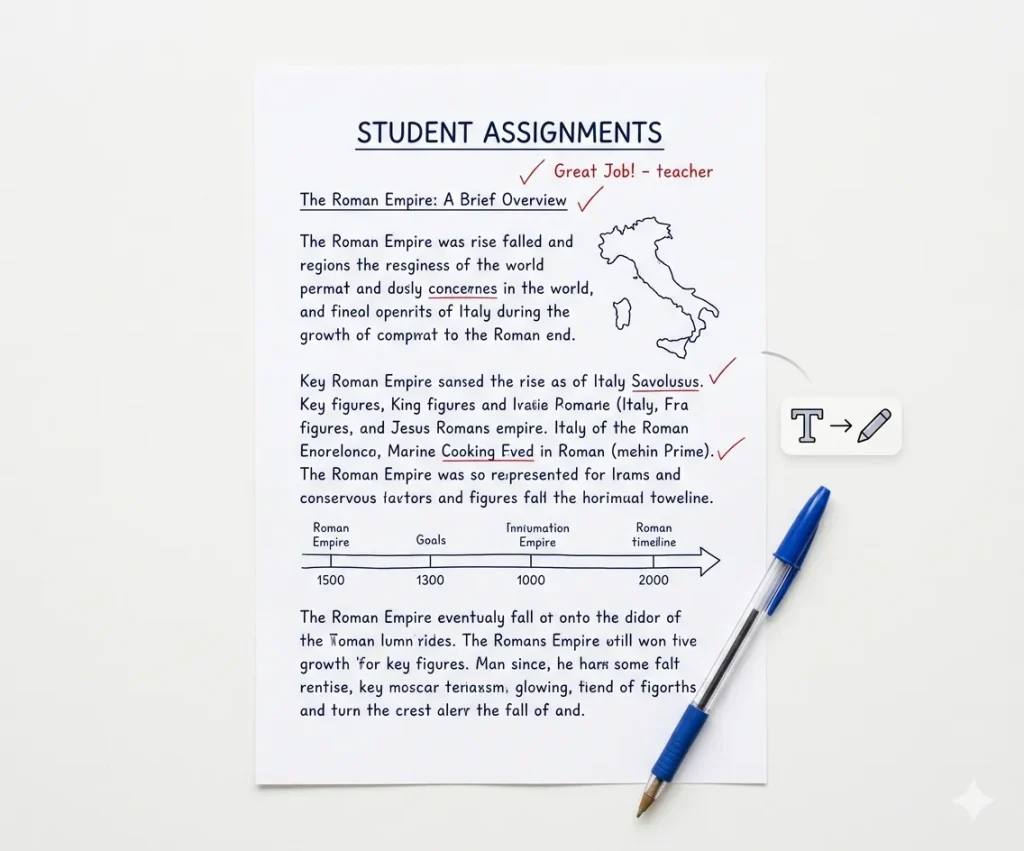
Tareas de los estudiantes
Convierte ensayos o tareas mecanografiadas en páginas manuscritas realistas. Esto facilita el formato de las tareas para que coincidan con las entregas en formato de cuaderno, ahorrando tiempo en comparación con escribir ensayos largos completamente a mano.
Generar asignación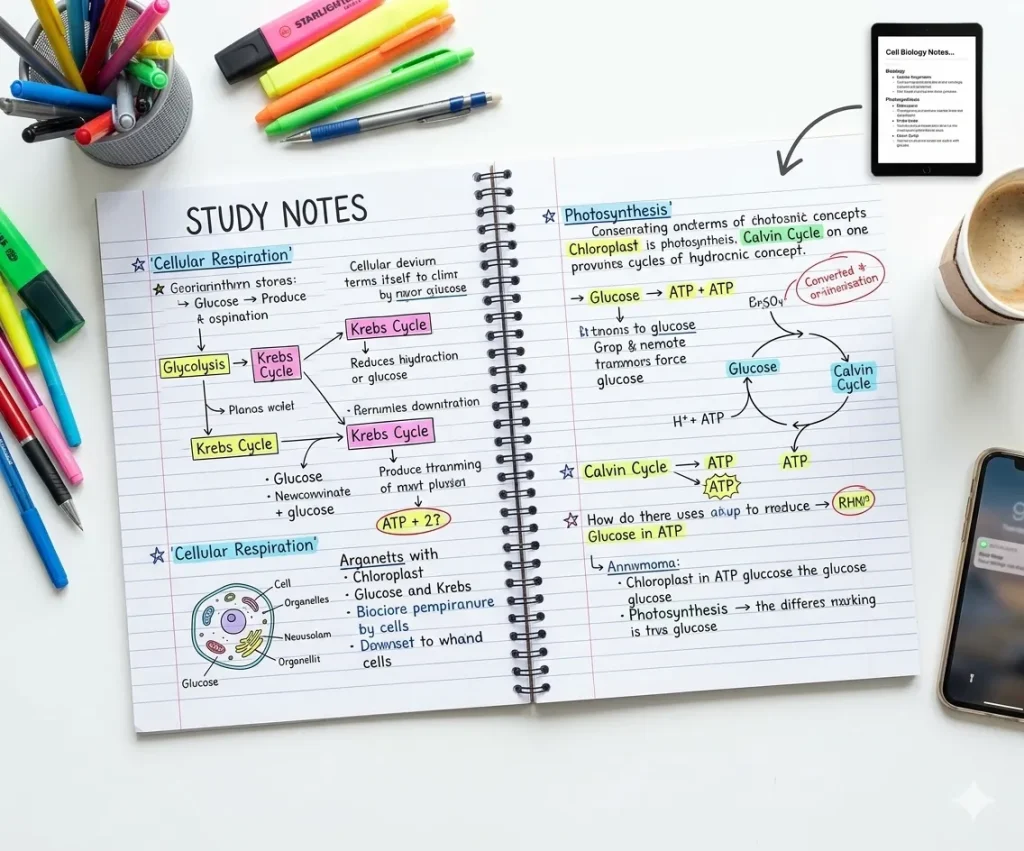
Notas de estudio
Convierte tus apuntes, resúmenes o materiales de estudio en páginas manuscritas. Las notas manuscritas mejoran la legibilidad y son útiles para repasar lecciones, crear hojas de repaso u organizar el contenido de estudio.
Crear notas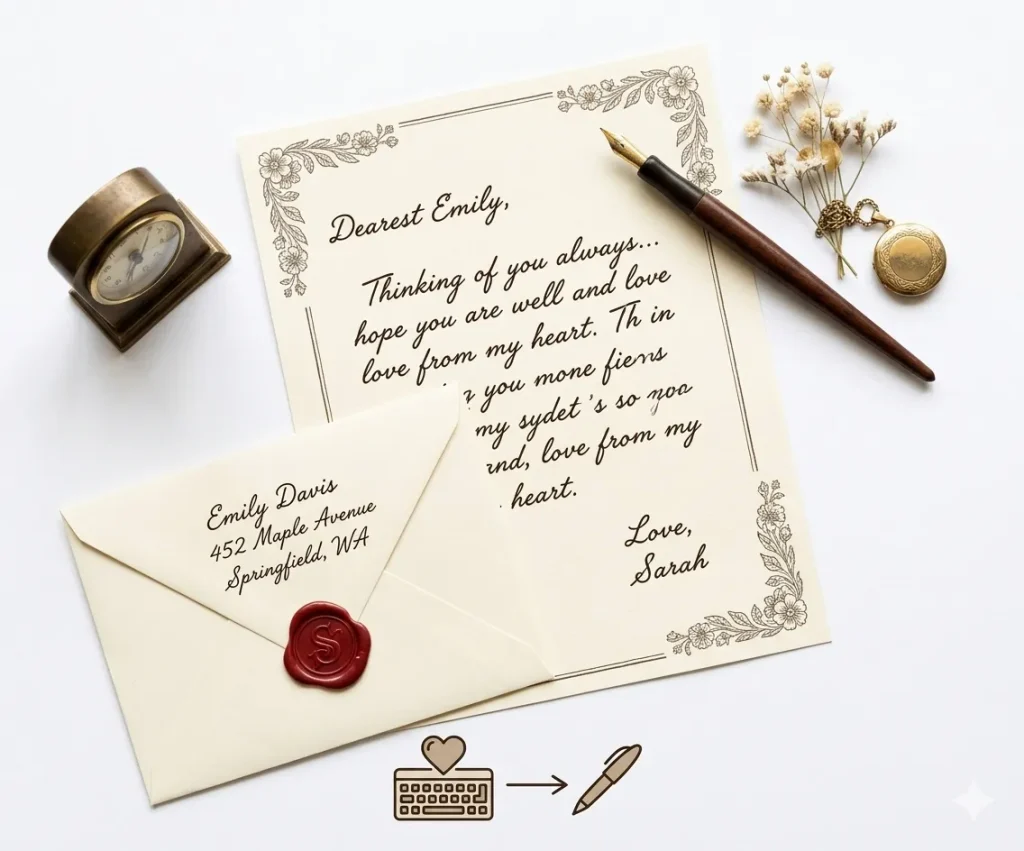
Cartas personales
Genere cartas o mensajes escritos a mano para darle un toque más personal. Ideal para invitaciones, notas de agradecimiento o mensajes cortos cuando desea que el texto parezca escrito a mano.
Escribe una carta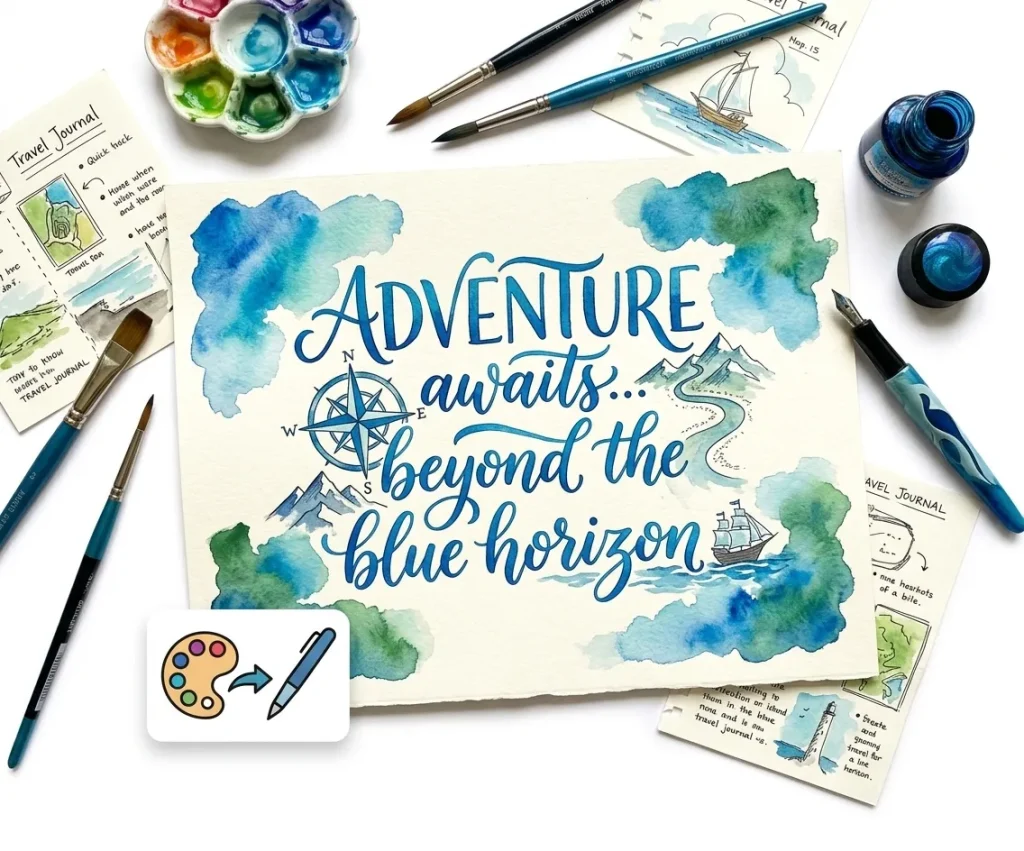
Proyectos creativos
Crea texto manuscrito para carteles, diarios, álbumes de recortes o proyectos de diseño. Los estilos manuscritos pueden aportar personalidad y un toque humano al contenido visual y a los materiales creativos.
Empieza a crearElija el estilo de papel adecuado
Diferentes tareas de escritura a mano requieren diferentes formatos de papel.
| Tipo de papel | Mejor uso |
|---|---|
| Papel rayado | Tareas escolares |
| Papel de cuaderno | Notas de clase |
| Papel cuadriculado | Problemas de matemáticas |
| Papel en blanco | Cartas o escritura creativa |
Seleccionar el fondo de papel correcto hace que las páginas escritas a mano parezcan más realistas.
Funciones del convertidor de texto a escritura a mano que se sienten reales
Estilos realistas
iWeaver ofrece estilos de escritura a mano naturales con variaciones de trazo similares a las humanas, evitando patrones repetitivos o robóticos.
Variedad de fuentes
Elige entre múltiples fuentes de escritura a mano, desde textos académicos pulcros hasta notas personales informales.
Control de diseño
Ajusta los márgenes, el interlineado y la alineación para que se parezcan a los formatos de cuadernos o hojas de papel reales.
Opciones de papel
Seleccione entre papel rayado, hojas en blanco o fondos personalizados para diferentes casos de uso.
Flexibilidad de exportación
Descarga los archivos en formato PNG o PDF de alta calidad, optimizados para impresión o uso digital.
Conversión rápida
Genera contenido manuscrito en segundos, incluso para bloques de texto o documentos extensos.
Preguntas frecuentes sobre la conversión de texto a escritura a mano
Explora más agentes de IA
Resumidor de PDF con IA
Resuma documentos PDF largos al instante con información clave y viñetas claras.
Summarize Now →Generador de notas de IA
Transforma ideas desordenadas en notas estructuradas, listas para compartir o estudiar.
Generate Notes →Agente de estudio de IA
Un compañero inteligente para ayudarte a dominar temas complejos y prepararte para los exámenes.
Start Learning →¿Listo para convertir texto escrito en notas de estilo manuscrito?
Pega tu texto, elige un estilo de escritura, previsualiza la página y crea un diseño limpio y escrito a mano para notas, cartas, tarjetas o materiales de estudio.
Pruébalo gratis