
A Clear Overview
Understand the subject, purpose, and main conclusion of a video before deciding which sections deserve closer attention.
Convierte videos largos en resúmenes estructurados que puedes revisar, buscar y reutilizar. Sube uno o varios archivos de video, o añade un enlace compatible, para identificar las ideas principales, organizar notas de transcripción y hacer preguntas de seguimiento sobre el contenido.
Turn long recordings into clear, organized information you can review, search, and use for your next task.
Understand the subject, purpose, and main conclusion of a video before deciding which sections deserve closer attention.
Turn a long recording into a concise list of ideas, arguments, decisions, or lessons that are easier to scan.
Review spoken content as structured text instead of repeatedly searching through the recording.
Locate relevant sections more quickly when timestamps are available in the generated result.
Ask questions about definitions, examples, action items, or specific parts of the uploaded content.
Elige uno o varios archivos de video desde tu dispositivo, o pega un enlace de video compatible. Para obtener el mejor resultado, usa una grabación con voz clara y poco ruido de fondo.
iWeaver convierte el contenido hablado en texto e identifica los temas principales, los detalles de apoyo y los puntos útiles.
Lee el resumen y continúa la conversación con preguntas como “¿Qué decisiones se tomaron?” o “Convierte las ideas principales en notas de estudio”.
Choose a quick overview, detailed notes, meeting takeaways, study materials, or research insights based on what you need to do next.
Use a short overview when you need to understand the subject and conclusion without reviewing every section.
Request a more complete outline when the order of ideas, examples, and supporting explanations matters.
Focus the output on decisions, open questions, responsibilities, and next steps mentioned in a recorded discussion.
Organize a lecture or tutorial into concepts, definitions, examples, and review questions.
Extract themes, claims, examples, and quotable moments from interviews, presentations, or recorded source material. Verify quotations against the recording before publishing them.
Trabaja con tus propias grabaciones y con enlaces de video compatibles, sin limitar el flujo a una sola plataforma de video.
Sube varios videos cuando necesites revisar una serie de clases, entrevistas, reuniones o grabaciones relacionadas.
Ve más allá de un resumen fijo. Pide aclaraciones, compara ideas, encuentra decisiones o adapta el resultado a tu siguiente tarea.
Convierte la información hablada en texto organizado, más fácil de revisar y usar junto con otros materiales en tu espacio de iWeaver.
Pide un resumen breve, notas detalladas, puntos de acción, un esquema de estudio u otra estructura que se ajuste a la forma en que planeas usar el contenido.

Convierte clases largas, cursos en línea y videos tutoriales en notas estructuradas con conceptos clave, definiciones y ejemplos. Haz preguntas de seguimiento sobre las partes difíciles y luego vuelve al video original cuando necesites más contexto.
Resumir una clase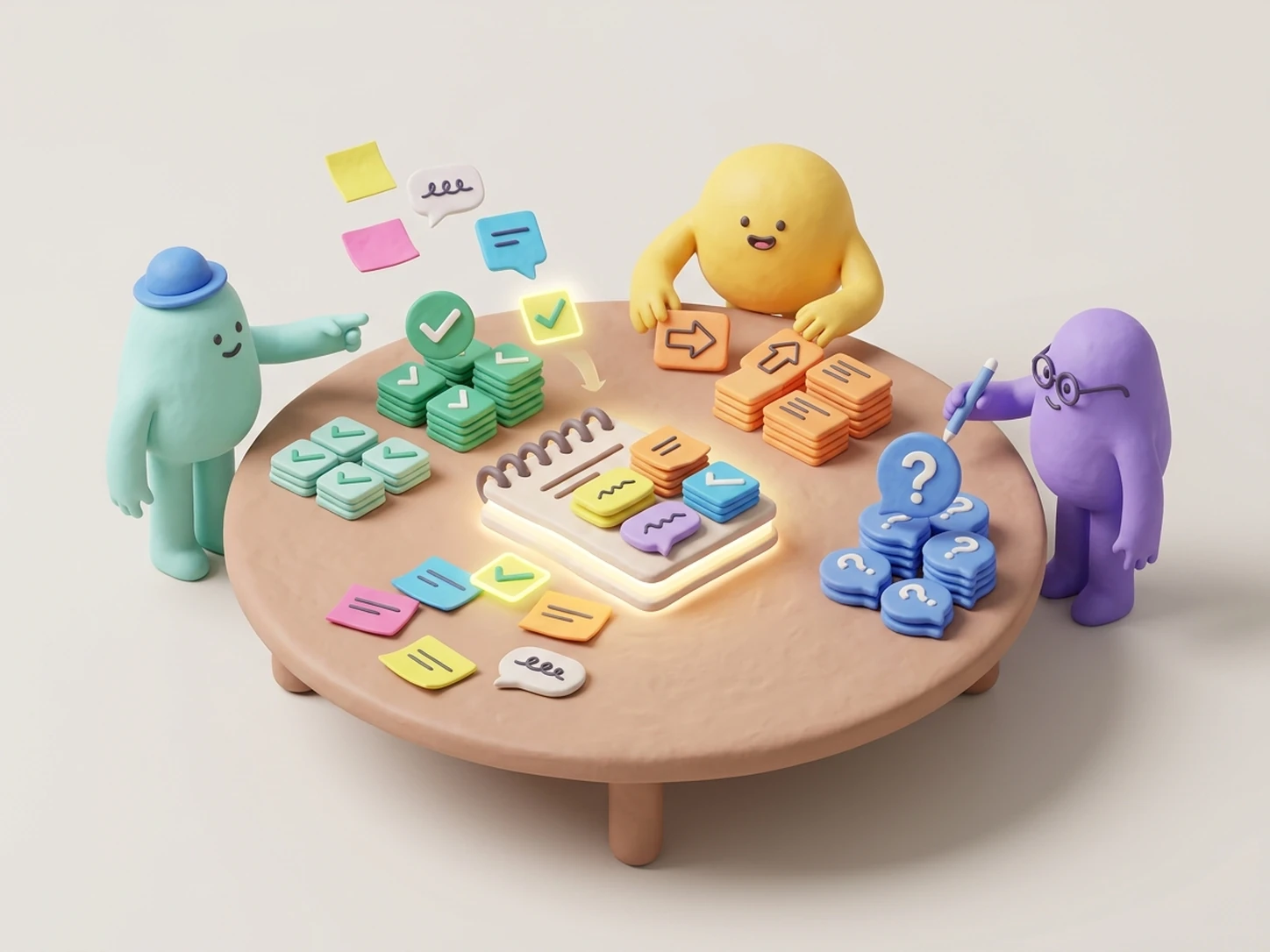
Extrae decisiones, tareas pendientes, preguntas sin resolver y próximos pasos de reuniones grabadas. Crea un resumen claro que el equipo pueda revisar rápidamente sin reproducir toda la conversación.
Resumir una reunión
Identifica temas recurrentes, argumentos clave, ejemplos de apoyo y momentos importantes de entrevistas, seminarios web y presentaciones grabadas. También puedes comparar varios videos para encontrar similitudes, diferencias y preguntas sin respuesta.
Analizar contenido de video
Convierte el resumen de tu video en un esquema, briefing, descripción, borrador de artículo, publicación para redes o plan de contenido. Usa las notas generadas como punto de partida en lugar de revisar manualmente toda la grabación.
Reutilizar un videoChoose the output that matches your goal, whether you need a quick overview, exact spoken content, important moments, or structured notes.
| Output | Best For | What It Provides |
|---|---|---|
Video Summary |
Fast understanding | A condensed account of the main message and key points. |
Transcript |
Source review | A text representation of the spoken content. |
Timestamped Notes |
Finding moments | Organized points linked to relevant sections when timestamps are available. |
Action Items |
Meeting follow-up | Decisions, responsibilities, and next steps mentioned in the recording. |
Study Notes |
Learning and revision | Concepts, definitions, examples, and review prompts. |
Choose a summary when you need the gist. Use transcript notes when wording and context matter. For important decisions, quotations, or factual claims, return to the original recording.
A clear recording and a focused instruction can help you get a more relevant, organized, and reliable result.
Upload a recording with clear speech and minimal background noise so the spoken content is easier to process.
Tell iWeaver which topic, speaker, decision, argument, or section the summary should focus on.
Request the format you need, such as bullet points, detailed notes, study materials, or meeting action items.
Check names, dates, figures, technical terms, and quotations against the original video before using them.
Ask about specific examples, explanations, decisions, or sections instead of relying on one general summary.
Process unrelated recordings in separate tasks when you need clear, source-specific summaries and answers.
Need more than a general video summary? Turn the same recording into structured notes, a searchable transcript, or a clear outline based on what you want to do next.
Transform lectures, meetings, interviews, and tutorials into organized notes with key ideas, supporting details, and useful takeaways.
Crear notas de videoConvert spoken content into readable text so you can search, review, quote, and revisit specific parts of a recording.
Generar una transcripciónOrganize a video into a clear hierarchy of topics, sections, and supporting points for faster review or content planning.
Crear un esquema de videoSube un video o añade un enlace compatible para generar un resumen enfocado, revisar las ideas clave y hacer preguntas sobre el contenido.
Resumir un video