一个

Video to Transcript Generator by iWeaver Accurate Text Output

Convert video files or YouTube links into editable text transcripts with timestamps and speaker labels. iWeaver extracts dialogue from lectures, meetings, and interviews for accessibility, SEO, or content repurposing.

0 / 20

How to Generate Video Transcripts

01

上传视频

Drag-and-drop MP4, MOV files or paste YouTube links directly into iWeaver’s interface.

02

Process Dialogue

iWeaver automatically detects speakers, filters background noise, and transcribes speech.

03

Export Transcript

Download formatted text with timestamps as TXT, DOCX, or SRT files for subtitles.

Why Choose iWeaver for Video Transcription?

Multi-Speaker

只需点击一下即可从视频中获取关键信息——无需观看整个视频。

Noise Handling

Filters background sounds and accents to improve transcription accuracy in noisy environments.

Timed Output

Generates transcripts with synchronized timestamps for easy video editing or subtitle creation.

格式选项

Export as plain text for notes, formatted documents for reports, or SRT for video captions.

Direct Links

Process YouTube or Zoom recordings without downloading files first, saving storage space.

视频转录的应用案例

讲义

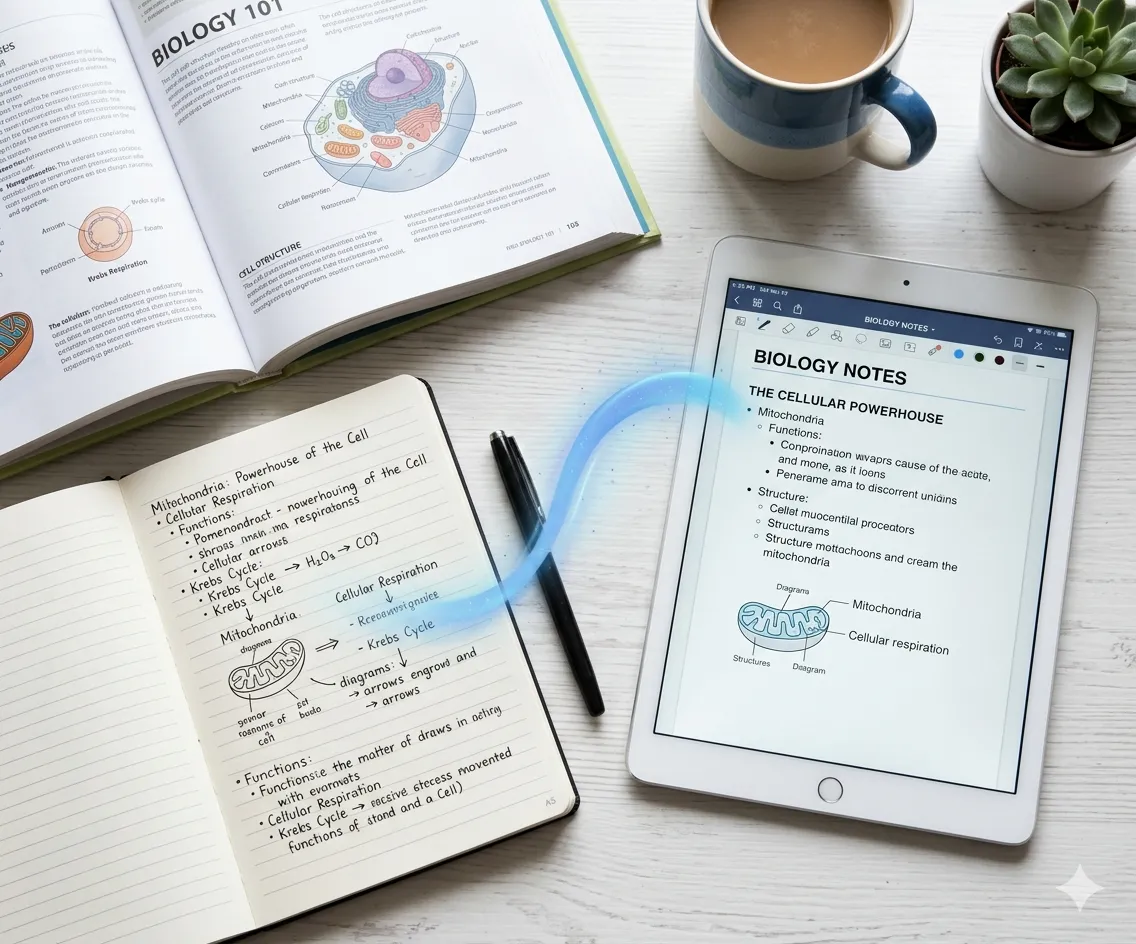
Students transcribe recorded lectures into searchable text with highlighted key points, eliminating manual note-taking during classes. Export as study guides or share with classmates.

免费试用
学生和研究人员

会议纪要

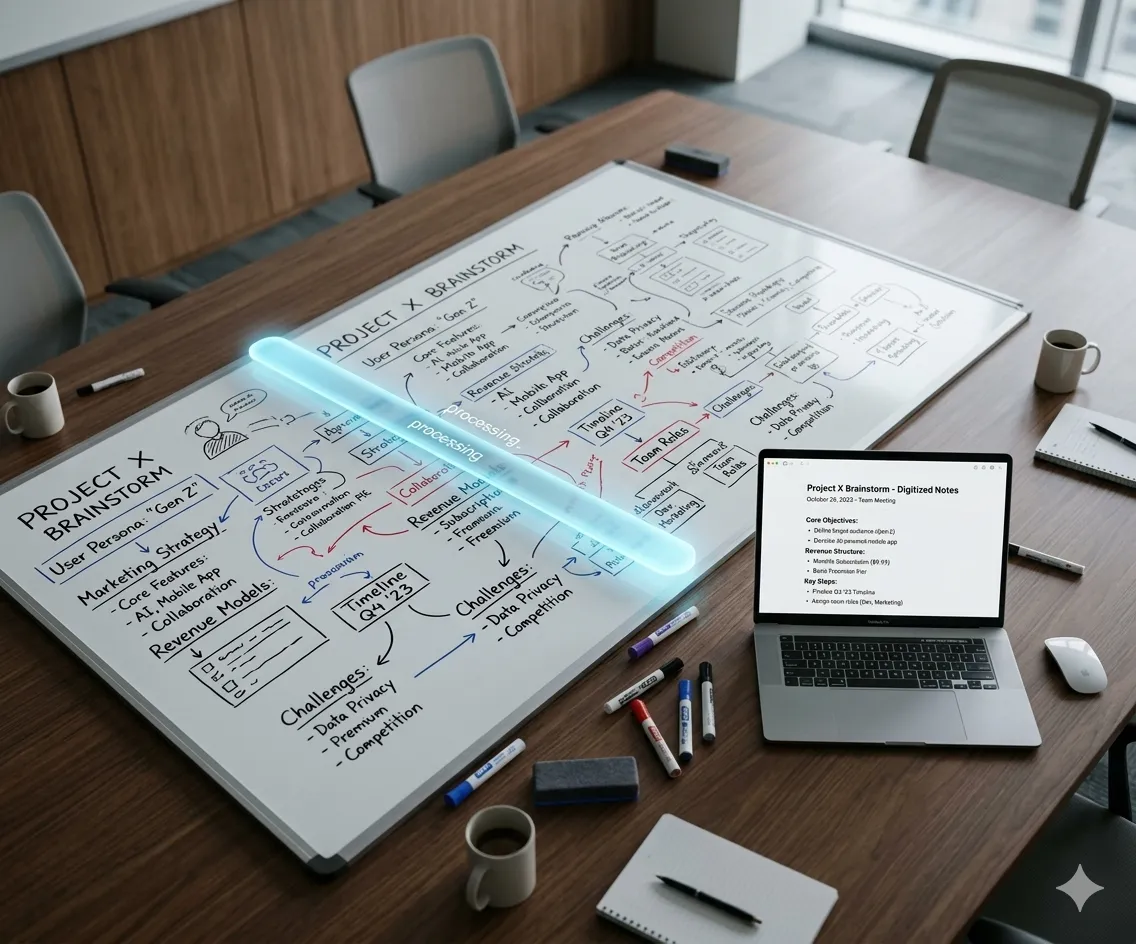
Professionals convert Zoom meeting recordings into action items with speaker attribution. Edit transcripts directly to highlight decisions or tasks before sharing with teams.

立即开始
内容创作者

Content SEO

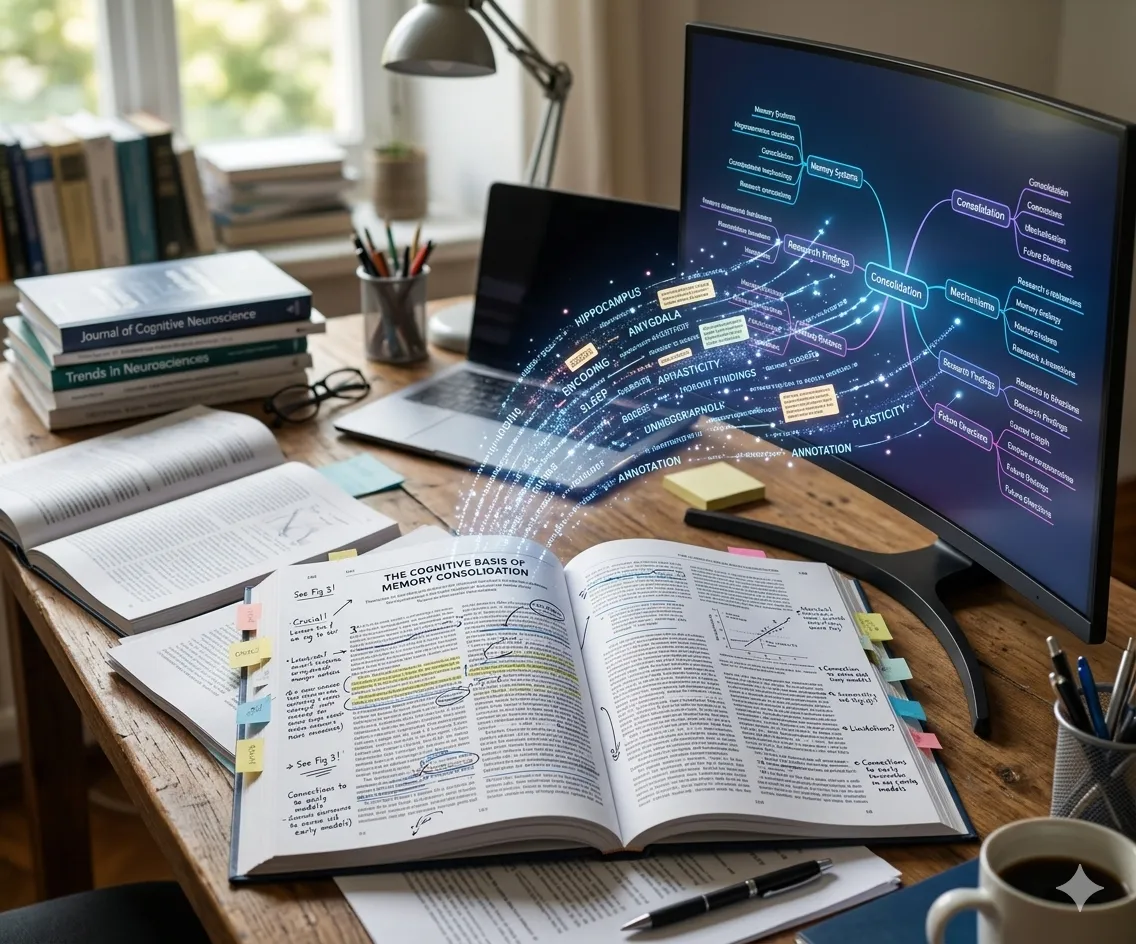
Marketers repurpose webinar videos into blog posts by extracting transcripts. Optimize text for search engines before publishing to drive organic traffic from video content.

获取成绩单
专业人士

无障碍设施

Creators generate SRT subtitles from YouTube videos to comply with accessibility standards. Edit auto-generated captions for accuracy before uploading to platforms.

Add Captions
记者和媒体工作者

关于视频转录的常见问题

iWeaver processes MP4, MOV, AVI files and YouTube/Zoom links. Maximum file size is 500MB for free users, 2GB for paid plans.
Yes. iWeaver detects common languages automatically and allows manual language selection for mixed-content videos.
Transcription accuracy depends on audio quality. Clear recordings achieve ~95% accuracy, which you can manually correct in the editor.
iWeaver labels different speakers when detectable (e.g., interviews). You can rename speakers in the editor before exporting.
Yes. The built-in editor lets you correct text, adjust timestamps, and format sections before exporting to DOCX or SRT.
You get 3 free transcriptions daily. Paid plans offer unlimited processing with higher file size limits.

转录你的第一个视频
No Signup Needed

Get accurate transcripts from any video today. iWeaver gives you 3 free attempts to test the quality.

免费开始