
A
Convierte archivos de Word, Excel, PowerPoint y otros programas de Office en PDF de alta calidad en segundos. No requiere instalación. Conserva el formato original y comparte documentos con total confianza.
Por favor espere mientras procesamos sus archivos
Sube tu archivo de Word, Excel o PowerPoint desde tu dispositivo. La herramienta es compatible con los formatos de Office más comunes y procesa los archivos rápidamente sin necesidad de configuración adicional.
El sistema convierte instantáneamente su archivo de Office en un PDF, conservando el diseño, las fuentes, las imágenes y la estructura con gran precisión.
Descarga inmediatamente tu archivo PDF convertido. Está listo para compartir, imprimir o archivar sin necesidad de formato adicional.
Obtenga resultados PDF uniformes que coincidan con el diseño de su documento original, incluyendo tablas, imágenes, fuentes y espaciado, en diferentes formatos de Office.
No requiere ningún aprendizaje previo. Sube tu archivo, conviértelo al instante y descarga tu PDF sin tener que lidiar con configuraciones complejas ni pasos innecesarios.
Permite convertir archivos de Word, Excel y PowerPoint en un solo lugar, lo que facilita la gestión de diferentes tipos de documentos sin tener que cambiar de herramienta.
Experimente tiempos de procesamiento rápidos incluso para archivos de Office grandes o complejos, lo que le ayudará a mantenerse productivo sin esperas.
Los archivos que subas se cifran y se eliminan automáticamente después de su procesamiento, lo que garantiza que tus datos permanezcan privados y seguros.
Convierta informes, hojas de cálculo y presentaciones en archivos PDF para compartirlos con colegas o clientes, manteniendo un formato uniforme en todos los dispositivos y plataformas.
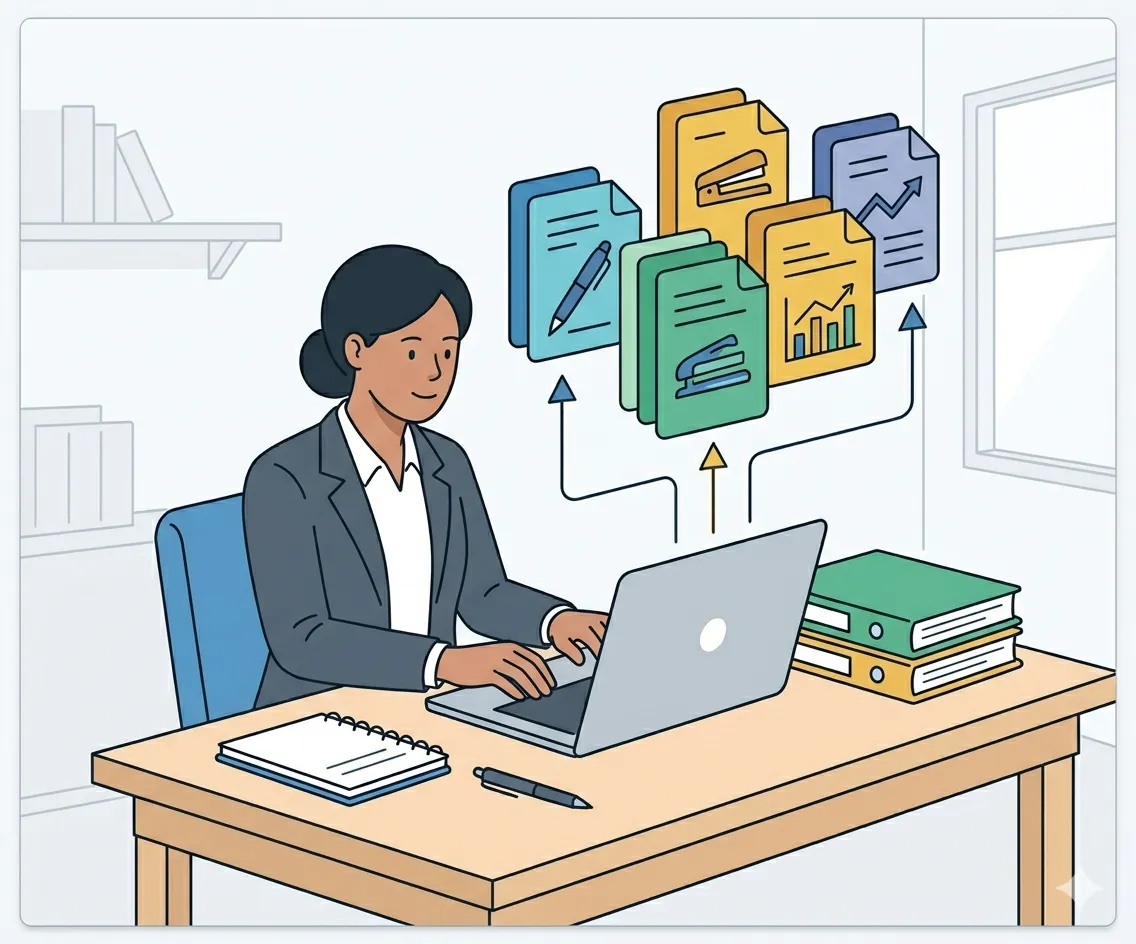
Los estudiantes y profesores pueden convertir ensayos, trabajos de investigación o diapositivas a formato PDF para su presentación, impresión o almacenamiento a largo plazo.

Convierta los archivos de Office en PDF para contratos, propuestas y presentaciones, de modo que los destinatarios puedan visualizarlos sin problemas de compatibilidad.

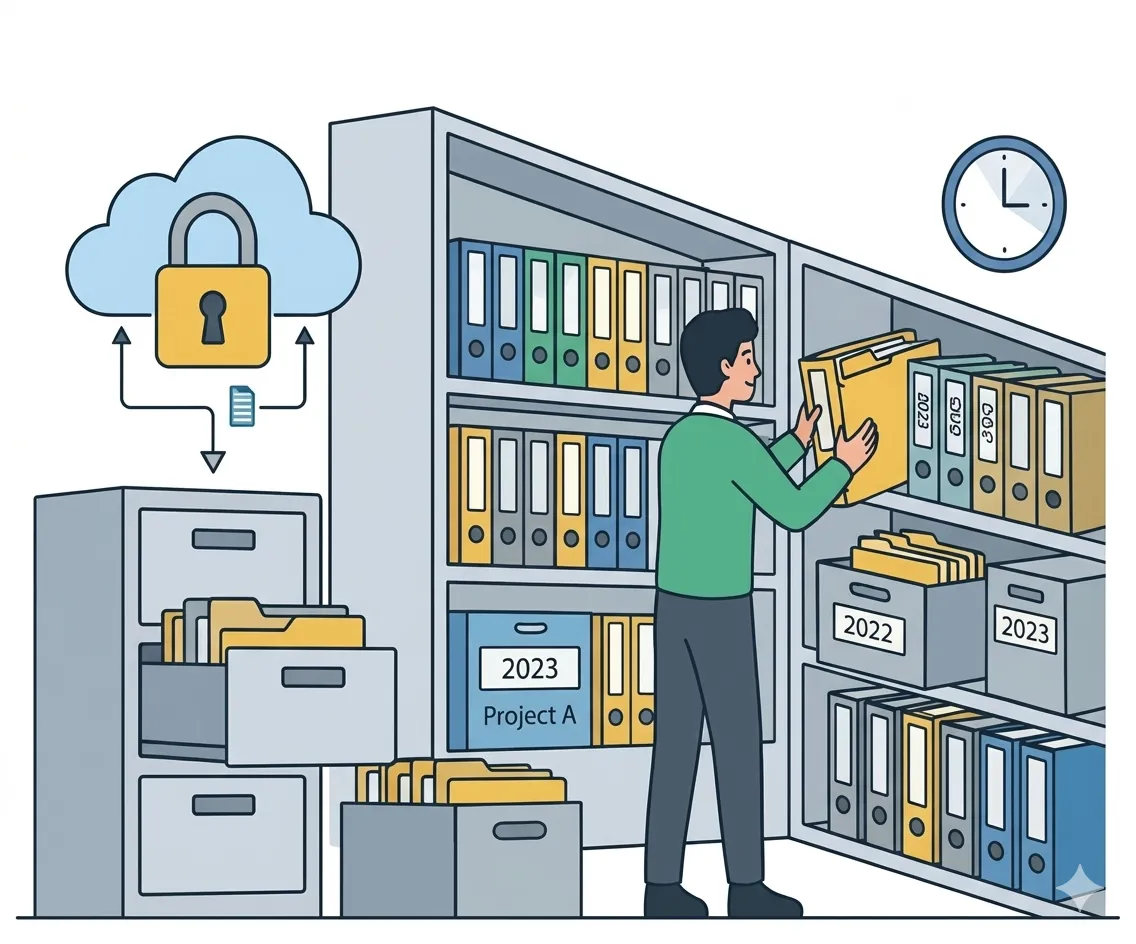
Convierta documentos de Office a formato PDF para su almacenamiento a largo plazo, garantizando que el contenido permanezca estable y accesible sin cambios de formato con el paso del tiempo.
Convierte tus documentos en PDF profesionales en tan solo unos clics. Rápido, seguro y fácil de usar; no requiere instalación.
Conviértete ahora gratis