
UM
Faça o upload de qualquer arquivo de vídeo e deixe o iWeaver AI extrair quadros estáticos em resolução total como imagens PNG ou JPG. Navegue quadro a quadro, localize o momento exato que você precisa e baixe capturas de tela individuais ou em lote com marcações de data e hora — sem pausas manuais, sem perda de qualidade nas capturas de tela.
Aguarde enquanto processamos seus arquivos.
Arraste e solte seu arquivo MP4, MOV, AVI ou WebM no iWeaver. O vídeo será carregado diretamente no seu navegador para navegação imediata entre os quadros.
Use a barra de tempo ou avance quadro a quadro para encontrar o momento exato. Insira um carimbo de data/hora específico para um posicionamento preciso.
Capture os quadros selecionados como arquivos PNG ou JPG na resolução original do vídeo. Baixe imagens individuais ou exporte vários quadros em lote como um pacote ZIP.
Cada fotograma extraído corresponde à resolução do vídeo original pixel por pixel. Um vídeo em 1080p produz imagens de 1920×1080, e uma filmagem em 4K gera imagens estáticas de 3840×2160 — sem redução de escala, sem artefatos de recompressão.
Avance ou retroceda um quadro de cada vez, em vez de usar o botão de pausa para adivinhar. A navegação precisa pela linha do tempo e a entrada de marca de tempo permitem que você encontre a expressão, o ângulo ou o diagrama exato que precisa.
Escolha PNG para qualidade sem perdas quando os detalhes são importantes, ou JPG para arquivos menores ao compartilhar online. Ambos os formatos são exportados sem marcas d'água, prontos para uso direto em listas, slides ou publicações em redes sociais.
Defina um intervalo de tempo e deixe o iWeaver capturar automaticamente quadros em intervalos regulares ao longo de todo o vídeo. Colete dezenas de capturas de tela de uma só vez e baixe-as juntas como um único arquivo ZIP.
Carregue arquivos MP4, MOV, AVI e WebM sem precisar convertê-los primeiro. O iWeaver lida com formatos de contêiner e codecs comuns, para que você gaste seu tempo selecionando frames, e não solucionando problemas de compatibilidade.
Os vendedores de e-commerce geralmente gravam um único vídeo de produto em 360 graus, mas precisam de imagens estáticas individuais mostrando cada ângulo para a galeria de anúncios. O iWeaver permite que você percorra a rotação quadro a quadro, capture cada ângulo principal como um PNG em resolução total e exporte tudo de uma vez — eliminando horas de pausas e recortes manuais.
Capturar quadros de produtos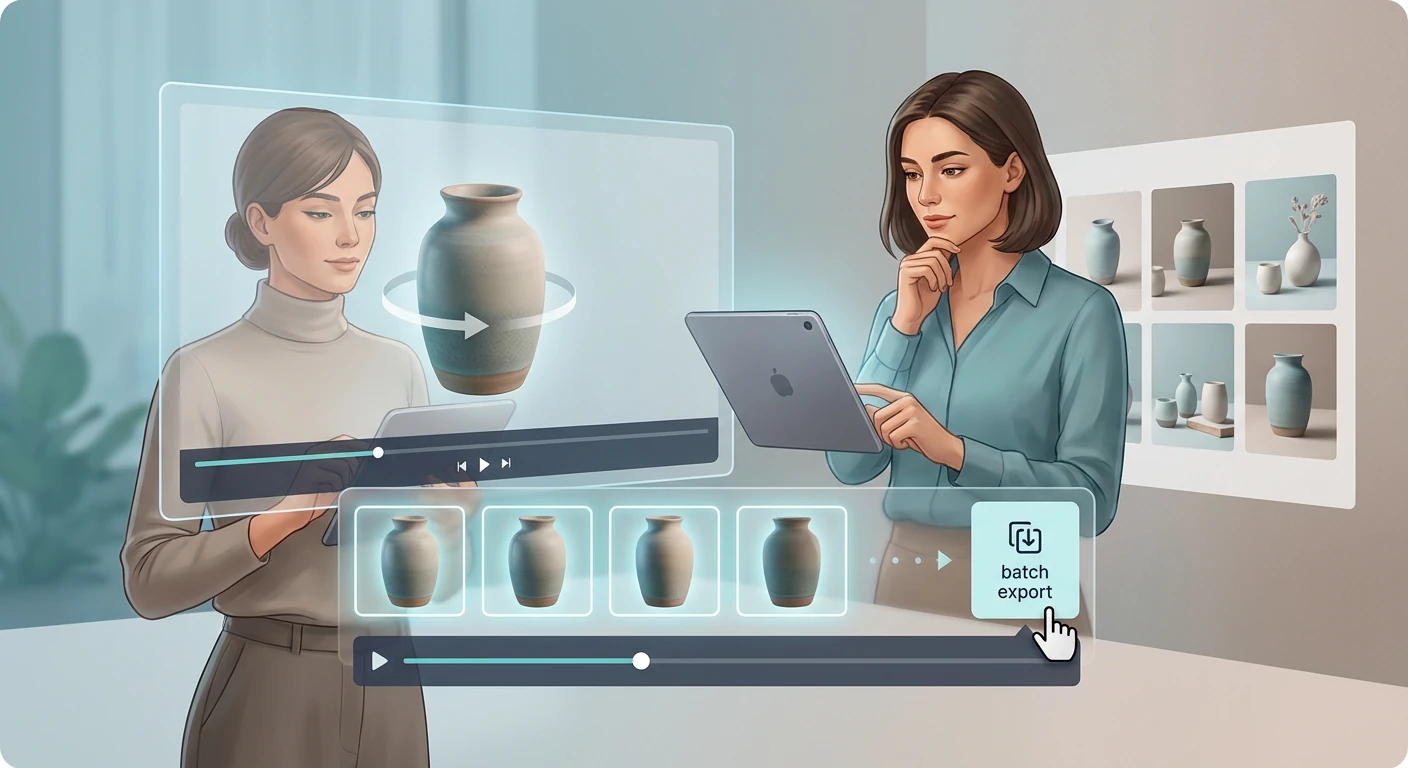
Educadores e alunos trabalham com aulas gravadas que contêm diagramas, equações e conteúdo de slides visíveis na tela por apenas alguns segundos. O iWeaver extrai esses frames específicos na resolução original e os exporta como arquivos de imagem numerados, prontos para serem colados em apostilas, notas de estudo ou documentos de Procedimentos Operacionais Padrão (POP).
Extrair quadros de aula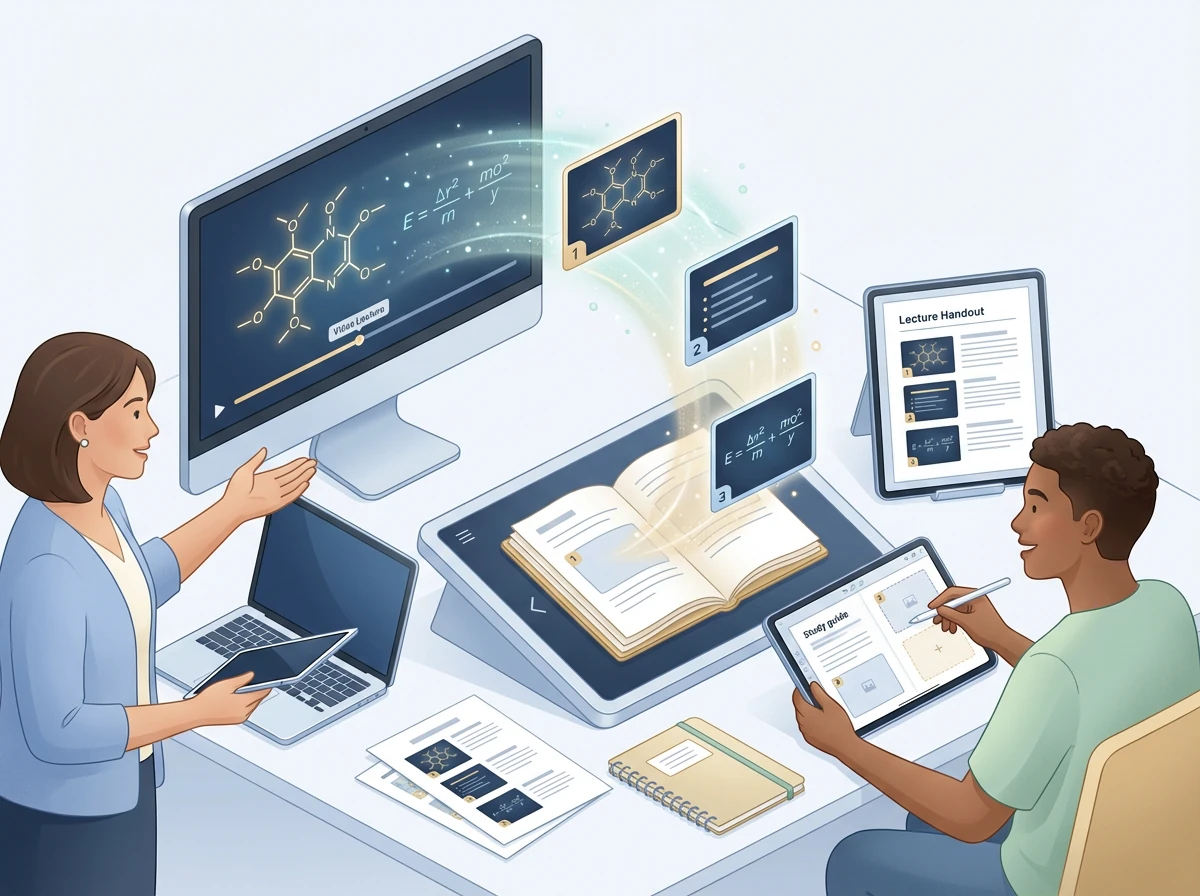
Criadores de conteúdo precisam de uma imagem nítida e expressiva de seu vídeo mais recente para usar como miniatura do YouTube ou imagem de capa em redes sociais. Em vez de pausar a reprodução e fazer uma captura de tela borrada, o iWeaver navega até o melhor quadro e exporta um JPG ou PNG limpo na resolução nativa do vídeo.
Capturar moldura de miniatura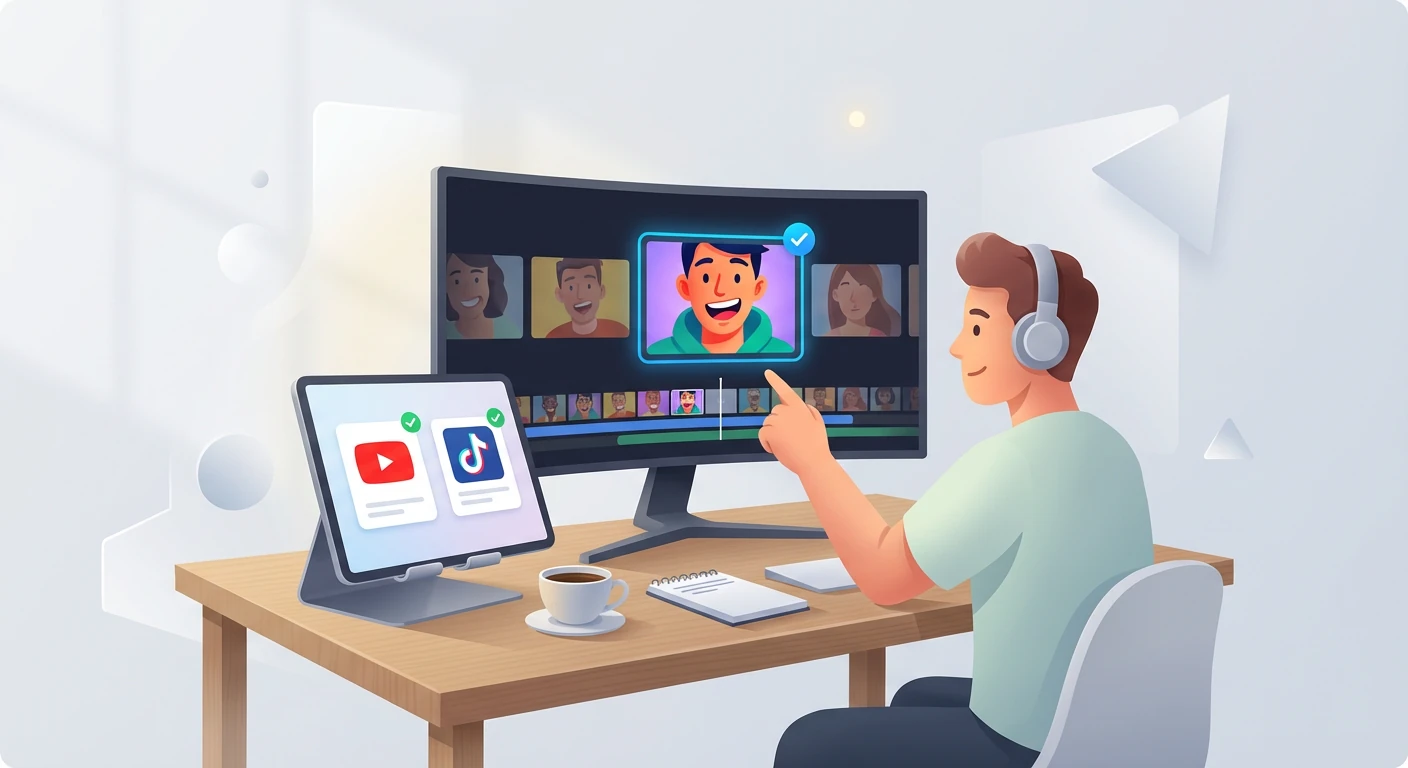
As filmagens de câmeras GoPro e de ação contêm momentos de destaque que são praticamente impossíveis de capturar com uma pausa manual. O iWeaver permite avançar quadro a quadro, para que você possa isolar o momento máximo de um salto, aceno ou gol e salvá-lo como uma foto independente de alta resolução para impressão ou compartilhamento.
Extrair imagens de ação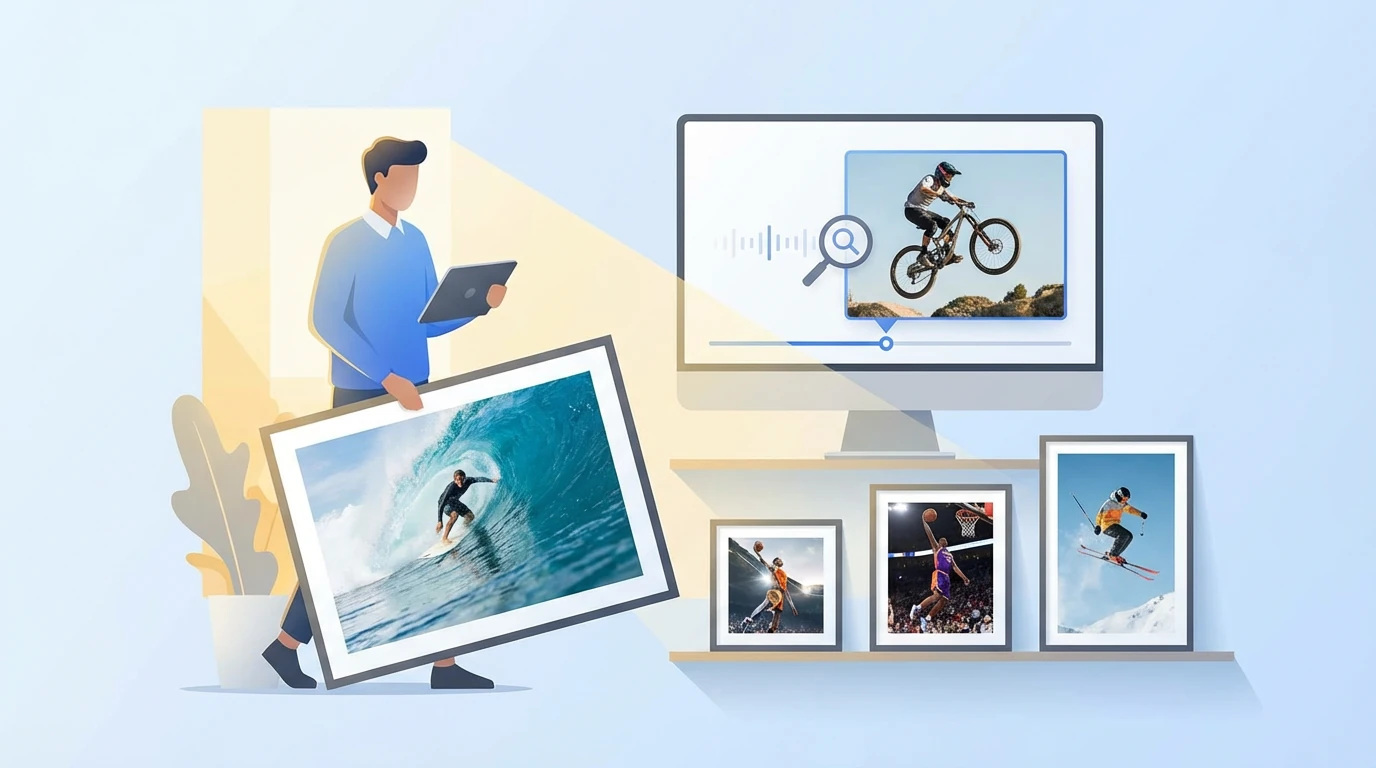
Arraste e solte seu arquivo de vídeo no iWeaver e comece a navegar quadro a quadro. Exporte as imagens exatas que você precisa como PNG ou JPG — 3 usos gratuitos disponíveis todos os dias.
Comece a capturar frames