
AI Chat with Video
Upload a video or add a transcript, ask questions about a video, and get a summary, notes, key points, and structured output for lectures, tutorials, and research videos you do not want to watch start to finish.
How to Chat With Any Video
Upload Video
Add a video file or paste the transcript you want to review for study, research, training, or content analysis.
Ask Questions
Let iWeaver analyze the content, follow the conversation context, and answer specific questions about scenes, topics, or explanations.
Review Results
Read the summary, notes, and key points, then export structured output for revision, sharing, or documentation.
Why use AI chat with video?
Flexible Input
Work from uploaded video files or supporting text such as transcripts, so you can start with the source material you already have.
Context Answers
Ask follow-up questions about explanations, examples, or details inside the video, and keep the conversation focused on the same content thread throughout.
Structured Output
Turn video content into summaries, notes, outlines, and key points that are easier to review than replaying long sections again later for study.
Targeted Review
Instead of scrubbing through long recordings, focus on the exact topic you need and use the chat flow to narrow down relevant sections.
Export Ready
Save useful outputs as doc, PDF, XMind, SVG, or Markdown when you want study materials, shareable notes, or documentation from video analysis.
Use Cases for Chat With Video

Study Lectures
Students work through recorded lectures and course videos when they need answers without rewatching every section or searching the whole transcript manually. iWeaver analyzes the video context and returns notes, key points, follow-up answers, and exportable study materials for revision.
Study Video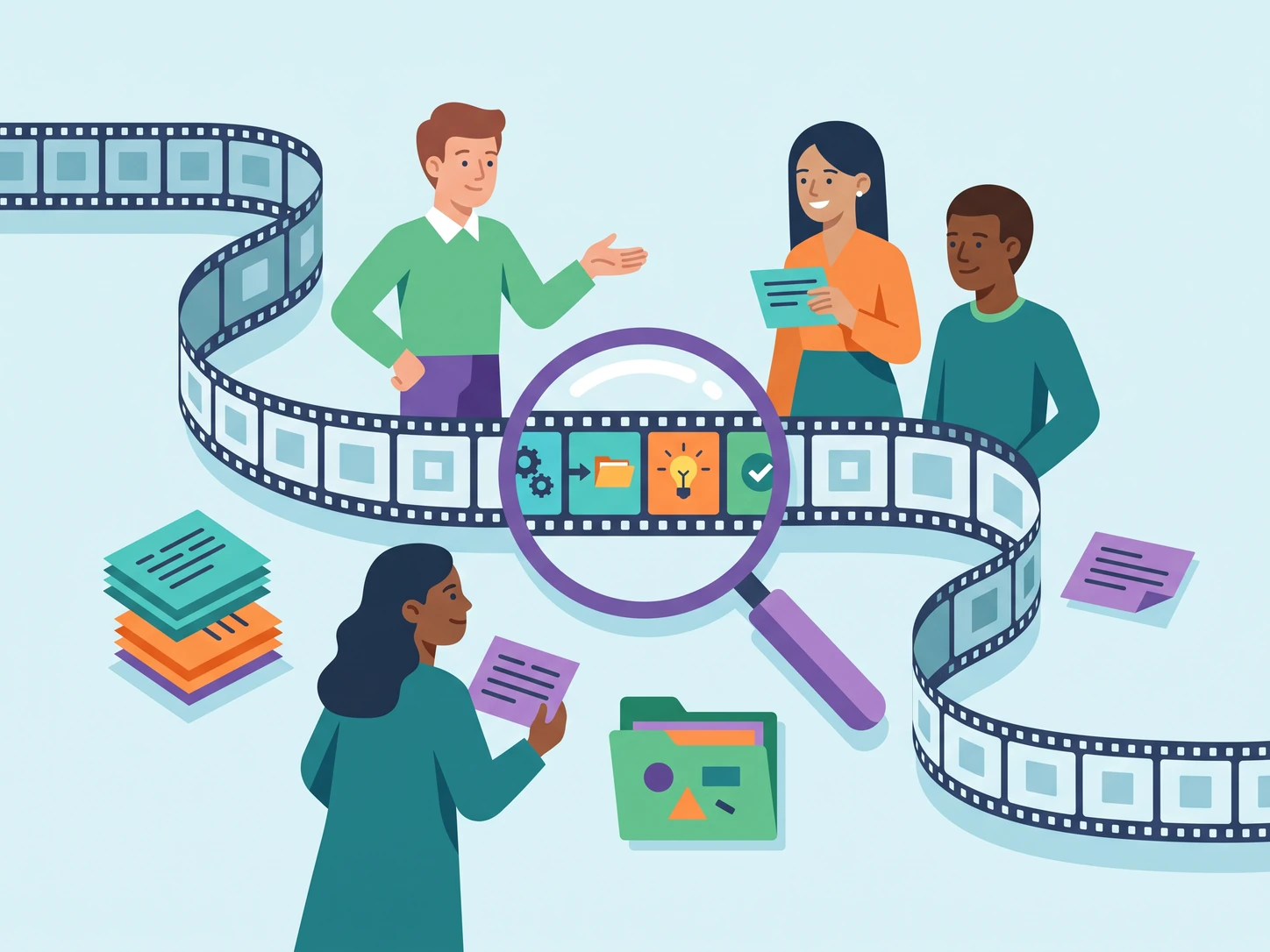
Review Tutorials
Teams review tutorial videos, onboarding recordings, and product demos when a process detail is buried deep in the presentation. iWeaver helps them ask questions about a video, pull out steps, summaries, and structured output, and keep a usable record for later handoff.
Review Tutorial
Analyze Webinars
Researchers and marketers scan webinars, interviews, and conference sessions when they need a specific claim, example, or timestamp for reporting. iWeaver turns long videos into searchable conversations with summaries, notes, and referenced moments that are easier to reuse in briefs.
Analyze Webinar
Capture Meetings
Professionals revisit training videos, internal presentations, and recorded meetings when important decisions or explanations are spread across slides and spoken discussion. iWeaver extracts the main points, answers follow-up questions, and exports structured notes that support documentation, review, and team alignment.
Capture NotesChat With Video FAQ
Start Your Video Analysis
Sign up and use your 3 free daily runs to analyze videos and export structured results.
Analyze Video Now