
Compare PDFs Online with AI to Find Key Differences
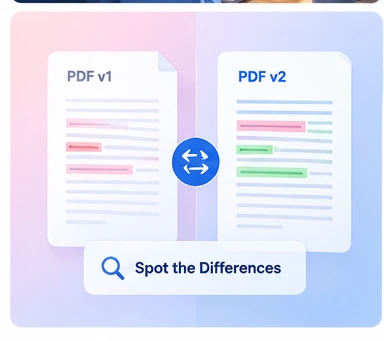
Upload two PDFs and quickly understand what changed. iWeaver compares document content, identifies meaningful differences, and explains additions, removals, revisions, updated numbers, and changed conclusions across contracts, reports, papers, policies, and document versions.
How to Compare Two PDFs with iWeaver
Upload Two PDFs
Upload the original PDF and the second version, revision, report, paper, contract, or document you want to compare.
Let iWeaver Compare Them
iWeaver reviews both PDFs to identify meaningful similarities, differences, additions, removals, revised wording, and updated information.
Review What Changed
Get a structured comparison of the differences that matter without manually checking both PDFs page by page.
What Does It Mean to Compare PDFs with AI?
AI PDF comparison helps you understand how two documents differ in content and meaning. Instead of only detecting changed words, iWeaver can identify additions, removed information, revised statements, updated numbers, changed conclusions, and other meaningful differences. This makes it easier to compare document versions and understand what actually changed and why it matters.
Why Compare PDFs with AI?
Two-PDF Comparison
Review two documents together and quickly understand where their content, terms, conclusions, figures, or supporting information differ.
Added and Removed Content
Spot new clauses, deleted sections, missing details, updated statements, revised wording, and other changes between versions.
Meaning-Level Comparison
Identify meaningful differences even when two documents express similar ideas using different wording, phrasing, or structure.
Key Change Summary
See the biggest differences first so you can understand the overall impact before reviewing smaller revisions in detail.
Numbers and Claims Comparison
Identify changed dates, figures, percentages, findings, recommendations, claims, and other details that may affect interpretation.
What Types of PDFs Can You Compare?
Contract Revisions
Compare contract versions to identify changed clauses, obligations, dates, payment terms, conditions, and other revisions that may require attention.
Compare Contracts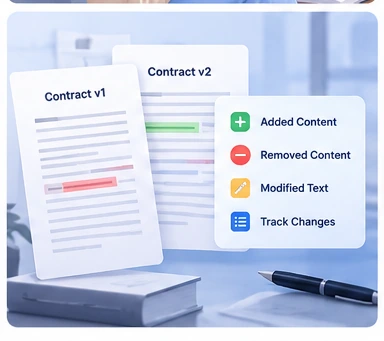
Research Papers
Compare research papers or document versions to find differences in methodology, findings, evidence, arguments, limitations, and conclusions.
Compare Research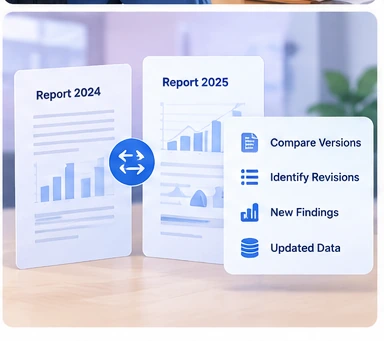
Business Reports
Review monthly, quarterly, or annual reports and quickly identify changed figures, findings, forecasts, priorities, recommendations, and conclusions.
Compare Reports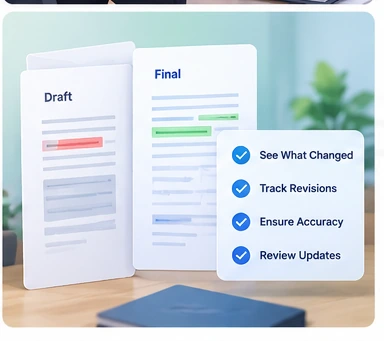
Policies and Internal Documents
Compare old and new policies, guidelines, procedures, manuals, or internal documents to understand what was added, removed, or revised.
Compare DocumentsExplore More AI PDF Tools
Choose the right PDF tool depending on whether you want to understand a difficult document, analyze it in depth, or ask targeted questions.
PDF Explainer
Break down difficult PDFs, terminology, formulas, charts, and arguments into explanations that are easier to understand.
Explain a PDF →AI PDF Analyzer
Analyze PDF content in depth and extract important information, patterns, findings, and document insights.
Analyze Your PDF →Ask PDF
Ask specific questions about facts, sections, concepts, or details and get answers grounded directly in your PDF.
Ask Your PDF →Frequently Asked Questions
See What Changed Between Two PDFs
Upload two PDF documents and quickly identify important additions, removals, revisions, changed numbers, and meaningful differences.
Compare PDFs