
Fashion Trend Analysis with iWeaver
Upload runway images, trade show notes, market reports, or survey files for fashion trend analysis for collections. iWeaver compares signals, maps color and silhouette directions, and returns structured output, key points, reports, and export-ready notes for design reviews.
How to Do Fashion Trend Analysis
Add Sources
Upload runway images, trade show notes, reports, surveys, or web pages that contain signals for your next collection.
Analyze Patterns
Ask iWeaver to compare colors, materials, silhouettes, and consumer signals, then organize findings into clear trend themes.
Review Outputs
Review structured output, proof points, and report-ready notes, then export summaries in doc, pdf, markdown, or xmind.
Why use iWeaver for fashion trend analysis?
Mixed Sources
iWeaver works with text, images, documents, web pages, audio, and video, so trend research can combine runway shots, trade show recaps, interviews, and market reports.
Signal Mapping
Instead of generic summaries, iWeaver can group recurring colors, fabrics, silhouettes, prints, and consumer cues into comparable themes that support fashion forecasting and collection planning.
Usable Outputs
Turn research into structured output, key points, outlines, and evidence you can reuse in internal reviews, design briefs, buyer discussions, and trend analysis reports.
Decision Support
When signals feel scattered or subjective, iWeaver helps organize source material into one analysis flow, giving teams clearer proof points before choosing colors, shapes, or materials.
Flexible Exports
Export findings as doc, pdf, xmind, svg, or markdown files, making it easier to archive research, share reports, and brief cross-functional teams.
Use Cases for Fashion Trend Analysis
Season Planning
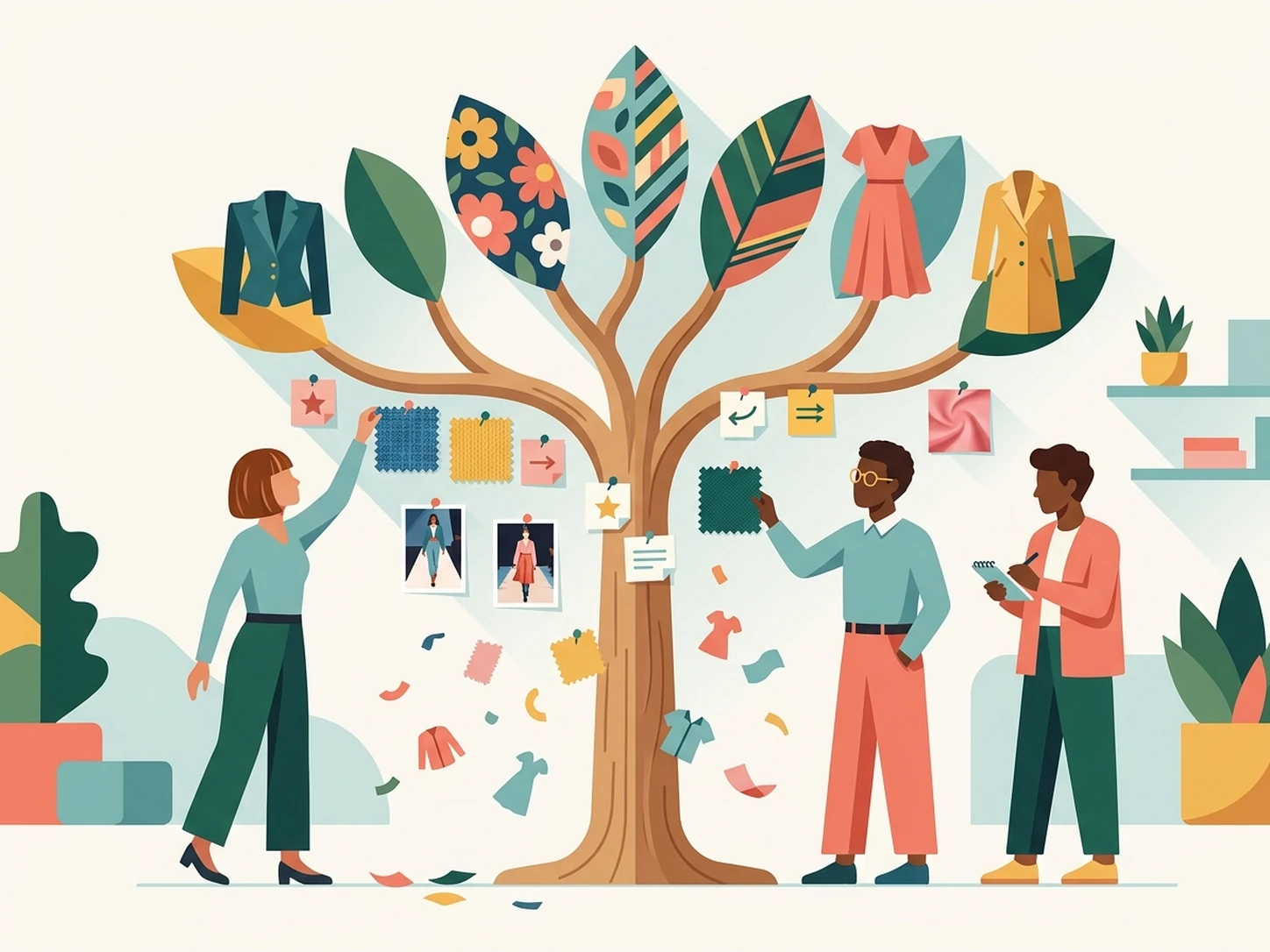
Teams reviewing runway photos, trade show notes, and market reports often struggle to separate lasting directions from short-lived hype before collection planning starts. iWeaver compares those sources, groups repeating signals, and delivers structured notes, key points, and export-ready reports for seasonal direction reviews.
View Workflow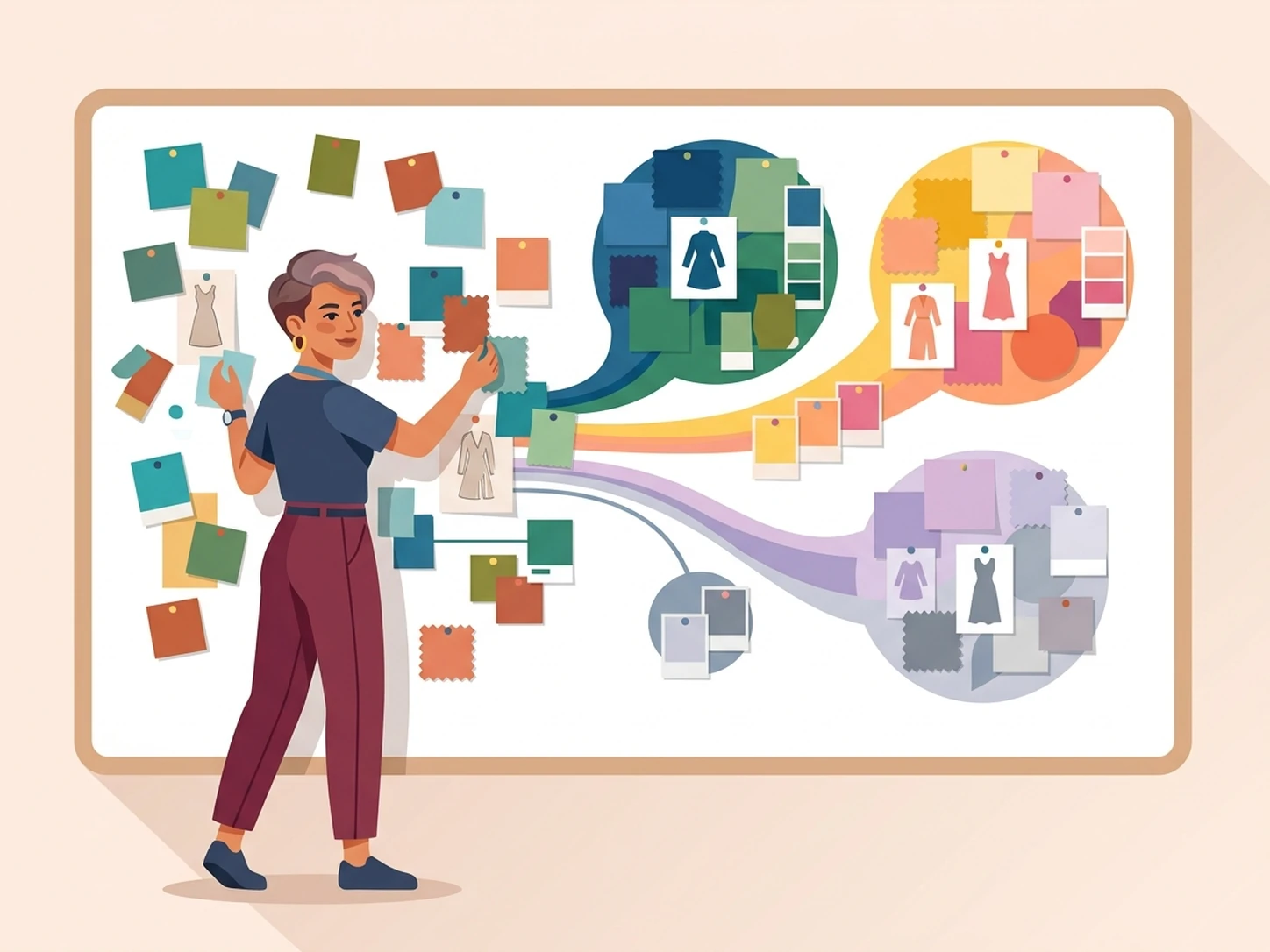
Color Choices
Design leads comparing screenshots, fabric references, and survey notes may see conflicting color and material signals when narrowing palettes for a new range. iWeaver analyzes each source, highlights recurring combinations, and returns organized summaries, proof points, and presentation-ready exports for color and fabric decisions.
See Example
Design Validation
Teams collecting concept boards, draft sketches, buyer feedback, and competitor screenshots need evidence that a silhouette or print direction has market support. iWeaver reviews mixed content, connects repeated cues across sources, and produces structured output, notes, and report sections for design validation meetings.
Validate Designs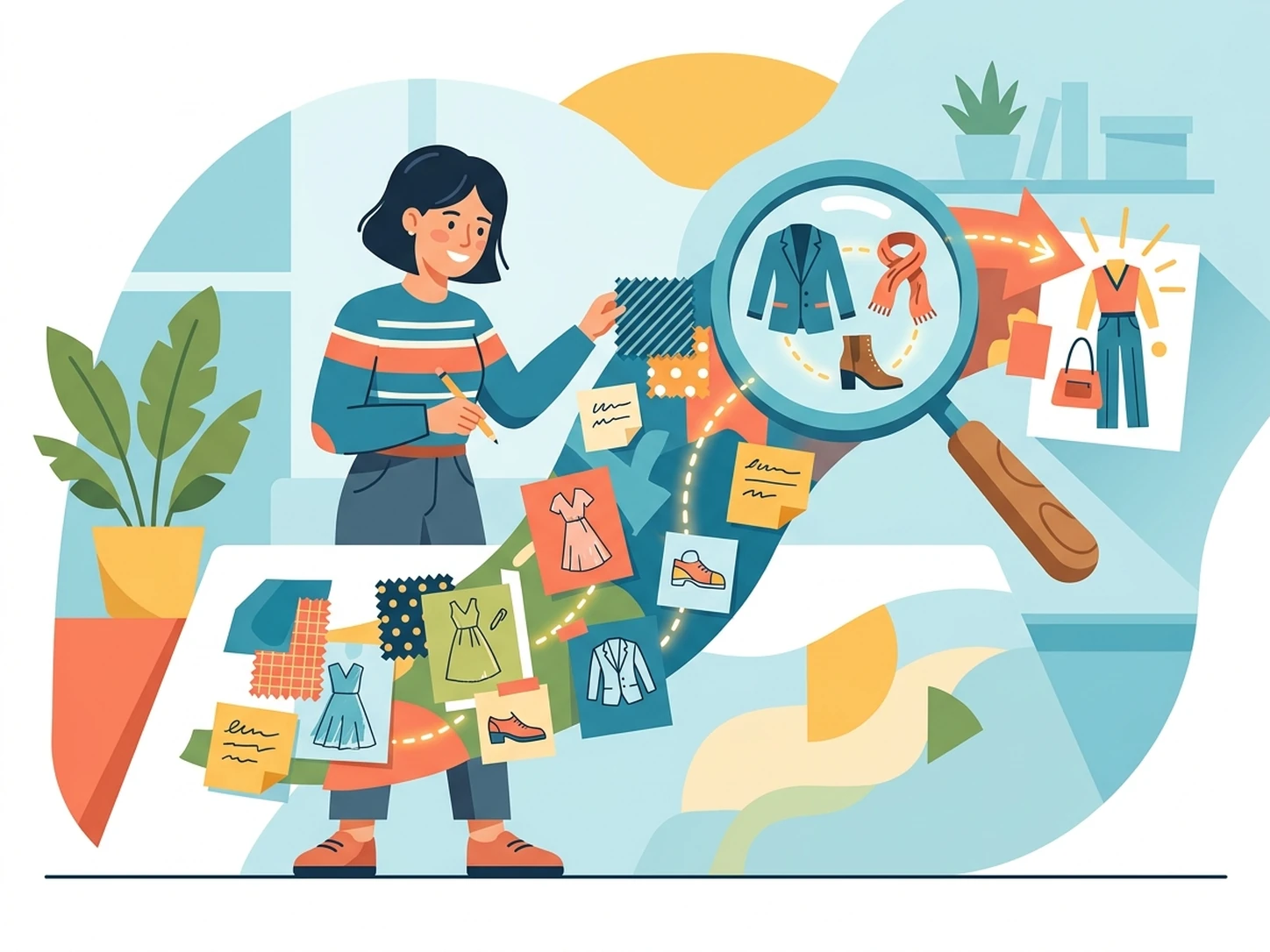
Trend Reports
Analysts turning web articles, event recaps, spreadsheets, and interview transcripts into internal decks often spend too long proving why a trend matters. iWeaver extracts key points from each source, organizes themes, and exports summaries, outlines, and supporting evidence for stakeholder presentations and buyer briefings.
Create ReportFashion Trend Analysis FAQ
Start Your Trend Analysis
Upload source material, run your first analysis, and get 3 free uses each day.
Try iWeaver