
PDF to Flowchart
Turn PDF procedures into flowcharts your team can follow. Upload your document and use iWeaver to organize the process into a visual sequence for review.
How to Convert a PDF to a Flowchart
Upload Your PDF
Start with a document containing a defined procedure. A clear text-based PDF with numbered steps or explicit conditions gives you a useful starting point.
Generate the Flowchart
Run the agent to turn the document’s process into a flowchart. Focus on the sequence you need to explain, from the starting action to the final outcome.
Check the Process
Compare the diagram with your PDF. Review the order of actions, decision labels, and alternative paths before using it as a team reference.
Make Written Procedures Easier to Follow
See the Sequence at a Glance
A flowchart puts the next action in view. Use it alongside the original PDF when readers need to understand how a process moves forward.
Bring Decision Points into Focus
An approval, rejection, or missing requirement can change the next step. Review these branches explicitly so the diagram explains more than the main path.
Give Reviews a Shared Reference
Walk through the diagram during a process review. Discuss where work pauses, who takes over, and which instructions need clarification in the source document.
Keep the Diagram Focused
A useful flowchart covers one recognizable process. For a long manual, start with a single procedure rather than trying to fit every chapter into one view.
Spot Missing Steps and Process Gaps
Turning a PDF into a flowchart can reveal unclear handoffs, missing actions, or branches with no defined outcome. Use the visual flow to identify gaps in the written procedure before the process is shared or put into practice.
Where a PDF Flowchart Helps
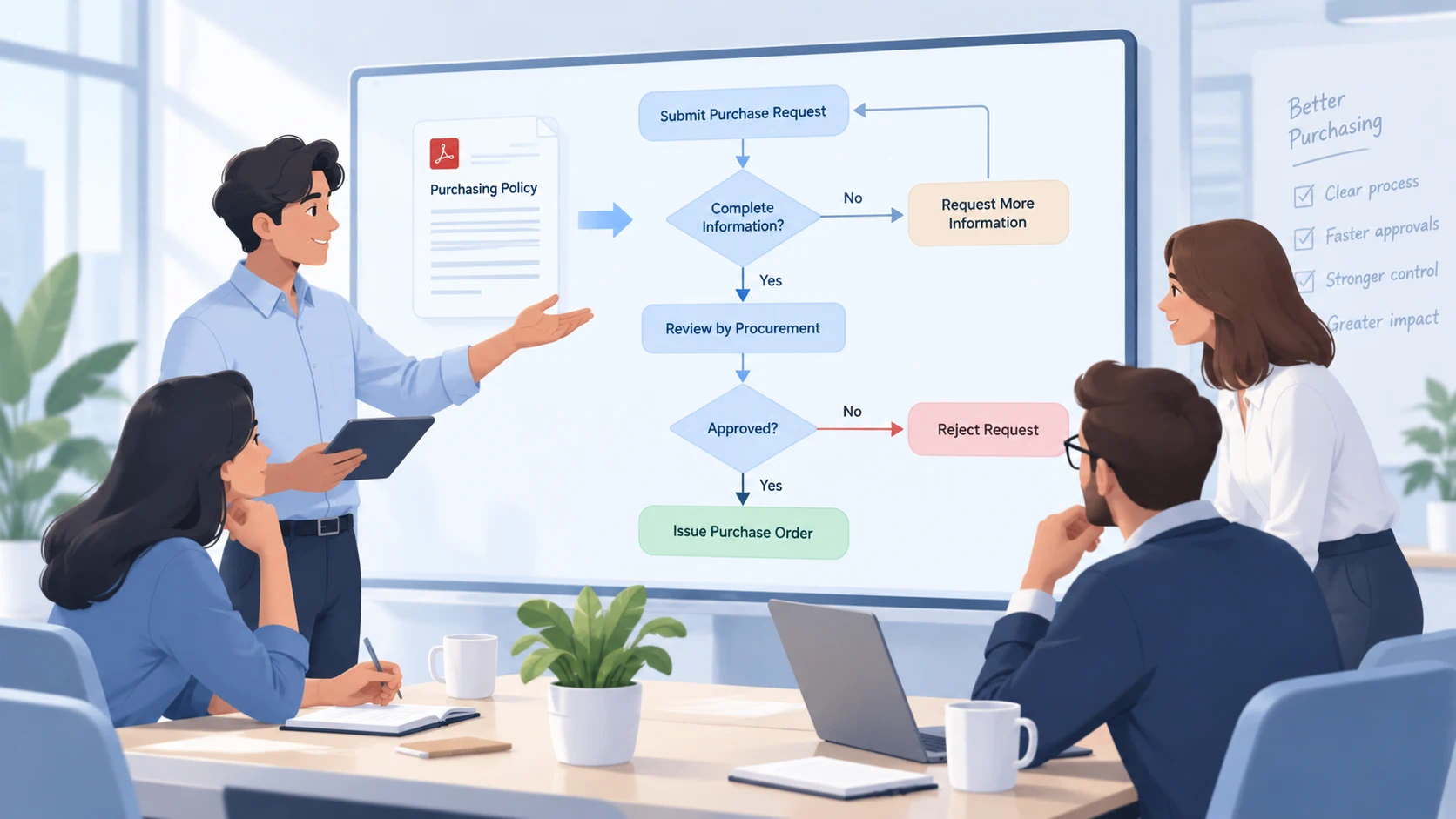
Purchasing Procedures
Bring a purchasing policy to a team workshop. Trace the route from a request to a decision, then check how the document handles incomplete information or rejected requests.
Map This Process
Equipment Setup Guides
Use a setup procedure to explain the order of preparation, configuration, and checks. Keep technical specifications in the PDF and use the diagram to discuss what happens next.
Create Setup Flow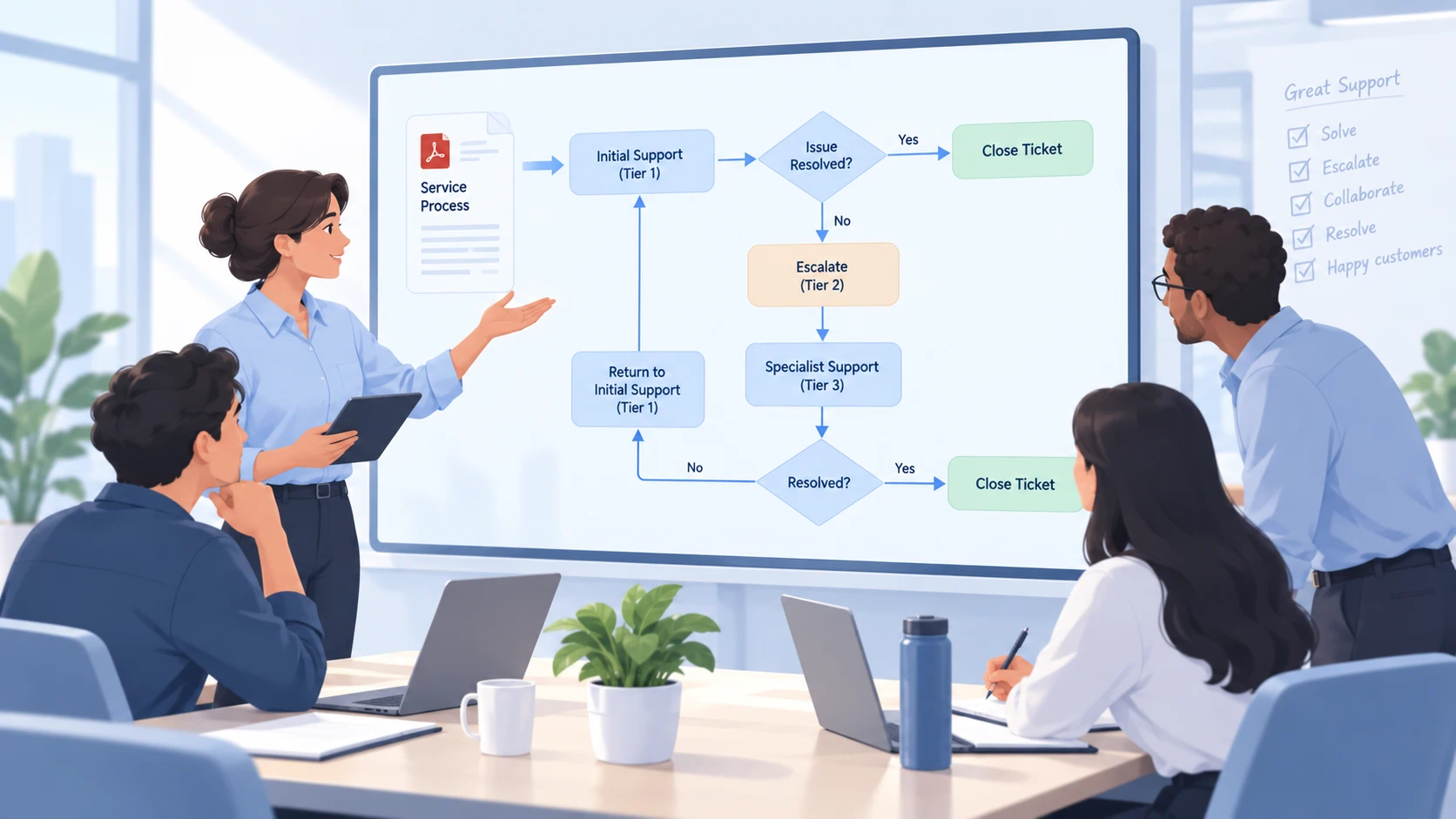
Service Escalation Instructions
Review how an unresolved issue moves between support roles. Pay particular attention to the conditions for escalation and the point at which a case returns to the original team.
Map Escalation Flow
Course Project Procedures
Help a study group understand a documented assignment process. Trace submission, feedback, revision, and completion, checking each stage against the instructor’s requirements.
Visualize Project StepsA Simple Example
See how a short procedure can be turned into a clear decision-based flowchart.
“Submit the request. If information is missing, return it for completion. Otherwise, send it for review. Approved requests move to scheduling; declined requests are closed.”
The flowchart should clearly show these two decision points:
Is the information complete?
Is the request approved?
Check that the correction route reconnects to the submission step and that every final branch ends with a clear outcome, such as Scheduled or Closed.
More Flowchart AI Agents to Explore
Flow Diagram Maker
Create clear flow diagrams from ideas, processes, or structured information with AI.
Flowchart Creator
Turn workflows, steps, and complex processes into easy-to-follow flowcharts in seconds.
AI Flowchart Generator
Generate structured flowcharts from text or process descriptions without drawing them manually.
PDF to Flowchart FAQ
Turn Your Next PDF into a Clear Process
Bring the procedure you need to explain. Create a flowchart, review it against the source, and make the next step easier to see.
Generate Flowchart