
Turn PDF into Structured Notes
Upload a textbook, research paper, lecture slide deck, or report and turn its main ideas into structured notes, key points, summaries, and outlines.
How to Turn a PDF into Notes
Upload PDF
Add a textbook, paper, lecture slide deck, or report for iWeaver to analyze.
Generate Notes
iWeaver organizes the document's sections, concepts, definitions, and key points into notes.
Review Output
Edit the notes, keep the most useful sections, and export them for further work.
Why Use iWeaver for PDF to Notes?
Flexible Sources
Work with textbooks, research papers, lecture slides, study guides, essays, and reports in one workflow.
Section Analysis
Surface document structure, definitions, arguments, supporting details, and other content worth reviewing.
Structured Outputs
Create notes, summaries, key points, and outlines from the same source document.
Editable Workspace
Refine headings, shorten sections, and adapt explanations to your course, research, or project.
Multiple Exports
Export finished notes as DOC, PDF, XMind, SVG, or Markdown files when you need to continue elsewhere.
Use Cases for PDF to Notes

Exam Review
Turn textbook chapters, study guides, and lecture PDFs into revision-ready notes. iWeaver helps organize key concepts, definitions, and supporting points so students can identify what to review before an exam without manually rewriting every page.
Create Notes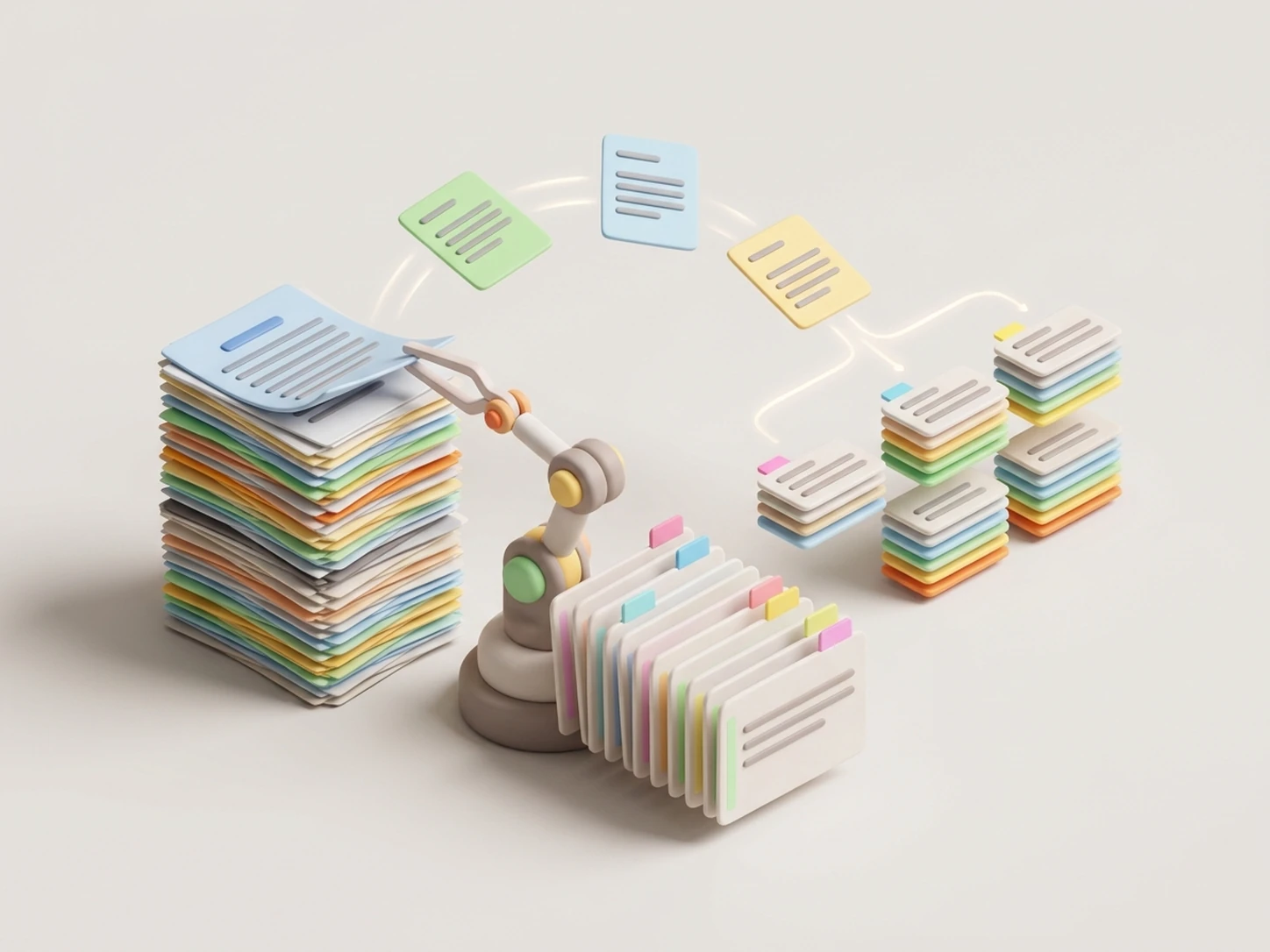
Paper Analysis
Use research-paper PDFs as a starting point for structured reading notes. Organize the paper's question, methods, findings, and limitations into a clearer outline for literature review, citation preparation, or seminar discussion.
Analyze Paper
Slide Notes
Make lecture slide PDFs easier to review by grouping short bullets, headings, and supporting details into connected notes. Use the result as a clearer companion to the original slides during revision or assignment preparation.
Convert Slides
Report Briefs
Review reports, white papers, and proposal PDFs through a structured outline of their main sections and key points. Use the notes to prepare a brief, plan follow-up questions, or support an internal handoff.
Review ReportPDF Notes vs. a Simple Summary
Structured PDF Notes
Best when you need to study, compare sources, build a research outline, or return to important concepts later.
- ✓ Organizes headings and sections
- ✓ Highlights concepts and key points
- ✓ Supports study and research workflows
- ✓ Creates notes that can be refined and reused
Simple PDF Summary
Best when you only need a shorter version of a document to understand its general topic and main message.
- ✓ Condenses the main ideas
- ✓ Gives a quick document overview
- ✓ Helps decide whether deeper reading is needed
- ✓ Keeps the output focused and concise
Use generated notes as a starting point and check important details against the original PDF before using them in academic, legal, medical, or financial work.
More AI Agents for PDF Workflows
PDF to Mind Map
Turn the structure of a PDF into a visual mind map for faster review, planning, and knowledge organization.
AI Summarizer
Create concise summaries from long documents when you need the main ideas without the full note structure.
AI Study Agent
Use study-focused guidance to review concepts, organize learning materials, and continue working with your notes.
Frequently Asked Questions About PDF to Notes
Turn Your PDF into Clear Notes
Upload a PDF and organize its main ideas into structured notes, summaries, and outlines for study, research, or review.
Create PDF Notes