
PDF to Text Online
Upload a PDF, scanned page, or password-protected file to iWeaver, then extract text with OCR, copyable output, and TXT export for notes, editing, or review.
How to Convert PDF to Text
Upload File
Choose a PDF from your device, then add any password if the source file is protected.
Process Text
iWeaver extracts selectable text or runs OCR on scanned pages, then organizes the result into readable plain text.
Export TXT
Review the output, copy what you need, or download a TXT file for editing, storage, or sharing.
Why choose PDF to Text?
Flexible Input
Upload PDFs from your device and handle selectable text, scanned pages, or password-protected files after access is available. iWeaver keeps the intake process straightforward.
OCR Reading
iWeaver applies OCR to image-based pages, so you can extract words from scans, photos, and low-quality documents instead of copying from screenshots.
Editable Text
The output stays plain and editable, making it easy to paste into notes, editors, knowledge bases, or review documents without preserving the original layout.
Repeat Workflow
When you process several PDFs, iWeaver lets you repeat the same steps consistently, which helps with comparisons, review sessions, and document cleanup.
Clean Export
Download the extracted content for later use, then save it as TXT or move it into structured notes, summaries, and reference files.
Use Cases for PDF to Text
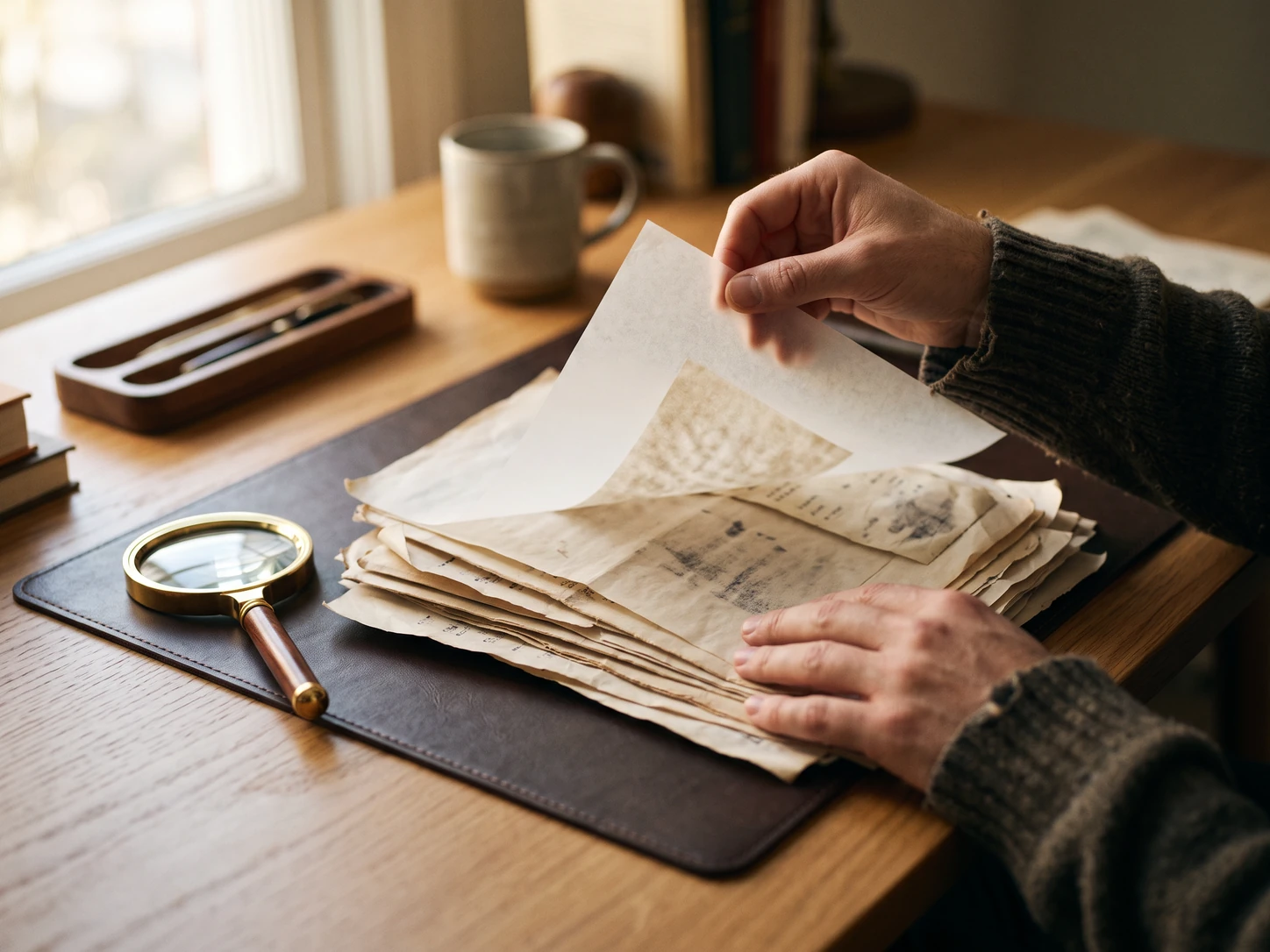
Scanned Pages
You have scanned PDF pages from contracts, receipts, or article archives, but the text is trapped inside images and cannot be copied. iWeaver uses OCR to extract the words, then gives you plain text, notes, or a TXT export for editing.
Extract Text
Locked Files
You receive a password-protected PDF from a client, supplier, or colleague and need the contents in editable form. After access is provided, iWeaver processes the file and returns copyable text you can review, quote, or move into another system.
Open PDF
Report Sets
You are comparing several reports, whitepapers, or policy files and need the text in one place for review. iWeaver extracts each PDF into readable output, giving you clean text for sorting, comparison, and archival reference later.
Compare Files
Study Notes
You are turning lecture handouts, research papers, or saved web PDFs into study material and searchable notes. iWeaver pulls out the text, so you can build outlines, capture key points, and reuse the content in your workflow.
Save NotesPDF to Text FAQ
Start PDF to Text
Upload a PDF and get copyable text, TXT export, and notes you can reuse in your workflow.
Start Extraction