
Free AI Text Summarizer for Clear Summaries & Key Points
Turn long text, articles, reports, research, and notes into clear summaries and key points. Ask for bullet points, important findings, action items, or the level of detail you need. Then use iWeaver to explore the content further, organize what matters, and turn it into useful work.
Turn Reading Into Something Useful
Long text can hide the information you actually need.
Paste it into iWeaver and start with a clear summary of the main ideas, without working through every paragraph first.
Need something specific? Ask for it.
You might want:
- The five main points
- A short overview
- Important numbers and findings
- Arguments for and against an idea
- Decisions and action items
- A simple explanation of a difficult topic
- Notes you can review later
The right summary depends on what you need from the text.
Summarize the Text You Already Work With
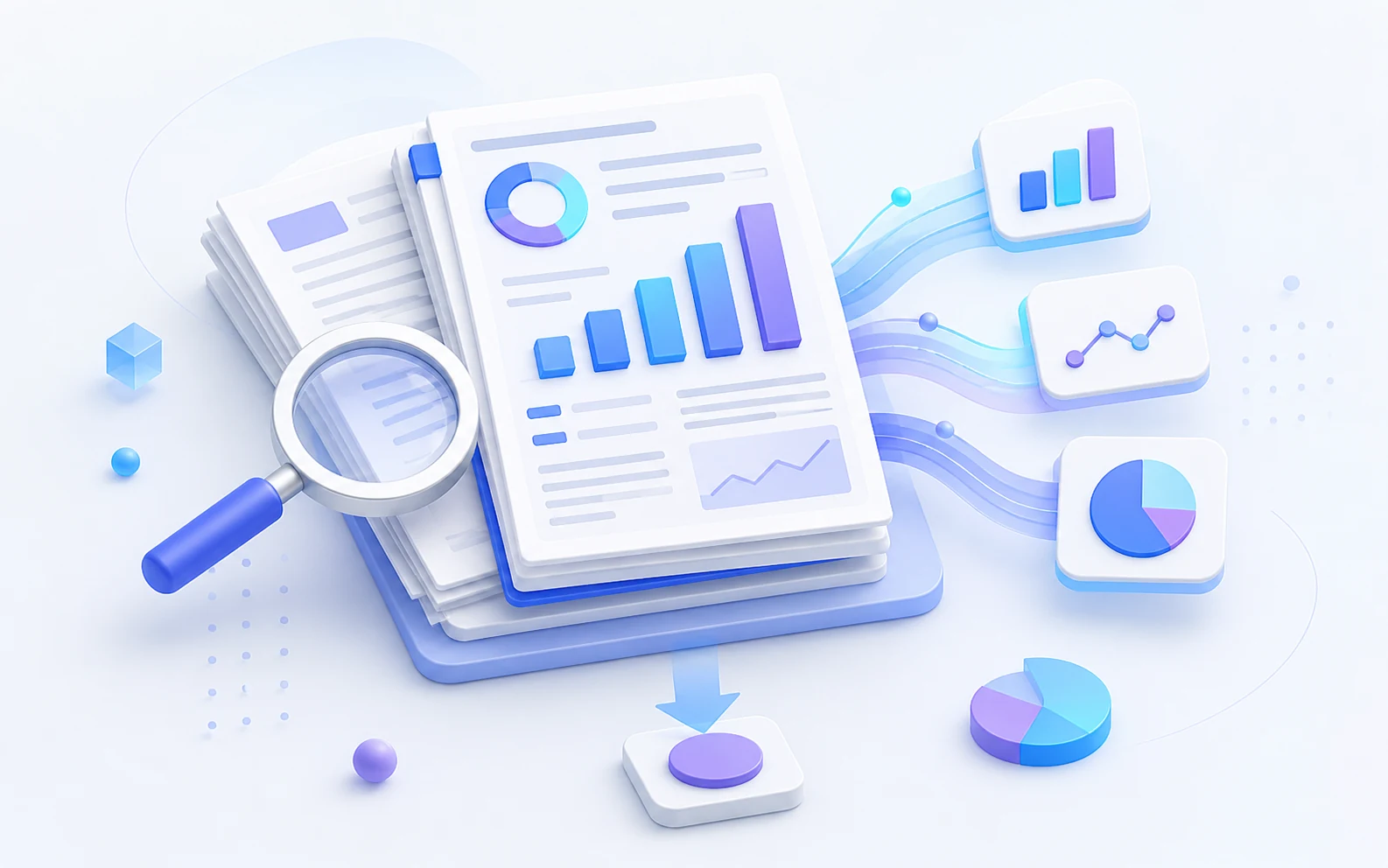
Reports
Skip the background and pull out the findings, numbers, changes, and decisions that matter.
Summarize Reports
Articles
Understand the main argument, supporting points, and useful context before deciding what deserves a closer read.
Summarize Articles
Research
Get the main question, findings, evidence, and conclusions before going deeper into the sections that matter.
Summarize Research
Meeting Notes
Separate decisions, action items, and important updates from the rest of the discussion.
Summarize Notes
Essays
Follow the central argument, key supporting ideas, and how the main points fit together.
Summarize Essays
Study Notes
Turn long readings and class notes into key concepts, takeaways, and material that's easier to review.
Summarize NotesHow to Summarize Text
Add Your Text
Paste the article, report, notes, essay, research text, or other content you want to work with.
Say What You Need
Ask for a short summary, bullet points, findings, action items, arguments, or the level of detail that fits your task.
Keep Working
Ask follow-up questions, organize the ideas, build a mind map, or reuse the useful information in your next task.
The Summary Isn't the Finish Line
Say you're reading a market report. A summary gives you the three biggest changes, but you may still need to compare the findings, understand what matters to your business, and organize the results for a meeting.
That's where summarizing becomes part of a larger workflow rather than the final step.
From Text to Knowledge You Can Use
iWeaver keeps the steps between reading and using information connected.
Input
Start with the text you're already reading — an article, report, research paper, meeting notes, essay, or study material.
Understand
Get the main ideas and enough context to understand what the source is saying.
Analyze
Ask questions, compare ideas, and look for evidence, differences, patterns, or details that need a closer look.
Organize
Turn useful information into notes, outlines, tables, or a structure that's easier to work with.
Visualize
Turn complex ideas into a mind map, chart, or diagram when a visual view makes the connections easier to see.
Reuse
Use what you've learned in a report, presentation, study guide, draft, or the next step of your project.
Input → Understand → Analyze → Organize → Visualize → Reuse
Keep working with the same knowledge instead of starting over at every step.
Ask for the Summary You Actually Need
A student reading a chapter doesn't need the same summary as someone reviewing a business report.
Tell iWeaver what matters to your task instead of settling for one fixed output.
Try asking:
“Give me the five ideas I should remember.”
“Summarize this for someone who hasn't read the report.”
“Pull out the numbers and explain what changed.”
“What decisions were made in these meeting notes?”
“Turn this into an outline I can use for a presentation.”
“Show me the arguments on both sides.”
The better question isn't always “Can you summarize this?”
It's “What do I need from this text?”
Why Use iWeaver Text Summarizer?
Keep the Context
Get a shorter version without losing the context you need to understand the main point.
Focus on What Matters
Ask for findings, arguments, numbers, action items, or another focus instead of getting the same generic summary every time.
Ask Follow-Ups
Explore a finding, argument, or detail without searching through the entire source again.
Organize the Ideas
Turn useful information into notes, outlines, tables, or another structure that fits your work.
See the Connections
Move from a block of text to mind maps, charts, or diagrams when you need to understand how the ideas relate.
Reuse Your Work
Use what you've already understood in reports, presentations, study materials, drafts, and other knowledge tasks.
One Source, Different Jobs
The same text can be useful in different ways.
A report can become a five-point summary for your own reading.
The findings can become a table for comparison.
The relationships can become a mind map.
The final insights can become an outline for your next presentation.
The source hasn't changed. What you're doing with it has.
That's why summarizing works better as part of a larger knowledge workflow.
More AI Summarizers to Explore
Choose the right summarizer for your content, from quick TLDRs and long PDFs to documents, videos, audio, and more.
AI Summarizer
Go beyond text and summarize documents, videos, audio, webpages, and other content in one workspace.
Try AI Summarizer →PDF Summarizer
Turn long PDFs, research papers, reports, and other documents into clear summaries and key points.
Summarize a PDF →TLDR Generator
Need the short version? Turn long content into a quick TLDR when you only need the main takeaway.
Generate a TLDR →Text Summarizer FAQ
Start with a Summary. Keep Going.
Turn long text into a clear summary, then explore the details, organize key ideas, visualize connections, and reuse what you learn.
Start Summarizing