
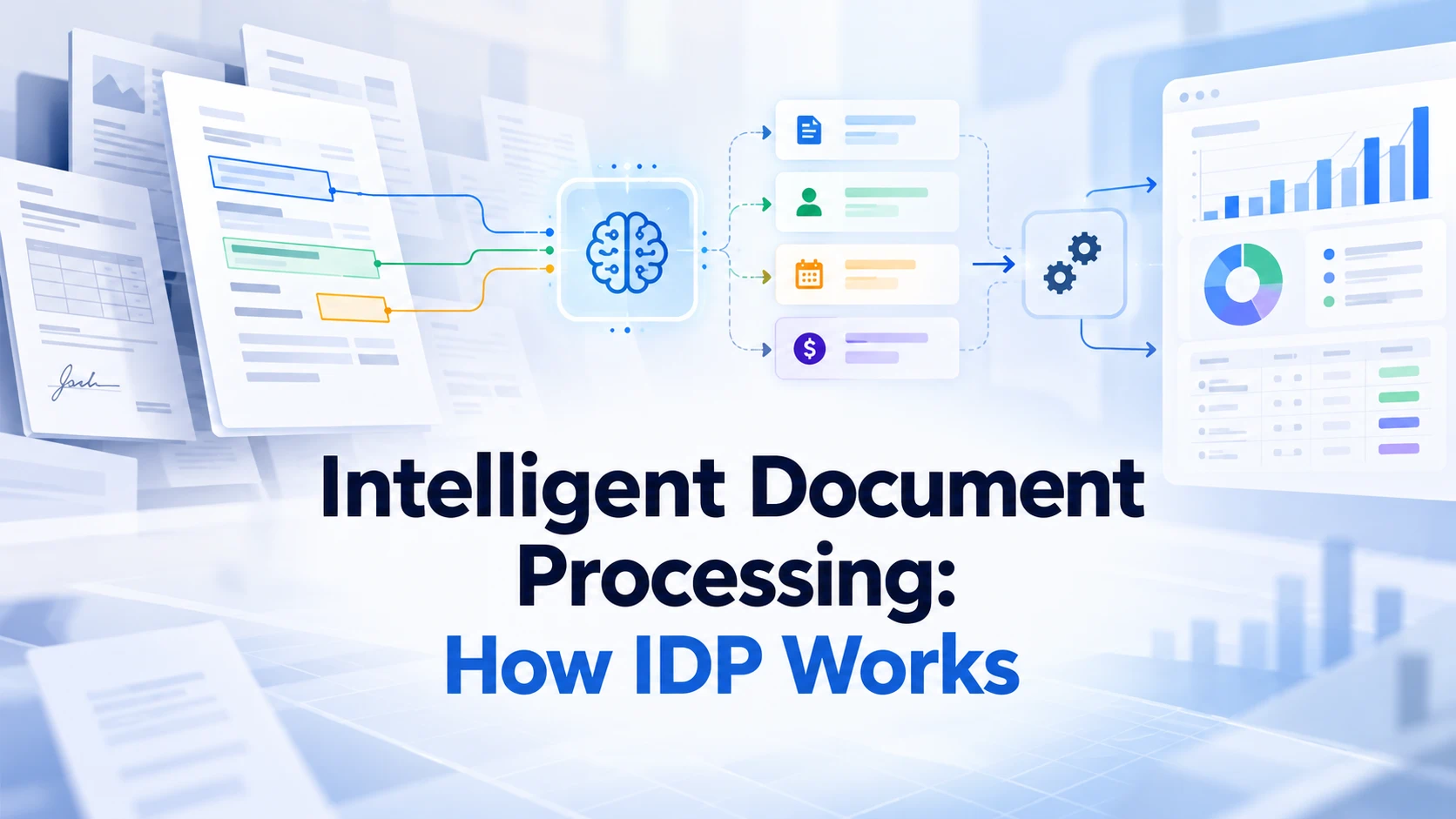
Intelligent document processing (IDP) uses AI and related technologies to turn document content into information that a workflow can use. A typical system classifies incoming documents, extracts relevant data, validates the results, and passes reviewed information to the next step. The real test is whether the result is reliable enough for the action that follows—not whether the system can read a page.
AWS's IDP explanation describes these stages, including checks against business rules or existing data. That validation step matters: a plausible invoice amount can still be wrong, and a correctly extracted value may belong to an invoice your system has already received.
Begin with the action after extraction
Before evaluating a tool, finish this sentence: “Once the document has been processed, we need to…” The answer might be to create a record, assign a reviewer, compare information with a purchase order, or prepare a briefing. Each outcome needs different checks and a different level of automation.
If the task ends with a person reading a summary, document understanding may be sufficient. If the output changes a record in another system, you also need a defined schema, validation rules, and a route for exceptions. These requirements should be established before the pilot, because an extraction demo alone cannot demonstrate that the whole workflow is ready.
The stages of an IDP workflow
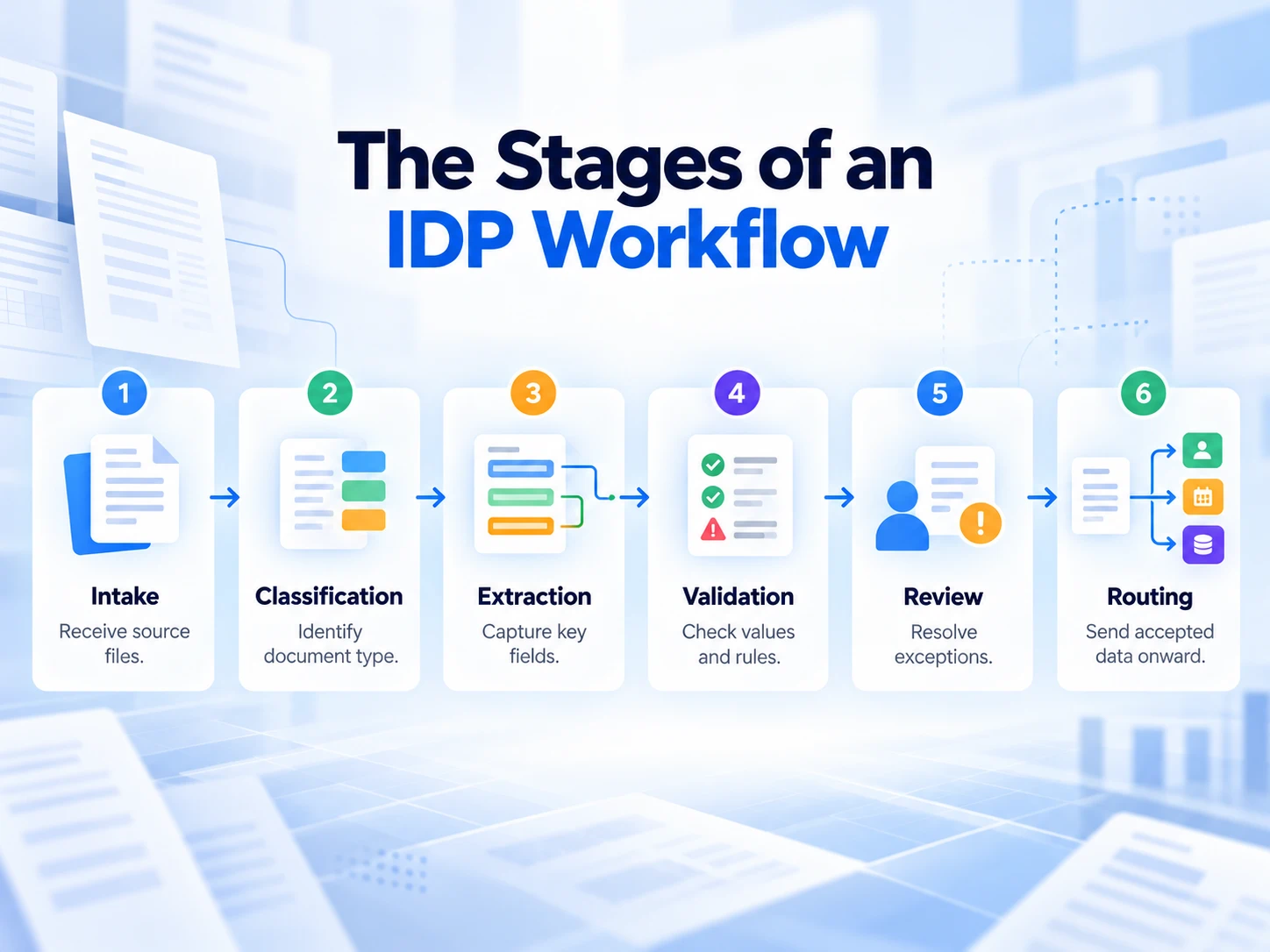
| Stage | Purpose | Example failure to detect |
|---|---|---|
| Intake | Receive and identify the source files | The same file arrives twice |
| Classification | Determine the document type or relevant category | A credit note is treated as an invoice |
| Extraction | Capture the fields needed for the task | A subtotal is captured as the total |
| Validation | Check values, relationships, and required information | A total fails the agreed calculation rule |
| Review | Resolve ambiguous or rejected results | An unclear date receives an unjustified guess |
| Routing | Pass accepted information to the next step | A valid record is sent to the wrong destination |
This is a planning model, rather than a guarantee that every IDP product supplies all six stages. Check which components a service provides and which you must build or configure yourself.
Classification chooses the next interpretation
Documents can look similar while serving different purposes. An invoice, a purchase order, and a credit note may contain names, dates, and amounts, but they should not trigger the same action. Classification determines which extraction rules and review requirements apply.
Microsoft's Document Intelligence overview describes custom classifiers alongside extraction models. Its distinction illustrates why recognizing the document type and extracting its contents are separate jobs. A workflow should also define what happens when the type is uncertain or falls outside the expected set.
Extraction needs a clear definition of each field
“Extract the date” is ambiguous when a file contains an issue date, service date, and payment deadline. Define the field you need and the way it should appear in the output. Include rules for missing values and preserve information needed to check the extraction.
For example, an invoice schema might request supplier name, invoice number, invoice date, currency, total, and tax. Those field definitions should specify which value to choose when a document presents several candidates. Adding a field is easy; deciding what counts as a correct result requires more care.
Validation checks more than readability
Some checks confirm that a value has the expected form. Others check relationships within the document or compare extracted data with a trusted record. A date can be correctly formatted yet represent the wrong event, and a total can be readable yet inconsistent with the line items.
Define the business rule and the action when it fails. For example, a missing invoice number may require review, while a repeated supplier-and-invoice-number combination may trigger a duplicate check. Passing a format check should not automatically authorize a downstream action.
A worked invoice example
Imagine a supplier invoice with these details: the issue date is March 5, the due date is April 4, the subtotal is 1,000, and the total is 1,080. The currency is not printed clearly enough to determine. This is an illustrative example, not a measured result from a product test.
An extraction system might return a neat-looking record with April 4 as the invoice date, 1,000 as the total, and a guessed currency. Each value is plausible in isolation. Together, they show why an IDP workflow needs explicit field meanings and review rules.
| Requested field | Reviewed value | Acceptance check |
|---|---|---|
| Invoice date | March 5 | Use the issue date, not the due date |
| Due date | April 4 | Keep separate from the invoice date |
| Total | 1,080 | Identify the final total and inspect its components |
| Currency | Unresolved | Leave unresolved and request review |
The correct next step is to resolve the currency before using the record where currency matters. A complete-looking record created by guessing is less useful than an incomplete record that clearly identifies what a reviewer must check.
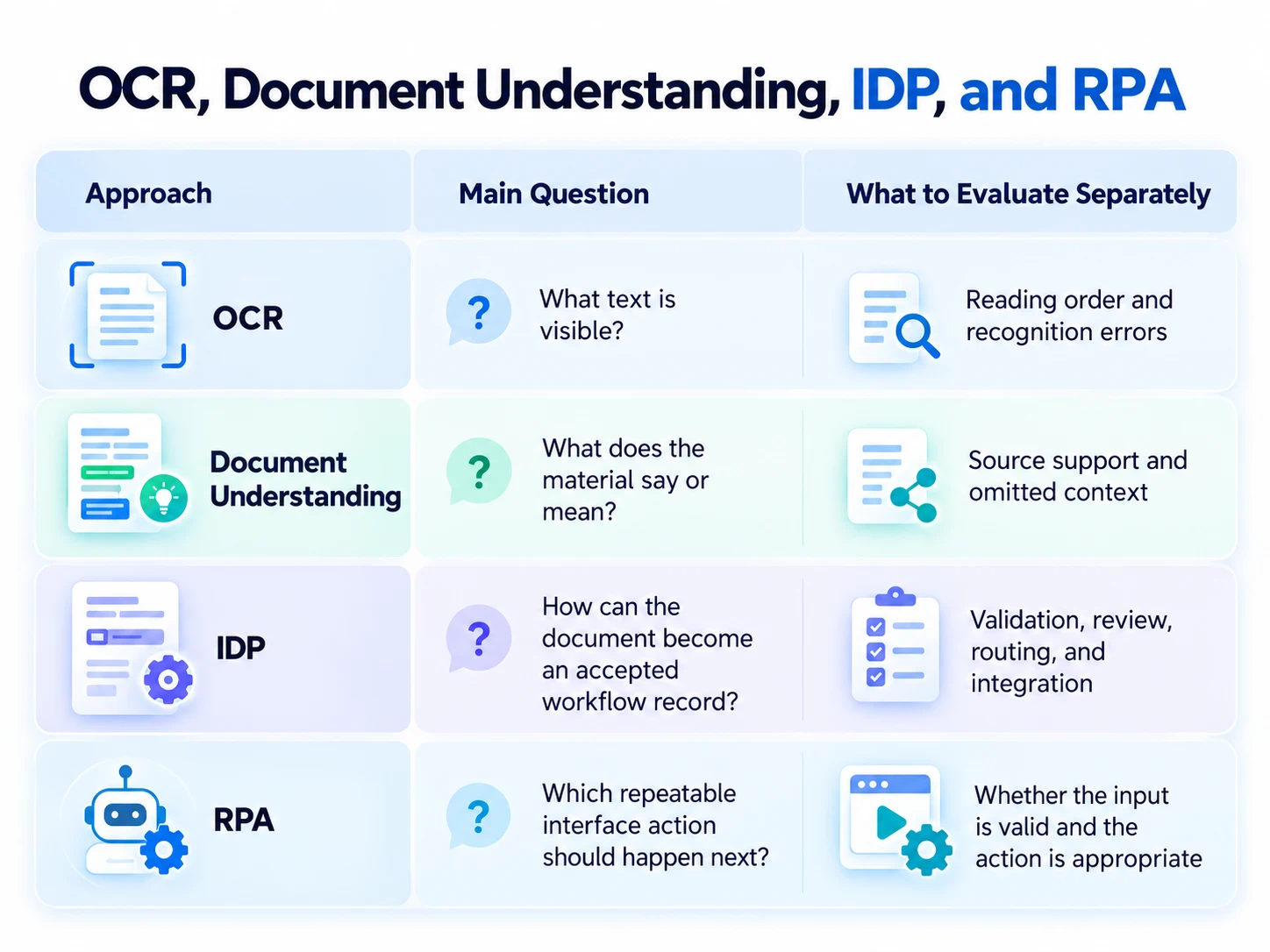
OCR, Document AI, IDP, and RPA
Google's Document AI offers processors for OCR, extraction, and classification. These components demonstrate how a workflow can use different capabilities for different stages. The existence of an extractor does not tell you whether your validation rules or exception handling have been implemented.
| Approach | Main question it answers | What to evaluate separately |
|---|---|---|
| OCR | What text is visible? | Reading order and recognition errors |
| Document understanding | What does this material say or mean? | Source support and omitted context |
| IDP | How can the document become an accepted workflow record? | Validation, review, routing, and integration |
| RPA | Which repeatable interface action should happen next? | Whether the input is valid and the action is appropriate |
The boundaries are practical rather than absolute: products may combine several approaches. Use the distinction to ask better evaluation questions, rather than assuming that a marketing label defines the full system.
Where generative AI helps—and where rules still matter
Generative models can interpret instructions and varied language, which makes them relevant to flexible extraction and document understanding. Google describes a generative AI-based custom extractor in its Document AI offering. That supports the capability claim for that product; it does not establish a universal accuracy level for every file or workflow.
For an intelligent document processing AI pilot, define what the model is allowed to infer. Some tasks need a normalized value; others require a direct transcription. Keep those modes distinct so reviewers can tell whether a field came from an explicit statement or an interpretation.
A prompt can request “use null when absent,” but the workflow must still check the output. Do not rely on fluent explanations as evidence that a field is correct. Review the relevant source passage, the field definition, and any rule applied after extraction.
How to design a useful IDP pilot
Choose one document family and one outcome
Start with a bounded task, such as extracting specified fields from supplier invoices for review. Define what the pilot will produce and who will inspect exceptions. Expanding to several document families before the first workflow is understood can make failures harder to diagnose.
Build a representative evaluation set
Include ordinary examples and the variations you expect to receive: missing fields, unfamiliar layouts, multi-page documents, poor scans, and duplicates. Have a reviewer establish the expected results before testing. Keep a separate held-out set so the final evaluation includes files that did not guide your configuration choices.
Measure outcomes at the right level
Field correctness and document acceptance answer different questions. A system may capture most fields correctly while frequently missing the one field required to complete the task. Record which fields fail, how often documents need review, and what makes a record ready for the next step.
Use these definitions consistently:
- Field correctness: correct evaluated fields divided by all evaluated fields, using a documented matching rule.
- Review rate: documents requiring human review divided by documents processed.
- Acceptance rate: documents meeting all defined acceptance checks divided by documents processed.
- Review effort: time spent resolving exceptions, measured with a consistent start and end point.
These are suggested evaluation measures, not performance claims. Separate missing fields from incorrect values, and record downstream failures as well as extraction errors. That distinction helps you decide whether to improve parsing, rewrite a field definition, or adjust the review route.
Test failure handling before increasing automation
Check what happens when a file cannot be read, the document type is unknown, or required fields conflict. The workflow should make the unresolved condition visible and preserve enough context for a reviewer. Verify that a rejected record does not quietly pass to the next system.
If you evaluate an “IDP AI” tool, ask to see the exception path with your own representative documents. A successful demonstration should include how a failure is handled, not only how an ordinary file is processed.
Where iWeaver fits
Some document tasks end with understanding rather than an operational record. If you are reading reports or preparing a briefing, iWeaver offers summaries, AI conversation, and knowledge organization. Its AI Document Summarizer can be a starting point for reviewing source material and deciding what deserves closer attention.
For example, ask for an overview of a report's claims, evidence, and limitations before planning your analysis. iWeaver's public document workflow supports tailored summaries and follow-up exploration. Check the original whenever a fact matters, and evaluate any required enterprise extraction or integration capabilities separately.
Questions to ask before choosing an IDP system
Is intelligent document processing the same as OCR?
OCR focuses on recognizing text. An IDP workflow adds jobs such as classification, extraction, validation, review, and routing. Identify which of those stages your task actually needs before comparing products.
Can IDP run without human review?
That depends on the documents, acceptance criteria, and consequences of error. Define which results may proceed automatically and which require review. Use pilot evidence to set those rules rather than assuming automation is appropriate for every input.
How should an IDP workflow handle missing information?
Represent the missing value explicitly and apply a defined rule. A required field may cause rejection or review; an optional field may remain empty. Guessing a missing value can make the result harder to audit and unsafe to use in the next step.
What should I test first?
Test whether the fields required for the next action are correctly captured and validated. Then test exceptions, duplicates, and the destination of accepted records. A high-level extraction score is not enough if the critical field or failure route remains unreliable.
Make the first workflow reviewable
Choose a narrow document task, define the accepted output, and test both ordinary files and exceptions. Treat extraction as one stage in a process whose final result must be checked. When your immediate goal is to understand a document, start with a source-based summary and use it to guide your review.