
Long PDF Summarizer
Upload a lengthy PDF to get a focused overview, identify its main points, and decide which sections need a closer read. Review important details in the original document.
How to Summarize a Long PDF
Upload PDF
Add the report, manual, or other long PDF you need to review.
Set Your Focus
Ask for an overview or name the topics and sections that matter to your task.
Check the Source
Read the summary, then verify key figures, conclusions, and exceptions in the PDF.
Why Use iWeaver for Long PDF Review?
Quick Orientation
Start with the document’s purpose and main ideas before reading every page.
Focused Reading
Frame your request around findings, procedures, risks, or other details you need.
Clear Takeaways
Turn dense material into a concise starting point for discussion or further review.
Follow-Up Questions
Refine your request when an initial summary is too broad or misses your topic.
Source Review
Use the summary as a guide and check important statements against the original PDF.
Ways to Review a Long PDF
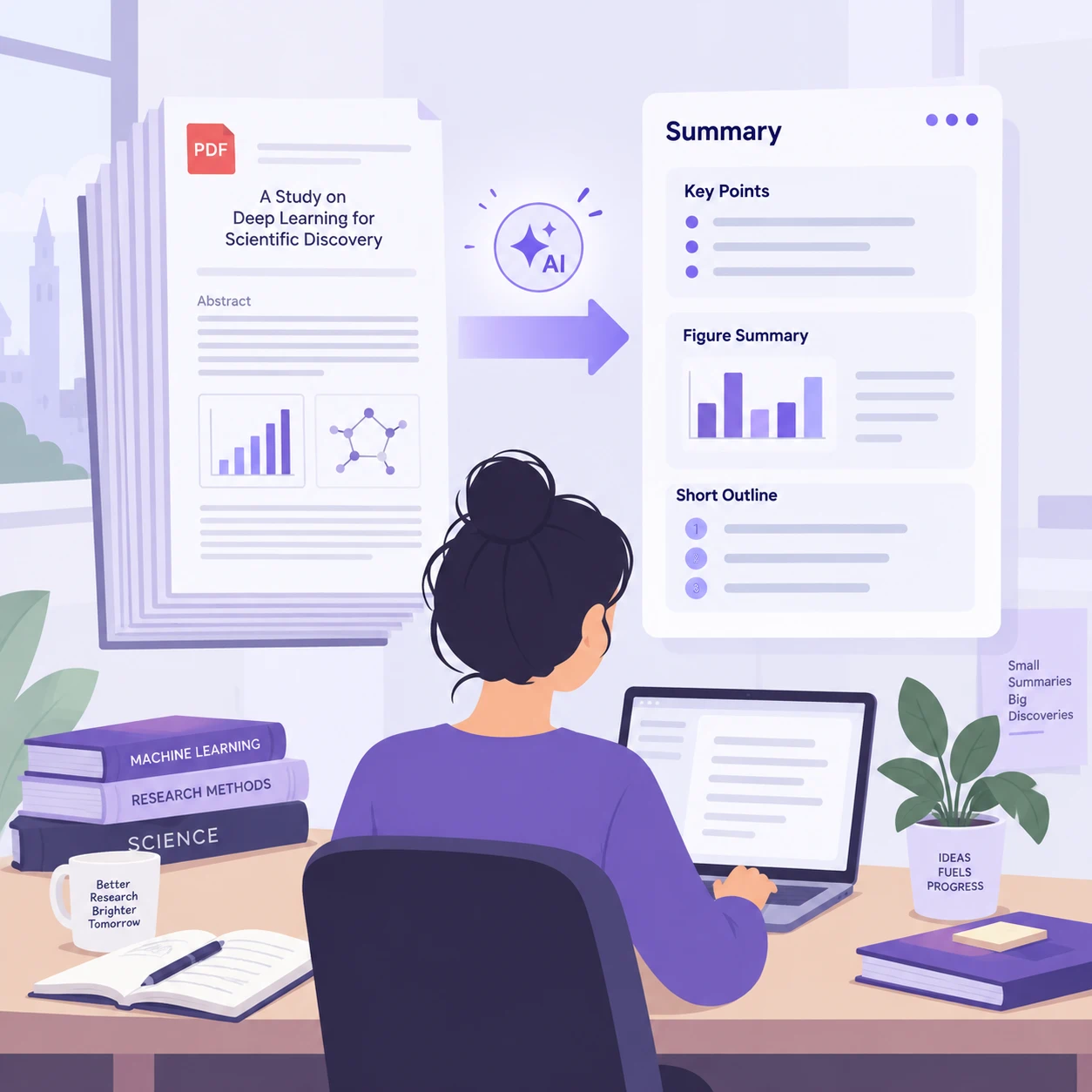
Research Reports
Get oriented to a long report’s purpose, findings, and limitations before examining the evidence.
Summarize a Report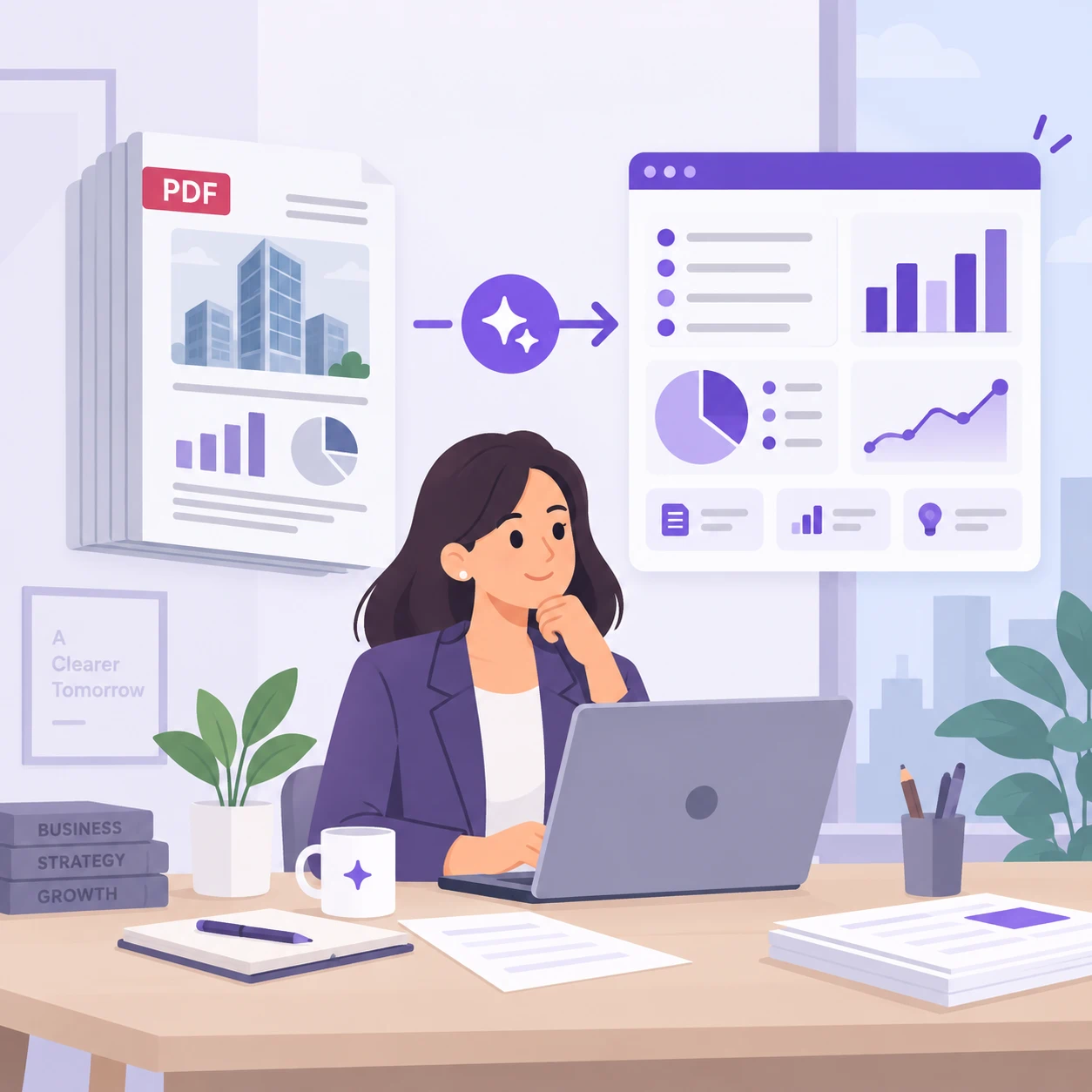
Business Briefings
Prepare discussion points from a lengthy proposal or industry report, then check critical numbers in the source.
Review a Report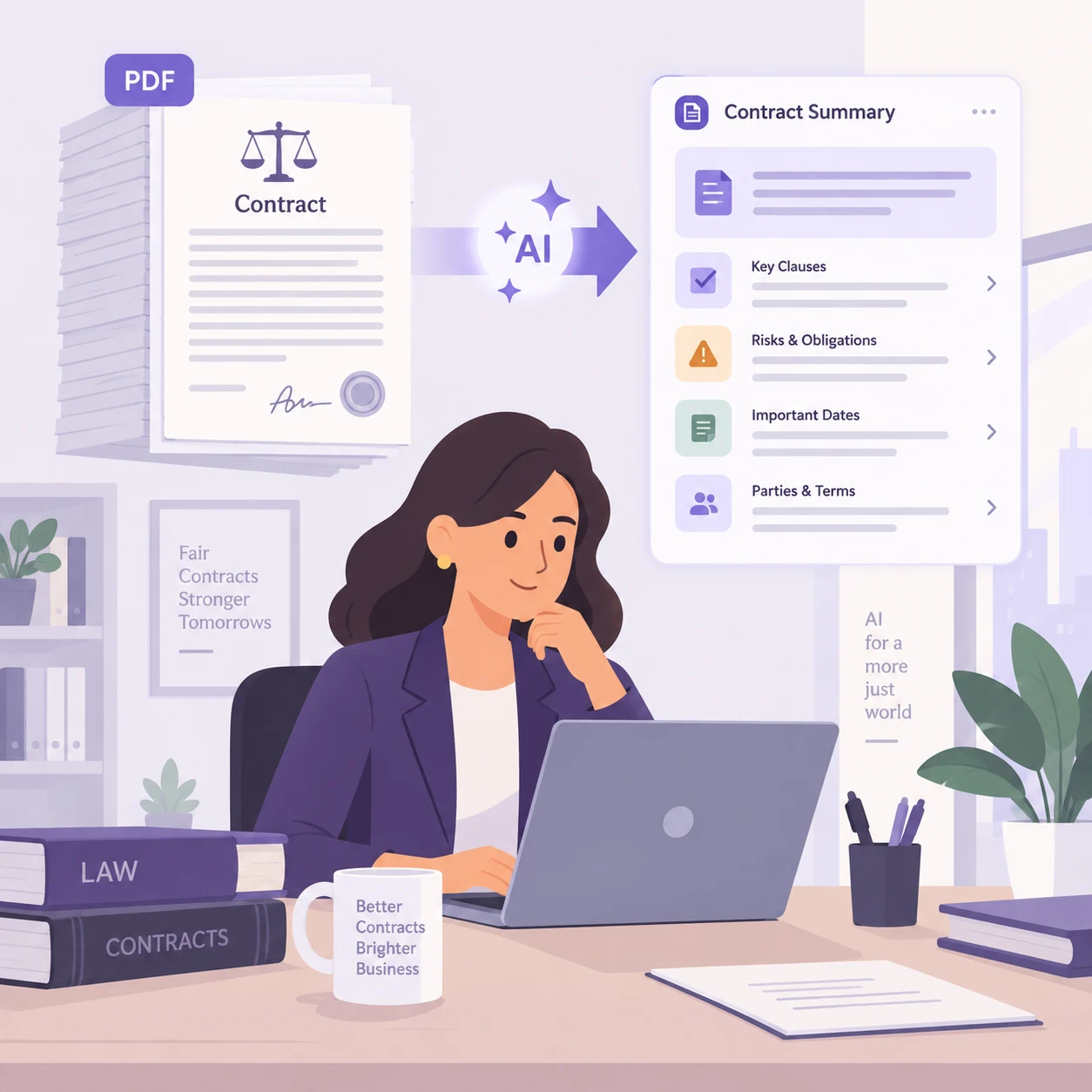
Technical Manuals
Find the sections relevant to a procedure and consult the original instructions for exact steps.
Review a Manual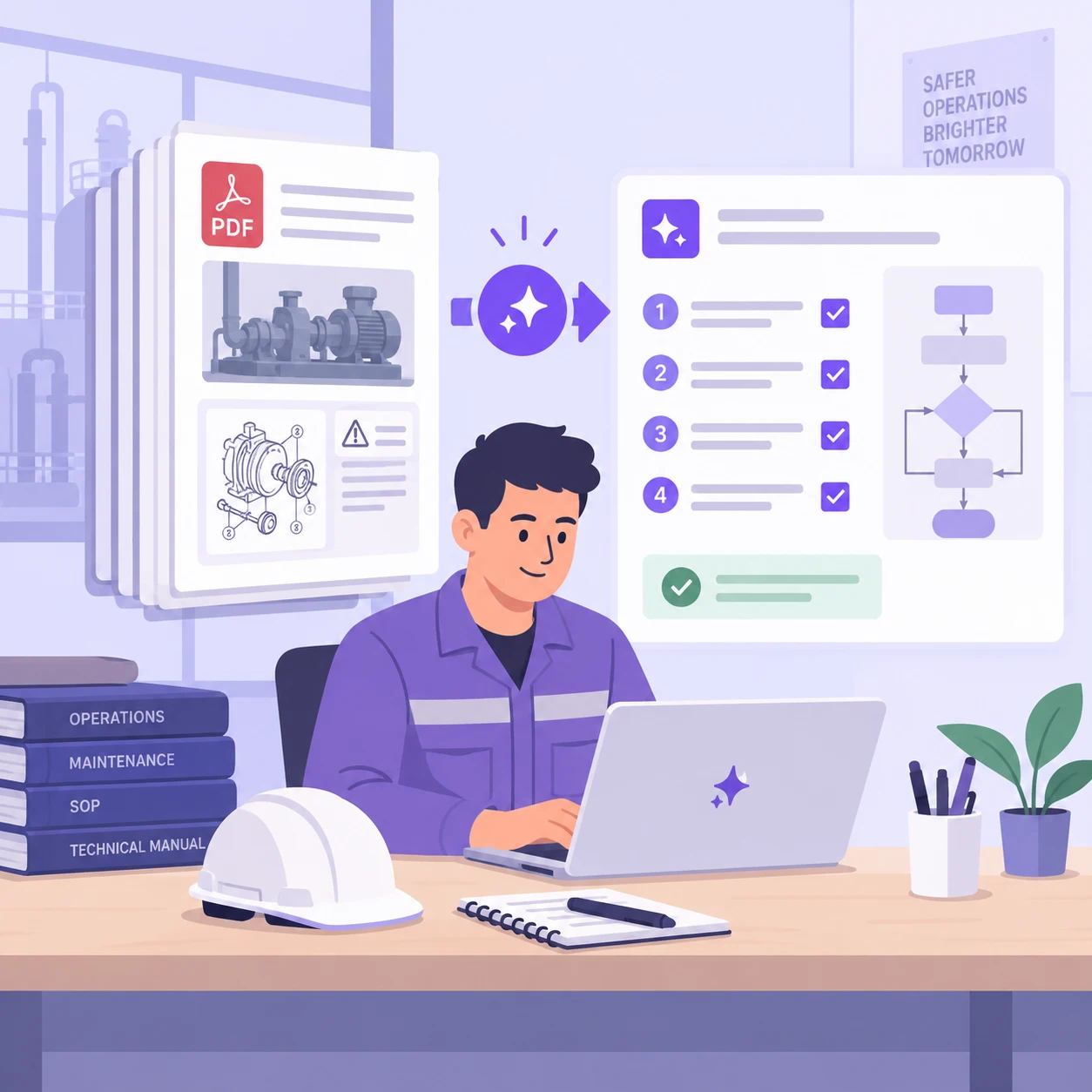
Course Readings
Identify main concepts in a chapter or reading packet and return to the text for examples and nuance.
Summarize ReadingMore PDF Agents
Ask for a More Useful Summary
Tell iWeaver what you need from the document. For a long report, try:
Summarize this PDF for a briefing. Start with its purpose and main conclusions. Then organize key points by the document’s section headings. Keep findings separate from recommendations, preserve important qualifications, and flag content you could not assess. Do not invent missing information.
Compare the response with the table of contents and check important details in the original PDF.
Long PDF Summarizer FAQs
Get the Main Ideas From Your Long PDF
Upload your document, set your focus, and use the summary to guide a closer read.
Summarize Your PDF