
YouTube to Article Converter for Creators
Turn a YouTube video into a readable article draft with a clear opening, useful sections, and a strong takeaway. Paste a video link, review the structure, and edit the draft for your audience before publishing.
How to Convert YouTube Videos to Articles
Paste Your YouTube Link
Add the video you want to repurpose. Videos with a focused topic and clear spoken explanation—such as tutorials, interviews, or presentations—usually make stronger article sources.
Generate a Structured Article Draft
Let iWeaver turn the video content into a written draft with an opening, headings, connected paragraphs, and a conclusion. Review whether the structure makes sense for someone who has not watched the video.
Edit, Verify, and Prepare to Publish
Refine the wording and section order for your readers. Check names, figures, quotations, and examples against the video, then add any context the article needs to stand on its own.
Why Choose iWeaver YouTube to Article?
Start with a Structured Draft
Move from a video link to a working article structure instead of a blank page. Use the generated opening, headings, and sections as the first draft for further editing.
Rewrite Spoken Ideas for Reading
Video speech does not always read well as an article. Turn spoken explanations into connected paragraphs with a clearer reading flow and less repetition.
Keep Useful Examples and Context
Retain examples, explanations, and supporting details that help readers understand the main point. Remove tangents that work in video but weaken the written version.
Edit the Draft Around Your Audience
Adjust wording, headings, and section order in iWeaver. Add definitions or context when your readers need more explanation than the original audience did.
Create a Standalone Reading Experience
Shape the article so it makes sense without the viewer pressing play first. Give readers a clear opening, logical sections, and a takeaway they can return to later.
Article vs Transcript vs Summary
These formats use the same source differently. Choose based on whether you need exact wording, a quick overview, or a complete reading experience.
Transcript
Keeps the spoken content in sequence. Best when you need to check wording, quotes, or what was said at a specific point.
Summary
Condenses the video into the main points. Best when you want a fast overview before deciding what deserves more attention.
Article
Reorganizes the ideas into an opening, logical sections, examples, and a conclusion so the text can stand on its own for readers.
What a Strong Video-Based Article Should Include
YouTube to Article Use Cases
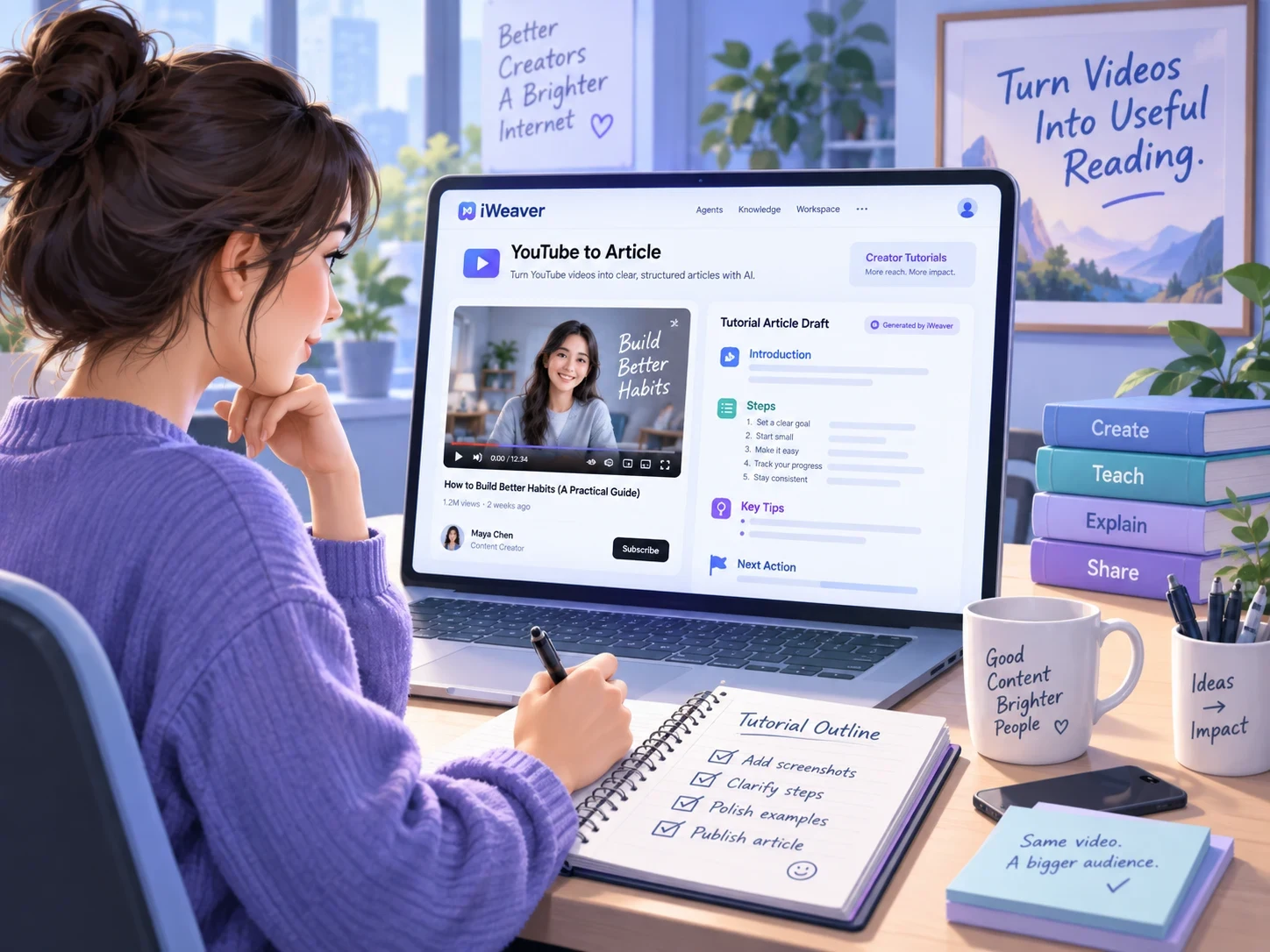
Creator Tutorials
Give readers a written companion to your own tutorial. Prepare an article they can keep open while following the steps, adding explanations for actions that were only shown on screen.
Convert Tutorial to Article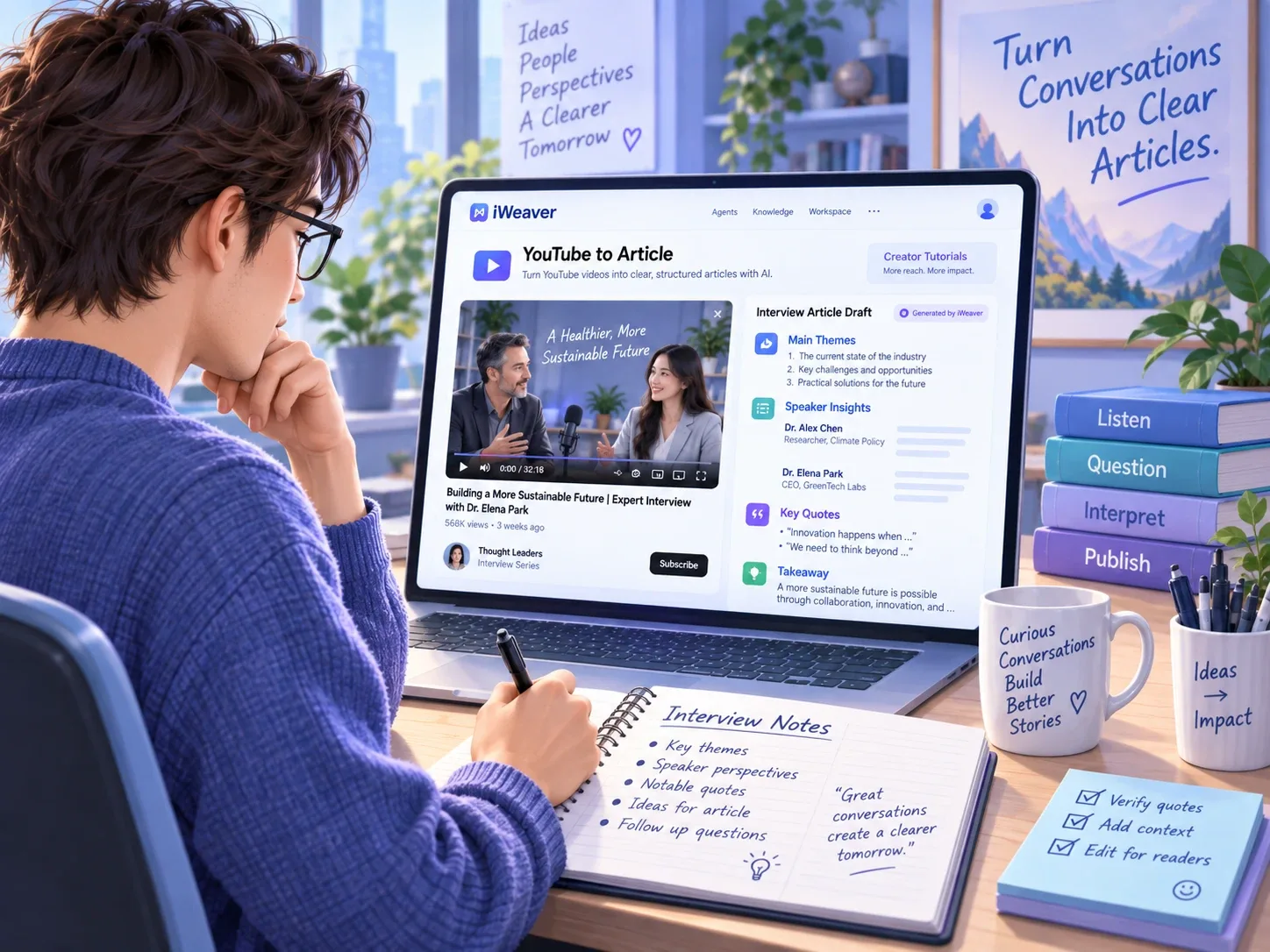
Expert Interviews
Develop an article around the themes of an interview you produced. Keep opinions attached to the correct speaker and verify any direct quotes before sharing the finished piece.
Turn Interview into Article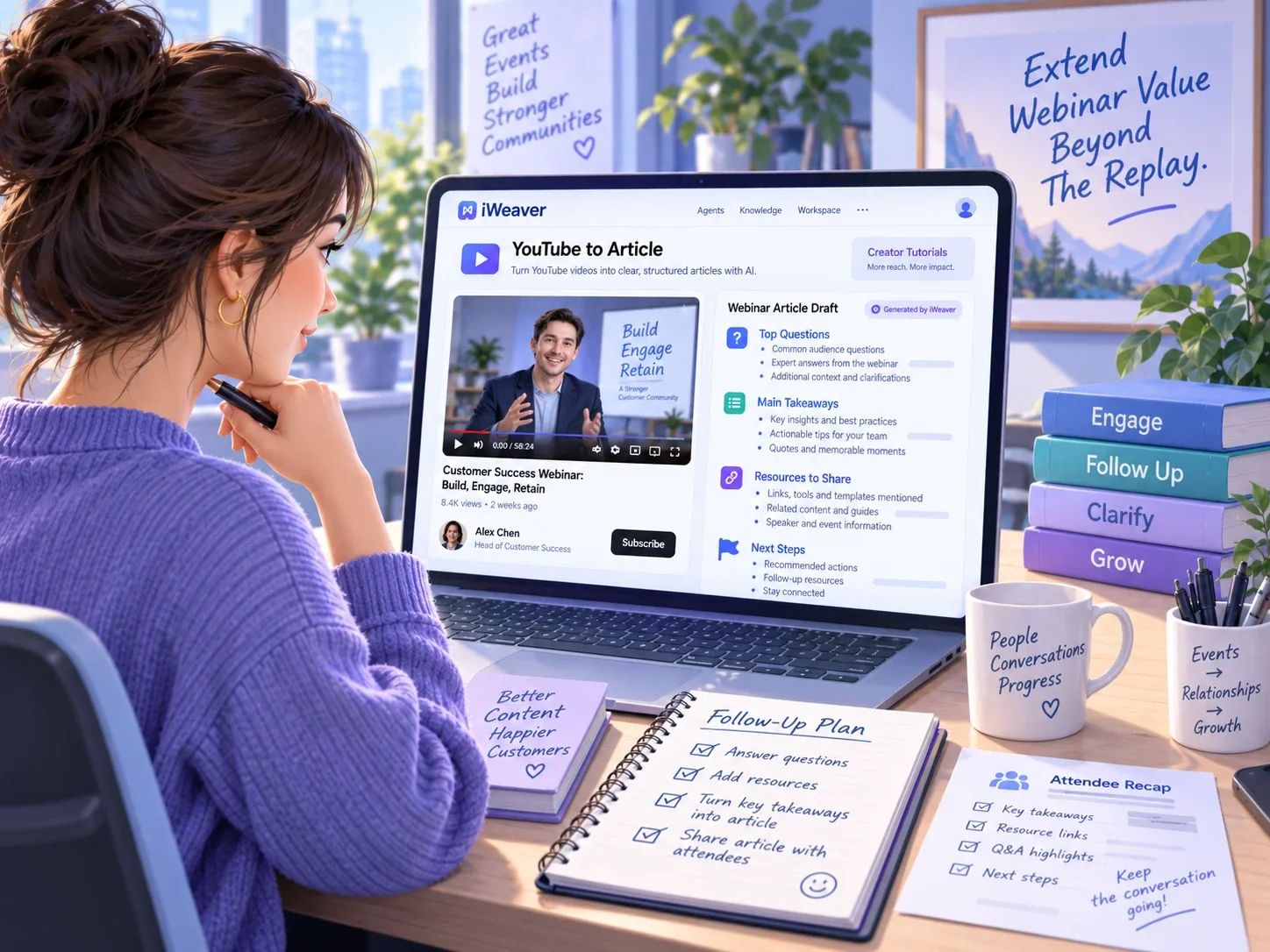
Educational Explainers
Adapt your lesson video into a reading resource. Define unfamiliar terms, keep the examples that clarify the topic, and make the explanation accessible to learners who prefer text.
Create Reading Version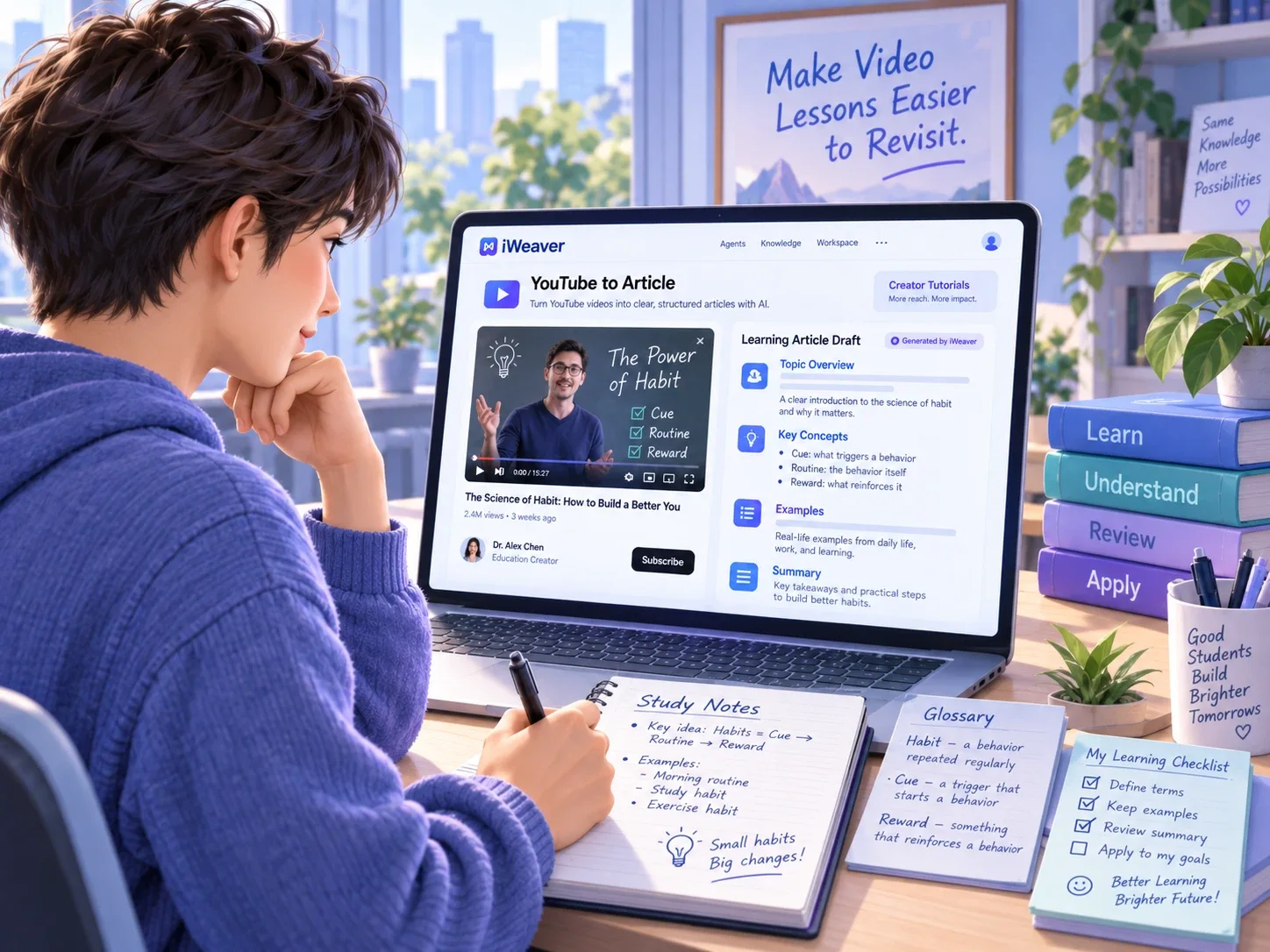
Webinar Follow-Ups
Turn your recorded webinar into an article organized around the audience’s main questions. Add current resources and clarify any answers that relied on slides or live discussion.
Repurpose WebinarExplore Related Agents
YouTube Transcript Generator
Get a text record of the spoken content for reference.
YouTube Video Summarizer
Review the main takeaways when you need a shorter overview.
Video to Blog Post
Start a blog-writing workflow with broader video and audio inputs.
YouTube to Article FAQ
Turn Your Next YouTube Video into an Article
Paste a video link, generate a structured draft, and shape the ideas into a readable article your audience can revisit.
Generate Article