AI 인포그래픽 생성기 (작성자: ...) iWeaver
텍스트, 데이터 또는 문서를 시각적으로 매력적인 인포그래픽으로 단 몇 초 만에 변환하세요. iWeaver는 템플릿이나 디자인 기술 없이도 구조화되고 전문적인 디자인을 만들 수 있도록 도와줍니다.
AI 인포그래픽 생성기란 무엇인가요?
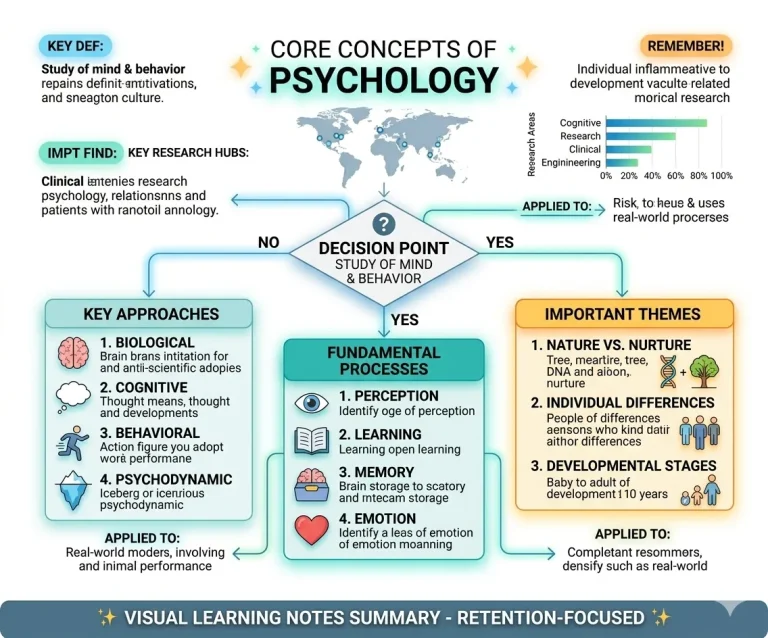
AI 인포그래픽 생성기는 텍스트, 데이터 또는 문서를 구조화된 시각적 콘텐츠로 변환합니다.
수동으로 디자인하는 대신, 핵심 사항을 분석하고 정보를 정리하여 바로 사용할 수 있는 인포그래픽 레이아웃을 자동으로 생성합니다.
와 함께 iWeaver디자인 기술 없이도 보고서, 프레젠테이션 또는 소셜 미디어에 사용할 전문적인 시각 자료를 즉시 만들 수 있습니다.iWeaver, you can instantly create professional visuals for reports, presentations, or social media—without design skills.
iWeaver AI 인포그래픽 생성기의 주요 기능
스마트 레이아웃
콘텐츠를 자동으로 구성하여 명확하고 전문적이며 가독성이 뛰어난 인포그래픽 형식으로 변환합니다.
텍스트를 시각적으로 변환
원문 텍스트, PDF 파일 또는 연구 노트를 단 한 번의 클릭으로 매력적인 시각적 스토리텔링으로 변환하세요.
자동 차트
입력한 데이터를 기반으로 정밀한 차트, 복잡한 다이어그램 및 데이터 시각화 자료를 즉시 생성하세요.
스타일 컨트롤
색상, 서체, 전문적인 레이아웃을 맞춤 설정하여 브랜드 요구 사항에 완벽하게 맞추세요.
실시간 편집
AI가 생성한 요소를 손쉽게 수정하고, 텍스트를 변경하거나, 도형을 다듬어 최종 디자인을 완성하세요.
멀티 포맷
인포그래픽을 고해상도 이미지, 프레젠테이션 슬라이드 또는 공유 가능한 웹 링크로 내보낼 수 있습니다.
XPT를 만나보세요 — iWeaver의 새로운 AI 제품
더 깊이 탐색할 준비가 되셨나요? 솔직한 답변과 더 적은 거절, 그리고 중요한 질문을 자유롭게 할 수 있도록 설계된 AI 도구 XPT로 계속 탐색해 보세요.
- ✓무엇이든 질문하기
- ✓다양한 관점 탐색하기
- ✓아이디어를 더 깊이 발전시키기
인포그래픽을 만드는 방법은 무엇인가요?
입력 내용
텍스트를 붙여넣거나, 문서를 업로드하거나, 주제를 설명하세요. iWeaver는 핵심 아이디어를 분석하고 인포그래픽 생성을 위한 구조화된 콘텐츠를 준비합니다.
디자인 생성
iWeaver는 사용자의 콘텐츠를 기반으로 레이아웃, 시각 자료 및 차트를 자동으로 생성하여 복잡한 정보를 명확하고 매력적인 인포그래픽으로 변환합니다.
수출 공유
인포그래픽을 다운로드하거나 즉시 공유하세요. 프레젠테이션, 보고서, 소셜 미디어 또는 팀 협업 워크플로에 활용할 수 있습니다.
장점 무료 유튜브 요약 AI, 최고의 AI 인포그래픽 생성기는?
더 빠른 생성
몇 초 만에 완벽한 인포그래픽을 생성하세요. 수동 디자인이나 복잡한 도구가 필요 없어 시간을 절약하고 아이디어에 집중할 수 있습니다.
디자인 없음
디자인 경험이 없어도 괜찮습니다. AI가 레이아웃, 구조 및 시각적 요소를 자동으로 처리하므로 누구나 쉽게 인포그래픽을 만들 수 있습니다.
워크플로 준비 완료
실제 업무 흐름에 맞춰 설계되었습니다. 문서, 메모, 데이터를 손쉽게 시각화하여 보고서, 프레젠테이션, 일상 업무에 활용할 수 있습니다.
스마트 구조
iWeaver는 콘텐츠의 맥락을 이해하고 정보를 논리적인 시각적 흐름으로 구성합니다.
즉시 수출 가능
프레젠테이션, 소셜 미디어 또는 전문적인 용도로 사용할 수 있는 고화질 이미지를 다운로드하세요.
AI 인포그래픽 제작 도구의 활용 사례
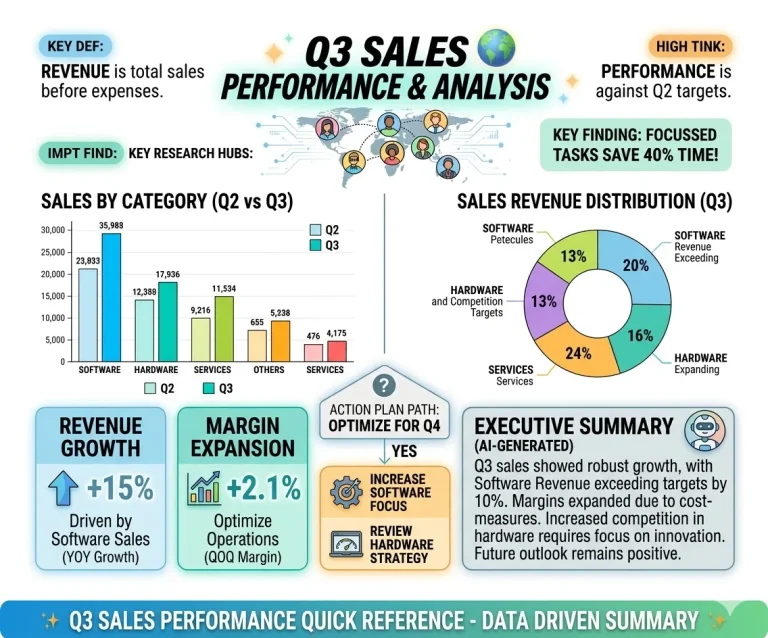
사업 보고서
긴 보고서를 간결한 시각적 요약으로 변환하세요. 핵심 정보, 추세 및 지표를 강조하여 이해 관계자가 신속하게 내용을 이해하고 의사 결정을 내릴 수 있도록 지원합니다.
지금 바로 시도해 보세요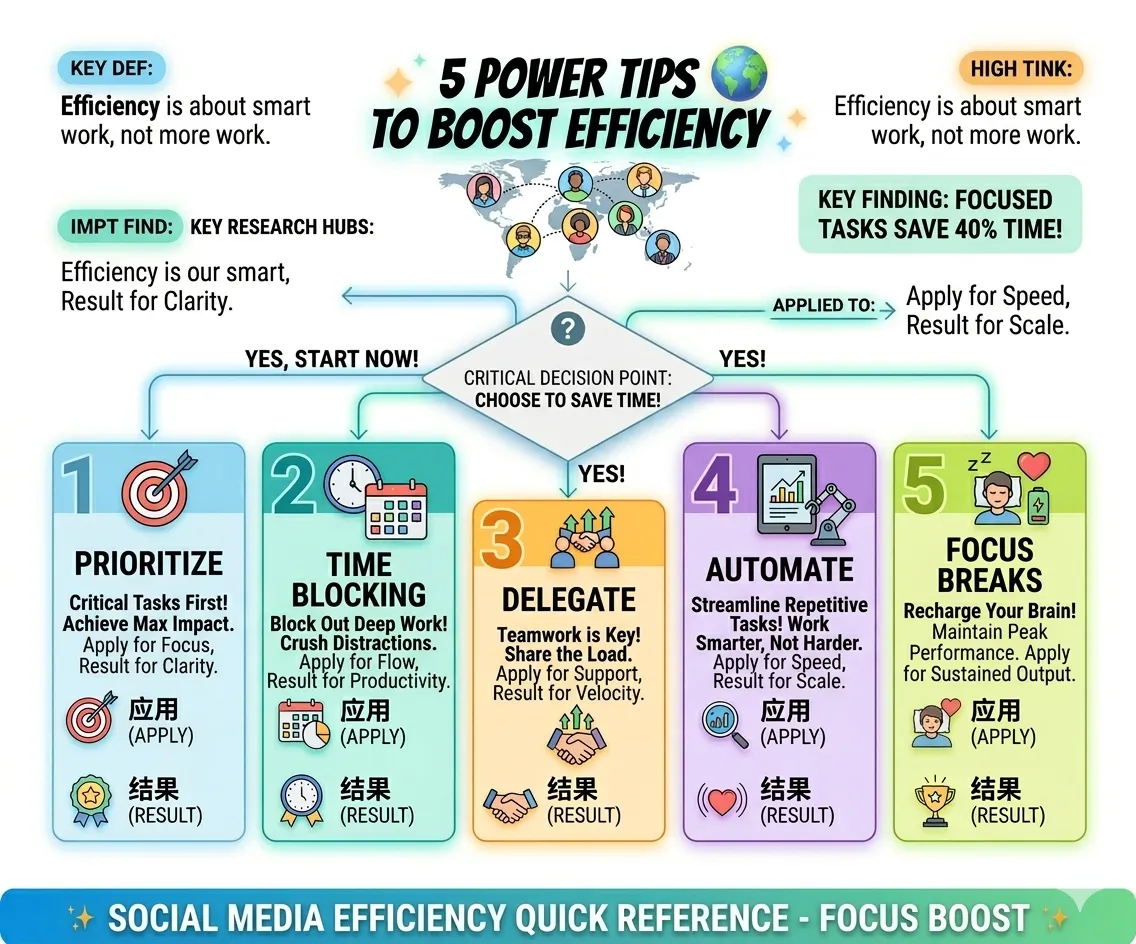
마케팅 콘텐츠
소셜 미디어, 블로그 또는 캠페인을 위한 시선을 사로잡는 인포그래픽을 제작하세요. 복잡한 아이디어를 시각적 콘텐츠로 변환하여 참여도를 높이고 콘텐츠 성과를 향상시키세요.
지금 생성하세요