에이

Create Handwritten Notes Online with iWeaver Free Text to handwriting Converter

Turn typed text into natural handwritten-style pages in seconds. iWeaver Text to Handwriting Converter helps you create printable notes, personal letters, cards, study materials, and creative handwriting designs from plain text.

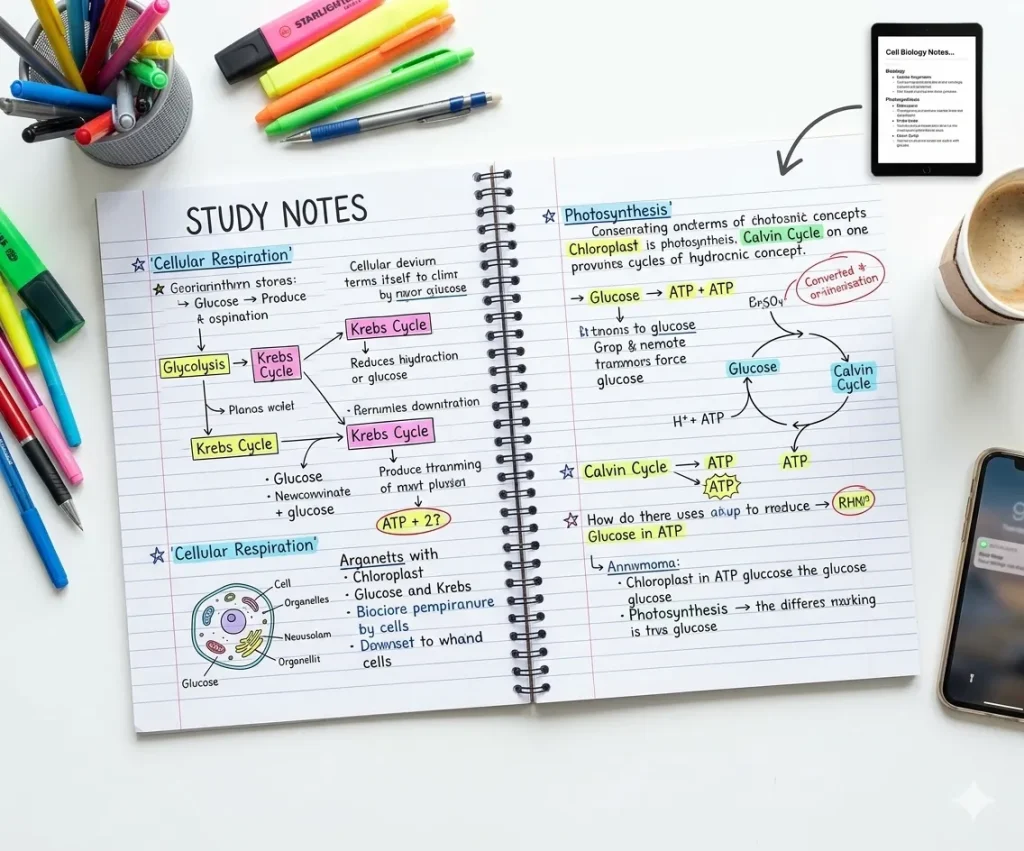
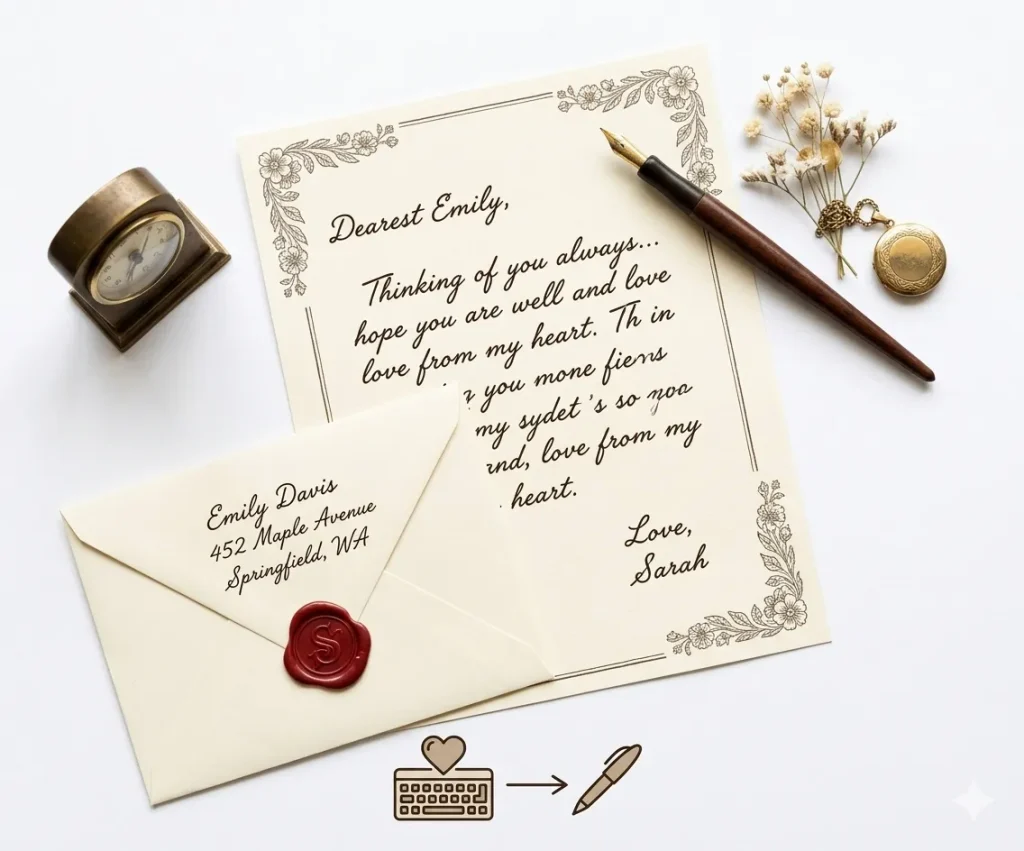
iWeaver AI가 생성한 필기체

타이핑된 텍스트가 순식간에 손글씨 페이지로 바뀌는 과정을 보여주세요.
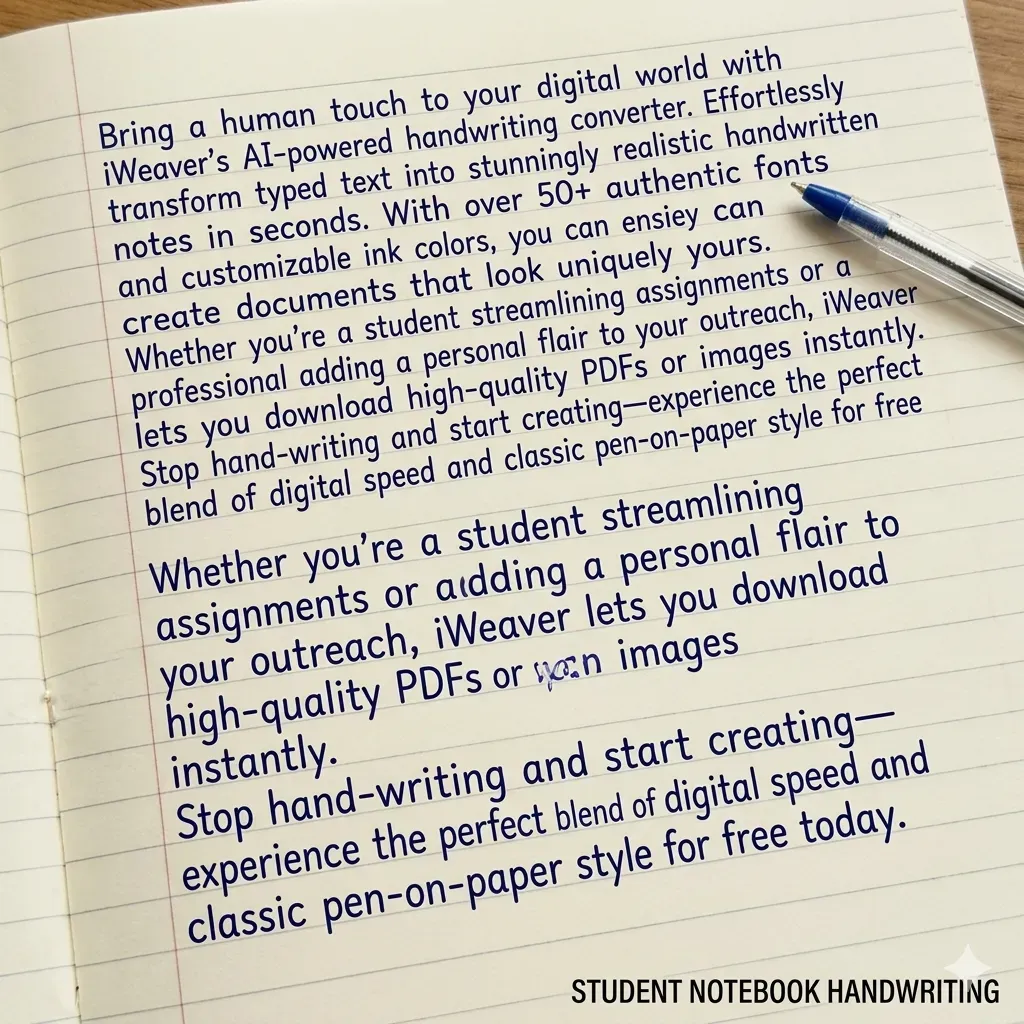
학생용 노트 스타일

학생용 노트

실제 교실 스타일

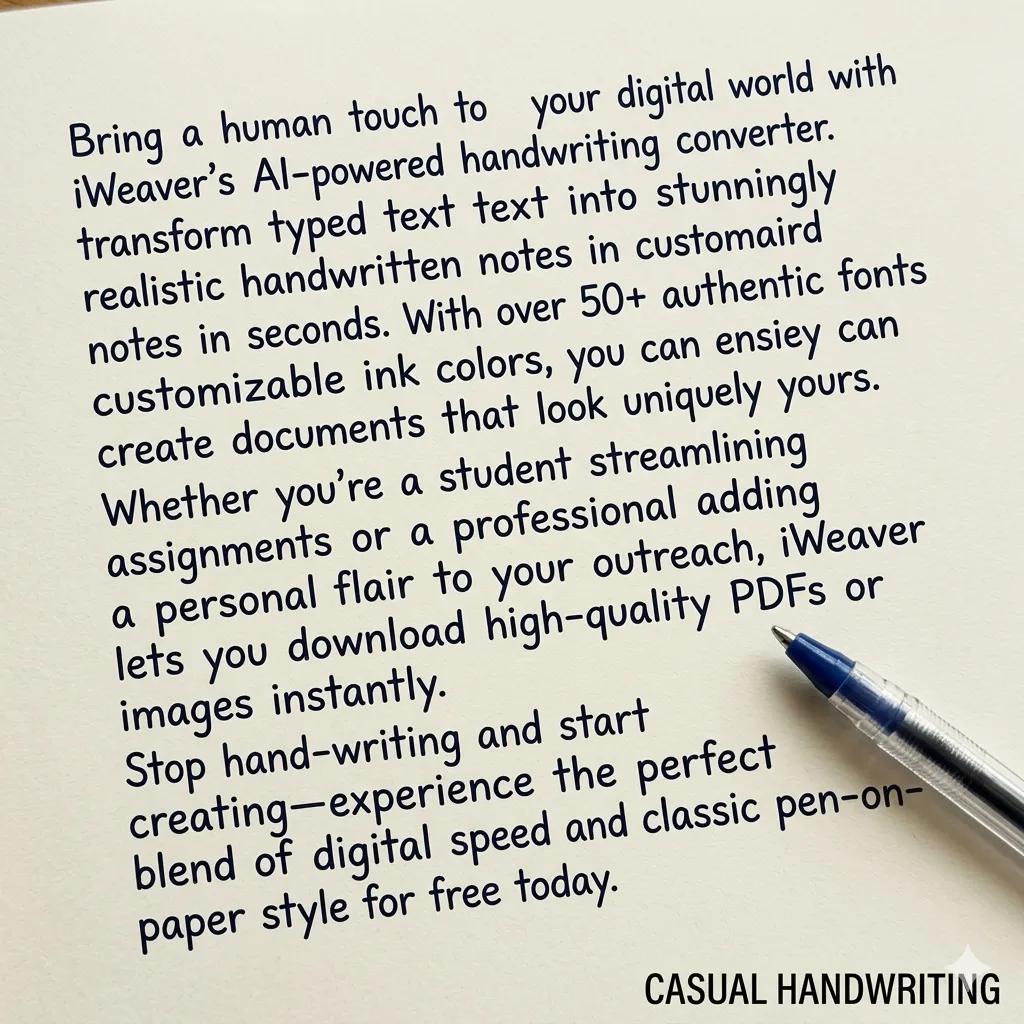
캐주얼 필기체 스타일

캐주얼 글쓰기

자연스럽고 편안한 흐름

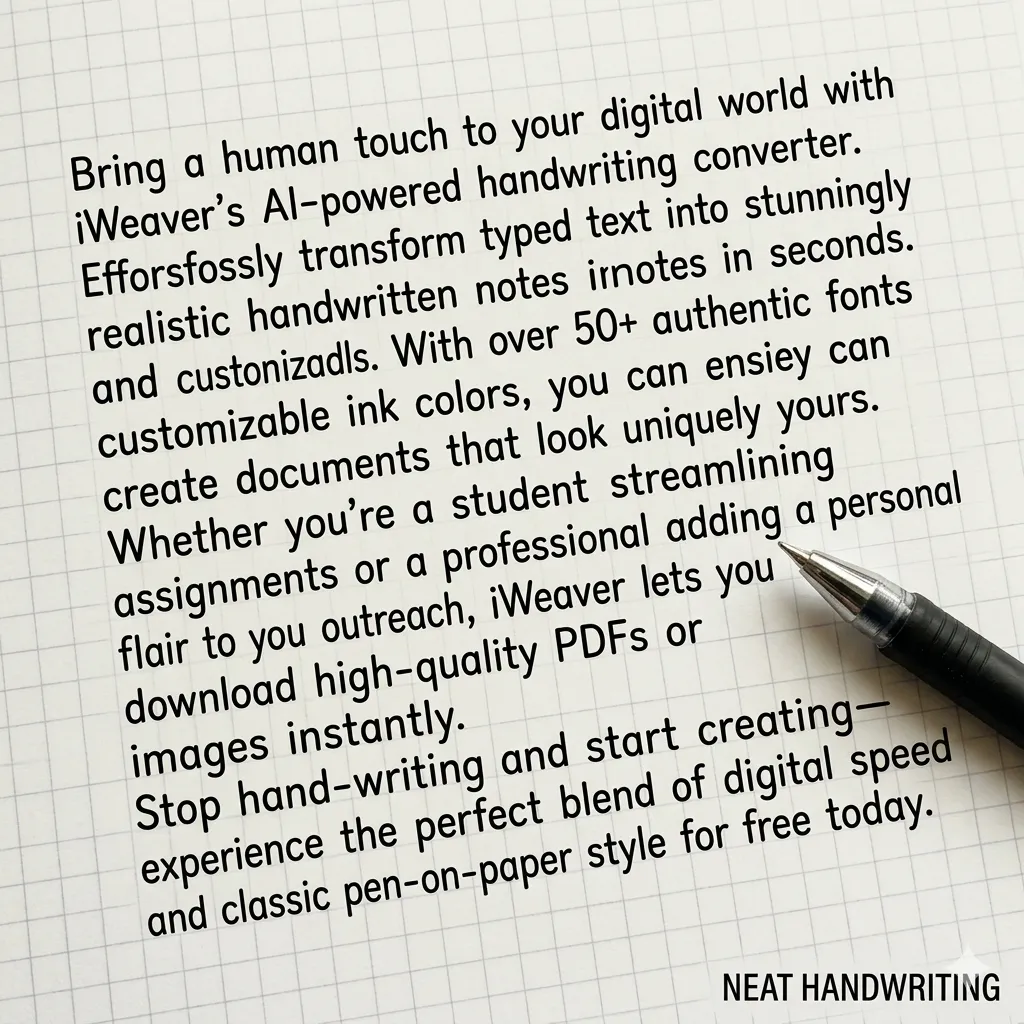
깔끔한 필체

깔끔한 레이아웃

과제에 딱 맞습니다

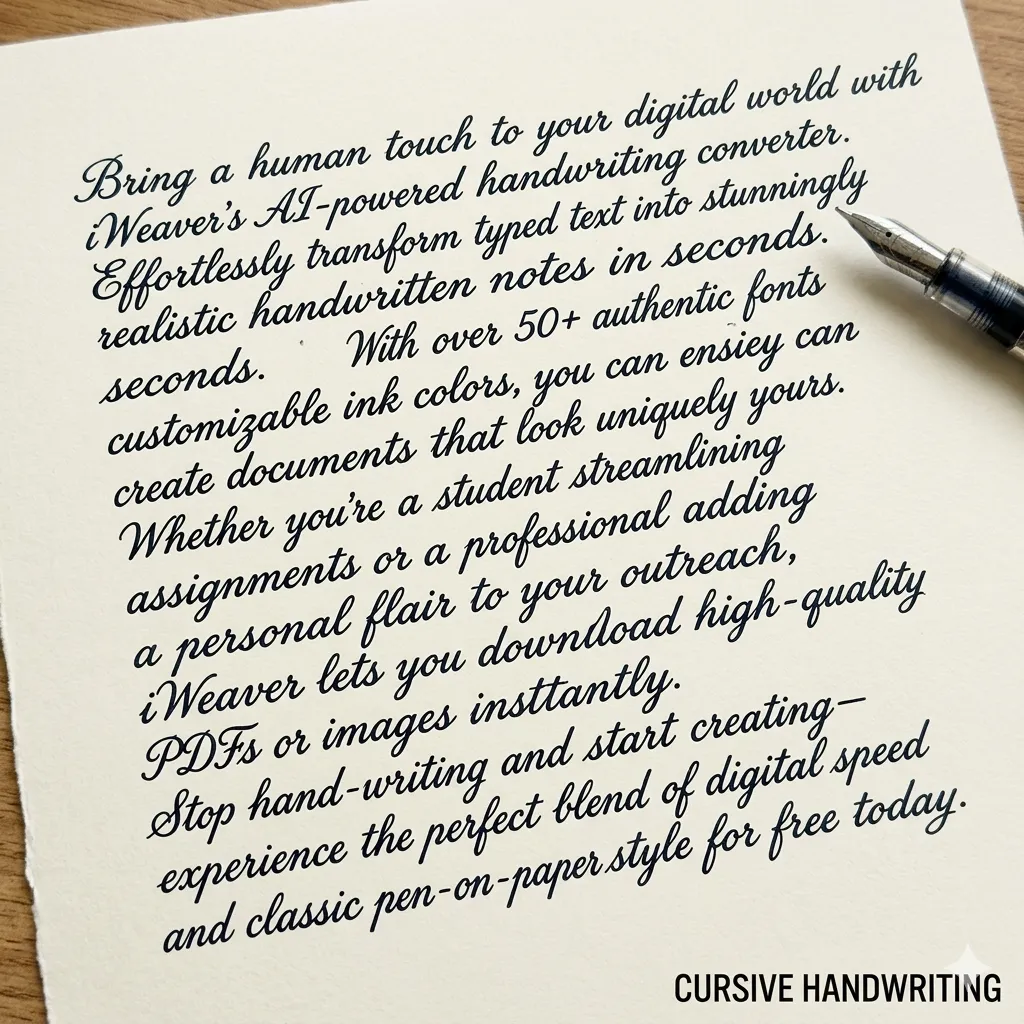
편지 스타일의 필기체

글자체

세련되고 전문적인 스크립트

텍스트를 필기체로 변환하는 변환기란 무엇인가요?

텍스트를 필기체로 변환하는 프로그램은 디지털 텍스트를 실제 필기체처럼 보이게 변환합니다. iWeaver사용자는 필기체 스타일, 간격 및 용지 형식을 메모, 과제 또는 창작 프로젝트에 맞게 사용자 지정할 수 있습니다.

Text to Handwriting vs Handwriting Recognition

These two tools work in opposite directions. One turns typed text into a handwritten-style page, while the other converts handwriting into editable digital text.

텍스트를 필기체로 변환

Create handwritten-style content

Text to handwriting converts typed words into a handwritten-style page. It is useful when you want notes, letters, or creative documents to look more personal.

필기 인식

Extract editable text

Handwriting recognition does the opposite. It reads handwritten images or scanned notes and converts them into editable digital text.

사용 iWeaver Text to Handwriting Converter when you want to create handwritten-style content. Use handwriting recognition or OCR tools when you want to extract text from handwritten or image-based documents.

텍스트를 손글씨로 변환하는 방법은 무엇인가요?

01
텍스트 추가
iWeaver에 내용을 붙여넣거나 입력하세요. 단락, 목록 및 구조화된 메모를 서식 문제 없이 지원합니다.
02
스타일 맞춤 설정
원하는 필기체 글꼴을 선택하고 크기, 간격, 용지 종류를 조정하여 원하는 손글씨 효과를 정확하게 연출하세요.
03
내보내기 파일
손으로 쓴 내용을 고화질 PNG 또는 PDF 파일로 다운로드하여 인쇄, 공유 또는 제출에 활용하세요.

iWeaver 텍스트를 필기체로 변환하는 도구를 선택해야 하는 이유는 무엇일까요?

다양한 스타일
깔끔한 메모, 편안한 필기체, 과제, 편지, 창작 프로젝트에 적합한 필기체 등 다양한 필기체 스타일 중에서 선택하여 여러 가지 글쓰기 요구에 맞춰 사용하세요.
종이 옵션
줄이 있는 용지, 노트 용지, 격자 용지 또는 빈 배경 중에서 선택하여 학교 과제, 메모 또는 개인적인 글쓰기에 자연스러운 손글씨를 표현하세요.
현실적인 출력
AI는 글자 간격, 줄 흐름 및 텍스트 정렬을 조정하여 실제 사람의 필기체와 더욱 자연스럽고 유사한 필기체를 생성합니다.
빠른 세대
긴 단락이나 전체 문서를 몇 초 만에 손으로 쓴 페이지로 변환하여, 모든 것을 수기로 쓰는 것보다 시간을 절약하세요.
간편 수출
생성된 손글씨 페이지를 빠르게 다운로드하여 인쇄, 공유하거나 문서, 프레젠테이션, 학습 자료 또는 창작 프로젝트에 추가하세요.

인공지능 필기체를 더 사실적으로 보이게 하는 팁

인공지능이 생성한 필기체를 더욱 자연스럽게 보이게 하려면 다음 팁을 활용해 보세요.

  • 긴 단락을 짧은 단락으로 나누세요
  • 줄이 그어진 노트 용지를 배경으로 사용하세요.
  • 파란색 또는 검은색 잉크 색상을 선택하세요.
  • 줄 간격을 약간 늘리세요
  • 완벽하게 정렬된 텍스트 블록을 피하세요.

필기 변환기 사용 사례

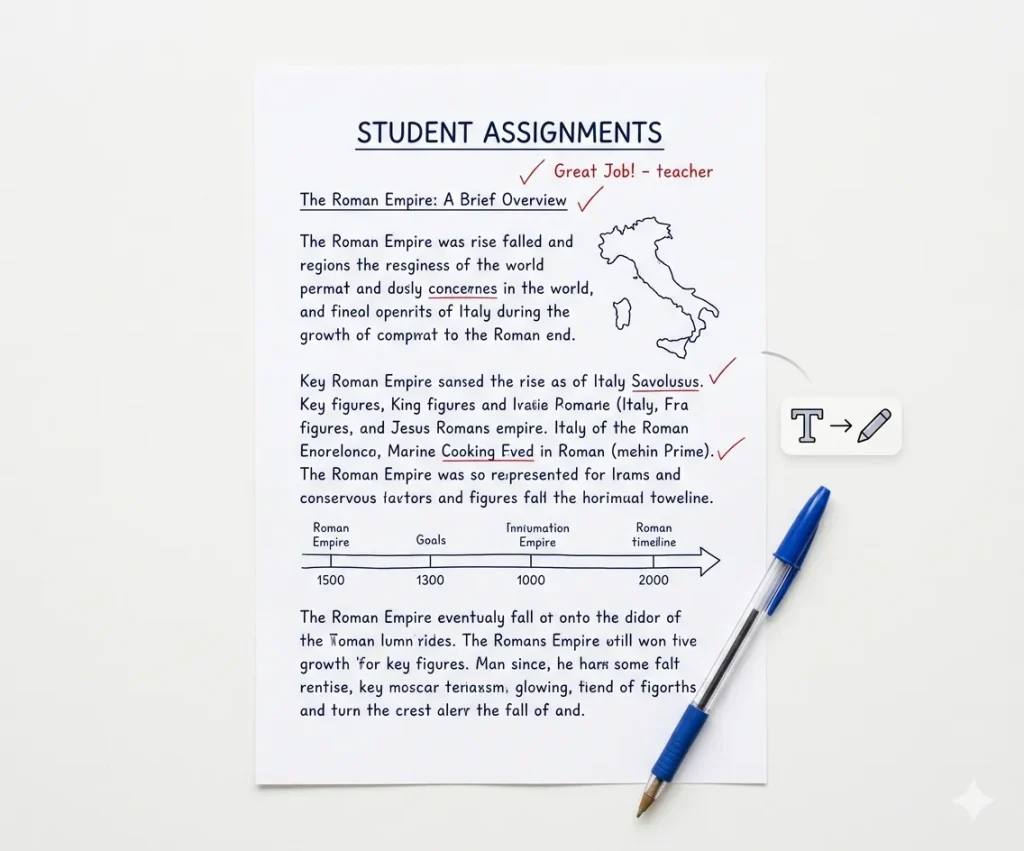
학생 과제

타이핑한 에세이나 숙제를 실제 손글씨처럼 보이도록 변환해 보세요. 이렇게 하면 과제를 노트에 적어 제출하는 형식에 맞춰 정리할 수 있고, 긴 에세이를 전부 손으로 쓰는 것보다 시간을 절약할 수 있습니다.

학생 과제

학습 노트

강의 노트, 요약 또는 학습 자료를 손으로 직접 써 보세요. 손으로 쓴 노트는 가독성을 높여주고, 수업 내용 복습, 복습 자료 만들기 또는 학습 내용 정리 등에 유용합니다.

개인 편지

더욱 개인적인 느낌을 더하고 싶다면 손글씨처럼 보이는 편지나 메시지를 생성해 보세요. 초대장, 감사 편지, 또는 자연스러운 손글씨처럼 보이는 짧은 메시지를 작성할 때 이상적입니다.

창의적인 프로젝트

포스터, 다이어리, 스크랩북 또는 디자인 프로젝트에 손글씨체 텍스트를 만들어 보세요. 손글씨 스타일은 시각 콘텐츠와 창작물에 개성과 인간적인 감성을 더해줍니다.

적절한 용지 종류를 선택하세요

필기 작업에 따라 필요한 용지 크기가 다릅니다.

용지 종류최적 사용
줄이 있는 종이학교 숙제
노트 용지강의 노트
모눈종이수학 문제
백지편지 또는 창작 글쓰기

실제 손글씨처럼 느껴지는 텍스트 손글씨 변환 기능

사실적인 스타일

iWeaver는 반복적이거나 기계적인 패턴을 피하고 사람과 유사한 획 변화를 통해 자연스러운 필기 스타일을 제공합니다.

🖋️

글꼴 다양성

깔끔한 학술적 글쓰기부터 편안한 개인 메모까지 다양한 필기체 글꼴 중에서 선택하세요.

📏

레이아웃 제어

여백, 줄 간격 및 정렬을 조정하여 실제 노트나 종이 형식과 동일하게 만드세요.

📝

종이 옵션

용도에 따라 줄이 있는 용지, 백지 또는 사용자 지정 배경 중에서 선택하세요.

📥

수출 유연성

고화질 PNG 또는 PDF 형식으로 파일을 다운로드하세요. 인쇄 또는 디지털 사용에 최적화되어 있습니다.

빠른 변환

긴 텍스트 블록이나 문서도 몇 초 만에 손글씨 콘텐츠를 생성할 수 있습니다.

텍스트를 손으로 쓴 글씨로 변환하는 방법에 대한 FAQ

What is a text to handwriting converter?

A text to handwriting converter turns typed text into a handwritten-style page. You can paste text, choose a handwriting style, preview the layout, and create notes, letters, cards, or printable pages.

Yes. Paste your typed notes into iWeaver Text to Handwriting Converter and generate a handwritten-style version for studying, printing, or creative use.

No. The tool creates handwriting-style output. It should not be used to imitate another person’s handwriting or create fake signatures.

You can use it for study notes, drafts, examples, and creative learning materials. If you are submitting work, follow your school’s rules and do not use the tool to misrepresent how the work was created.

Short notes, letters, cards, summaries, classroom examples, and journal-style text work best. Very long documents may need to be converted section by section.

The page should offer a downloadable or saveable handwritten-style output. Preview the result first to check spacing, line breaks, and readability.

Long paragraphs, narrow margins, or small spacing can make the page look crowded. Split your text into shorter sections and increase spacing if the tool supports layout controls.

Text to handwriting turns typed text into handwriting-style output. OCR reads text from images, scanned pages, or handwritten notes and turns it into editable digital text.

Best For & Not For

iWeaver Text to Handwriting Converter is helpful for creating personal-looking content, but it should not be used to misrepresent identity, authorship, or official documents.

가장 적합한

iWeaver Text to Handwriting Converter is best for:

  • Creating printable handwritten-style notes.
  • Designing personal letters and cards.
  • Making study pages easier to review.
  • Turning short messages into warm visual content.
  • Creating classroom examples or creative worksheets.
  • Adding a personal look to typed content.
! Not For

Text to Handwriting Converter should not be used for:

  • Forging someone else’s handwriting.
  • Misrepresenting schoolwork or workplace submissions.
  • Creating fake signatures or official documents.
  • Replacing required handwritten assignments when rules prohibit digital tools.
  • Producing legal, financial, or identity documents.

Use iWeaver Text to Handwriting Converter for creative, educational, and personal design purposes — not for deception, identity use, or rule-breaking submissions.

Ready to turn typed text into handwritten-style notes?

Paste your text, choose a handwriting style, preview the page, and create a clean handwritten design for notes, letters, cards, or study materials.
1

책임감 있는 사용: 이 필기체 변환기는 교육 및 창작 목적으로 설계되었습니다.

사용자는 생성된 필기체가 소속 학교 또는 기관의 정책을 준수하는지 확인해야 합니다.