
iWeaver AI 학습 노트 정리기
AI 학습 노트 정리기를 사용해 PDF, 강의, 동영상, 오디오 녹음을 체계적으로 정리하세요. 구조화된 노트, 요약, 핵심 포인트, 복습 자료를 자동으로 생성하여 학습 과정을 더욱 효율적으로 만들어 줍니다.
AI 노트 정리기 사용 방법
파일 업로드
PDF, 문서, 동영상, 오디오 녹음을 업로드하거나 학습 콘텐츠를 붙여넣으면 AI가 분석하여 노트를 정리합니다.
콘텐츠 분석
iWeaver가 자료를 분석하여 핵심 개념, 요약, 전사본 및 구조화된 정보를 추출합니다.
노트 검토
정리된 학습 노트를 검토하고, 구조화된 결과를 편집한 뒤, 학습에 적합한 형식으로 내보낼 수 있습니다.
AI 노트 정리기를 사용하는 이유
다양한 입력 지원
문서, 이미지, 웹페이지, 오디오, 동영상을 한 번의 워크플로에서 처리하여 다양한 출처의 학습 자료를 모을 수 있습니다.
콘텐츠 이해
교육 콘텐츠를 분석하여 핵심 개념, 요약, 전사본 및 중요한 내용을 추출해 복습을 더욱 쉽게 합니다.
구조화된 결과
수업, 강의, 연구 자료를 위한 명확한 섹션, 개요, 복습에 최적화된 형식으로 체계적인 노트를 생성합니다.
유연한 학습 워크플로
흩어져 있는 자료를 일관된 노트로 정리하여 다양한 학습 상황과 시험 준비를 효과적으로 지원합니다.
다양한 내보내기 옵션
구조화된 결과를 doc, pdf, xmind, svg 또는 markdown 파일로 저장하여 학습을 이어가고 쉽게 공유할 수 있습니다.
AI 학습 노트 활용 사례

강의 복습
학생들은 시험 전에 복잡한 강의를 복습할 때 강의 녹화, 수업 노트, 강의 자료를 활용합니다. iWeaver는 이를 구조화된 노트, 요약, 핵심 포인트로 정리하여 학습과 복습을 더욱 쉽게 만들어 줍니다.
노트 만들기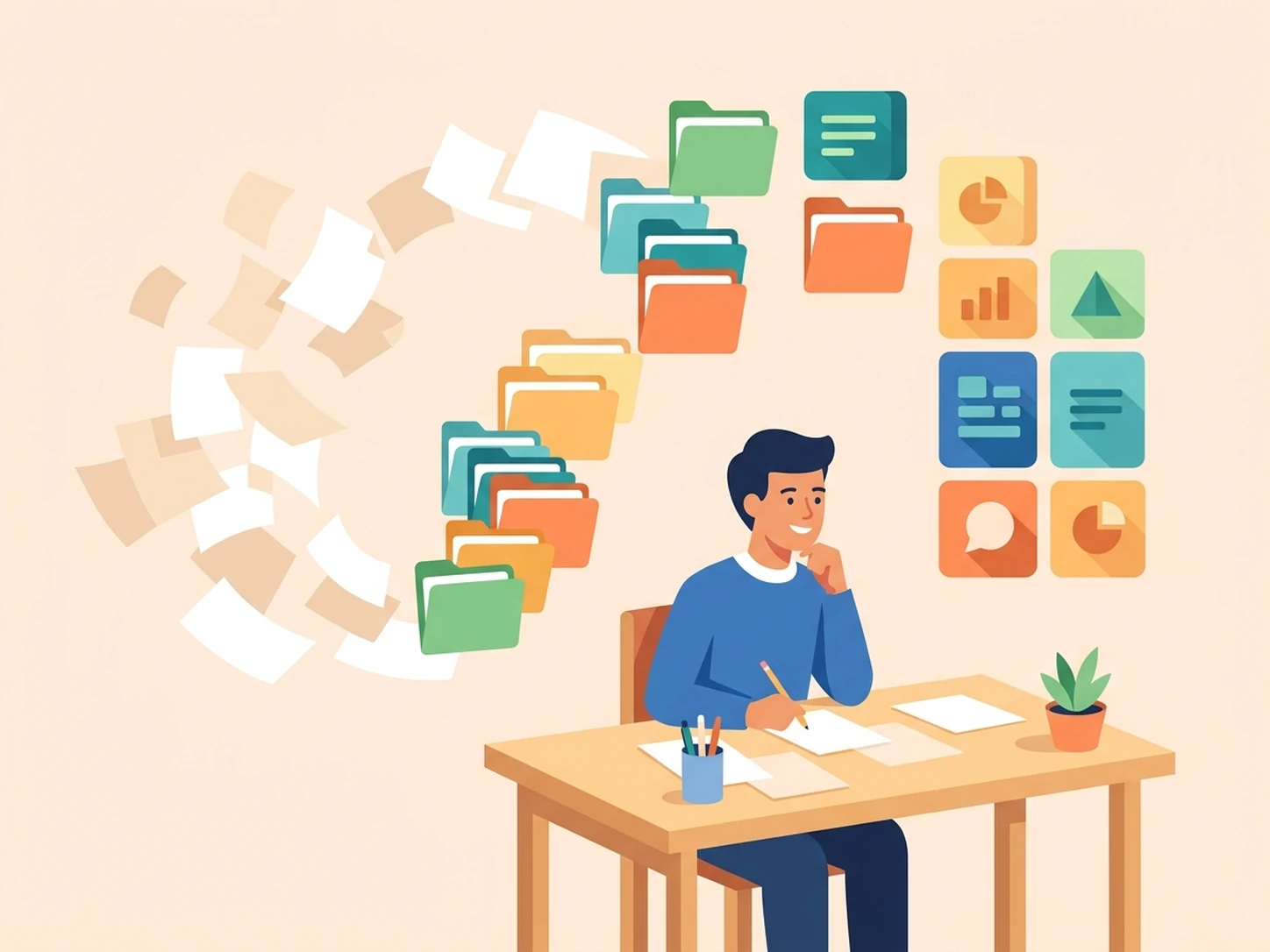
PDF 학습
학습자는 방대한 교재, 논문, PDF 문서를 검토하기 어려울 때 이를 업로드합니다. iWeaver는 파일을 분석하여 학습에 필요한 체계적인 노트, 요약, 핵심 개념을 제공합니다.
PDF 요약하기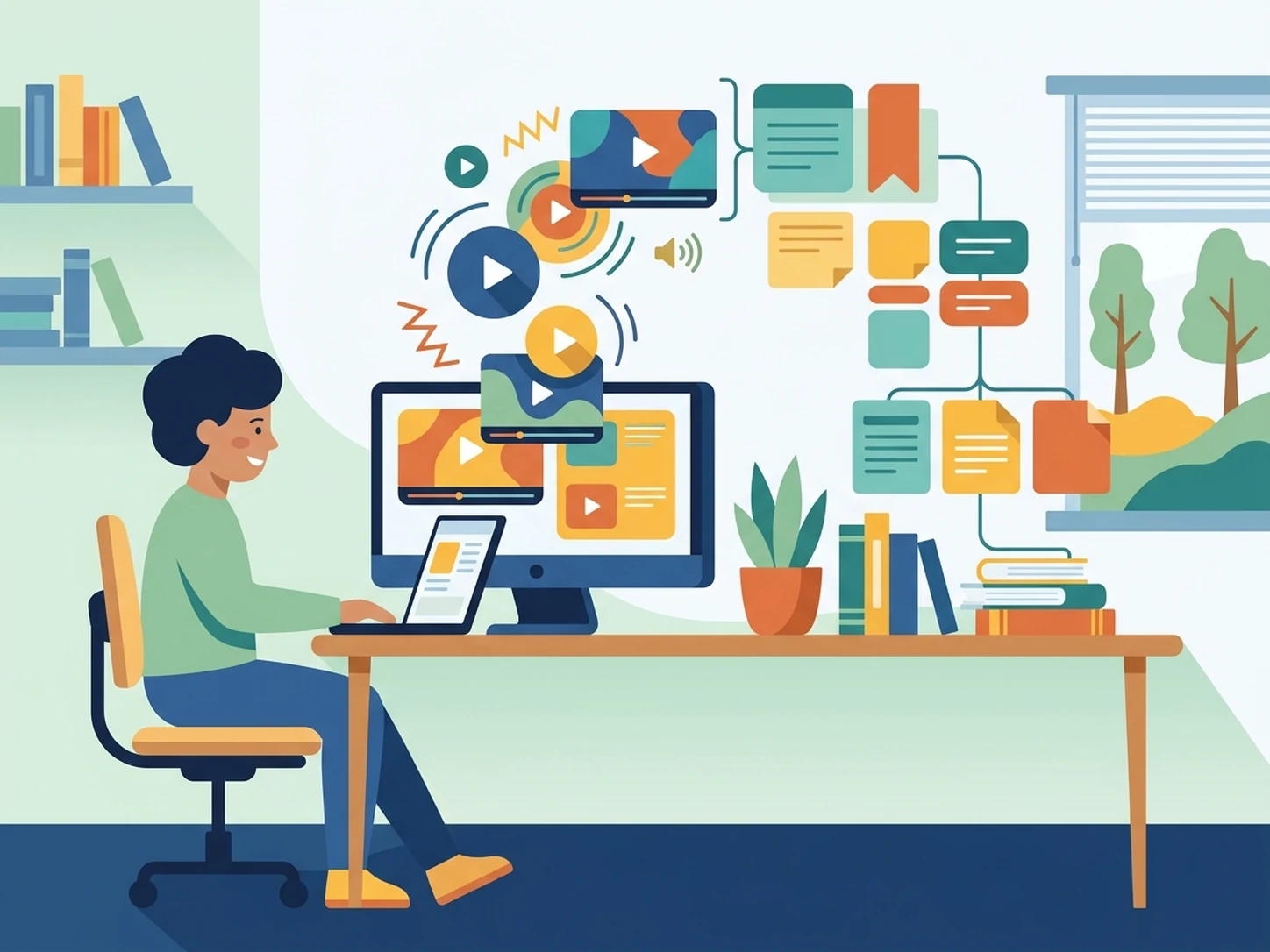
동영상 학습
온라인 학습자는 수업 영상, 웨비나, 교육용 동영상을 활용할 때 수작업으로 내용을 정리하는 부담을 줄이고자 합니다. iWeaver는 영상을 분석하여 구조화된 노트, 전사본, 복습 자료를 생성합니다.
동영상 처리하기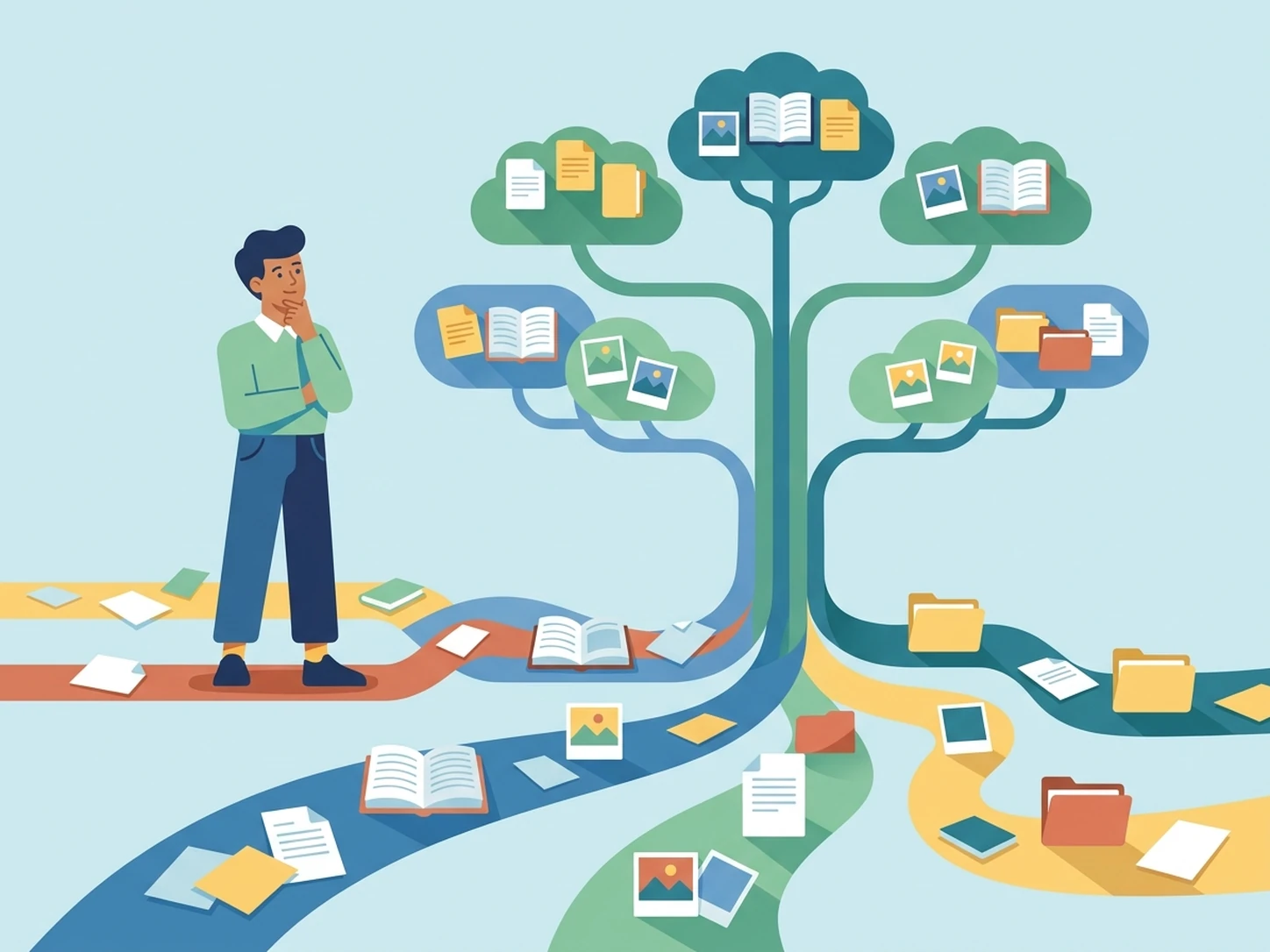
연구 자료 정리
연구자는 보고서, 논문, 스크린샷, 참고 자료가 여러 파일에 흩어져 있을 때 이를 체계적으로 관리해야 합니다. iWeaver는 연구 결과를 구조화된 출력물, 요약, 내보낼 수 있는 노트로 정리하여 추가 분석을 지원합니다.
연구 자료 정리하기AI 학습 노트 정리기 FAQ
노트 정리에 유용한 도구
현재 학습 흐름과 잘 맞는 세 가지 도구로 복습, 연습, 자료 정리를 더 수월하게 이어가세요.