
A
Upload a long video or paste a link — iWeaver identifies the strongest moments, extracts multiple 9:16 vertical clips with dynamic subtitles and speaker-centered framing, and delivers ready-to-post TikTok shorts so you skip hours of manual editing.
Please wait while we process your files
Drop your video file or paste a link. iWeaver accepts long-form recordings such as podcasts, livestreams, webinars, and interviews.
iWeaver AI analyzes speech, visual cues, and topic structure to select highlight segments and format each one as a 9:16 vertical clip.
Review the generated clips, adjust subtitles or trim points if needed, then download as MP4 or publish directly to TikTok and other platforms.
iWeaver scans your full video for high-engagement moments based on speech patterns, topic shifts, and emotional peaks — then extracts each one as a standalone clip ready for TikTok.
Every clip is automatically reformatted to 9:16 with the active speaker kept centered in frame. No manual cropping or repositioning required to fit the TikTok vertical format.
Subtitles are generated from the audio track and styled in popular TikTok caption formats. Viewers who watch on mute still follow every word, which helps retention and reach.
One long recording can produce several short clips covering different topics or highlights. This gives you days of TikTok content from a single upload instead of just one post.
Download finished clips as MP4 files or export structured data including transcripts and key points. iWeaver also supports doc, PDF, markdown, and other formats for repurposing content beyond video.
A one-hour podcast episode contains dozens of quotable moments, but scrubbing through the full recording to find them takes almost as long as the episode itself. iWeaver analyzes the audio, pulls out the most compelling segments, and delivers multiple 9:16 clips with subtitles — giving you a week of TikTok posts from one conversation.
Clip Podcasts Now
Existing 16:9 YouTube videos lose their impact when simply cropped to vertical — faces get cut off and text becomes unreadable. iWeaver reframes each selected highlight with speaker-centered framing and proper 9:16 composition, so your YouTube library becomes a source of native-feeling TikTok shorts without reshooting anything.
Convert YouTube Videos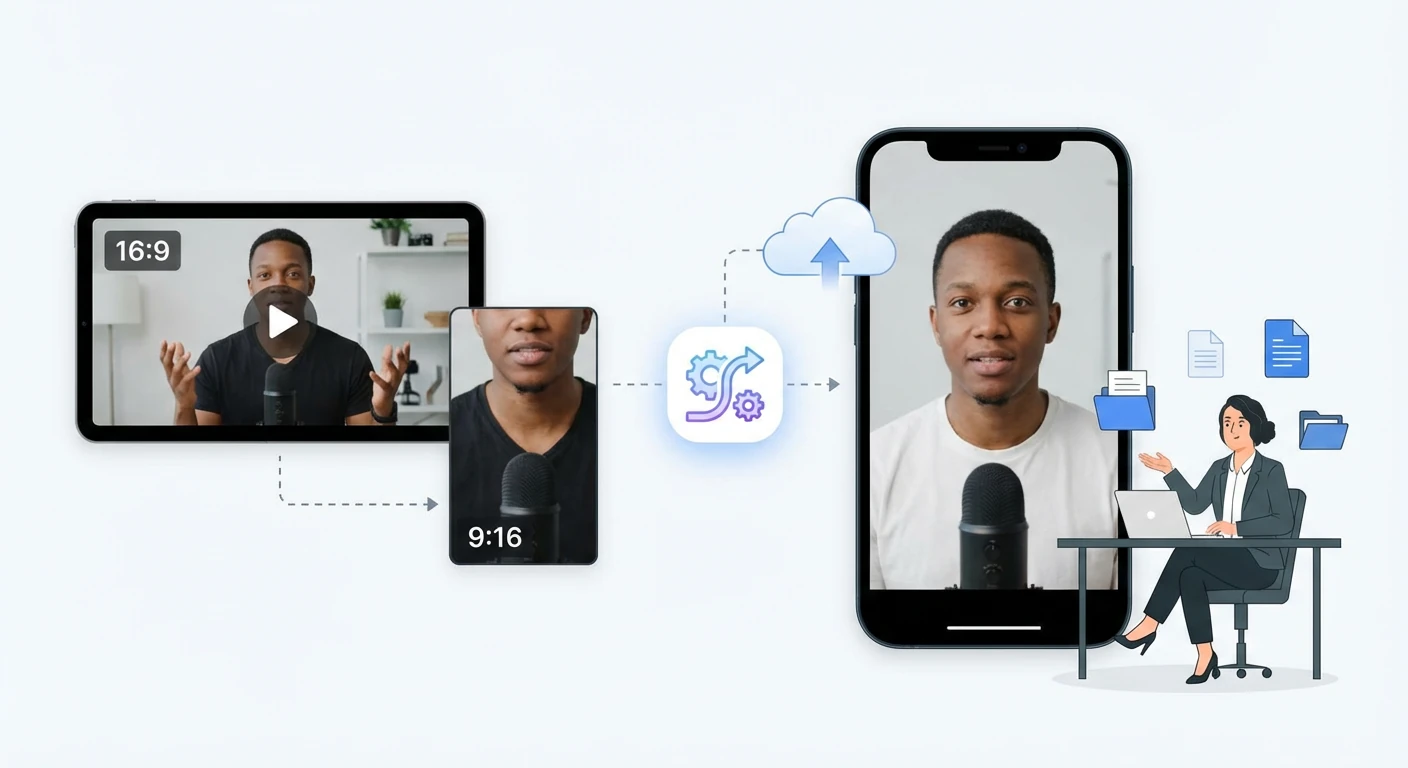
After a two-hour livestream, the best reactions and key announcements are buried in the full recording. Manually timestamping and clipping each moment delays posting by hours or days. iWeaver detects those peaks automatically and outputs vertical highlight clips you can publish to TikTok while the stream is still fresh in viewers’ minds.
Extract Highlights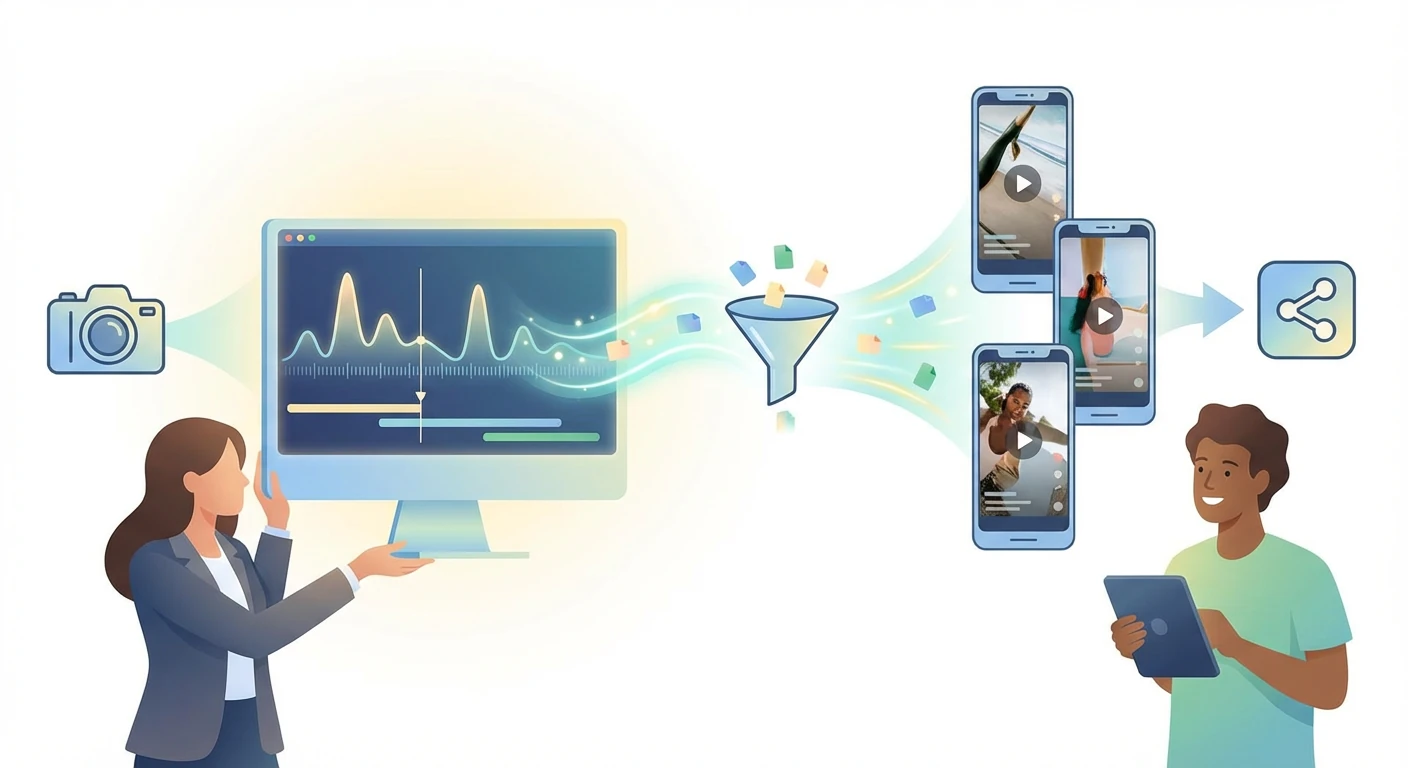
Long training recordings and webinars contain focused knowledge segments that work well as standalone educational TikToks, but isolating each topic manually is tedious. iWeaver breaks the lecture into topic-based clips with subtitles and structured key points, so educators can share bite-sized lessons on TikTok directly from their existing course material.
Create Course Clips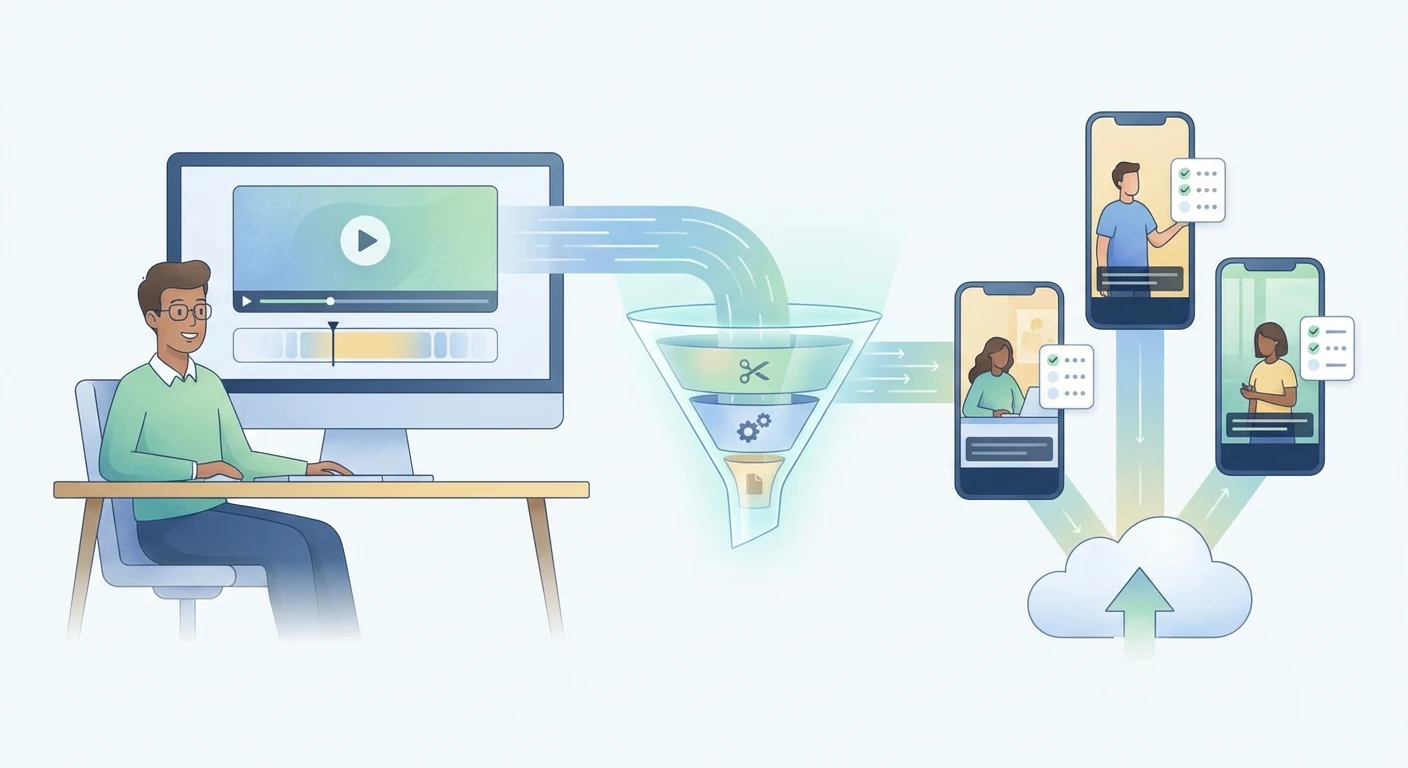
Upload a video or paste a link and let iWeaver extract highlight clips formatted for TikTok. Start with 3 free uses per day — no commitment needed to see your first batch of vertical shorts.
Make TikTok Clips