
A
Turn long PDFs, lecture notes, textbooks, and study guides into clear flashcards you can review faster. iWeaver helps you extract key concepts, create question-answer cards, and build a smarter study flow from your documents.
Please wait while we process your files
Add your PDF, lecture slides, textbook chapter, study guide, or class notes to iWeaver. The file can include dense explanations, definitions, examples, formulas, or exam review content.
iWeaver reads the document, identifies testable points, and turns them into flashcards with clear questions and answers. You can review, adjust, or regenerate cards based on your study goal.
Use the flashcards to practice active recall, prepare for exams, or organize key concepts. You can also ask follow-up questions, create quizzes, or save the material to your knowledge base.
iWeaver does more than convert PDFs into flashcards. You can summarize, ask questions, generate quizzes, create mind maps, and organize the same document into a reusable learning workflow.
Flashcards are more useful when they stay connected to the original PDF. iWeaver keeps document context available, so you can check source details and understand why each answer matters.
Instead of copying definitions and rewriting notes, upload your PDF and let iWeaver extract the most useful study points. This helps reduce repetitive preparation before exams or training sessions.
Use iWeaver for academic study, professional certification, employee training, language learning, and research review. The workflow adapts to different subjects, formats, and learning goals.
Save your PDFs, flashcards, summaries, and notes in one place. iWeaver helps turn scattered study files into an organized knowledge base you can search and reuse later.
Turn textbook chapters, lecture notes, and study guides into flashcards before exams. iWeaver helps students focus on definitions, key arguments, formulas, and likely review points without rewriting everything by hand. Use the cards for active recall, quick revision, and last-week study sessions.
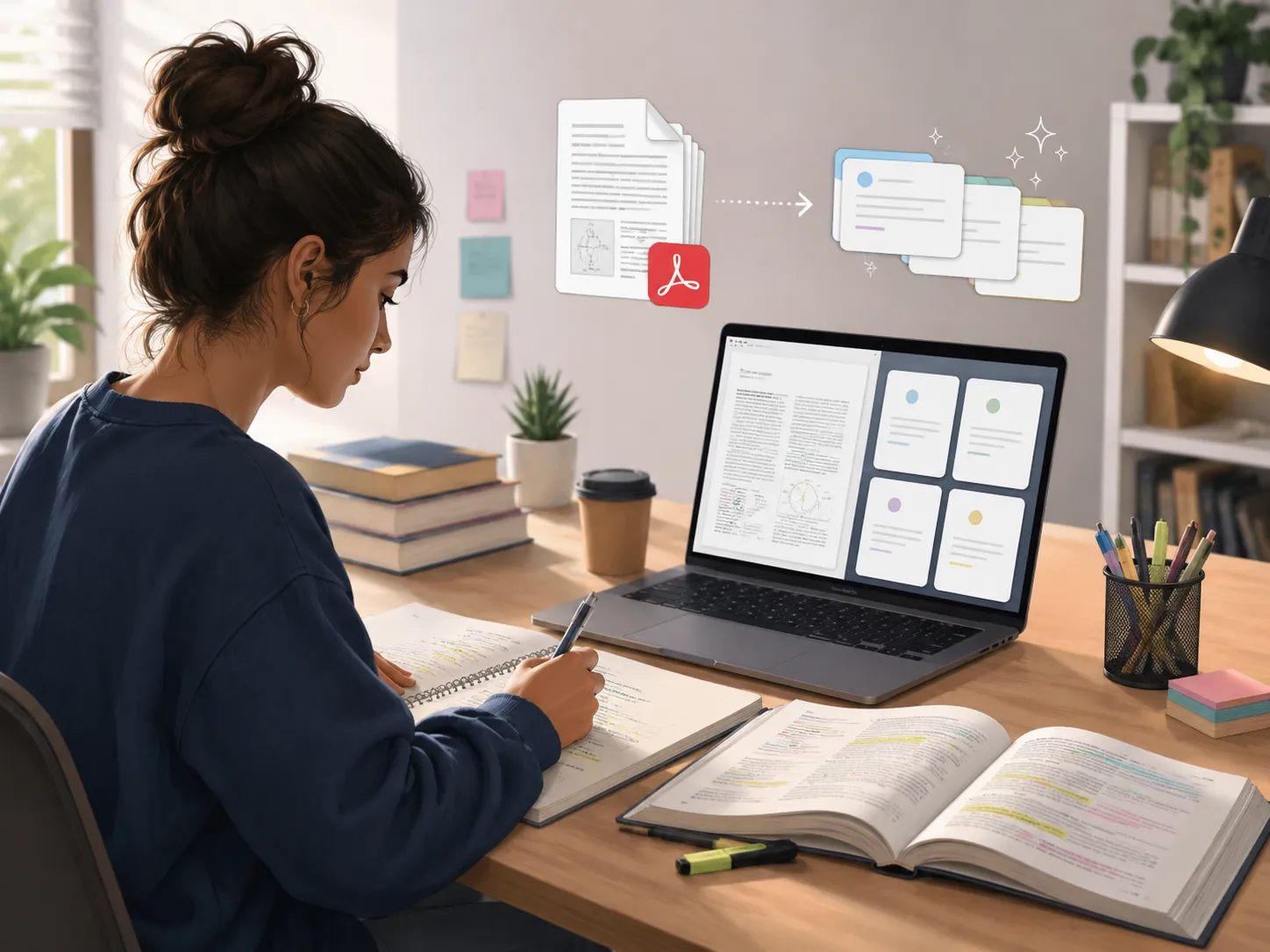
Upload class PDFs, slides, or reading assignments and convert them into structured flashcards. iWeaver helps organize scattered notes into clearer question-answer pairs, making it easier to review after class and connect new ideas with previous lessons.
Make Cards
Educators can turn lesson PDFs, handouts, and course readings into flashcards for students. iWeaver helps create review materials faster, making it easier to support homework, classroom practice, exam preparation, and self-paced learning.
Create Sets
Convert onboarding documents, compliance manuals, product guides, and internal training PDFs into flashcards. iWeaver helps teams review key procedures, terms, rules, and workflows, so employees can learn important information without reading long documents repeatedly.
Train Faster
Stop spending hours rewriting notes. Upload your PDF to iWeaver, generate clear flashcards, and build a smarter study workflow with summaries, quizzes, Q&A, and organized knowledge.
Convert PDF Now