
Free AI Roleplay Chat with Custom Characters
Create a character, set the scene, and start a free AI roleplay chat. Explore natural conversations, evolving scenarios, and character-driven stories online with iWeaver.
How to Use AI Roleplay Chat
Create a Character
Describe your character's personality, background, relationship, or role.
Set the Scene
Add a setting, situation, mood, or opening line to start the roleplay.
Start Roleplaying
Send your first message and continue the conversation as the scene develops.
Why Choose iWeaver AI Roleplay Chat?
Custom Characters
Create original characters with their own personalities, backgrounds, relationships, goals, and speaking styles.
Natural Conversations
Enjoy back-and-forth roleplay where every response reacts to your message instead of following a fixed script.
Character Consistency
Give iWeaver clear character details and context to keep responses closer to the personality and role you created.
Evolving Scenes
Change locations, introduce new events, reveal secrets, or take your roleplay in a completely different direction.
Flexible Roleplay Styles
Explore fantasy, romance, drama, mystery, sci-fi, slice-of-life, historical settings, and other character-driven scenarios.
What Can You Do with AI Roleplay Chat?
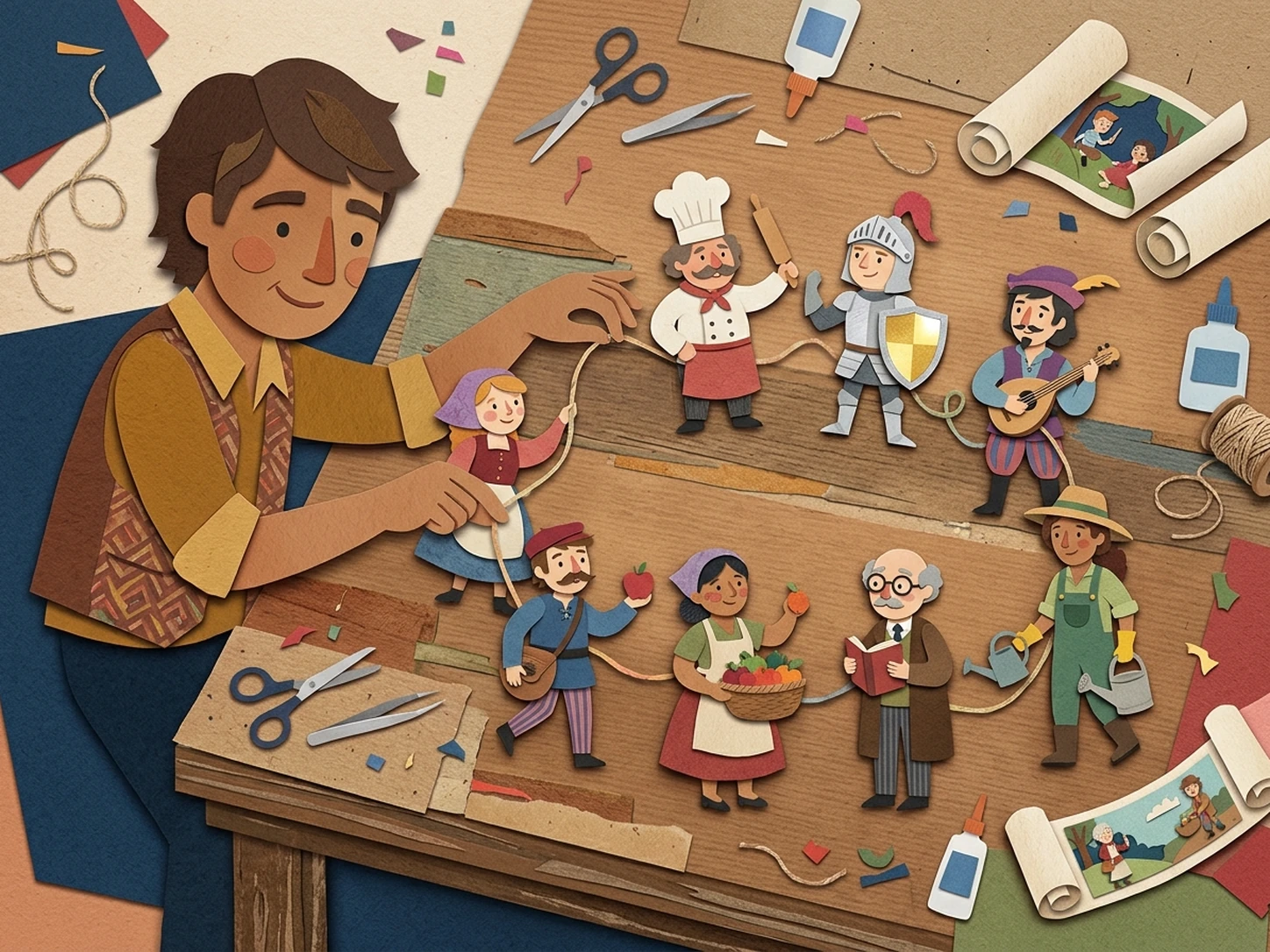
Chat with Original Characters
Turn a character idea into an interactive conversation. Define their personality, background, relationship, and voice, then see how they react as the dialogue develops.
Start a Character Chat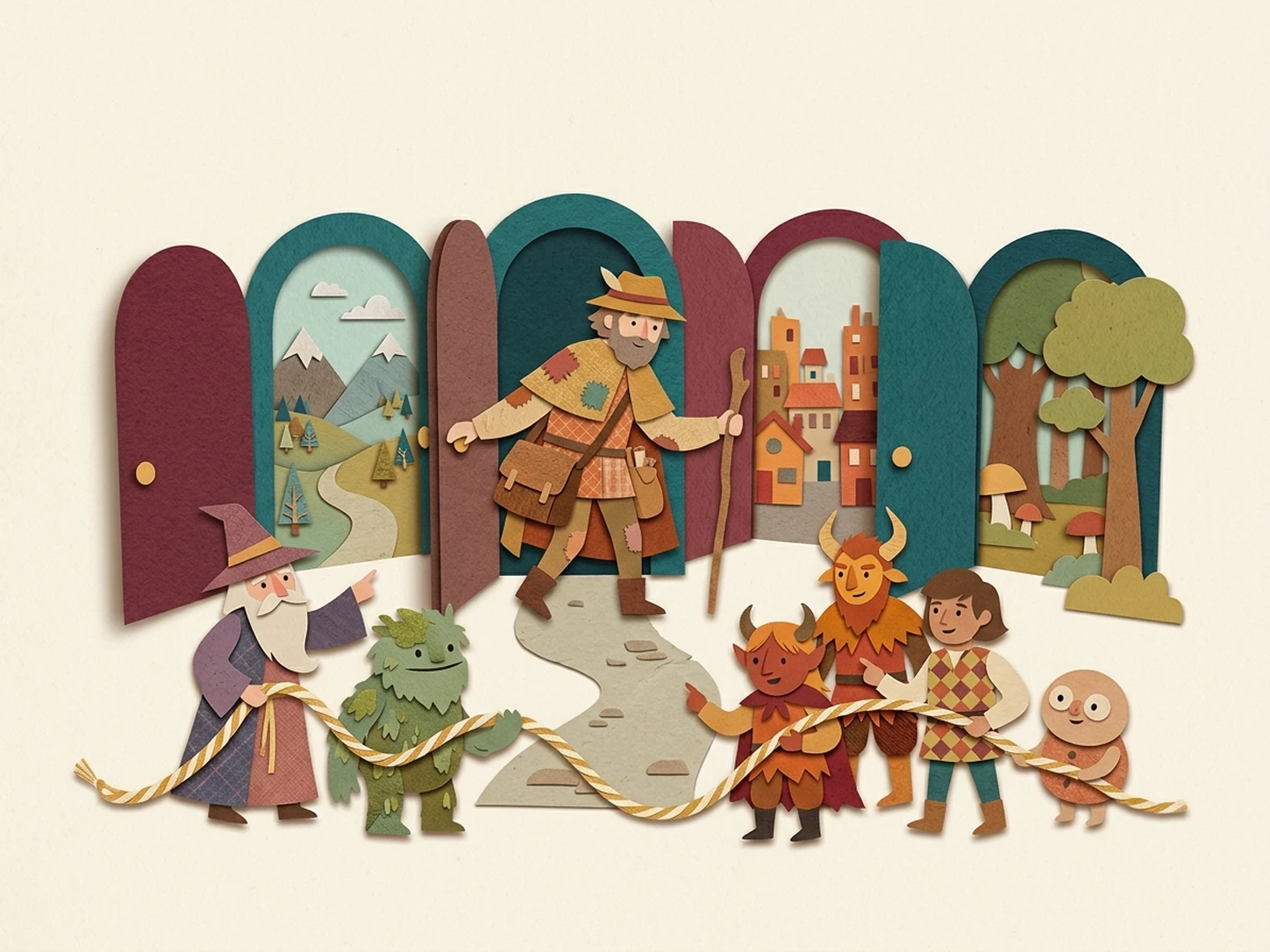
Explore Different Relationships
Roleplay conversations between friends, rivals, teammates, strangers, fictional characters, or your own original characters and explore how each relationship develops.
Start Roleplaying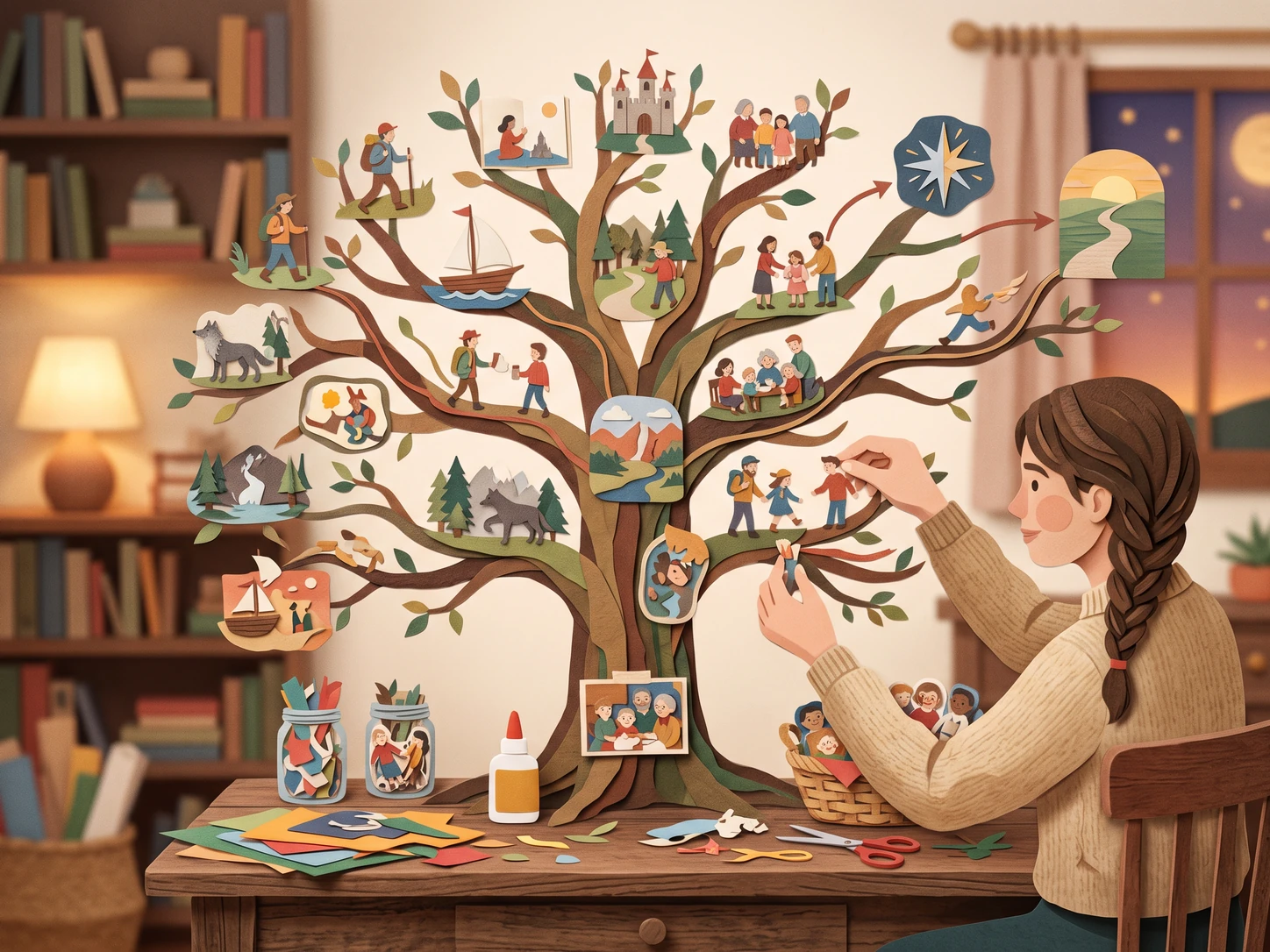
Continue Story Scenes
Start with a single situation and let the story grow through conversation. Introduce new choices, conflicts, locations, and character reactions as you go.
Continue a Scene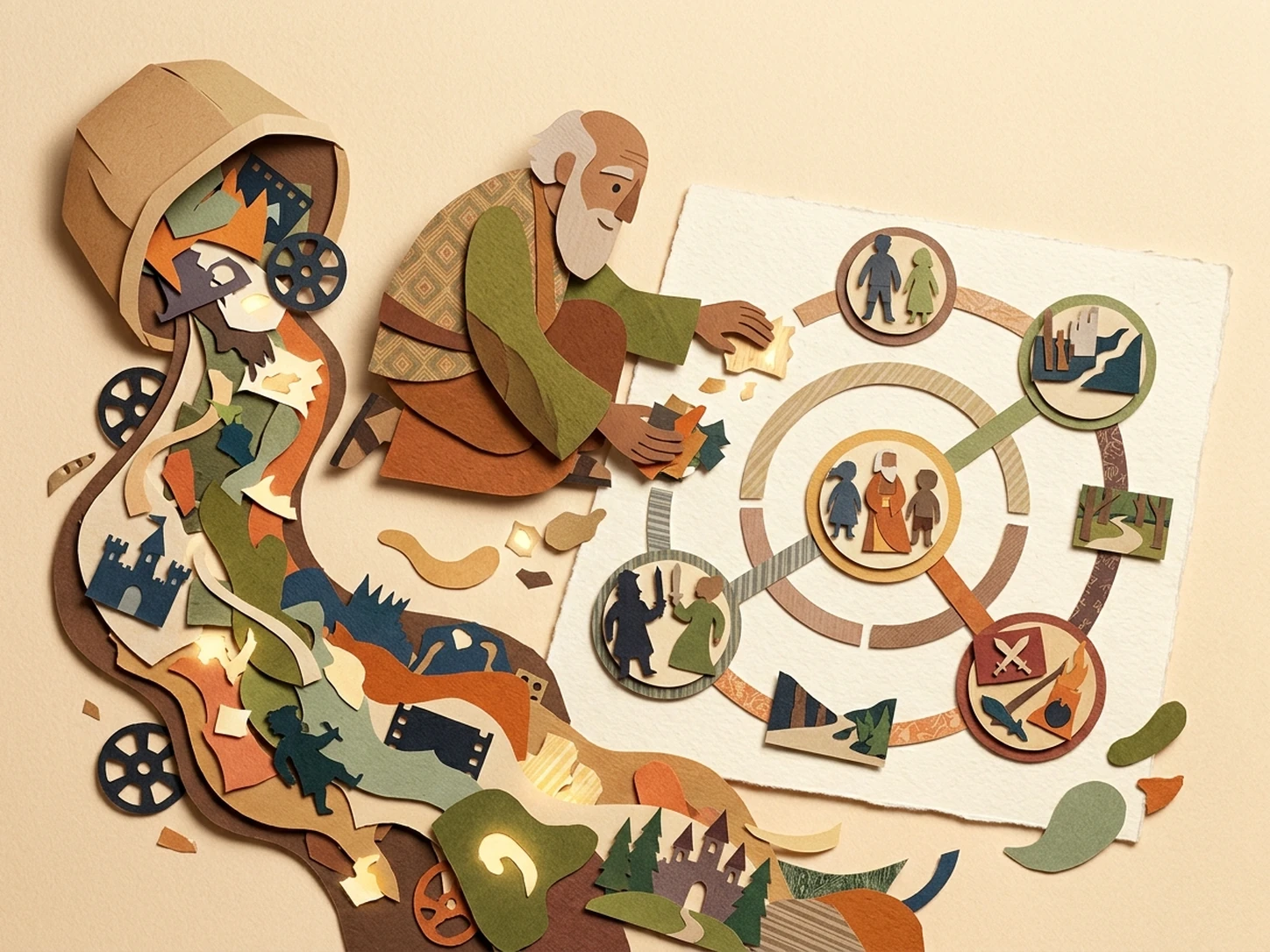
Practice Character Dialogue
Test how a character might speak, react, argue, joke, or handle different situations before bringing the dialogue into a larger story or creative project.
Try a ConversationMore AI Roleplay Agents
Explore more ways to create characters, roleplay scenarios, and interactive adventures.
Explore more open-ended AI roleplay conversations with fewer interruptions and greater creative flexibility.
Generate roleplay scenarios, character setups, dialogue starters, and opening situations before you begin chatting.
Create RPG worlds, characters, NPCs, quests, adventure hooks, and campaign ideas for your next game.
AI Roleplay Chat FAQ
Start Your AI Roleplay Chat
Create a character, choose a situation, and see where the conversation goes.
Start Roleplaying Free