
AI Roleplay Generator for Characters, Stories & RPGs
Create characters, roleplay scenarios, RPG adventures, and interactive stories with an AI roleplay generator. Add character details, world settings, and story ideas, then develop dialogue, scenes, plots, and structured notes with iWeaver.
How to Use AI Roleplay Generator
Build Your Roleplay
Add characters, personalities, relationships, world settings, and the scenario you want to explore.
Generate the Scenario
Let iWeaver develop dialogue, scenes, character interactions, story branches, and roleplay ideas from your setup.
Continue or Export
Refine the scenario, add new directions, or organize useful dialogue, notes, and story outlines for later use.
Why Choose iWeaver AI Roleplay Generator?
Character Consistency
Keep personalities, relationships, motivations, and important character details consistent as your roleplay develops.
Scenario Building
Turn a simple prompt into scenes, settings, conflicts, quests, and branching story directions for different roleplay styles.
Natural Dialogue
Generate dialogue that follows character roles, relationships, tone, and the situation instead of producing isolated lines.
Flexible Roleplay Worlds
Explore fantasy, romance, mystery, adventure, sci-fi, slice-of-life, RPG, and original roleplay scenarios.
Reusable Outputs
Save dialogue, character notes, plot ideas, and story outlines as doc, pdf, xmind, svg, or markdown for future editing and reuse.
What Can You Create with an AI Roleplay Generator?
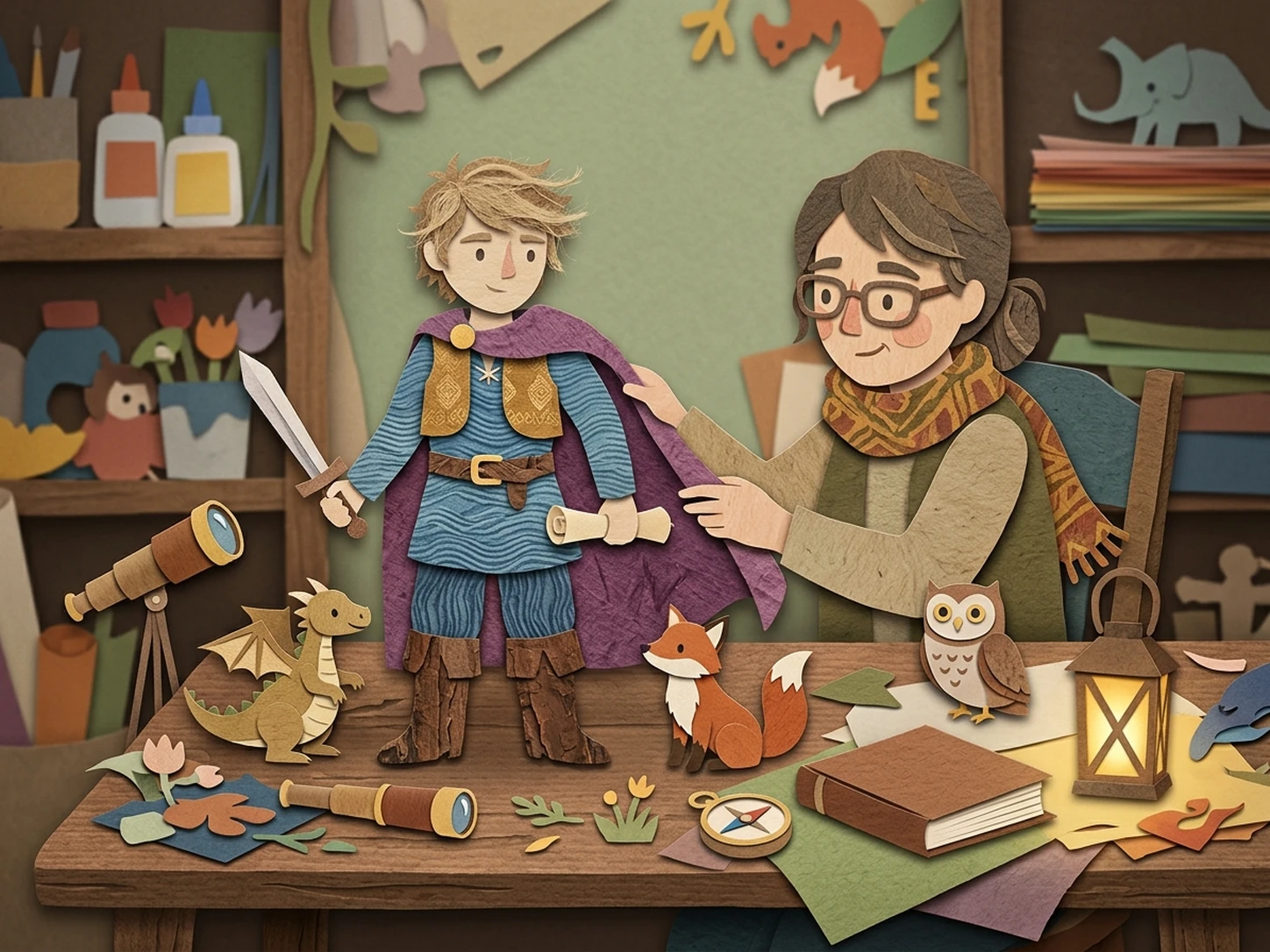
Character Creation
Build original characters with personalities, backgrounds, goals, relationships, and dialogue styles. Use them as a starting point for stories, roleplay chats, or RPG scenarios.
Create Characters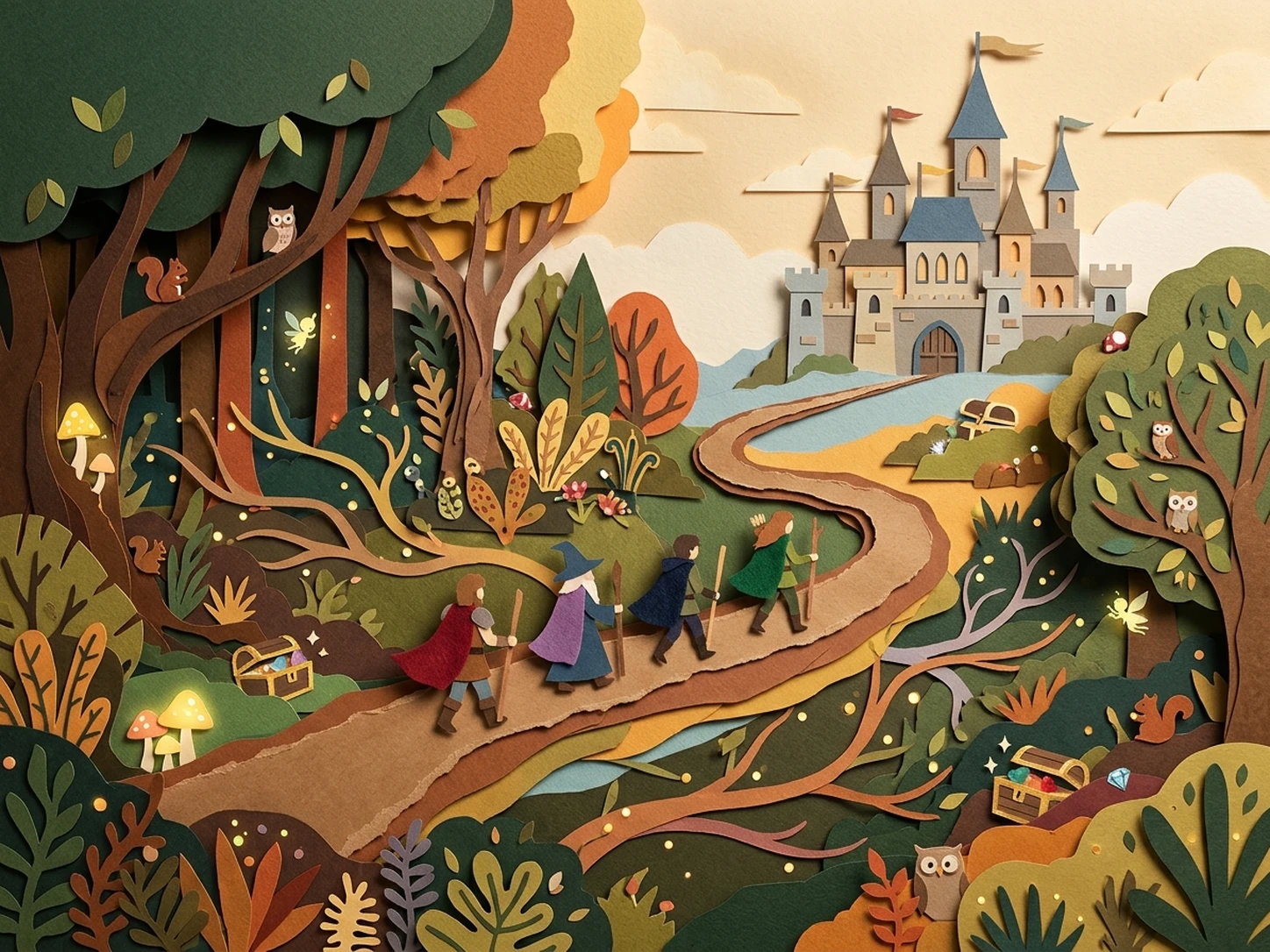
RPG Adventures
Create worlds, quests, NPCs, conflicts, and story branches for fantasy, mystery, sci-fi, or original RPG adventures.
Build Adventures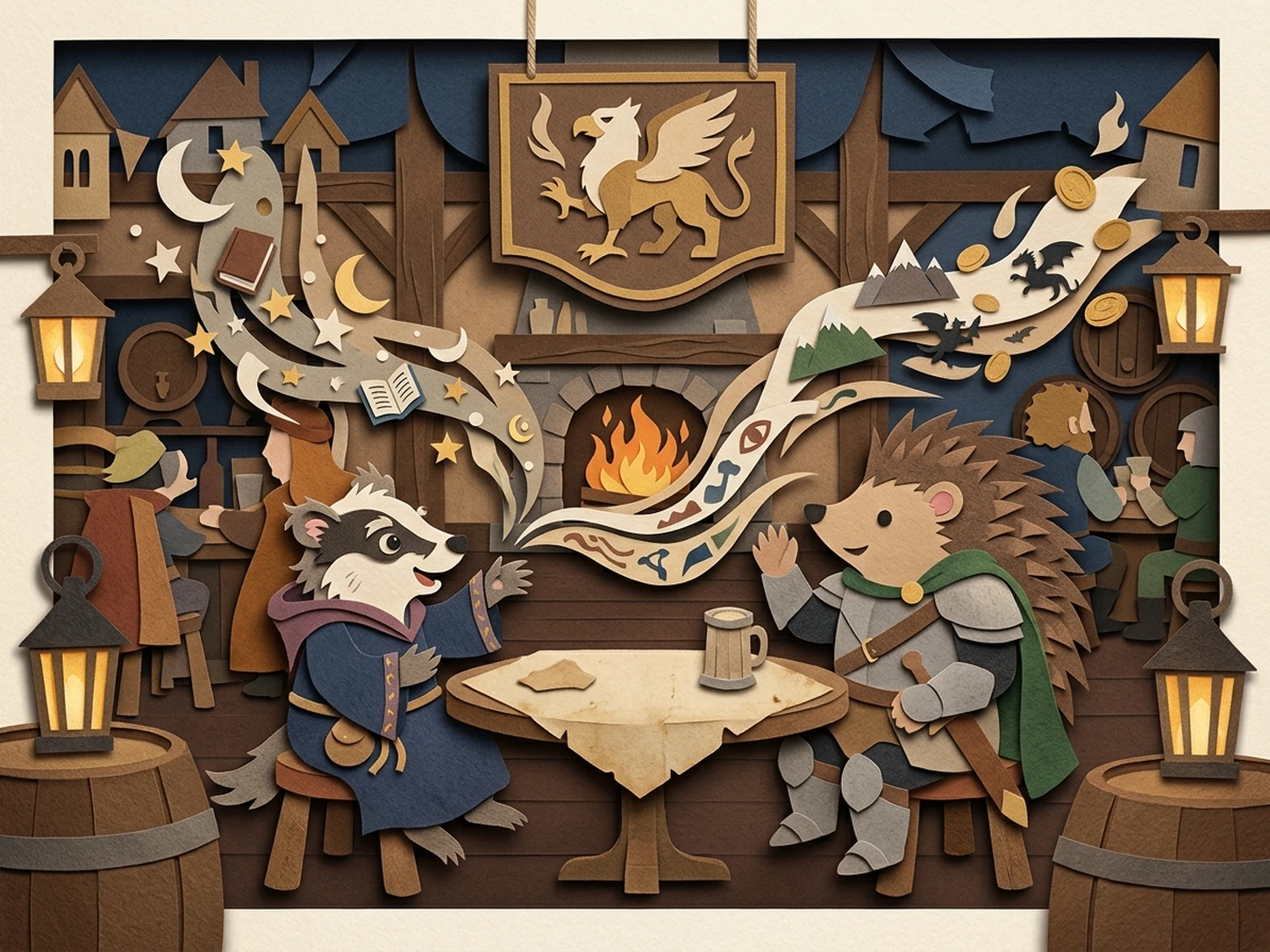
NPC Dialogue
Generate context-aware NPC conversations for games and roleplay sessions while keeping character voice, relationships, and scene details consistent.
Generate Dialogue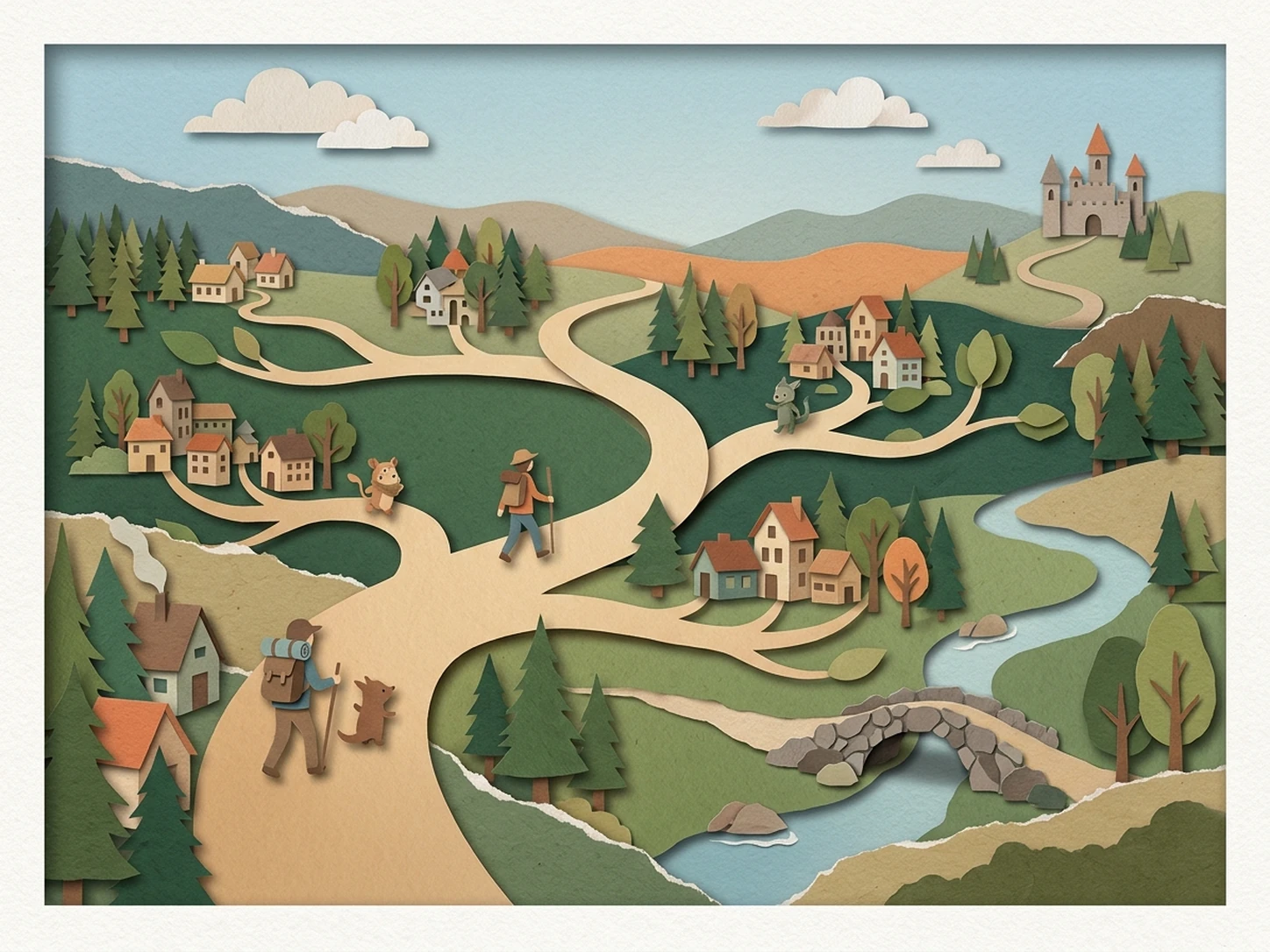
Story Expansion
Continue existing roleplay stories with new scenes, alternative paths, character interactions, and plot developments when you need fresh directions.
Expand StoriesExplore More AI Roleplay Tools
Move from character creation to open-ended roleplay, interactive chats, and RPG adventures with more AI tools from iWeaver.
Uncensored AI Roleplay
Explore more open-ended roleplay conversations, characters, scenarios, and creative story directions with fewer unnecessary interruptions.
Try Uncensored Roleplay →AI Roleplay Chat
Move from generating a scenario to an ongoing AI roleplay conversation with characters, dialogue, and evolving story context.
Start Roleplay Chat →AI RPG Generator
Create quests, characters, worlds, encounters, and branching adventures for interactive RPG storytelling.
Create an RPG →Continue Your Roleplay in XPT
Want to turn a generated character or scenario into a longer, more open-ended conversation? Continue your roleplay in XPT with more freedom to explore characters, dialogue, and story directions.
AI Roleplay Generator FAQ
Create Your Next Roleplay Adventure
Build characters, scenarios, dialogue, and story ideas with iWeaver, then keep developing the roleplay in your own direction.
Generate Roleplay