
Convert PDF to Editable PowerPoint Slides
Turn PDF reports, research papers, proposals, and scanned documents into editable PowerPoint slides. iWeaver extracts key content, preserves important visuals, and helps you create presentation-ready PPT files without rebuilding every slide manually.
How to Convert PDF to PPT Online
Upload Your PDF
Upload a PDF report, research paper, proposal, handbook, or scanned document. iWeaver reads the document content and structure before preparing the presentation.
Convert PDF Content into Slides
iWeaver identifies headings, text, images, tables, and important information, then organizes the PDF content into PowerPoint-ready slides.
Review and Export Your PPT
Check the generated slides, make any final edits you need, and export the presentation for meetings, classes, training, or sharing.
Turn a PDF Into Slides You Can Actually Present
PDFs are designed for reading and sharing, but presenting directly from a long document rarely works well. Dense paragraphs, full-page tables, and report-style layouts can be difficult for an audience to follow.
A PDF to PPT converter helps move that content into a slide-based format. Instead of manually copying text and images page by page, you can start with an editable presentation and spend your time reviewing, refining, and presenting the information.
Why Use iWeaver PDF to PPT Converter?
Editable PowerPoint Output
Turn static PDF content into PPT slides you can continue editing, rearranging, and adapting for different audiences.
Preserve Important Visual Content
Keep useful images, charts, tables, and document elements available when moving information from PDF to PowerPoint.
Understand Document Structure
Work with headings, sections, and key information from the source document instead of treating every PDF page as an isolated image.
Handle Scanned PDFs with OCR
Extract readable content from scanned or image-based PDF documents before organizing it into presentation material.
Work with Long Documents
Convert reports, papers, manuals, and other multi-page PDFs without manually rebuilding the presentation one page at a time.
From Long PDF to Presentation-Ready Content
The goal is not simply to change the file extension. It is to make information locked inside a PDF easier to edit, explain, and present.
Use Cases for PDF to PPT Converter
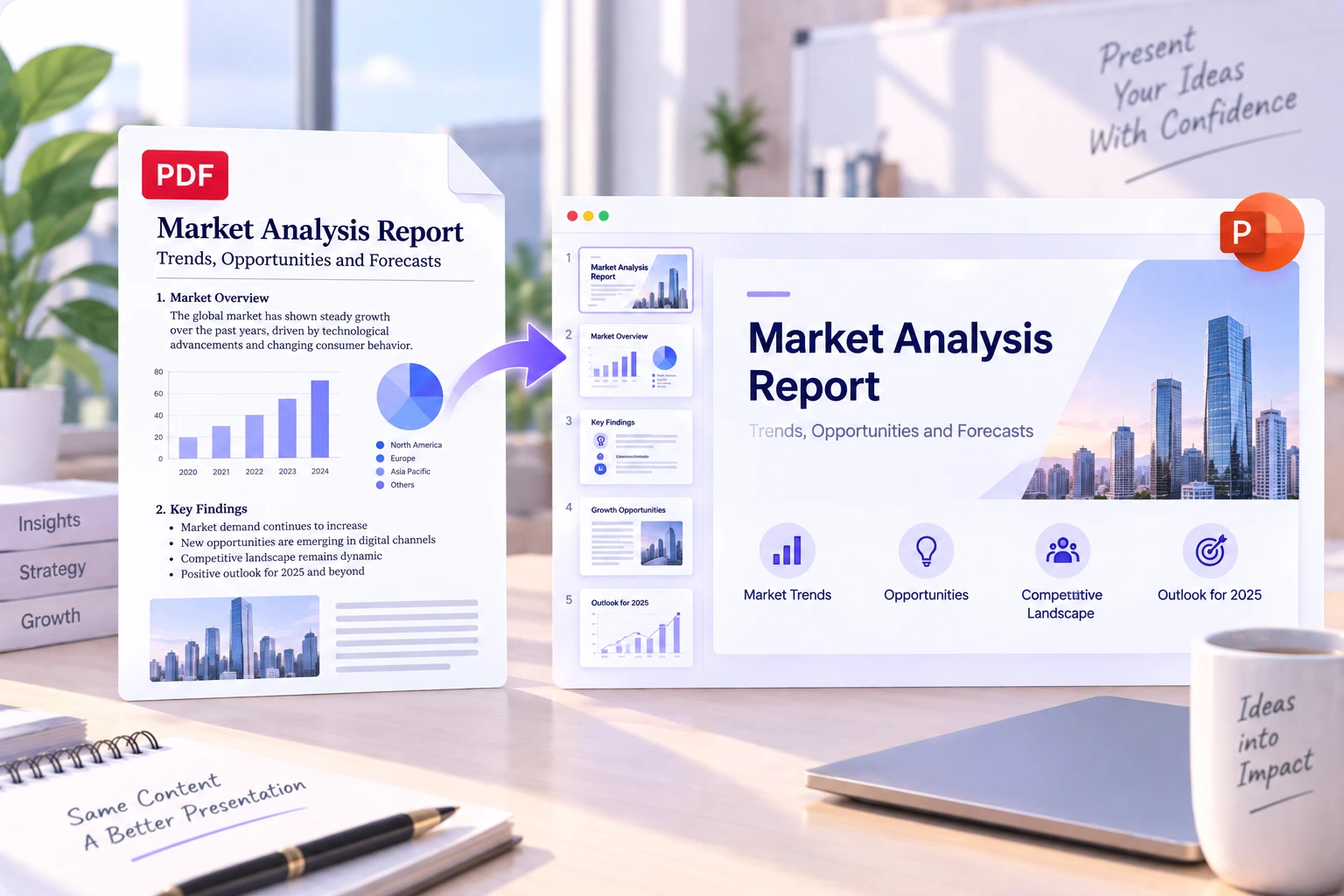
Turn Reports Into Meeting Slides
Convert annual reports, project updates, market research, and internal documents into slides for team reviews and stakeholder meetings.
Convert Report to PPT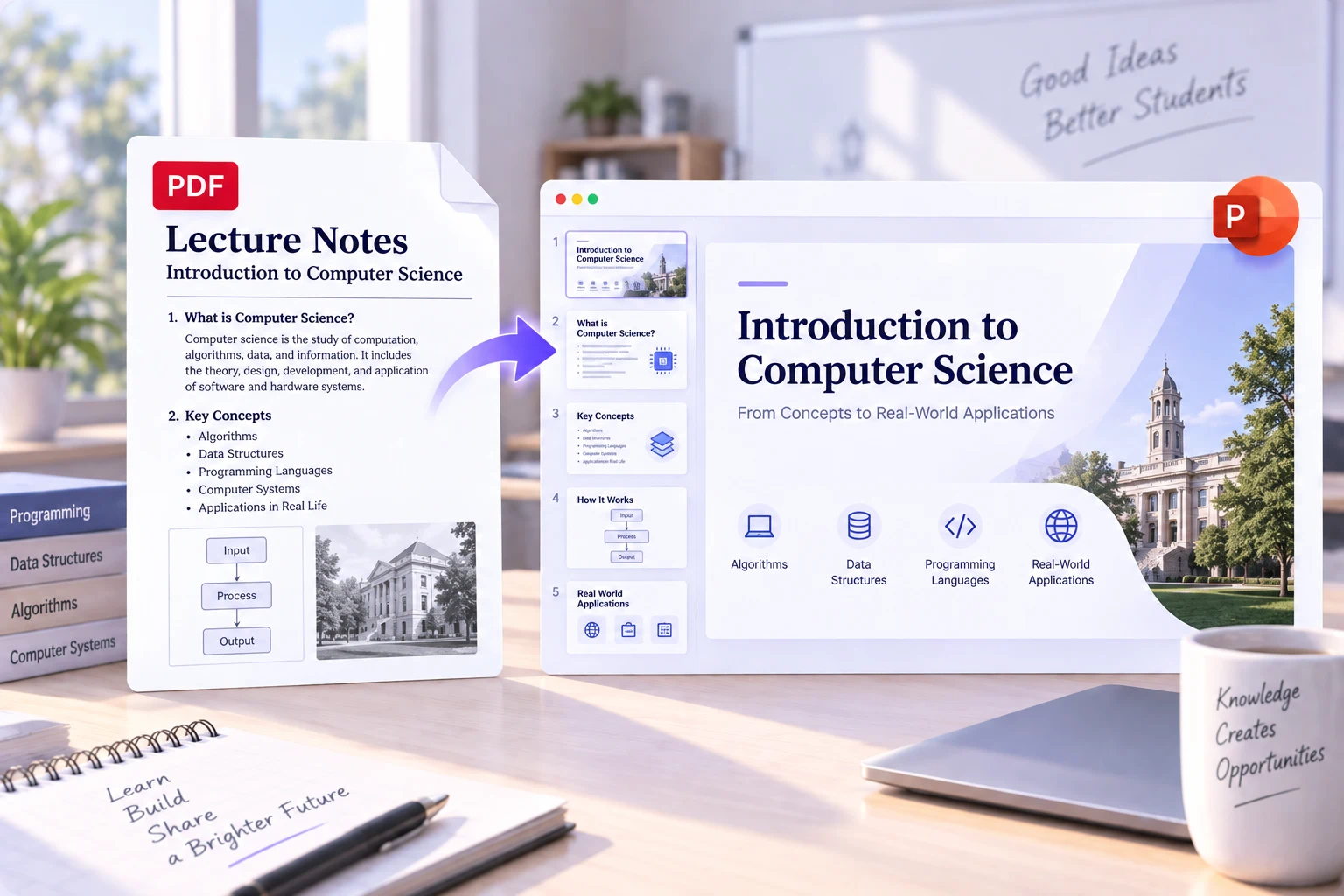
Present Research More Clearly
Transform research papers, academic PDFs, and literature into structured presentation material for classes, seminars, and research discussions.
Create Research Slides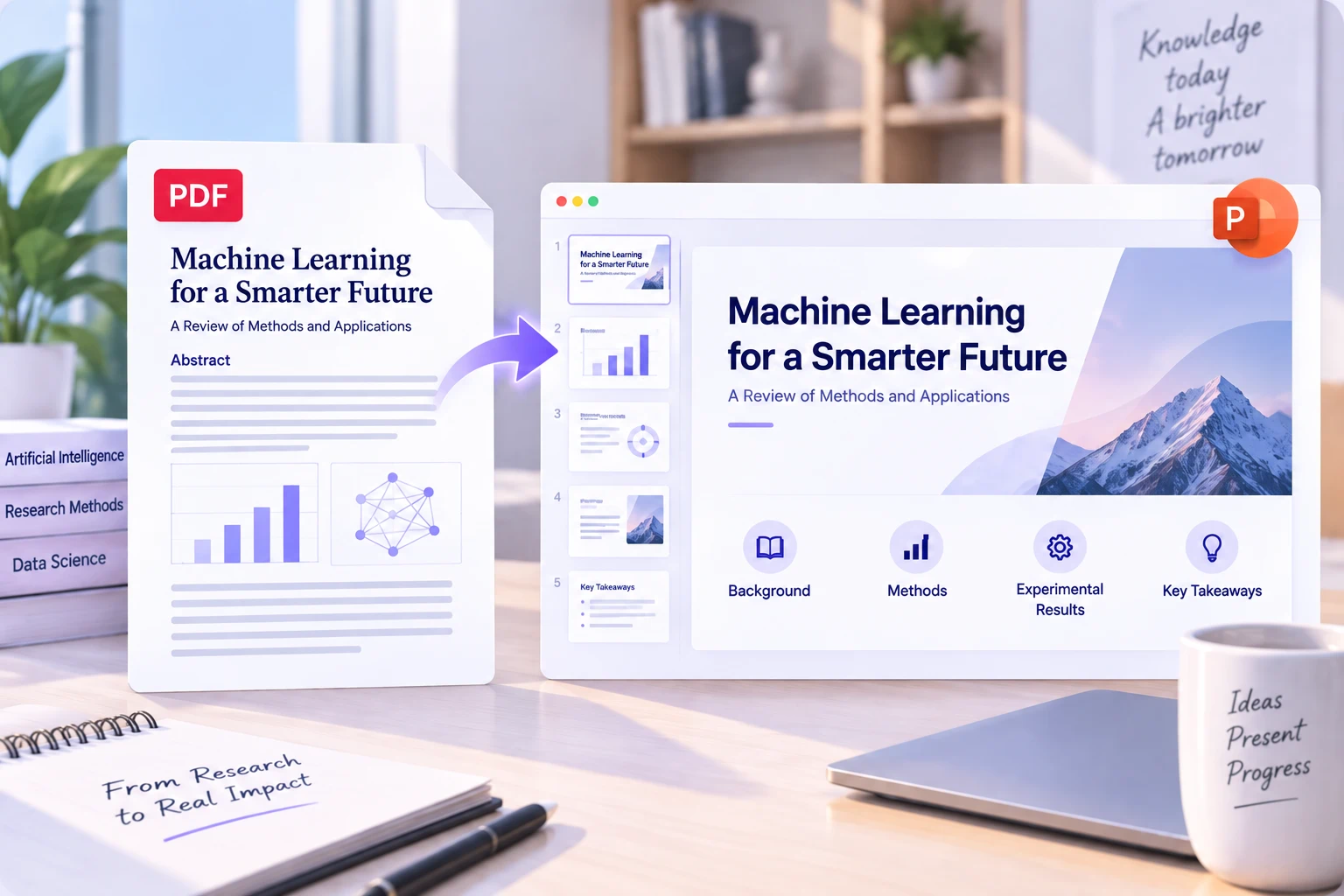
Build Training Presentations
Reuse policies, manuals, onboarding documents, and process guides as PowerPoint material for workshops and employee training.
Build Training Slides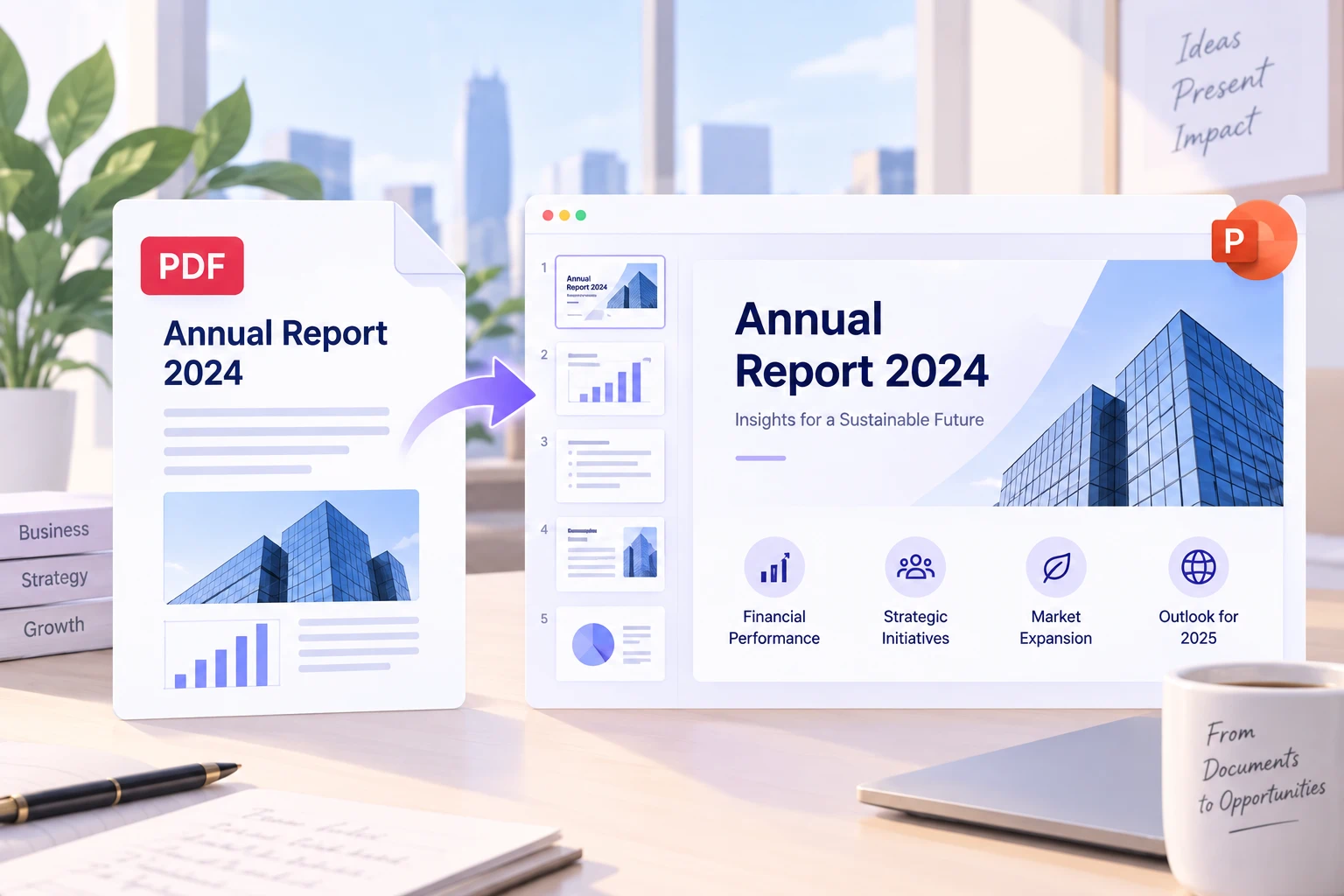
Repurpose PDF Content
Turn ebooks, guides, white papers, and downloadable resources into presentations for webinars, marketing, teaching, or content distribution.
Repurpose Your PDFPDF to PPT Conversion: What Should You Check?
A converted PPT gives you a strong starting point, but a quick review can make the final deck much easier to present.
Check whether charts, tables, and images appear on the correct slides.
Shorten paragraphs that are still too dense for a presentation.
Confirm fonts and spacing if the original PDF uses custom typography.
Review OCR text carefully when working with scanned or low-quality PDFs.
Split information-heavy slides when one PDF section contains too much content.
More PDF Tools for Your Workflow
AI PDF Summarizer
Need the main ideas before creating slides? Use the AI PDF Summarizer to extract key points, summaries, and important information from long PDFs.
Explore AI PDF Summarizer →PDF to Excel Converter
Working with tables instead of presentation content? Use the PDF to Excel Converter to extract structured data from PDF documents into editable spreadsheets.
Convert PDF to Excel →PDF to Flowchart
Turn processes, procedures, and workflows inside documents into visual flowcharts that are easier to understand and explain.
Create a Flowchart →PDF to PPT FAQ
Turn Your PDF Into an Editable Presentation
Stop rebuilding slides from PDFs one page at a time. Upload your document, convert its content into PowerPoint, and start with a presentation you can review, edit, and reuse.
Convert PDF to PPT