
Uncensored AI Image Generator by iWeaver
Create images from text prompts and reference images with an uncensored AI image generator for flexible creation, delivering structured outputs, notes, and transcripts for creative projects and image editing needs.
How to Use Uncensored AI Image Generator
Upload Prompt
Upload a prompt or reference image to start generating visual content with selected styles and settings for your creative workflow
Analyze Prompts
iWeaver interprets inputs and processes image requests to create customized visual results based on descriptions and reference details
Review Results
Review generated images and export available outputs for editing or sharing across your preferred creative projects
Why Choose Uncensored AI Image Generator?
Flexible Prompt Control
Describe subjects, environments, poses, colors, lighting, and visual styles in your own words to guide each generation more precisely.
Text and Image Inputs
Start from a written idea, an uploaded reference image, or both. This makes it easier to communicate details that are difficult to explain with text alone.
Multiple Visual Directions
Explore realistic, illustrative, cinematic, fantasy, anime-inspired, and concept-art directions without rebuilding your creative brief from scratch.
Fast Creative Iteration
Test alternative compositions, moods, and character details quickly, helping you move from an early idea to a clearer visual concept.
Project-Ready Results
Use generated visuals as inspiration or starting material for character concepts, story scenes, social content, moodboards, and personal creative projects.
Use Cases for Uncensored AI Image Generator
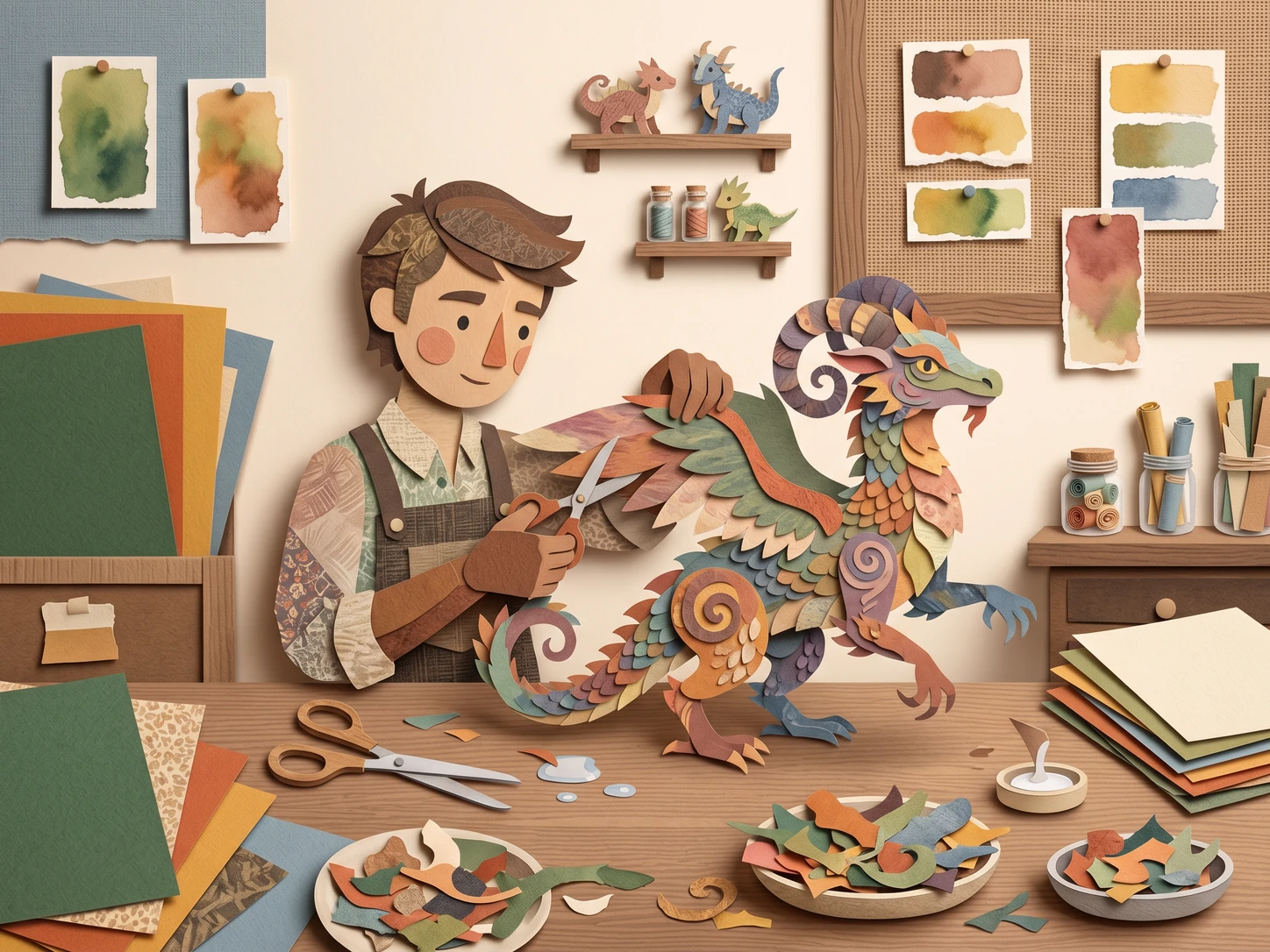
Art Creation
Users create AI artwork from text prompts and reference images but may need more control over styles and visual direction. iWeaver processes image inputs to support custom creations and provides generated results for reviewing or further editing in creative workflows
Create AI Art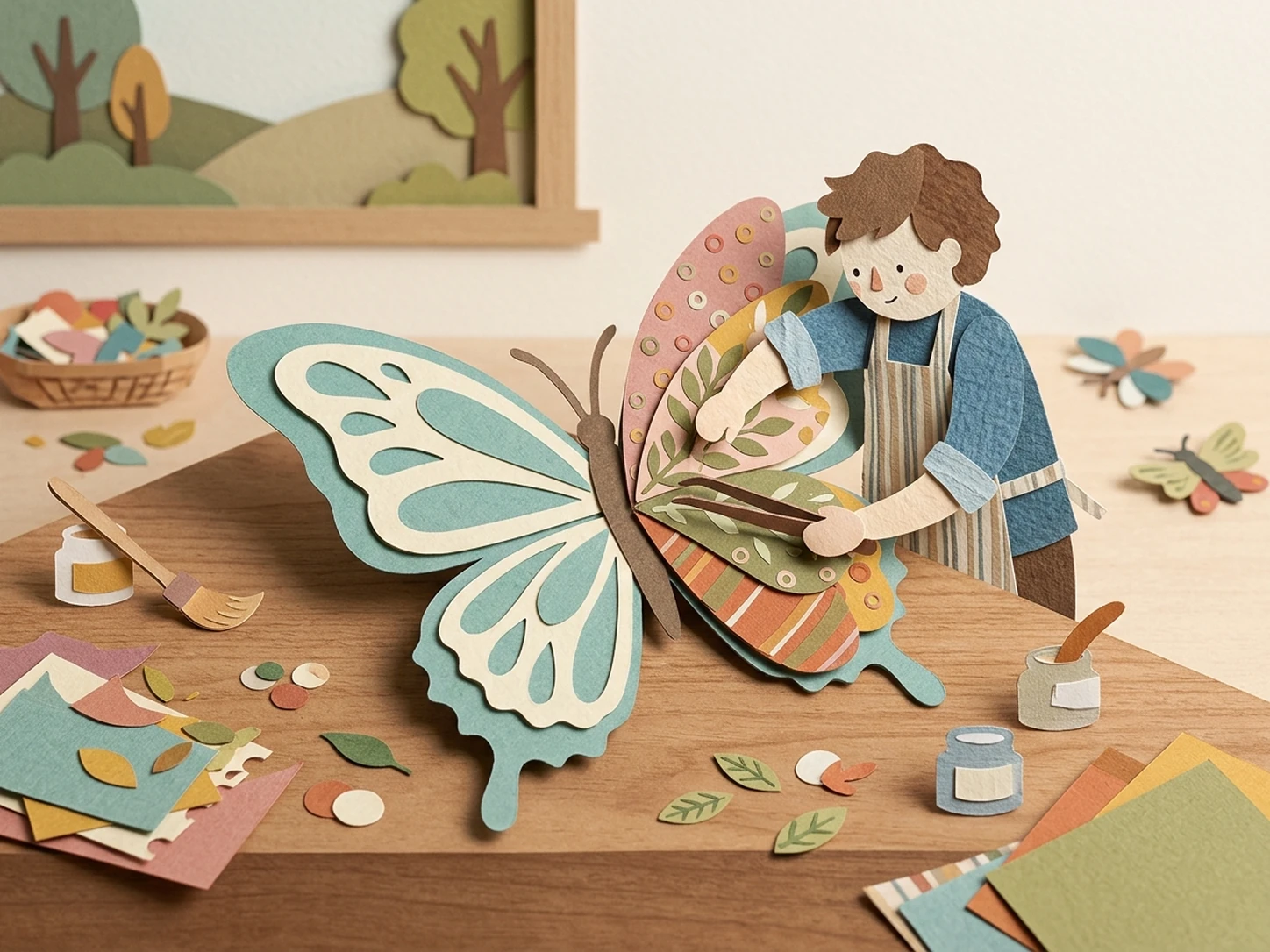
Image Editing
Users edit existing images and screenshots when they need style changes or visual variations without losing the original concept. iWeaver analyzes provided images and delivers edited outputs that can support transformations and creative experiments with different visual approaches and styles
Edit Images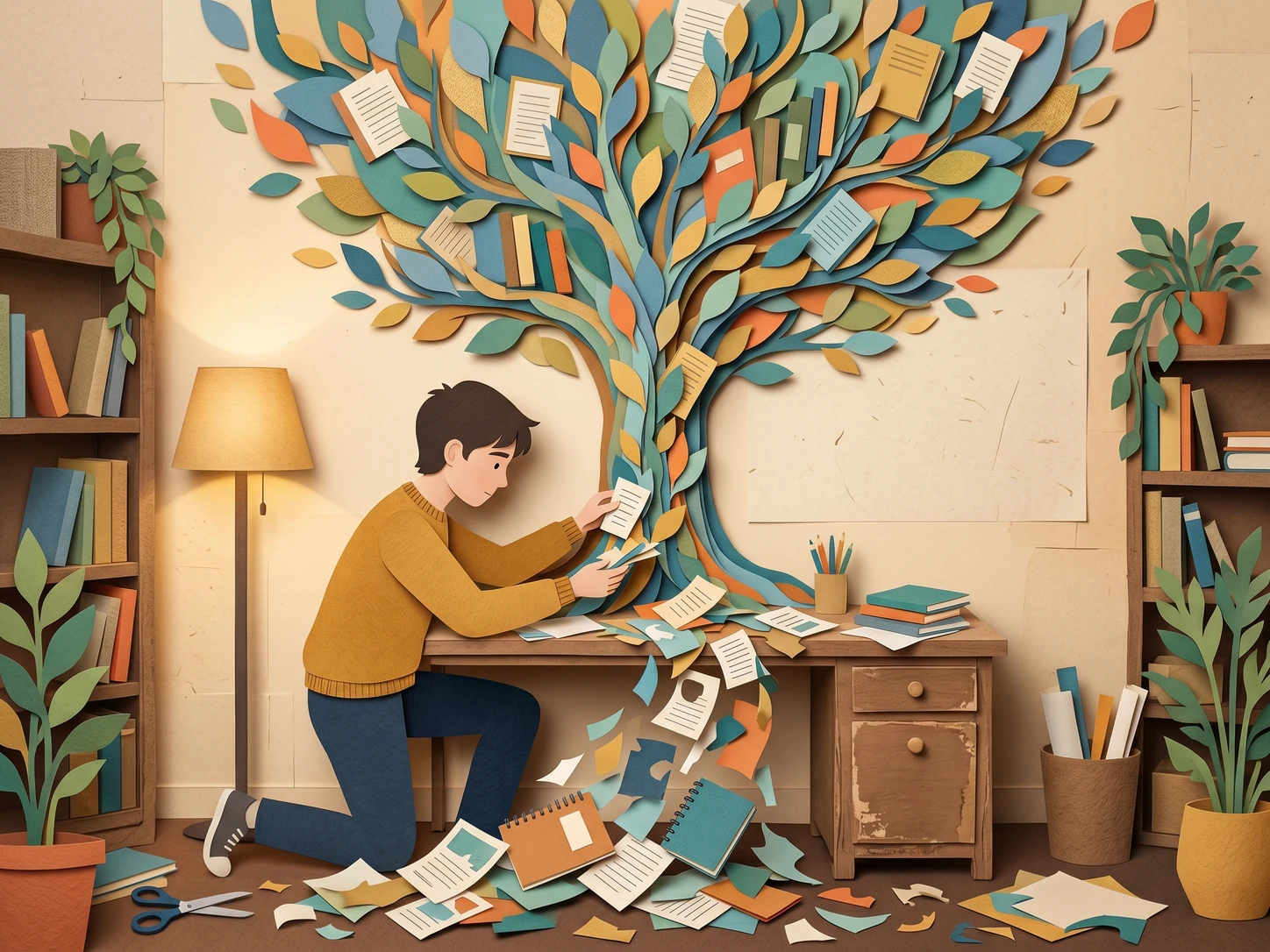
Study Materials
Users process lecture videos, notes, and documents when important information is difficult to organize manually. iWeaver helps analyze these materials and creates structured outputs such as summaries, key points, and exported files for easier review during study or research tasks
Review Content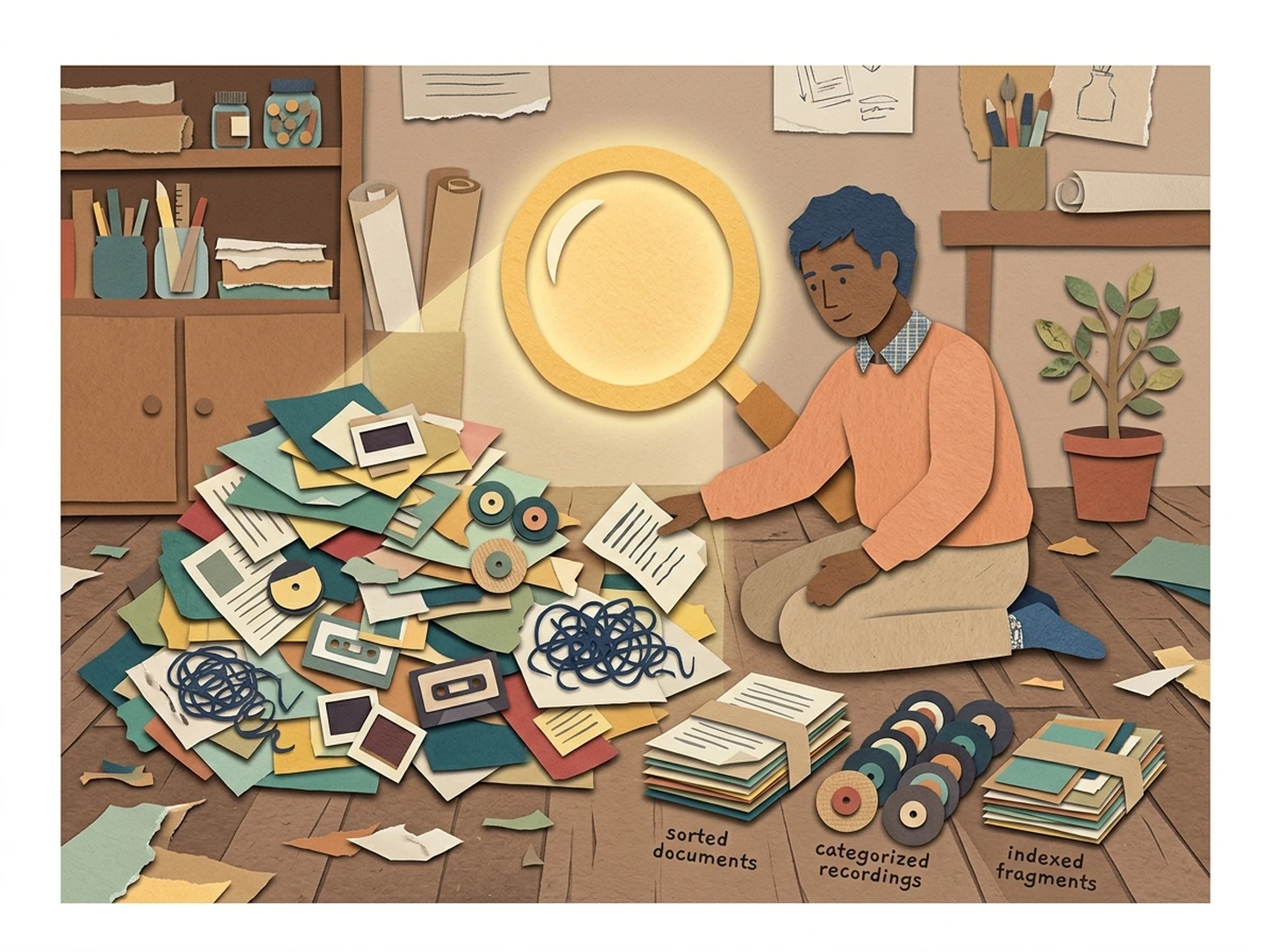
Content Review
Users review webinars, reports, and media files when they need clear insights from large amounts of content. iWeaver analyzes uploaded materials and generates structured outputs including summaries, notes, and exports for content review tasks across ongoing professional and personal projects
Analyze FilesExplore More Unfiltered Creative AI Agents
Unfiltered AI Image Generator
Organize prompts, reference images, negative-prompt notes, and revision requirements for a more structured image creation workflow.
Uncensored AI Story Generator
Develop open-ended plots, fictional worlds, and dramatic scenes that can inspire your next AI-generated visual.
Custom AI Character Creator
Define a character’s personality, appearance, background, and key traits before turning the concept into original artwork.
FAQ Questions
Turn Your Next Idea into an Original Image
Describe a scene, add a visual reference, and explore new creative directions with iWeaver.
Generate an Image