
Unfiltered AI Image Generator for Better Prompt Control
Build clearer AI image prompts, organize reference images, and refine visual directions with an unfiltered AI image generator workflow designed for prompt control, image variations, revisions, and creative planning.
How to Use Unfiltered AI Image Generator
Add Your Visual Idea
Enter a rough image prompt, upload reference images, or add notes about style, composition, lighting, characters, colors, and other visual requirements.
Refine the Direction
Turn scattered ideas into clearer prompt instructions, compare visual approaches, and define what should stay consistent across different image versions.
Iterate with More Control
Review prompt variations, adjust specific details, and organize revision notes so each new attempt stays aligned with your original creative direction.
Why Choose Unfiltered AI Image Generator?
Prompt Control
Turn rough ideas into more precise image instructions with clearer details for subject, composition, style, lighting, camera angle, atmosphere, and other visual priorities.
Reference-Based Direction
Combine prompts with reference images, screenshots, sketches, and visual notes to explain what should change and what should remain consistent.
Prompt Refinement
Improve vague or incomplete prompts by adding missing visual details, clarifying priorities, and separating essential requirements from optional ideas.
Variation Planning
Create multiple prompt directions from one concept to explore different compositions, styles, moods, environments, camera perspectives, or visual treatments.
Revision Tracking
Keep track of requested changes between versions so later iterations preserve the important details, references, and visual intent from your original concept.
What Can You Do with an Unfiltered AI Image Generator?
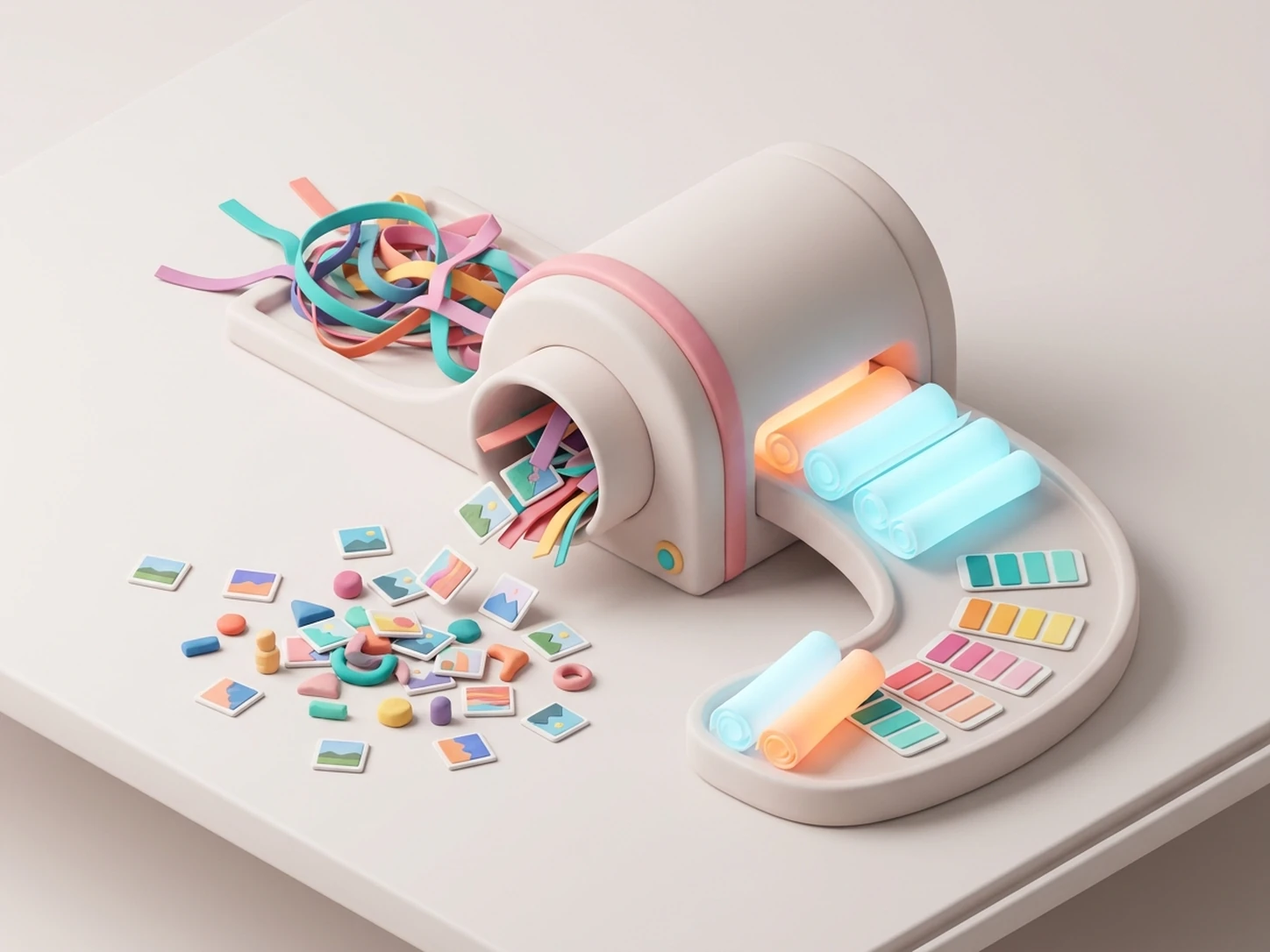
Refine Rough Image Prompts
Start with a short or incomplete visual idea and use iWeaver to organize subject, environment, composition, lighting, mood, style, and other prompt details into a clearer creative direction.
Refine My Prompt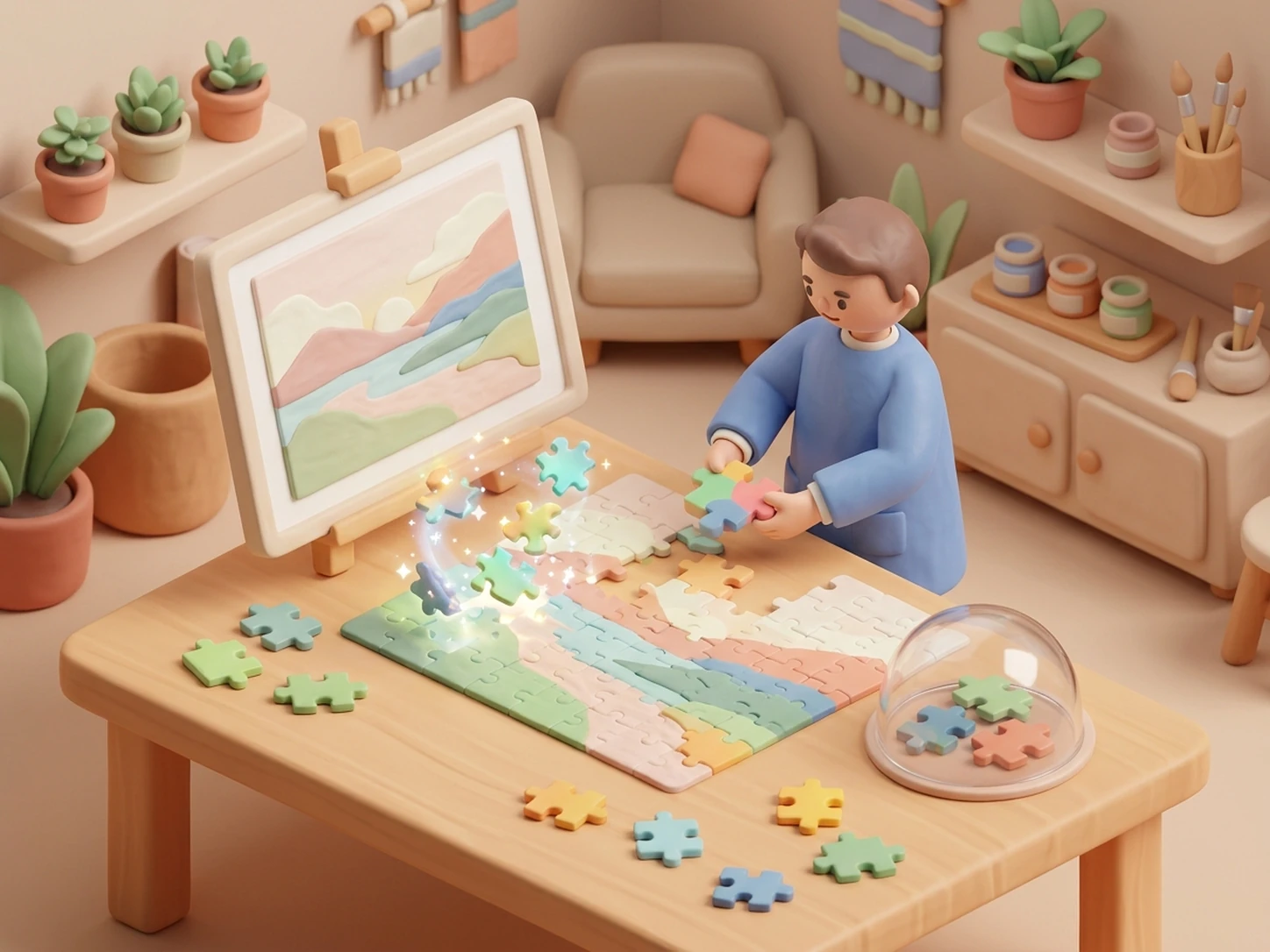
Plan Image-to-Image Edits
Upload a reference image and separate the elements you want to preserve from the details you want to change, creating a clearer brief for image-to-image revisions.
Plan an Image Edit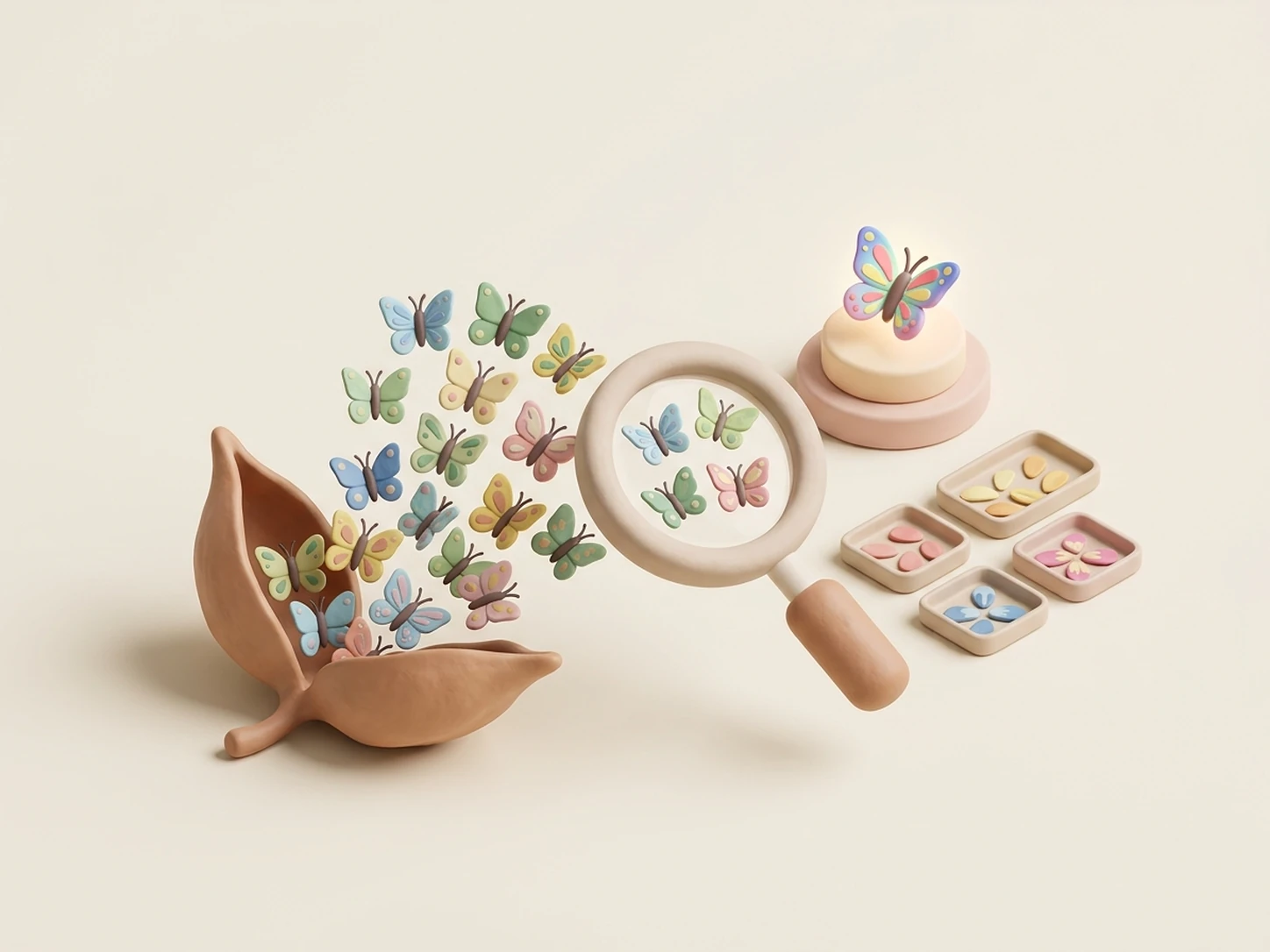
Explore Visual Variations
Create alternative directions for the same concept by changing style, composition, camera perspective, atmosphere, color treatment, environment, or other visual details.
Explore Variations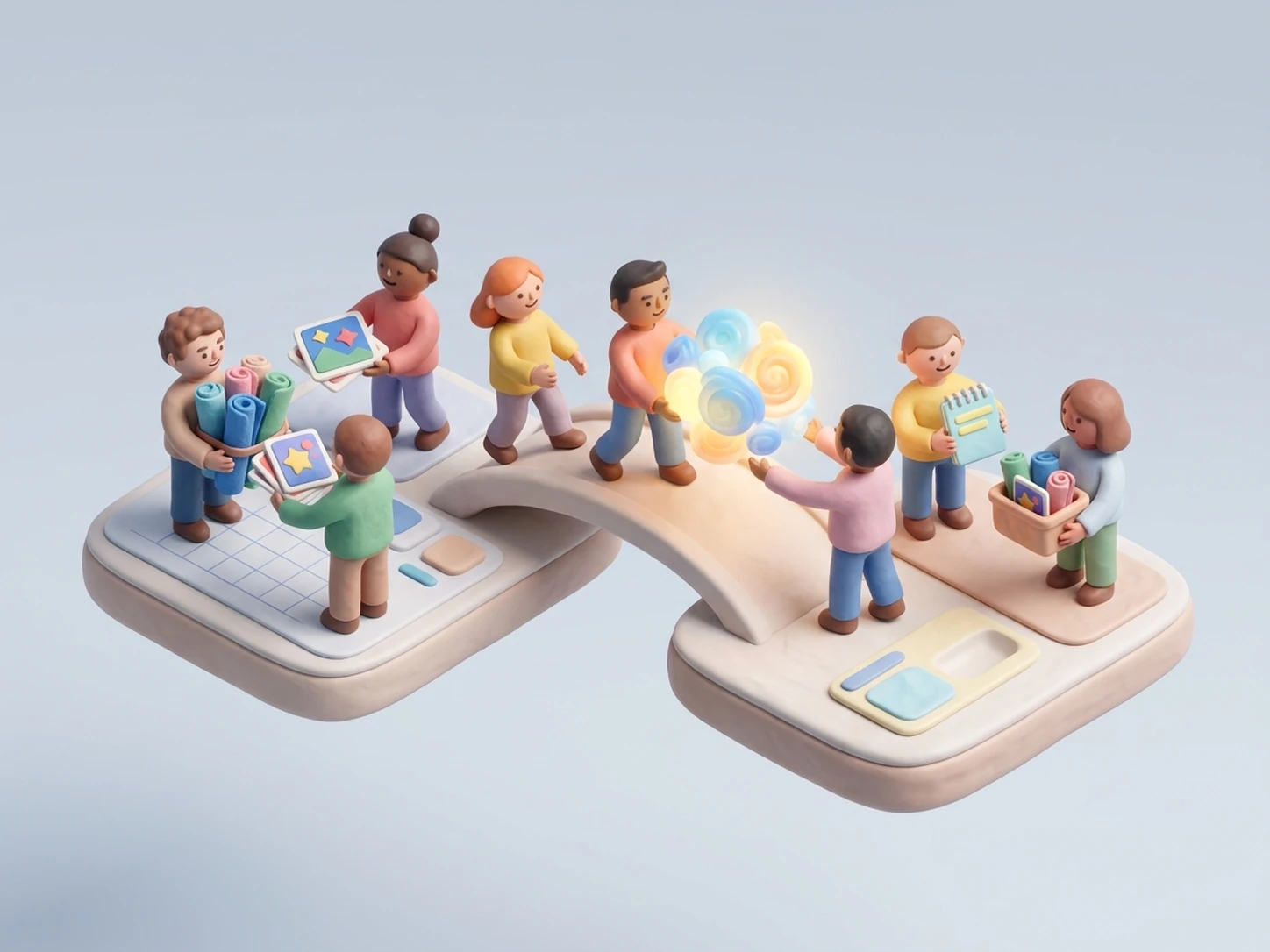
Organize Revision Feedback
Turn comments such as keep the character, change the background, adjust the lighting, or make the composition tighter into a clearer revision brief for the next image iteration.
Organize RevisionsUnfiltered AI Image Generator vs. Uncensored AI Image Generator
The terms are often used together, but they can reflect different creative needs. This page focuses on prompt control, references, visual direction, and iteration rather than content-restriction intent.
Unfiltered AI Image Generator
Best for refining prompts, preserving reference details, comparing visual directions, planning image-to-image edits, and keeping revisions aligned with your original idea.
Uncensored AI Image Generator
Better suited to users searching for broader creative freedom, flexible image-generation ideas, and fewer content-based restrictions.
Explore Uncensored AI Image Generator →Explore More AI Image Tools
Choose a different image workflow based on whether you want broader creative freedom, character-focused visuals, or a different generation experience.
Uncensored AI Image Generator
Explore an image-generation workflow focused on broader creative freedom, flexible visual styles, and fewer content-based restrictions.
Explore Uncensored AI →AI Character Generator
Develop character concepts from descriptions, personality details, references, and style directions for creative projects.
Create a Character →AI Fantasy Story Generator
Build story concepts, scenes, characters, and visual inspiration when your image ideas are part of a larger fantasy project.
Explore Fantasy Ideas →Unfiltered AI Image Generator FAQ
Take More Control of Your Next Image
Start with a prompt, reference image, or rough visual idea. Refine the direction, compare possibilities, and organize your next image iteration with 3 free daily uses.
Refine My Image Idea