
A
Explore Claude Opus 4.8-style workflows in iWeaver. Upload documents, summarize long content, ask questions, extract insights, and turn scattered information into structured notes, reports, and knowledge maps.
Please wait while we process your files
Work through complex questions, layered documents, and multi-step tasks with clearer structure. iWeaver helps turn long inputs into organized answers, summaries, and next-step suggestions.
Upload PDFs, reports, slides, notes, or research files. iWeaver helps summarize key points, compare arguments, extract details, and make large documents easier to review.
Handle longer materials without breaking the workflow. iWeaver is useful for research papers, business files, study notes, product documents, and multi-file knowledge tasks.
Move from reading to organized evidence faster. Ask questions, collect useful findings, generate outlines, and turn source materials into clearer research notes.
Use uploaded files and notes to create structured briefs, business reports, study summaries, or content drafts without starting from a blank page.
Save important outputs into a reusable knowledge workflow. Build summaries, mind maps, Q&A records, and structured notes for later review.
Add PDFs, reports, notes, slides, or research materials to iWeaver. The workspace keeps your sources together so you can ask questions with better context.
Enter your task, such as summarizing a paper, comparing ideas, extracting key points, or preparing a report outline from your uploaded materials.
Review structured answers, summaries, outlines, or mind maps. Refine the output through follow-up questions until it matches your workflow and final goal.
iWeaver is built for real document work. Upload long materials, ask focused questions, and turn files into summaries, reports, notes, or reusable knowledge.
Compare sources, extract evidence, and organize findings without switching between documents. It helps researchers move from raw reading to clearer notes faster.
Get structured summaries, outlines, tables, and mind maps instead of loose chat responses. This makes results easier to review, share, and reuse.
Keep documents, questions, and outputs connected in one place. iWeaver helps preserve context across research, study, content, and business workflows.
No complex setup is needed. Start with a file, a question, or a task, then let iWeaver guide the workflow from input to final output.
Upload reports, papers, or market materials and ask iWeaver to summarize key findings, compare arguments, and extract useful evidence. This helps researchers and analysts move from scattered reading to organized notes without manually reviewing every page first.

Use iWeaver to turn long documents, meeting notes, and data-heavy materials into briefs, summaries, and report outlines. Teams can quickly identify important points, prepare follow-up questions, and create cleaner business-ready drafts.

Students can upload lecture slides, readings, PDFs, or class notes, then generate summaries, review questions, and structured study outlines. iWeaver helps make long academic materials easier to understand and revisit before exams or assignments.
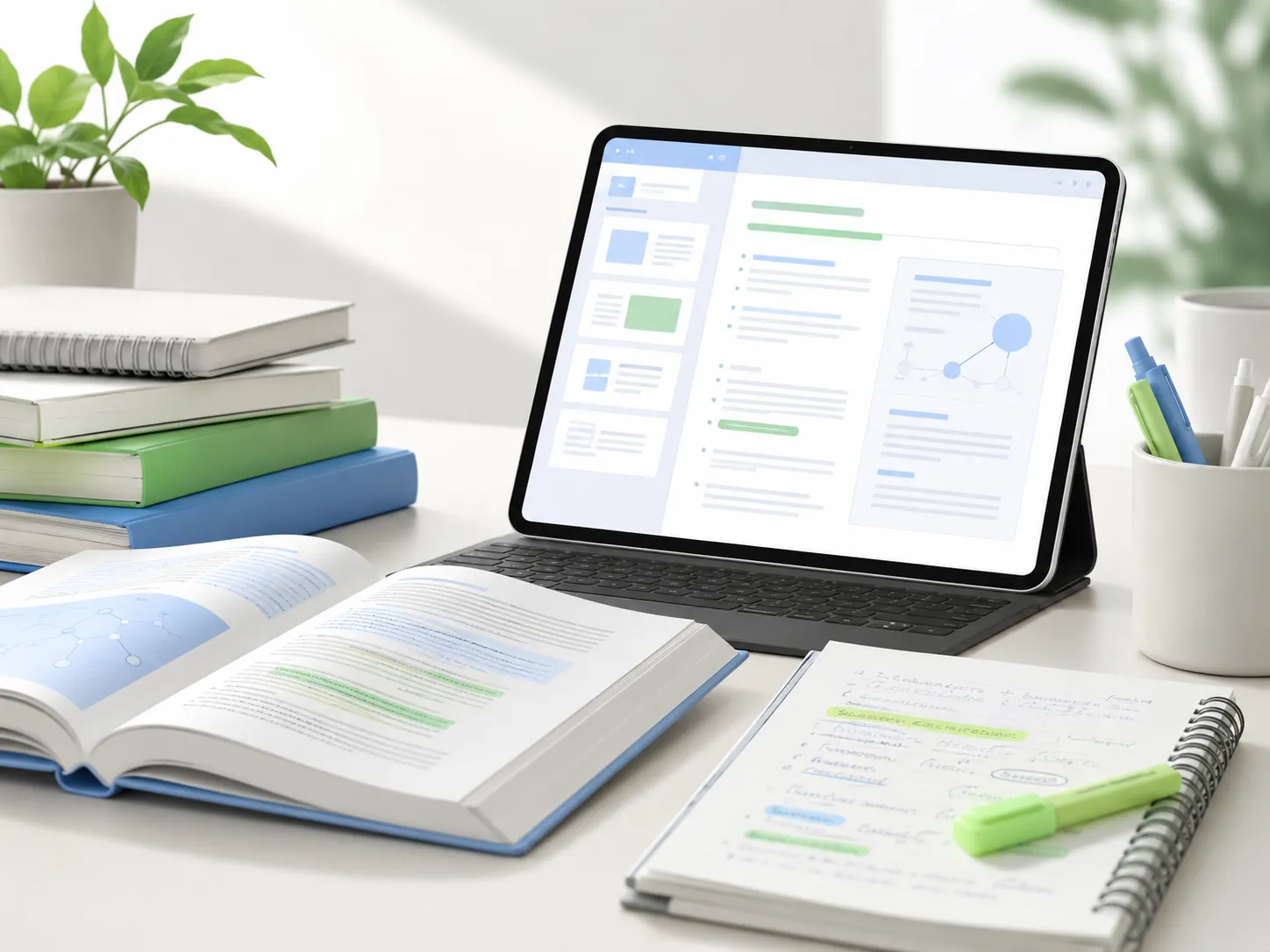
Creators and marketers can upload source materials, product notes, or research files, then ask iWeaver for angles, outlines, summaries, and draft structures. This turns raw information into clearer content ideas and production-ready direction.

Try Claude Opus 4.7-style workflows for advanced reasoning, document review, research support, and structured knowledge tasks online.
Try Opus 4.7 →Explore GPT-5.5-style AI workflows for writing, analysis, coding, summarizing, and everyday productivity in a free online workspace.
Try GPT-5.5 →Summarize long articles, PDFs, notes, reports, and research materials into clear key points, outlines, and readable takeaways.
Summarize Now →Use iWeaver to summarize documents, review research, organize knowledge, and turn complex materials into clear outputs faster.
Try It Free