
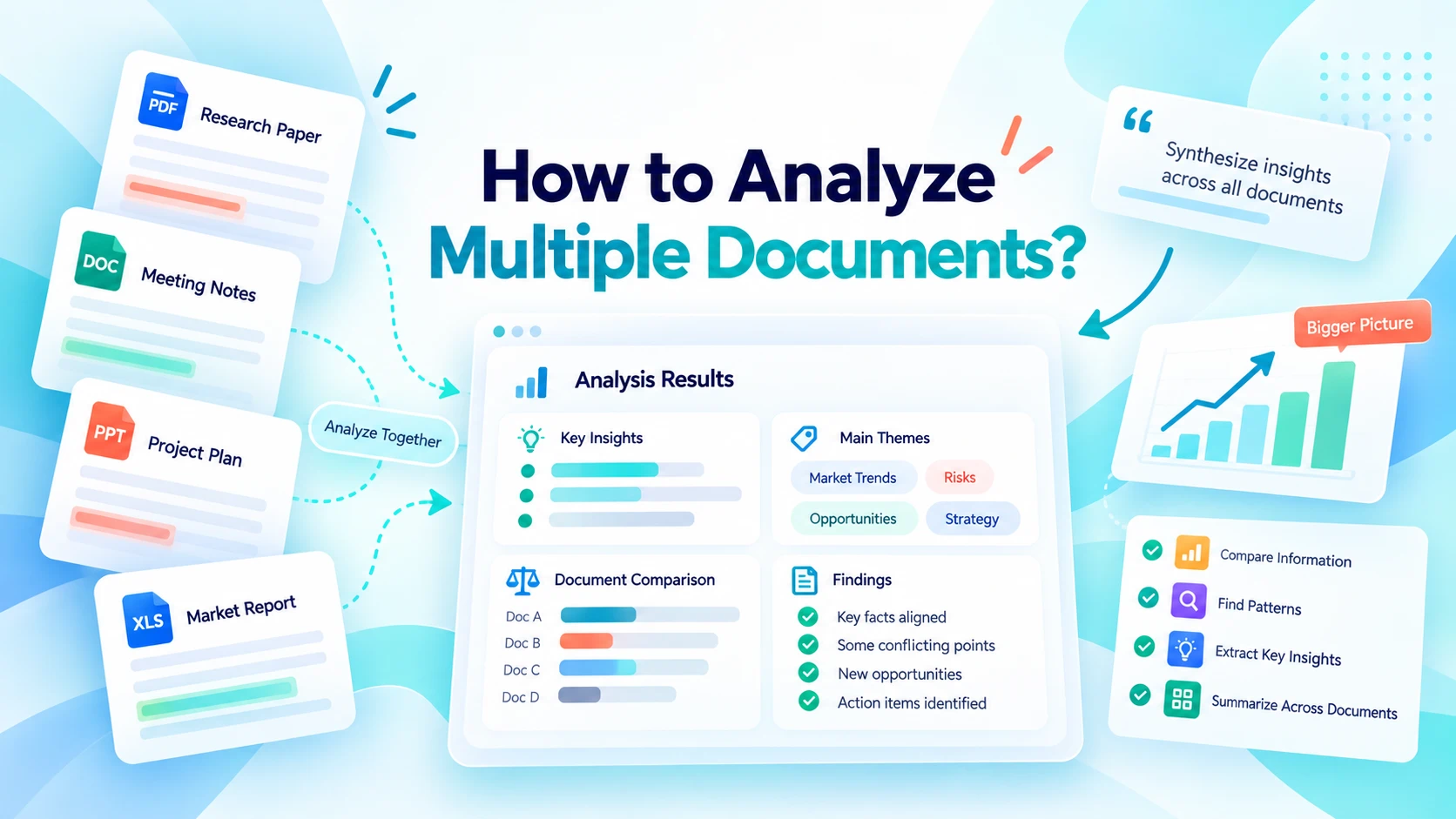
Analyzing one document is easy enough. The challenge starts when the information you need is spread across several PDFs, reports, meeting notes, research papers, or other files.
Instead of reviewing each document separately, AI can help you analyze multiple documents together. You can compare files, extract the same information from each one, find recurring patterns, identify contradictions, and ask questions across the entire collection.
Here's how to do it effectively.
What does it mean to analyze multiple documents?
Multi-document analysis means examining several files as a collection rather than treating each file as an isolated source.
The goal isn't simply to shorten the documents. It's to understand how the information connects.
For example, you might want to know:
- Which reports mention the same problem?
- How have important metrics changed over time?
- Where do two documents disagree?
- Which recommendations appear repeatedly?
- What information is missing from certain files?
- Which document contains evidence for a specific claim?
This is the main difference between document analysis and summarization. A summary tells you what the documents say. Analysis helps you understand what you can learn from them together.
How to analyze multiple documents with AI
A good multi-document workflow starts with a clear question.
Step 1: Gather documents related to one task
Start with files that belong together.
For example, you might upload:
- quarterly business reports;
- research papers on the same topic;
- customer interview transcripts;
- vendor proposals;
- project documents;
- different versions of a policy.
Avoid uploading unrelated files simply because they're available. A focused document set usually produces more useful results.
Step 2: Upload your documents to iWeaver
Add the documents you want to analyze to iWeaver.
Your files don't necessarily need to be in the same format. Depending on your workflow, the collection might include PDFs, Word documents, presentations, images, or other supporting material.
Clear filenames also help. Names such as Q1-2026-report.pdf and Q2-2026-report.pdf are much easier to work with than final.pdf and final-v2.pdf.
Step 3: Ask a specific question
Avoid starting with:
Analyze these documents.
Instead, explain what you're looking for.
For example:
Compare these quarterly reports. Show how revenue, customer growth, operating costs, and major risks changed between quarters.
Or:
Review these research papers and identify findings supported by multiple studies. Also show conclusions that conflict.
The more clearly you define the task, the easier it is to get a useful output.
Step 4: Choose the right output format
Ask for a format that matches the task.
For comparisons, use a table:
Compare these documents in a table with columns for main findings, evidence, risks, and recommendations.
For information extraction:
Extract the company name, price, contract period, renewal terms, and cancellation conditions from each document.
For recurring patterns:
Group similar findings into themes and show which documents mention each theme.
Structured outputs make large document collections much easier to review.
5 useful ways to analyze multiple documents
Different questions require different types of analysis.
| Analysis type | What it helps you do | Example |
|---|---|---|
| Comparison | Find differences | Compare vendor proposals |
| Extraction | Collect the same fields | Extract prices and deadlines |
| Pattern finding | Find recurring themes | Analyze customer interviews |
| Contradiction detection | Surface conflicts | Compare reports or policies |
| Cross-document Q&A | Answer questions using several sources | Find risks across reports |
1. Compare documents
Comparison works well when several files discuss the same topic.
For example:
Compare these three vendor proposals by pricing, included services, implementation timeline, support, and contract terms.
Instead of switching between documents, you get a side-by-side view of the information that matters.
For a focused comparison between PDF files, you can also use Compare PDFs.
2. Extract information from multiple files
Sometimes you don't need a general analysis. You need the same fields from every document.
Suppose you have 15 project reports. You could ask:
Extract the project name, owner, deadline, current status, budget, and biggest risk from each document. Use one row per file. If information isn't available, write "Not found."
This is useful for turning unstructured documents into a consistent table.
3. Find patterns across documents
Patterns are often difficult to spot when files are read separately.
If you upload customer interviews, for example, you could ask:
Identify recurring customer problems across these interviews. Group similar issues into themes and show which documents mention each theme.
The same approach works for research papers, survey responses, meeting notes, incident reports, and market research.
4. Identify contradictions
Multiple documents don't always agree.
One report might give a different launch date from another. Two studies may reach different conclusions. An updated policy might change a requirement mentioned in an older version.
Ask:
Find conflicting figures, dates, claims, or conclusions across these documents. Show the differences side by side and identify the source document.
Don't assume every difference is an error. It may reflect different time periods, definitions, methodologies, or document versions.
5. Ask questions across all documents
Sometimes you know the question but don't know which file contains the answer.
For example:
What are the main reasons given for declining customer retention across these documents?
Then follow up with:
Which documents support these findings?
Or:
Do any documents suggest a different explanation?
This lets you explore a collection without manually searching every file.
Multi-document analysis vs. summarization
The two workflows overlap, but the intent is different.
| Task | Main question | Typical output |
|---|---|---|
| Summarization | What do these documents say? | Short overview |
| Comparison | How are they different? | Comparison table |
| Extraction | What specific information is inside? | Structured data |
| Pattern analysis | What keeps appearing? | Themes |
| Contradiction analysis | Where do they disagree? | Conflicting findings |
| Cross-document Q&A | What can I learn from all files? | Focused answer |
If your goal is mainly to shorten a collection of PDFs, see how to summarize multiple PDFs.
If you need to investigate relationships between documents, continue with multi-document analysis.
Prompts for analyzing multiple documents
You don't need complicated prompts. Define the task, desired output, and how missing information should be handled.
| Goal | Example prompt |
|---|---|
| Compare | Compare these documents by key findings, evidence, risks, and recommendations. |
| Extract | Extract the requested fields from every file and mark missing information as "Not found." |
| Find patterns | Identify themes that appear across multiple documents and show which files support each theme. |
| Find conflicts | Identify conflicting figures, dates, claims, or conclusions and show their sources. |
| Track changes | Compare these versions and show what was added, removed, or changed. |
| Find evidence | Answer my question using the uploaded documents and identify the supporting files. |
You can refine the results with follow-up questions rather than trying to put every requirement into the first prompt.
Tips for more reliable document analysis
Keep the document set focused and preserve source information whenever accuracy matters.
Ask iWeaver to identify which file supports each important finding. If information is missing, tell it to say "Not found" instead of filling the gap.
It's also useful to separate documented facts from interpretation:
Separate information directly stated in the documents from conclusions drawn across multiple sources.
Finally, verify important numbers, dates, claims, and conclusions against the original files before using them in research, reports, or decisions.
Turn a folder of files into useful findings
Analyzing multiple documents isn't just about reading faster. It lets you ask questions that are difficult to answer when information is scattered across separate files.
Start with documents related to one task, define what you want to learn, and choose the right approach: comparison, extraction, pattern finding, contradiction detection, or cross-document Q&A.
With iWeaver, you can bring related documents into one workflow and move from scattered files to structured findings without manually reviewing every page.