

Kimi positions K3.1 Pro Highspeed as the faster version of K3.1 Pro with the same model capabilities. Its listed base API input and output rates are twice those of the regular version. The choice is whether faster output removes enough waiting from your workflow to justify that difference.
For an unattended batch, the regular model is a sensible starting point. For interactive work with many revisions, Highspeed deserves a timed comparison. Measure the complete task, including tools and review, before deciding.
What the two versions change
For the wider release context, see Kimi K3.1 Pro’s capabilities and availability.
| Factor | K3.1 Pro | K3.1 Pro Highspeed |
|---|---|---|
| Vendor positioning | Regular version | Same capabilities, faster output |
| Advertised output speed | Baseline | Approximately 2–3× baseline |
| Base API input per million tokens | $2 | $4 |
| Base API output per million tokens | $10 | $20 |
Speed is a vendor claim, not a measurement from this article. API rates and Coding Plan quota allowances are different billing mechanisms.
A faster variant should not be described as a separate intelligence upgrade. Evaluate its value through responsiveness and completed work. You should still check the content of both versions’ answers.
A simple cost example
Suppose a request uses 50,000 uncached input tokens and 5,000 output tokens. At the listed base rates, input plus output would cost:
- K3.1 Pro: $0.10 input plus $0.05 output, totaling $0.15.
- Highspeed: $0.20 input plus $0.10 output, totaling $0.30.
This is a hypothetical calculation. It excludes cache writes, tools, retries, and other charges. It also assumes equal token counts, which a real evaluation should measure rather than presume.
The extra $0.15 may be worthwhile if it saves meaningful time during a task. It may add little value if you are sending work overnight and returning the next morning. The same rate difference can lead to different decisions depending on when a person needs the answer.
Faster output does not mean every task finishes three times sooner
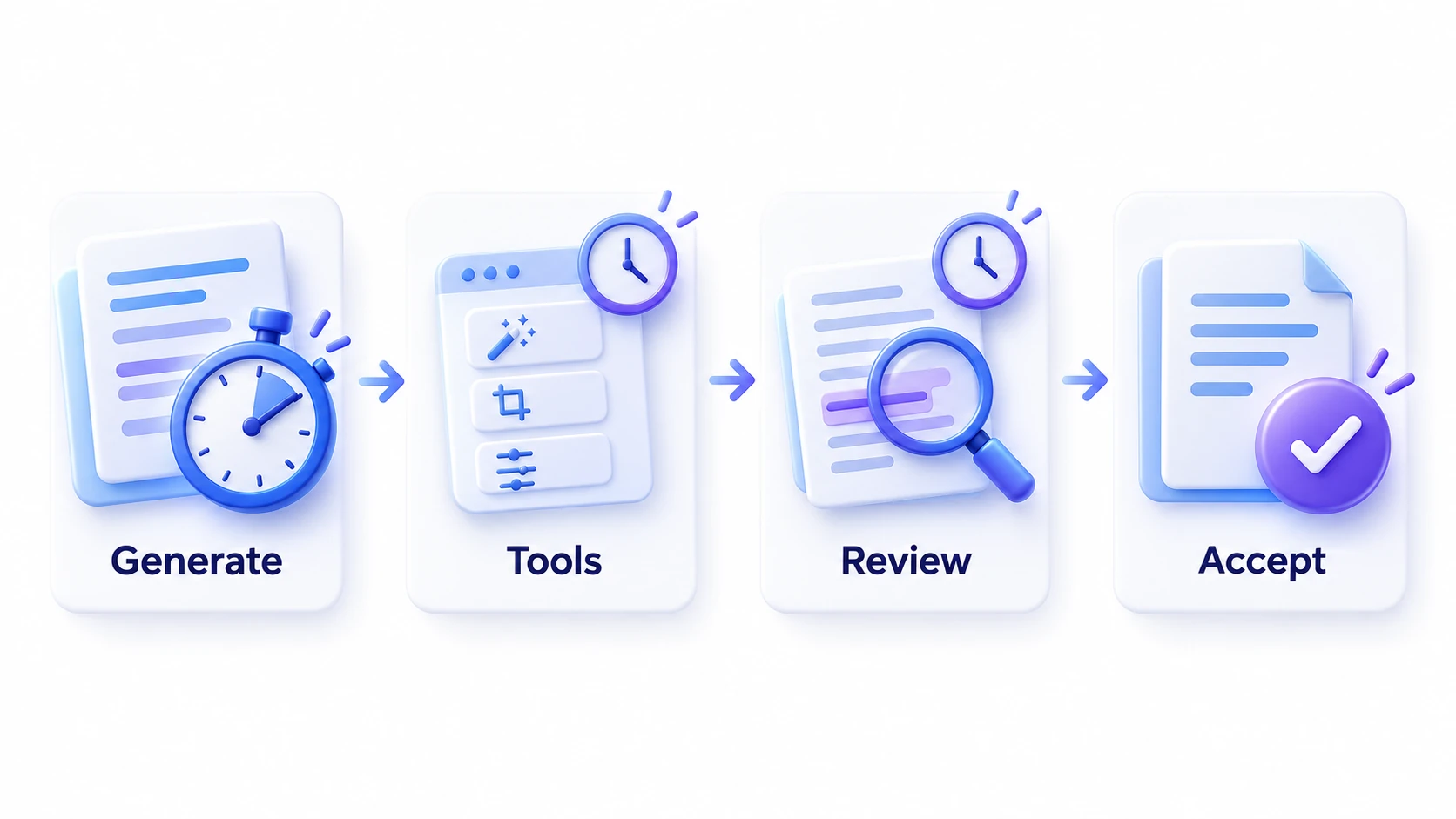
A tool-assisted task can include several kinds of waiting: model generation, document retrieval, code execution, external services, and human review. Highspeed’s output-speed claim does not establish an equivalent reduction across the whole sequence.
Consider an illustrative task that takes ten minutes, with six minutes spent generating model output and four minutes spent elsewhere. Even if generation became three times faster, the total would become six minutes: two minutes of generation plus the unchanged four minutes. That is a useful saving, but it is not a threefold reduction in total duration.
This example is a calculation, not an observed Kimi result. Its purpose is to identify what you should time in your own workflow.
If most of the delay comes from running a long test suite or waiting for a search service, address that bottleneck before assuming a faster model endpoint will solve it.
When Highspeed is worth testing
For a comparison across model families, read Kimi K3.1 Pro vs. Claude Opus 5.5.
Highspeed is most relevant when you are present and repeatedly waiting for the model to continue. Examples include revising an explanation, working through several implementation options, or refining a document section by section.
Run the same representative task through both variants. Record when you submit it, when the useful answer becomes available, and when you accept the final result. Count revisions and include any time spent fixing errors.
Repeat with more than one task. A short answer may feel similar on both versions, while a long response may expose a larger difference. Judge the saving against the actual extra cost through your chosen service.
When the regular version is enough
If you are still moving from the older model, start with Kimi K3.1 Pro vs. Kimi K3.
Begin with regular K3.1 Pro when you can wait for completion without interrupting other work. Examples include a queued document review, a scheduled research digest, or an experiment where answer quality is the main question.
Also prefer a simpler starting point when you have not yet learned how to frame the task. Faster generation will not resolve an ambiguous request or missing source material. Improve the instructions, check the evidence, and then decide whether responsiveness remains a problem.
Kimi K3.1 Pro is available in iWeaver, and iWeaver provides a free trial of the model. That statement does not establish Highspeed availability or its trial terms. Check the service’s model list and current offer before planning around a particular variant.
For document work, the AI Document Summarizer can help establish a clear initial overview. Use that overview to narrow the question you want the model to answer.
Use a practical break-even rule
For your own evaluation, compare the additional cost with the value of the time actually saved. A useful calculation is:
Additional model cost ÷ minutes of active waiting saved = cost per minute saved.
Keep quality as a minimum requirement. A response that arrives sooner but takes longer to correct has not necessarily saved time.
Choose Highspeed when the measured reduction in waiting improves the way you work and fits your budget. Keep regular K3.1 Pro when it meets the deadline at a lower cost. Revisit the choice if your task mix, access terms, or pricing changes.