Word to Excel Converter Online iWeaverで

Convert Word documents to Excel spreadsheets in seconds. Extract tables, organize data, and keep formatting intact. No installation needed, fast and easy to use.

0 / 20

How to Convert Word to Excel

01

ファイルのアップロード

Upload your Word document from your device or cloud storage. The tool supports DOC and DOCX formats with fast processing and secure handling.

02

Convert Data

Click convert to extract tables and structured content automatically. The system identifies rows, columns, and formatting for accurate Excel output.

03

Excelをダウンロード

Download your Excel file instantly. Open it in Excel or Google Sheets to edit, analyze, or organize your data without additional adjustments.

Why Choose iWeaver Word to Excel Converter

Accurate Output

Preserves tables, columns, and structure from Word documents, ensuring your Excel file is clean, organized, and ready for analysis.

高速変換

Convert documents within seconds using a streamlined process—just upload, convert, and download without delays or complicated steps.

OCRサポート

Extract data from scanned Word files using OCR technology, making even image-based documents editable in Excel format.

インストール不要

Work directly in your browser without downloading software. Compatible with all devices, including desktop, tablet, and mobile.

複数のフォーマット

Supports various document formats and flexible workflows, including converting via intermediate formats like PDF when needed.

Use Cases for Word to Excel Conversion

データ抽出

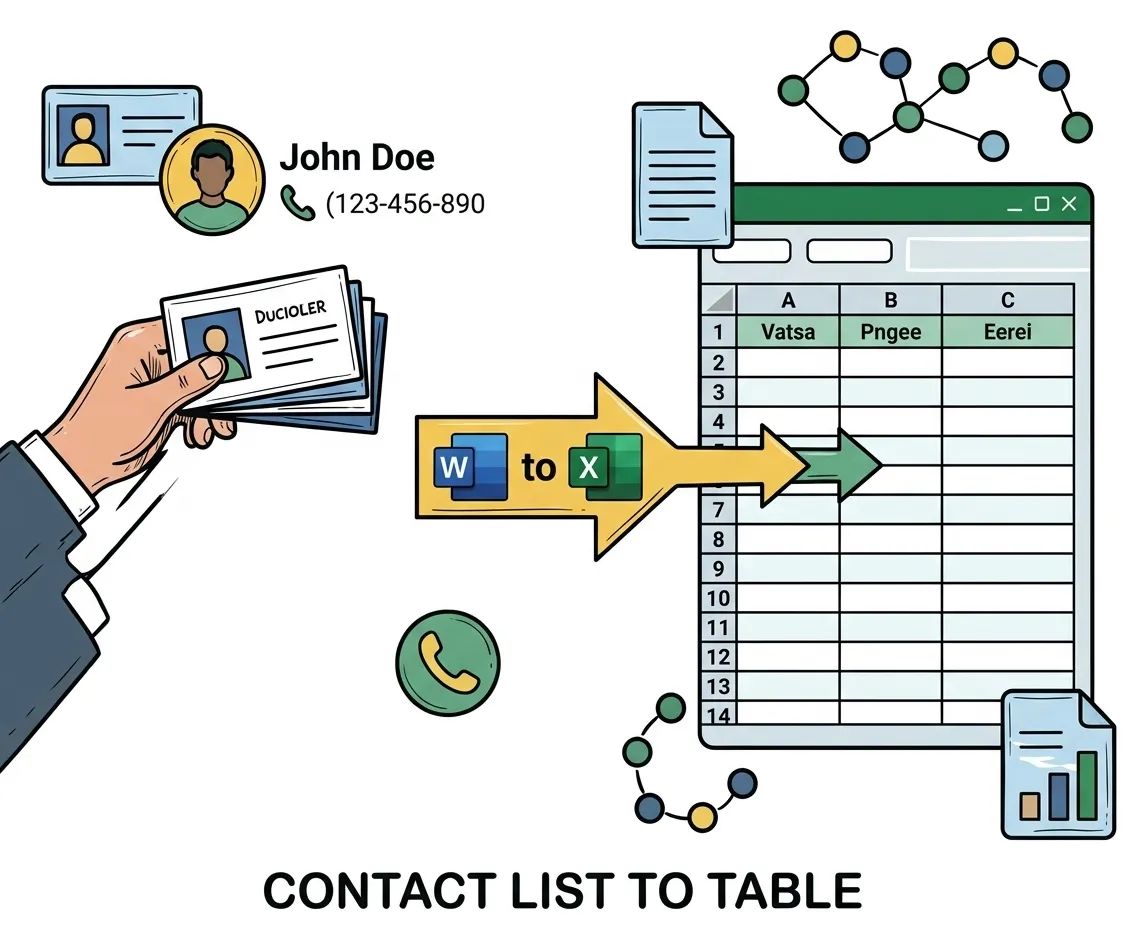
Convert tables from reports, contracts, or research documents into structured Excel sheets for easier data analysis, filtering, and visualization.


抽出テーブル
学生と研究者

Financial Reports

Turn financial statements written in Word into Excel spreadsheets, enabling calculations, formulas, and better financial tracking.


レポートの変換
コンテンツクリエイター

Business Documents

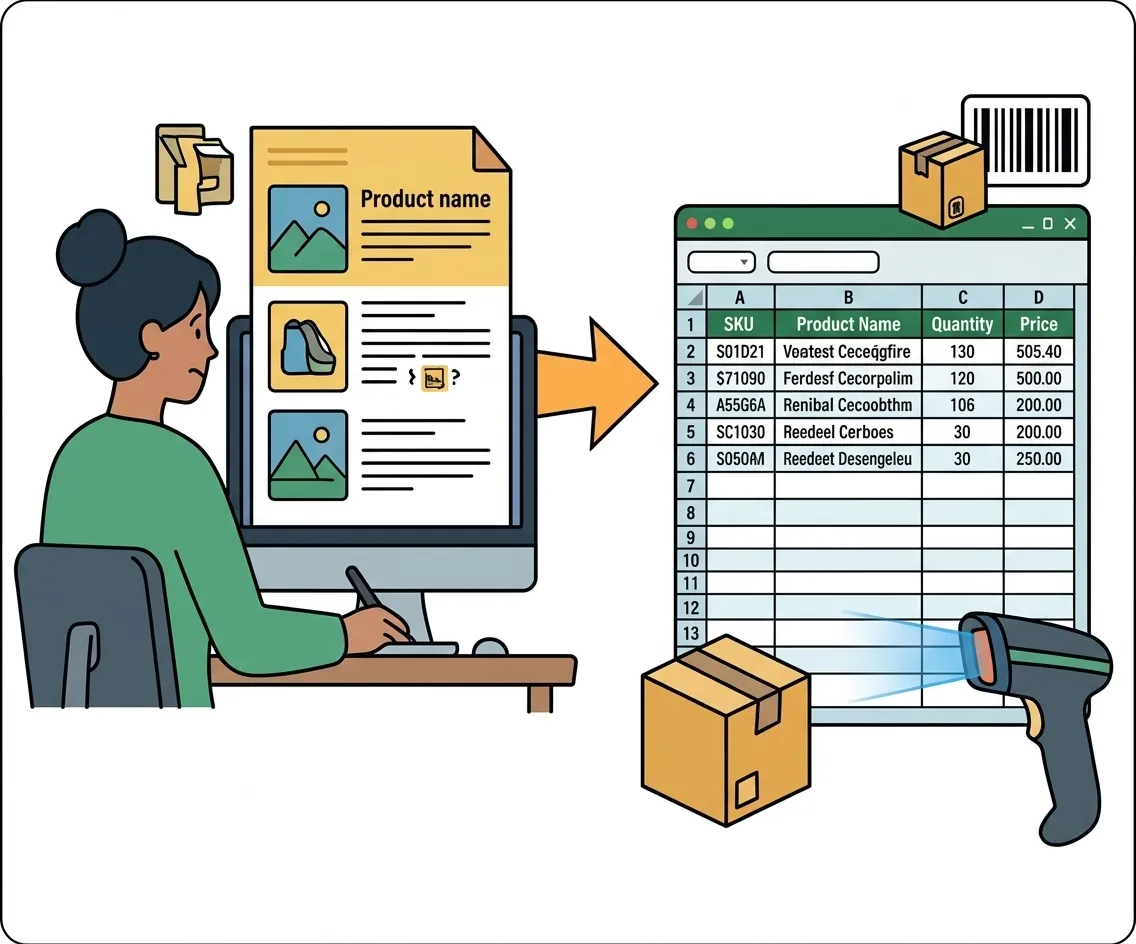
Transform business documents into editable spreadsheets to organize client data, inventories, or operational records more efficiently.


Convert for Business
プロフェッショナル

Academic Data

Extract structured information from academic papers or surveys and convert it into Excel for statistical analysis and reporting.


今すぐ変換
Journalists and Media Workers

よくある質問

Yes, you can convert Word documents directly into Excel. Some tools may use intermediate steps, but modern converters extract tables and structure automatically.
Most formatting such as tables and columns is preserved. However, complex layouts may require slight adjustments after conversion.
Yes, with OCR technology, scanned or image-based Word files can be converted into editable Excel spreadsheets.
Basic conversion features are usually free. Advanced features like OCR or batch processing may require a premium plan.
iWeaver supports DOC and DOCX files, and outputs Excel formats such as XLS or XLSX.
Yes, files are processed securely and automatically deleted after conversion to ensure privacy.

Turn Word Documents into Structured Excel Data

Upload your Word file and instantly convert it into a clean, editable Excel spreadsheet. Save time on manual data entry and start working smarter.

今すぐ無料で変換