Turn typed text into natural handwritten-style pages in seconds. iWeaver Text to Handwriting Converter helps you create printable notes, personal letters, cards, study materials, and creative handwriting designs from plain text.

入力したテキストが数秒で手書きのページになる様子を紹介します。


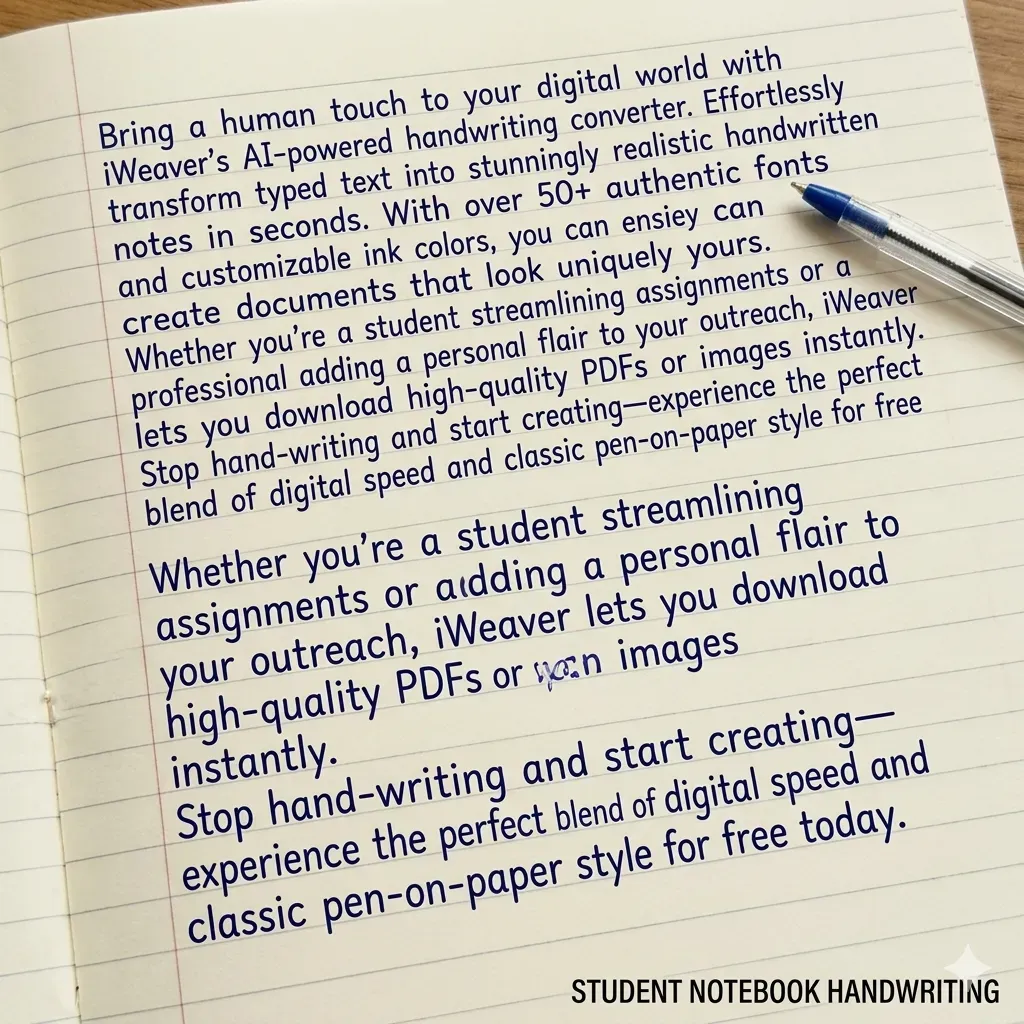
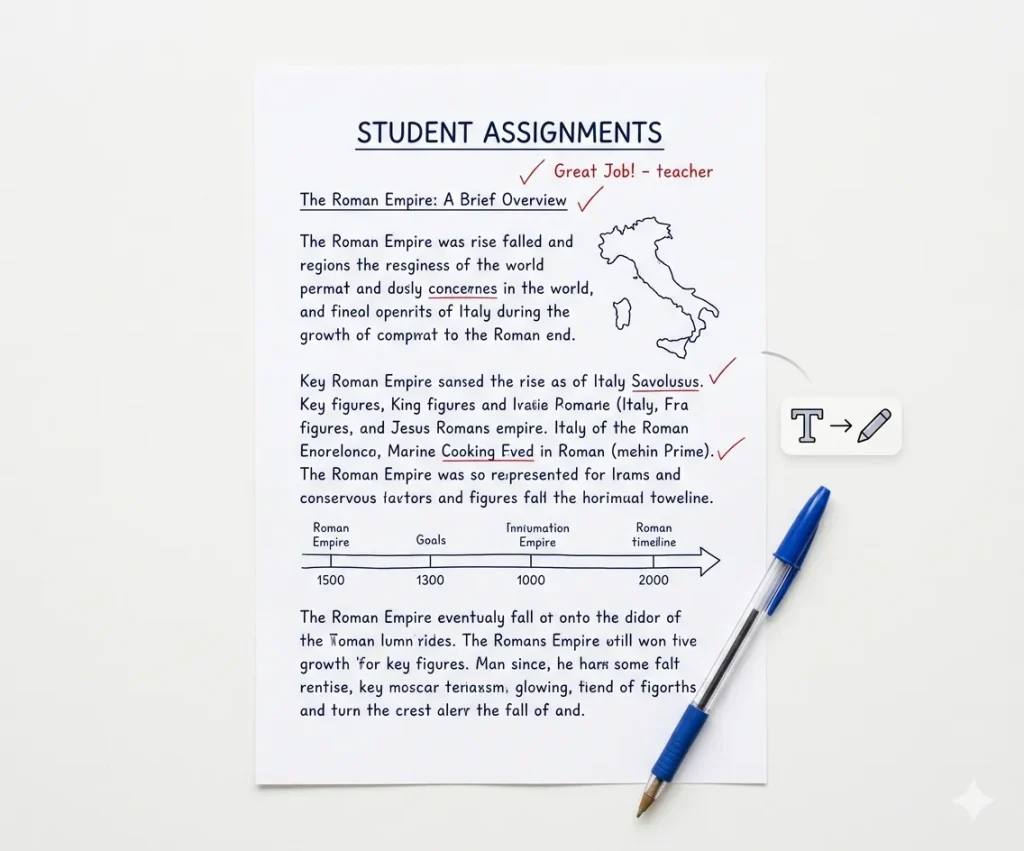
本格的な教室スタイル


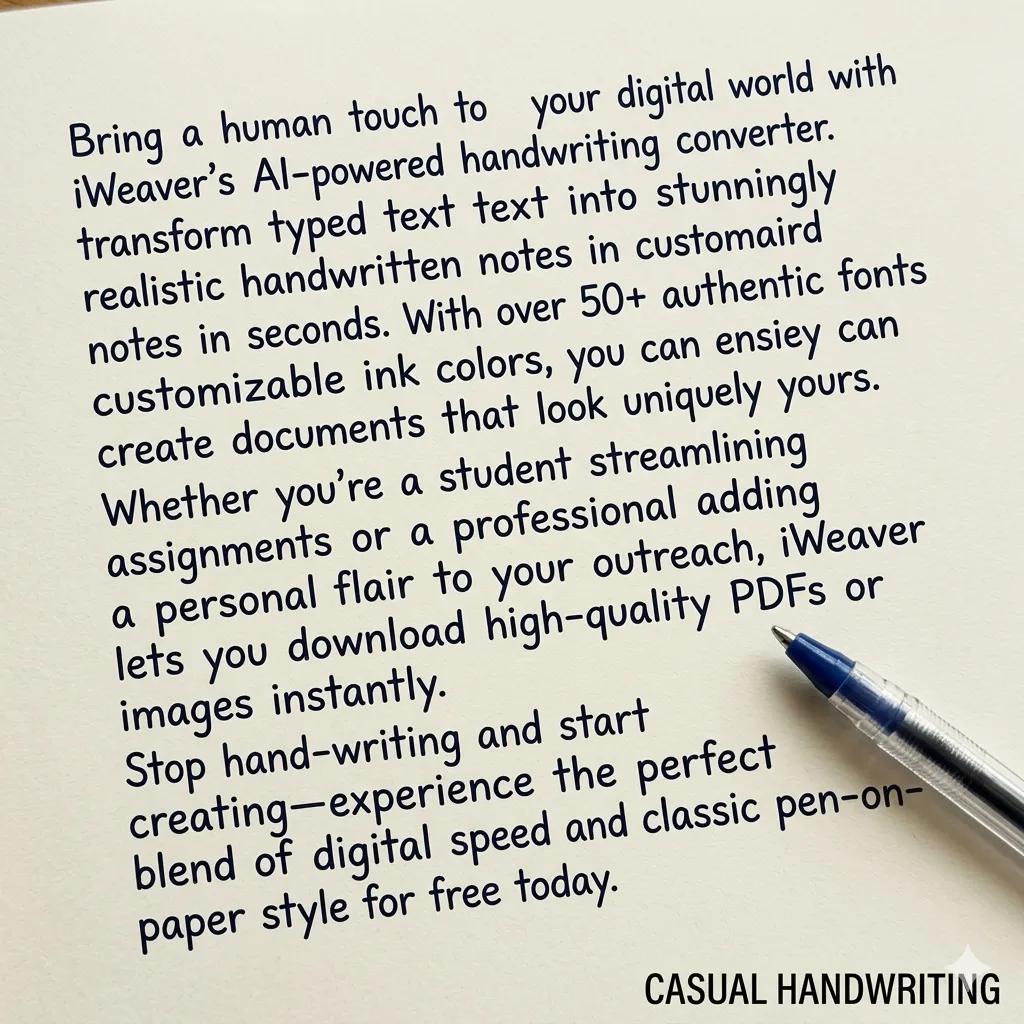
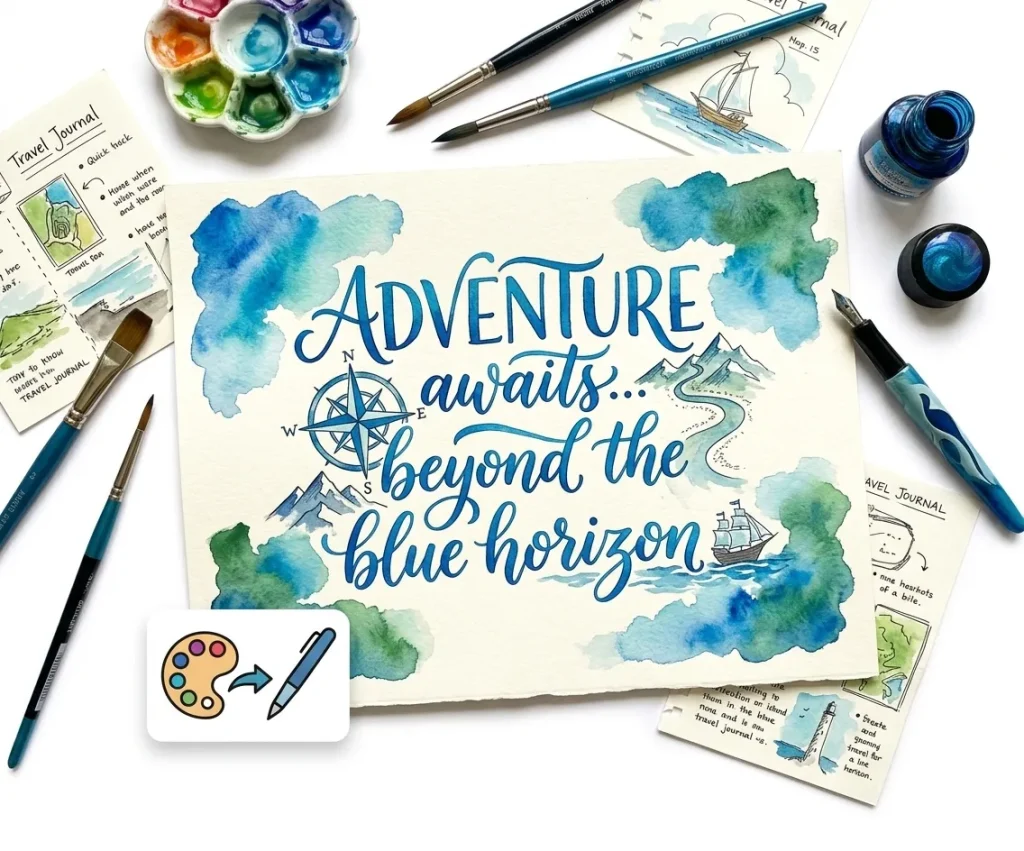
自然でリラックスした流れ


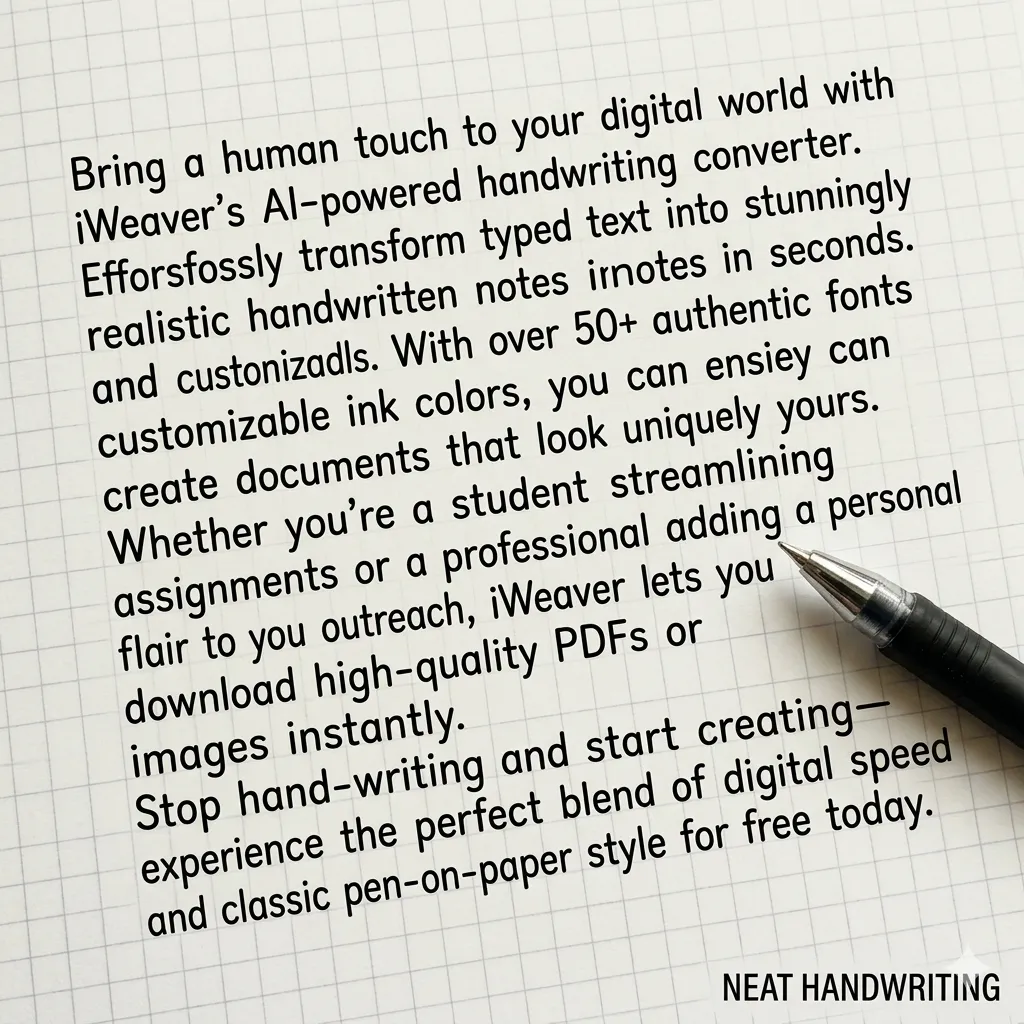
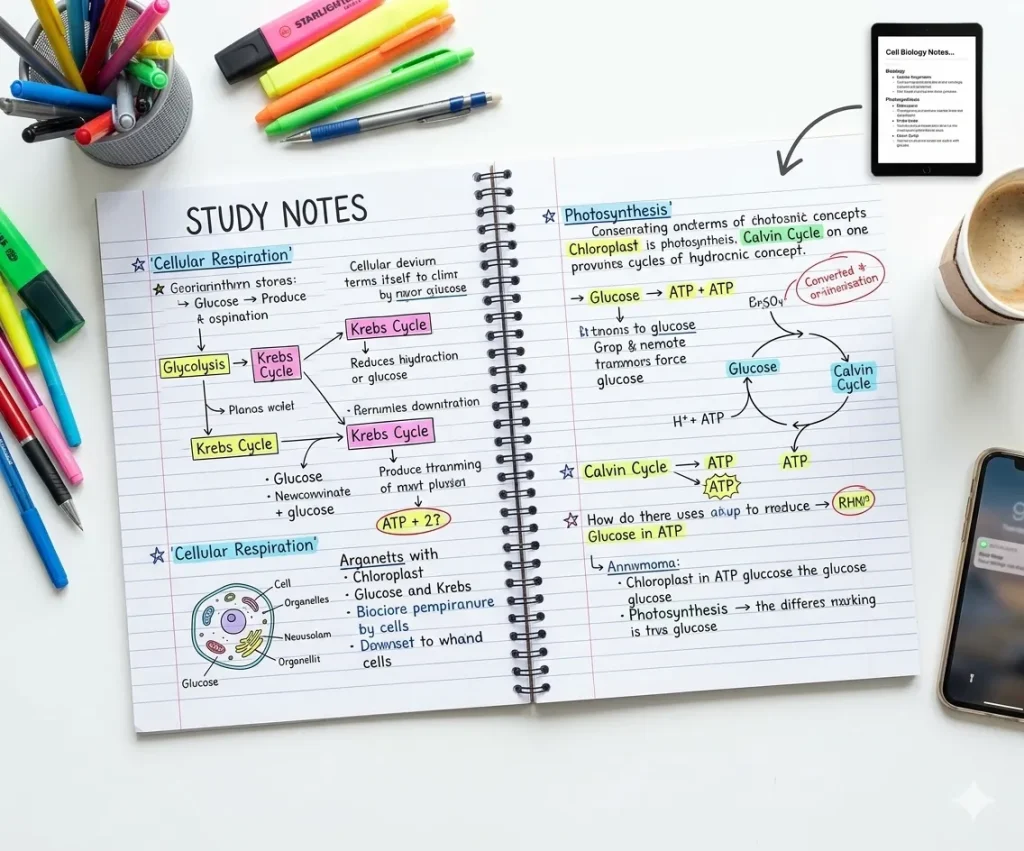
課題に最適


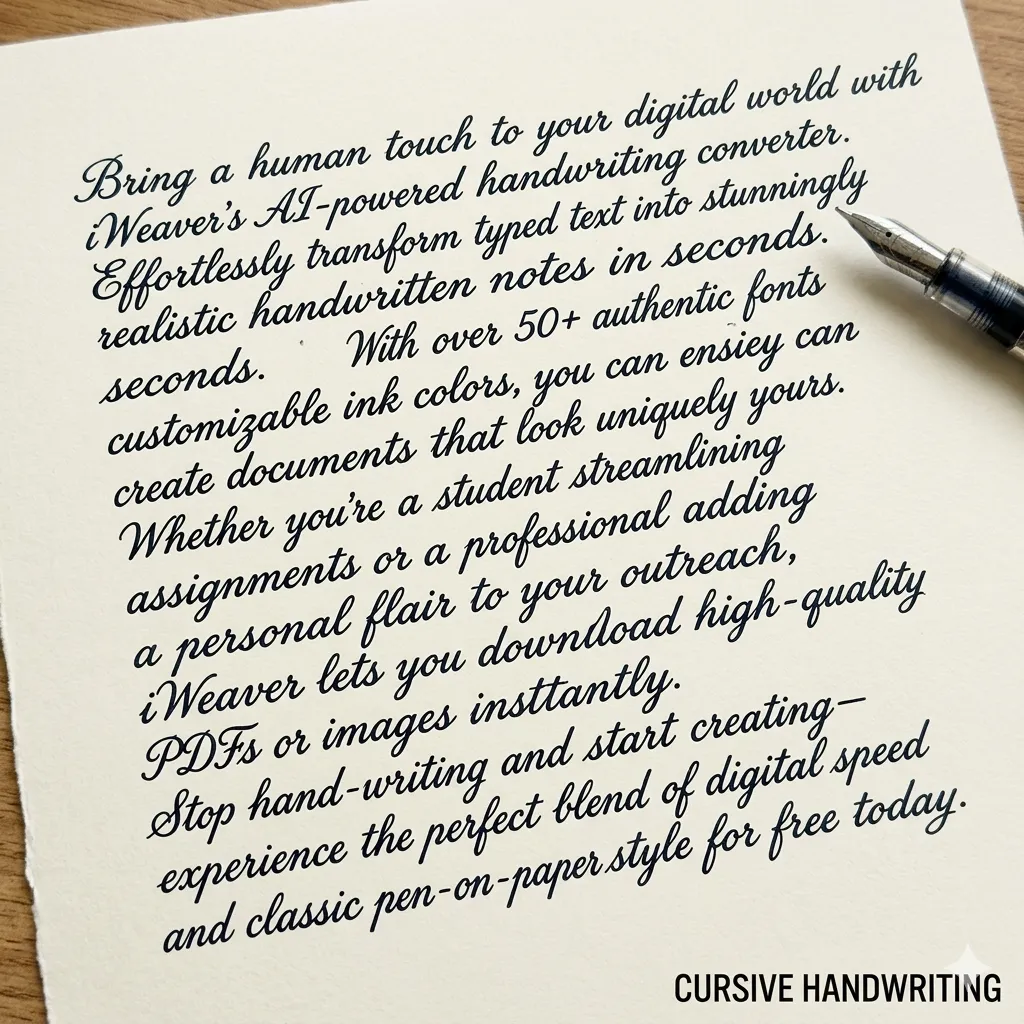
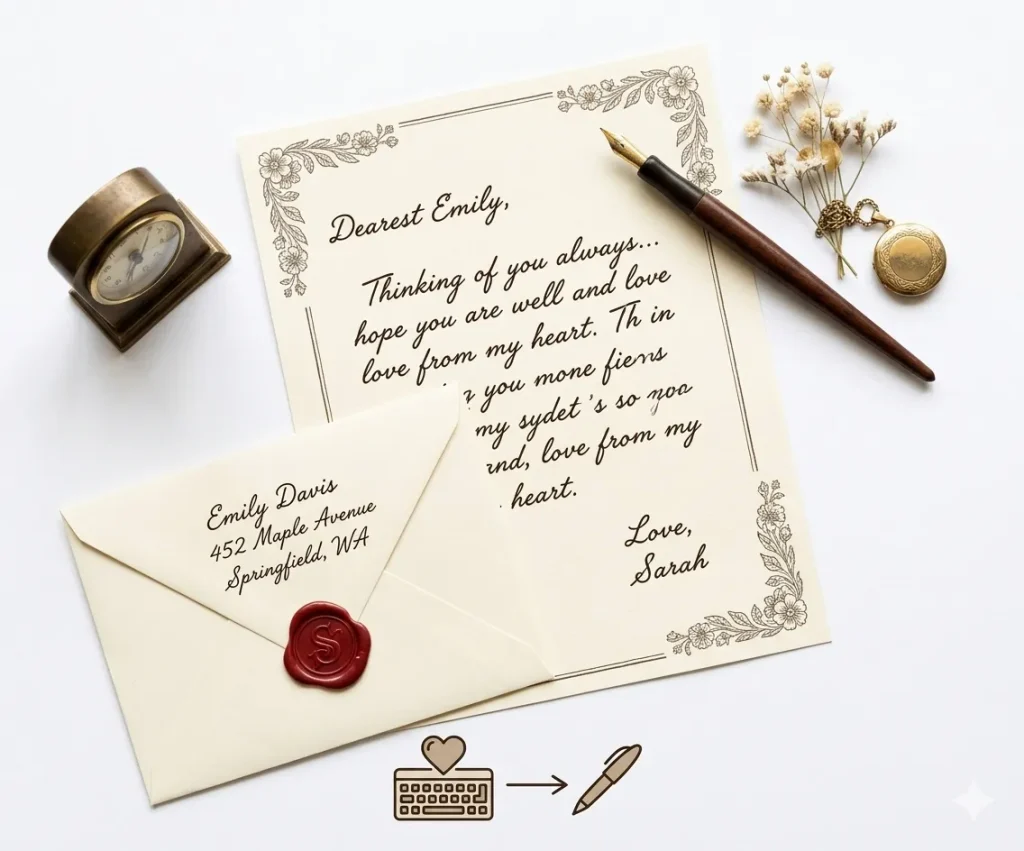
エレガントなプロフェッショナルなスクリプト
テキスト手書き変換ツールは、デジタルテキストをリアルな手書き出力に変換します。 アイウィーバーユーザーは、メモ、課題、またはクリエイティブなプロジェクトに合わせて、手書きスタイル、間隔、用紙フォーマットをカスタマイズできます。
These two tools work in opposite directions. One turns typed text into a handwritten-style page, while the other converts handwriting into editable digital text.
Text to handwriting converts typed words into a handwritten-style page. It is useful when you want notes, letters, or creative documents to look more personal.
Handwriting recognition does the opposite. It reads handwritten images or scanned notes and converts them into editable digital text.
使用 iWeaver Text to Handwriting Converter when you want to create handwritten-style content. Use handwriting recognition or OCR tools when you want to extract text from handwritten or image-based documents.
AI で生成された手書き文字をより自然に見せるには、次のヒントを試してください。
これらの調整により、実際の人間の手書きに近い手書き文字を作成できます。
タイプされたエッセイや宿題を、リアルな手書きのページに変換します。これにより、ノート形式の提出物に合わせて課題のフォーマットを調整でき、長いエッセイをすべて手書きで書くよりも時間を節約できます。


ポスター、日記、スクラップブック、デザインプロジェクトなどに手書きのテキストを作成できます。手書きスタイルは、ビジュアルコンテンツやクリエイティブな素材に個性と人間味を加えることができます。
手書きのタスクによって必要な用紙の形式は異なります。
| 用紙の種類 | 最適な使用方法 |
|---|---|
| 罫線紙 | 学校の宿題 |
| ノート用紙 | 講義ノート |
| 方眼紙 | 数学の問題 |
| 白紙 | 手紙や創作文 |
適切な紙の背景を選択すると、手書きのページがよりリアルに見えます。
iWeaverは、人間のようなストロークのバリエーションを備えた自然な手書きスタイルを提供し、単調なパターンや機械的なパターンを避けます。
整然とした学術的な筆記体から、カジュアルな個人的なメモまで、複数の手書きフォントからお選びいただけます。
余白、行間、配置を調整して、実際のノートや用紙のフォーマットを再現します。
用途に合わせて、罫線入り用紙、無地用紙、またはカスタム背景から選択できます。
印刷やデジタル利用に最適化された、高画質のPNGまたはPDF形式でファイルをダウンロードできます。
長文のテキストや文書でも、手書きコンテンツを数秒で生成できます。
A text to handwriting converter turns typed text into a handwritten-style page. You can paste text, choose a handwriting style, preview the layout, and create notes, letters, cards, or printable pages.
Yes. Paste your typed notes into iWeaver Text to Handwriting Converter and generate a handwritten-style version for studying, printing, or creative use.
No. The tool creates handwriting-style output. It should not be used to imitate another person’s handwriting or create fake signatures.
You can use it for study notes, drafts, examples, and creative learning materials. If you are submitting work, follow your school’s rules and do not use the tool to misrepresent how the work was created.
Short notes, letters, cards, summaries, classroom examples, and journal-style text work best. Very long documents may need to be converted section by section.
The page should offer a downloadable or saveable handwritten-style output. Preview the result first to check spacing, line breaks, and readability.
Long paragraphs, narrow margins, or small spacing can make the page look crowded. Split your text into shorter sections and increase spacing if the tool supports layout controls.
Text to handwriting turns typed text into handwriting-style output. OCR reads text from images, scanned pages, or handwritten notes and turns it into editable digital text.
iWeaver Text to Handwriting Converter is helpful for creating personal-looking content, but it should not be used to misrepresent identity, authorship, or official documents.
iWeaver Text to Handwriting Converter is best for:
Text to Handwriting Converter should not be used for:
Use iWeaver Text to Handwriting Converter for creative, educational, and personal design purposes — not for deception, identity use, or rule-breaking submissions.
責任ある使用: この手書きコンバーターは、教育および創造の目的で設計されています。
ユーザーは、生成された手書きが学校または組織のポリシーに準拠していることを確認する必要があります。