Paste a video URL or upload a recording, and iWeaver extracts structured notes with timestamps, key points, and speaker-labeled summaries — so you can review lectures, meetings, or YouTube content without watching the full video.
ファイルを処理中です。しばらくお待ちください。
Upload a video file or paste a YouTube URL into iWeaver. Supported formats include MP4, MOV, and other common video types.
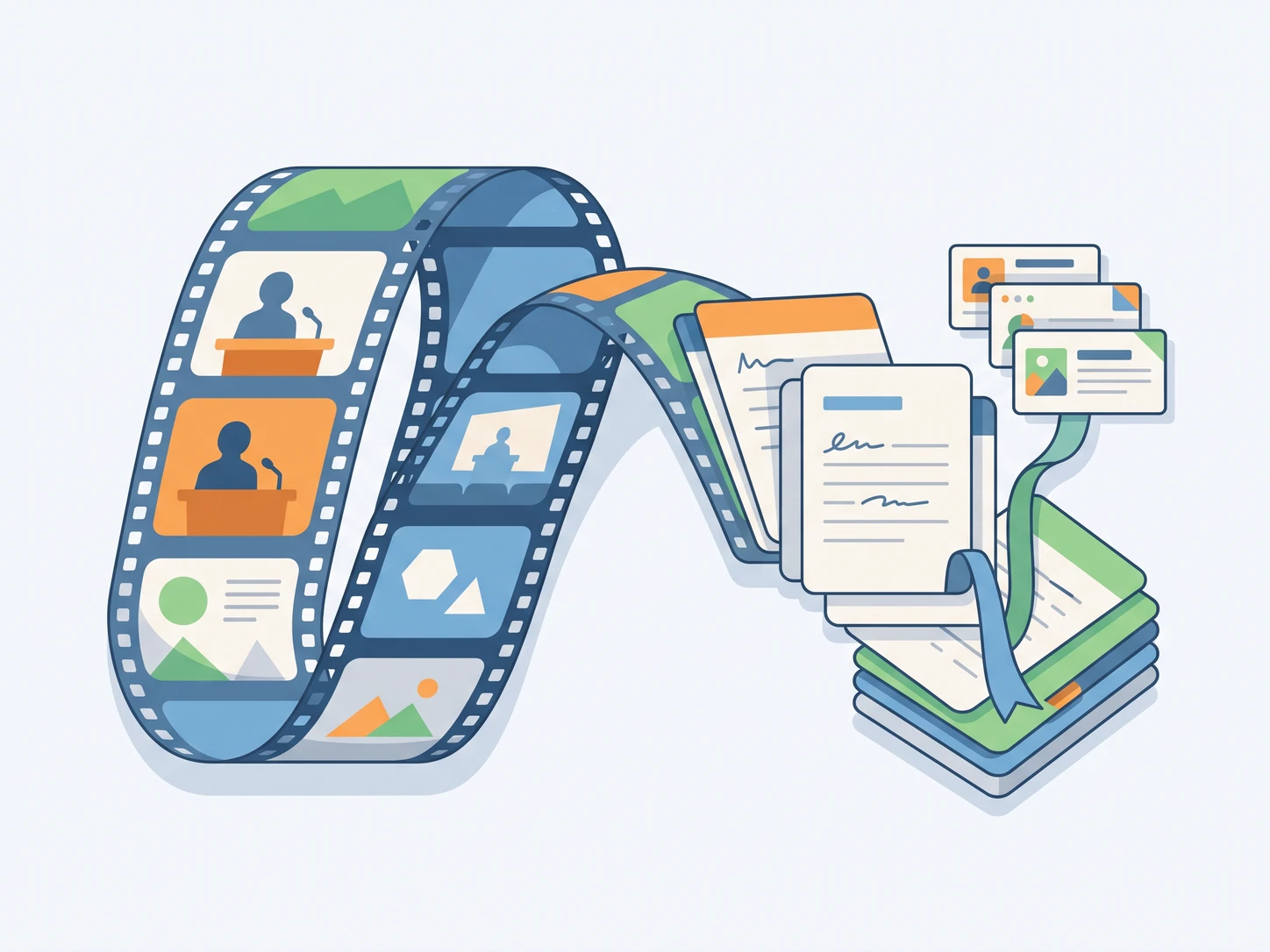
iWeaver AI analyzes the audio and visual content, then produces structured notes with timestamps, key points, and topic-based sections.
Review your notes in the editor, make edits if needed, and export to PDF, Word, Markdown, or other formats for study or sharing.
Feed iWeaver video files, YouTube URLs, or audio recordings. It handles lectures, meetings, tutorials, and interviews so you can work with the content you already have.
Get organized notes broken into titled sections with key points and timestamps — not a raw transcript wall. Each note links back to the corresponding moment in the video.
iWeaver goes past word-for-word transcripts. It identifies topics, extracts actionable summaries, and labels speakers so you can locate specific information without scrolling through pages of text.
Export your video notes as PDF, Word, Markdown, XMind mind maps, or SVG files. Choose the format that fits your study workflow, team documentation, or content creation process.
Every set of notes is saved in your iWeaver library alongside documents, web clips, and other content. Search across all your saved materials to find related information quickly.
Recorded lectures pile up during a semester, and rewatching each one before exams takes hours you do not have. Paste the lecture video into iWeaver to get timestamped study notes with key concepts highlighted, so you can focus your revision on the topics that matter most.
無料でお試しください
After a long Zoom or Teams call, action items get buried in a one-hour recording that nobody wants to rewatch. iWeaver processes the meeting video and delivers structured notes with speaker labels and a summary of decisions, giving every attendee a clear written record.
Convert Meeting
Long YouTube tutorials and expert talks contain valuable steps and insights, but scrubbing through a 40-minute video to find one detail wastes time. Upload the URL to iWeaver and receive organized notes with key points and timestamps you can reference while writing or building.
Paste YouTube URL
Research interviews recorded on video need to become quotable, searchable text before you can cite them in a paper or report. iWeaver converts the interview video into labeled notes with speaker attribution and exportable formats like PDF and Markdown for direct use in your writing.
Upload Interview
Paste a video URL or upload a file to get structured notes with key points and timestamps. Start with 3 free uses per day — no payment required to begin.
Get Your Notes