 Join Our Discord to Unlock Your Free Trial
A
Convert handwritten notes, images, and scanned documents into editable text instantly. iWeaver AI handwriting recognition helps students, researchers, and professionals digitize handwritten content and turn it into structured knowledge.
Join Our Discord to Unlock Your Free TrialAI handwriting recognition converts handwritten text from images, PDFs, or scanned documents into editable digital text.
Instead of manually typing notes, AI analyzes handwriting patterns and extracts readable text automatically, preserving the essence of your physical notes in a digital format.
With iWeaver, handwriting recognition becomes part of a larger workflow. Once text is recognized, you can instantly organize it into summaries, notes, or mind maps inside your AI knowledge base.
Extract text from photos of handwritten notes, whiteboards, notebooks, and scanned documents with high accuracy.
Turn messy handwritten notes into clean digital text that can be edited, copied, or organized instantly.
Recognize handwriting across multiple languages and character styles for global users.
Automatically structure recognized text into paragraphs and readable formats.
Send recognized text directly into your iWeaver AI knowledge base for summarization, mind maps, and research workflows.
Make your handwritten history instantly searchable, allowing you to find specific keywords across years of physical journals and notes.
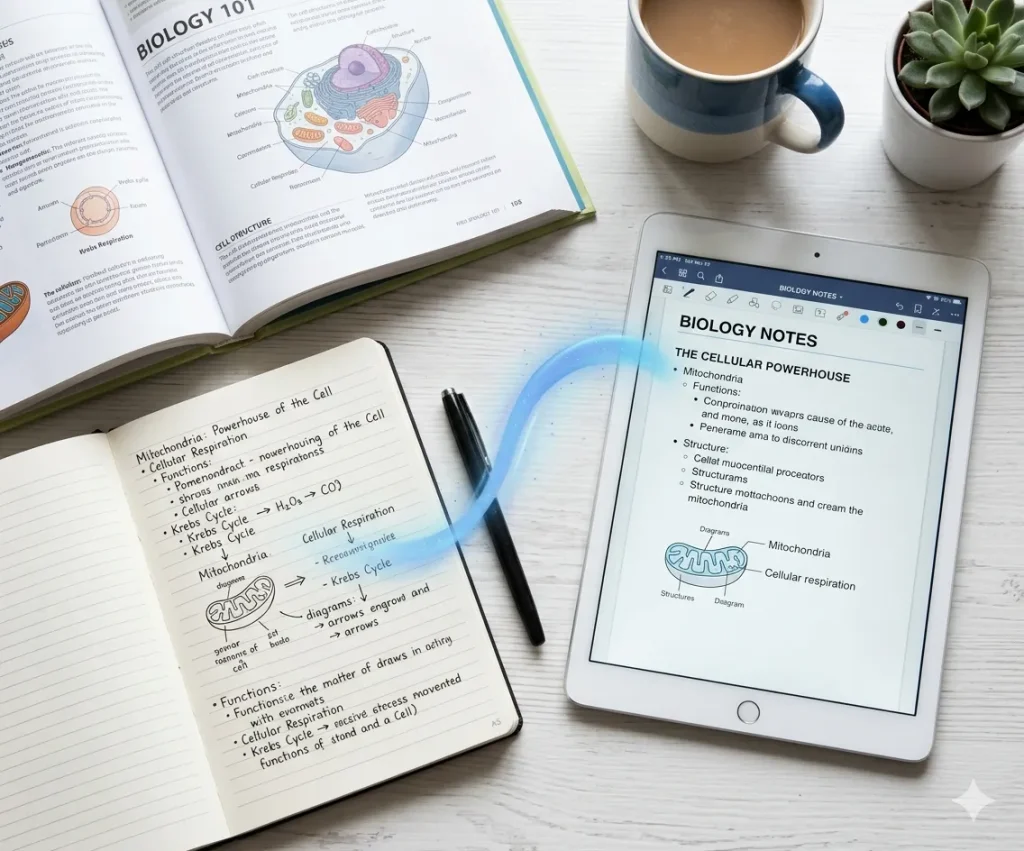
Students often take handwritten notes during lectures or while reading textbooks. AI handwriting recognition converts notebook pages into digital notes, making them searchable, editable, and easier to organize for exam preparation or knowledge review.
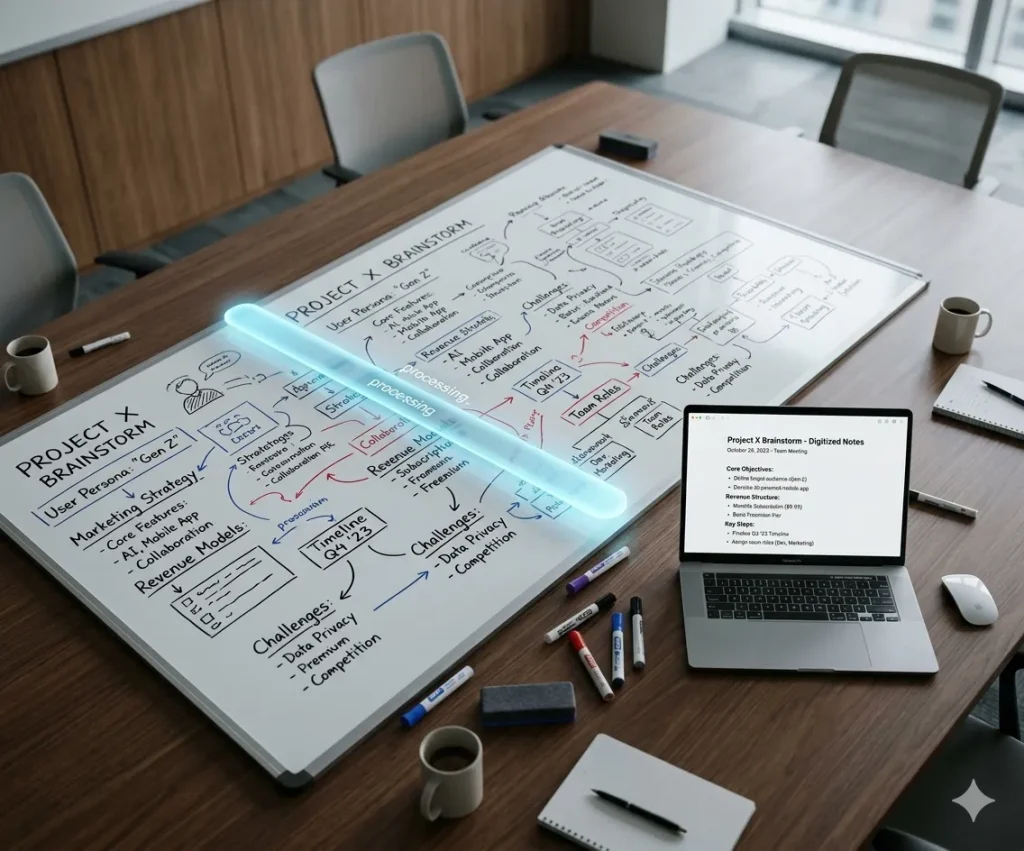
Professionals frequently jot down ideas and action items during meetings. AI handwriting recognition turns those handwritten notes into structured text so teams can quickly organize insights, track decisions, and document meeting outcomes.
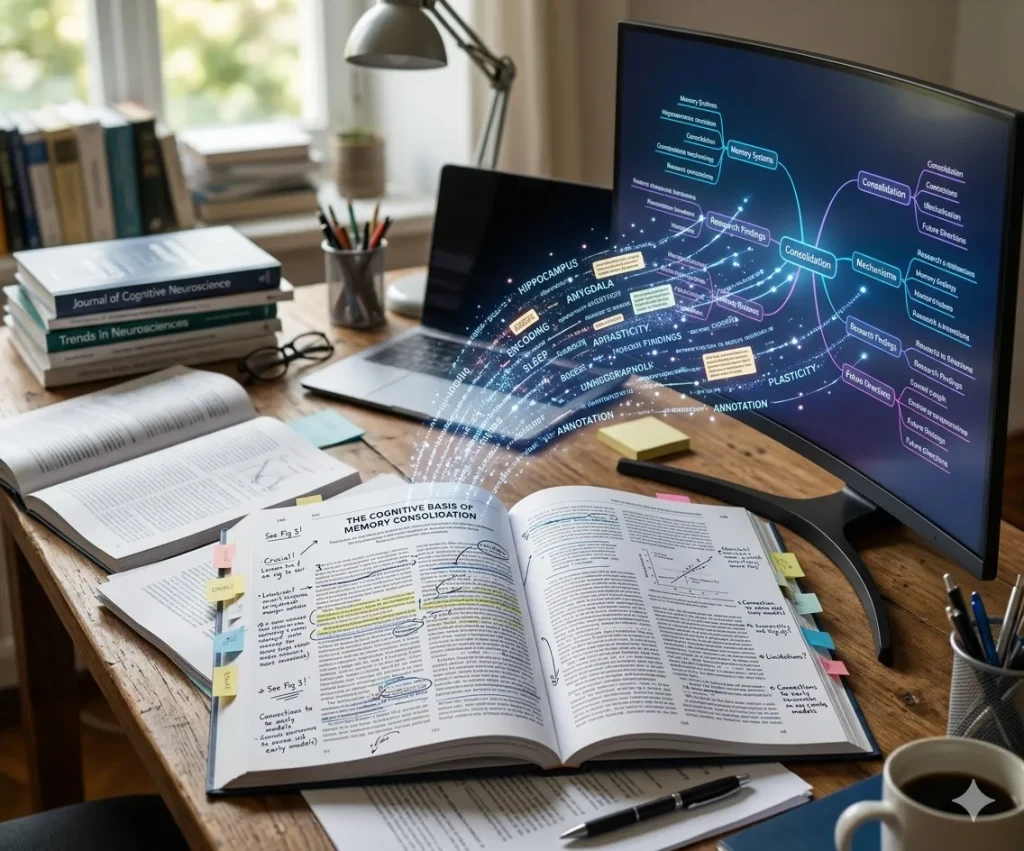
Researchers often annotate printed papers or write notes during literature reviews. AI handwriting recognition converts these annotations into digital text that can be summarized, linked to sources, and integrated into a research knowledge base.
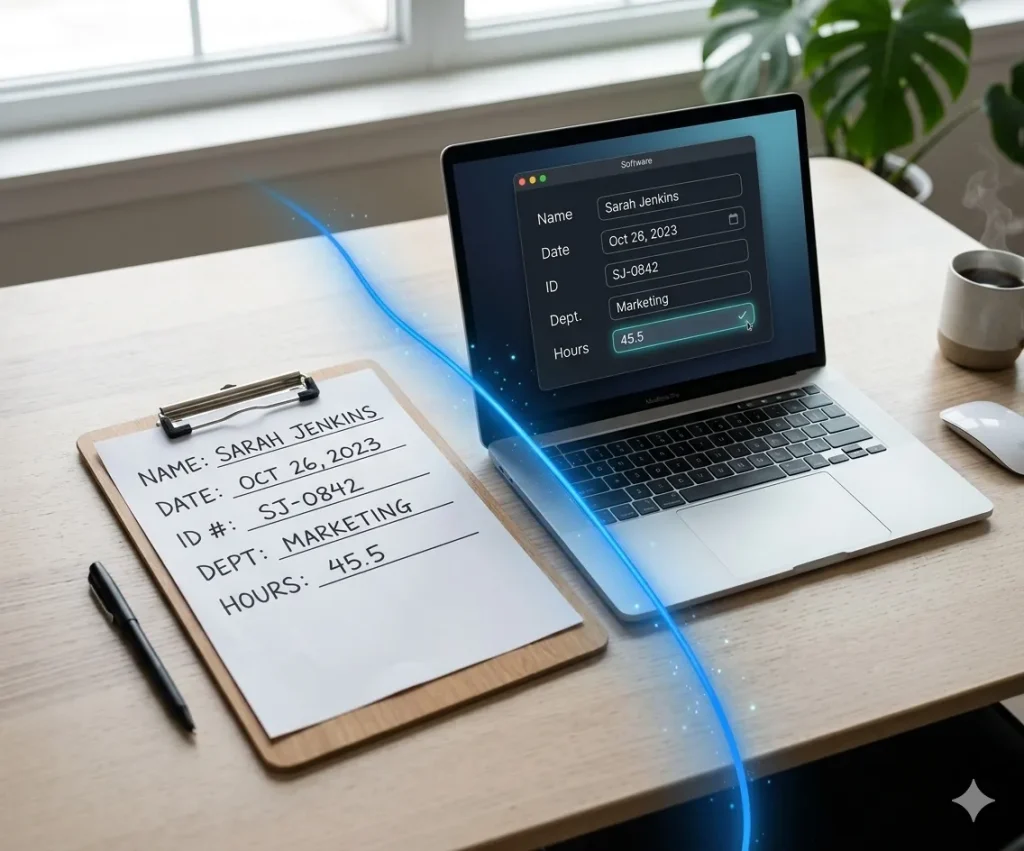
Organizations handling handwritten forms, surveys, or applications can use AI handwriting recognition to automatically extract and digitize information, improving data processing efficiency and reducing manual entry work.
Explore powerful AI workflows designed to streamline your daily work.
Transform messy ideas and transcripts into structured, professional notes with smart organization.
Quickly convert images and scanned documents into editable text with advanced optical recognition.
Extract core insights and executive summaries from lengthy PDF reports and documents in seconds.
AI handwriting recognition is a technology that converts handwritten text into digital text using machine learning and OCR models. Unlike traditional OCR, modern AI systems understand context, layout, and writing styles, improving accuracy and usability.
Traditional OCR works well for printed text but struggles with handwriting due to irregular shapes and spacing. AI-powered handwriting recognition solves this by using deep learning models trained on diverse handwriting styles.
iWeaver uses AI to analyze your handwritten documents and automatically converts them into digital text.
Accuracy can reach 80–95% depending on handwriting quality and document complexity.
Yes. iWeaver AI handwriting recognition agent can handle cursive and messy writing with high accuracy.
iWeaver offers both free and premium plans, depending on your usage requirements.
Yes, iWeaver allows instant online conversion without installation.
Yes, iWeaver supports multiple languages and mixed handwriting formats.
ChatGPT's advanced natural language processing and machine - learning algorithms can improve the accuracy of iWeaver's handwriting recognition. It can better analyze the complex strokes and patterns in handwritten content, reducing errors in converting handwritten notes, signatures, or documents into digital text. For example, when dealing with cursive handwriting that might be difficult to decipher, ChatGPT's technology can make more accurate interpretations.