If you’ve ever used ChatPDF, you probably appreciated how easy it is to ask questions about a document instead of manually scanning hundreds of pages.
For students, researchers, and professionals who work with long reports or academic papers, tools like this can save hours of reading. Instead of searching page by page, you simply upload a document and ask questions.
But while ChatPDF is convenient, many users eventually run into limitations — such as file size restrictions, limited multi-document support, and a lack of deeper knowledge organization features.
If you’re looking for tools that offer more flexibility, smarter summaries, or better document workflows, there are several strong alternatives worth exploring.
Below are some of the best ChatPDF alternatives for reading, summarizing, and understanding documents more efficiently.
iWeaver — A Smarter Way to Work with Documents
iWeaver takes the idea behind ChatPDF a step further.
Instead of chatting with a single PDF, it allows you to build a searchable knowledge space from multiple documents. You can upload PDFs, research papers, reports, or notes and ask questions across all of them at once.
Rather than returning isolated answers, iWeaver helps connect ideas across documents. If you want to see how it works, you can explore the AI PDF summarizer feature that turns long documents into clear summaries and visual mind maps. It can generate structured summaries, highlight key insights, and even create visual mind maps that make complex information easier to understand.
Key features
- Analyze multiple documents in one workspace
- Generate structured summaries automatically
- Create visual mind maps from document content
- Combine uploaded files with relevant online information
- Maintain strong privacy controls for uploaded documents
Best for:
Researchers, analysts, and professionals who need to extract insights from multiple sources instead of just reading one file at a time.
If ChatPDF helps you read faster, iWeaver helps you understand information across documents.
AskYourPDF — Clean, Simple, and Reliable
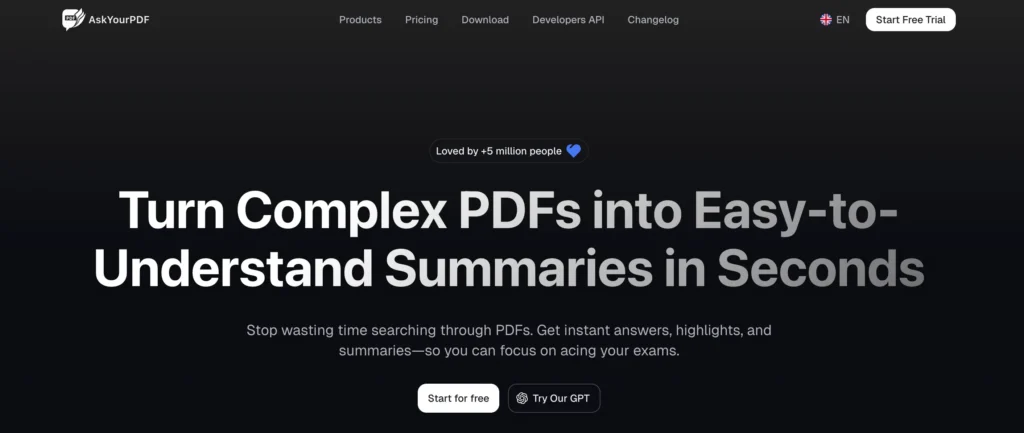
AskYourPDF is one of the most straightforward tools for chatting with a document.
Upload a PDF, ask a question, and the system returns answers based on the document’s content. The interface is simple, which makes it popular among students and casual users.
Pros
- Very easy to use
- Supports multiple file formats including PDF, DOCX, and PPT
- Good for quick document questions
Cons
- Limited support for analyzing multiple files together
- Fewer advanced analysis features
If you just need a quick way to ask questions about a document, AskYourPDF is a reliable option.
PDF.ai — A Clean Chat-First Experience
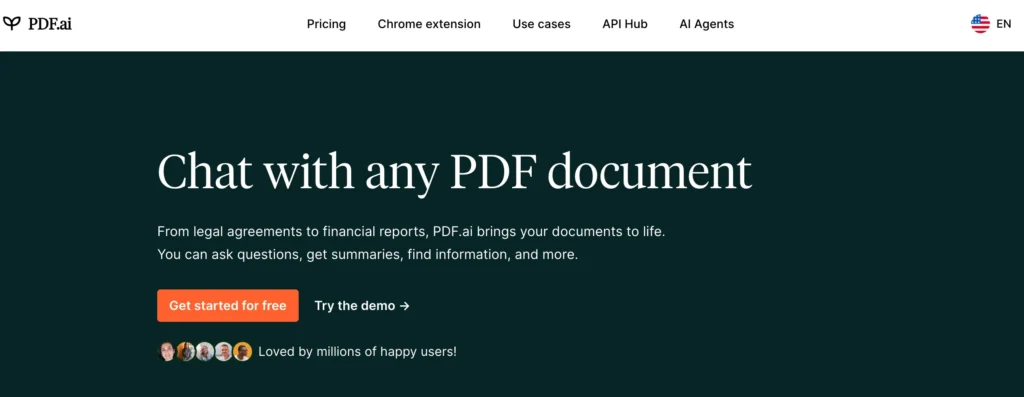
PDF.ai focuses on one core function: chatting with a document.
The interface is minimal and designed specifically for question-and-answer workflows. You can ask questions about long reports and receive answers with references to the source pages.
Pros
- Clean and polished interface
- Provides source references for answers
- Can embed document chat into websites
Cons
- Limited collaboration tools
- Mainly designed for single-document analysis
If your main goal is to quickly understand the contents of a long PDF, PDF.ai keeps things simple and efficient.
TextCortex — Document Understanding + Writing Support
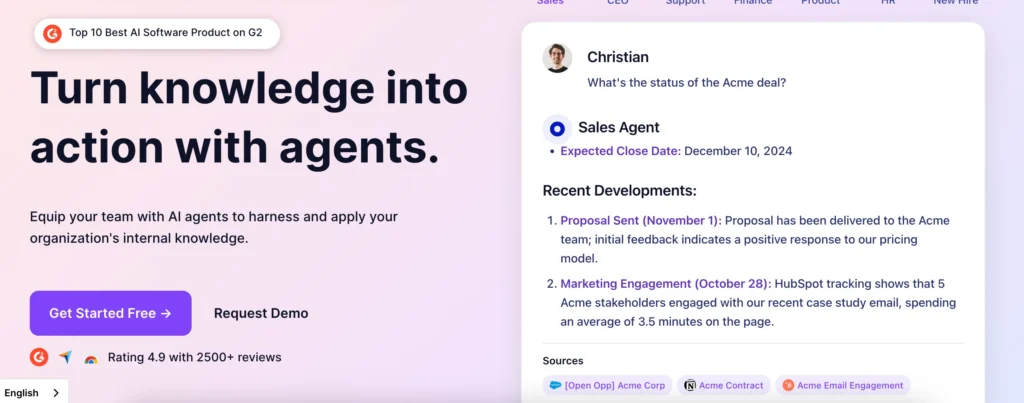
TextCortex goes beyond PDF chat by combining document analysis with writing assistance.
You can upload documents, extract insights, summarize information, and then use those insights while writing articles, reports, or notes.
Pros
- Integrates with tools like Google Docs and Notion
- Strong rewriting and summarization capabilities
- Useful for creating content from research material
Cons
- May feel complex if you only need PDF Q&A
- More focused on writing workflows
For people who turn research into content — such as writers, marketers, or students — TextCortex can be particularly helpful.
PDFGear — Chat and Edit PDFs in One Tool
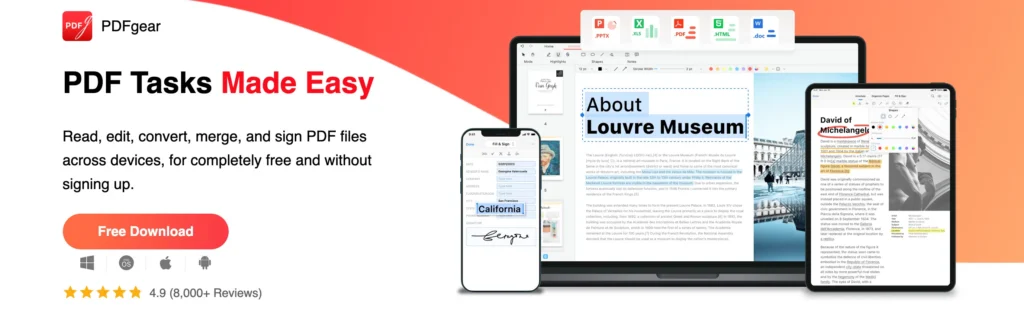
PDFGear combines document interaction with traditional PDF editing tools.
Besides chatting with a PDF, you can annotate, convert, and edit documents without switching between different apps.
Pros
- Built-in PDF editing tools
- Free version available
- Supports annotations and file conversions
Cons
- AI features are more basic compared to dedicated document analysis tools
- Less suitable for research-heavy workflows
If you want both document editing and AI assistance in one place, PDFGear is a practical option.
PDFGPT.io — Designed for Research Workflows
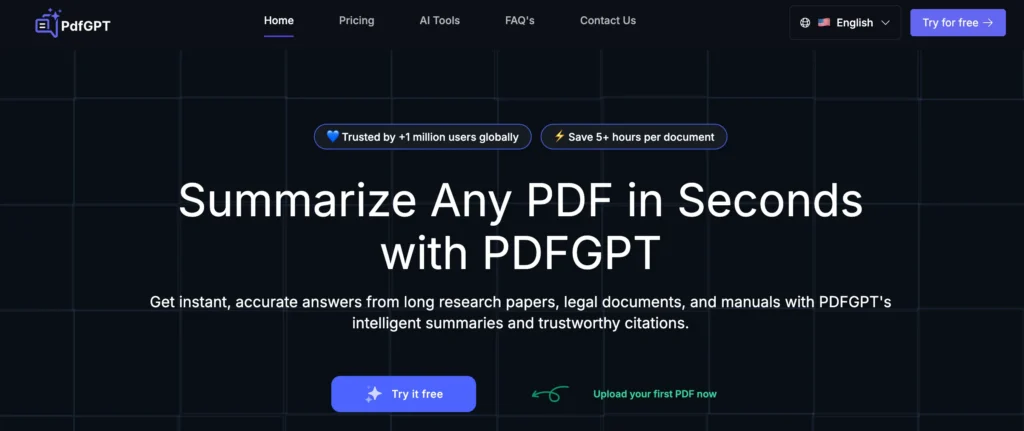
PDFGPT.io focuses on helping users work with large research documents.
It supports analyzing multiple PDFs and extracting insights across them, which can be useful when reviewing research papers or technical documentation.
Pros
- Handles multiple PDFs
- Useful for research and academic reading
- Supports citations and structured answers
Cons
- Interface is relatively simple
- Limited customization features
For academic or technical research, PDFGPT.io can significantly reduce the time spent reading lengthy documents.
How to Choose the Right ChatPDF Alternative
The right tool depends on how you typically work with documents.
| Use Case | Recommended Tool | Why |
|---|---|---|
| Multi-document analysis | iWeaver | Connects insights across documents |
| Quick PDF questions | AskYourPDF / PDF.ai | Fast and easy document chat |
| Writing and content creation | TextCortex | Combines research with writing |
| Editing PDFs | PDFGear | Includes editing and annotation tools |
| Research papers | PDFGPT.io | Handles technical documents well |
ChatPDF remains a helpful starting point for document Q&A. If you work with many files, need deeper summaries, or want to organize knowledge across documents, tools like iWeaver provide a more powerful workflow for chatting with PDFs and building a personal knowledge base.
Tools like iWeaver are designed not just to answer questions from a single document, but to help you build a connected knowledge base from everything you read.
What’s iWeaver?
iWeaver is an AI-powered knowledge workspace that helps you organize information, analyze documents, and extract insights from your personal knowledge base.
You can upload files, ask questions, generate summaries, and visualize ideas — all within a single workspace designed for research, learning, and productivity.
Frequently Asked Questions
1. What is the best alternative to ChatPDF?
The best ChatPDF alternative depends on how you work with documents.
If you only need quick question-and-answer capabilities, tools like AskYourPDF or PDF.ai are good options.
However, if you want to analyze multiple documents, generate structured summaries, and organize knowledge across files, iWeaver provides a more advanced workflow.
2. Are there free alternatives to ChatPDF?
Yes. Several tools provide free plans or limited free usage.
Some popular options include:
- AskYourPDF
- PDFGear
- PDFGPT.io
Free plans usually limit file size, document length, or the number of questions you can ask.
3. Can AI chat tools read multiple PDFs at once?
Many basic PDF chat tools only support one document at a time.
More advanced tools like iWeaver allow users to upload multiple documents and ask questions across them. This is especially useful for research, literature reviews, or comparing reports.
4. Is it safe to upload PDFs to AI tools?
Most AI document tools use encryption and privacy protections, but policies vary.
Before uploading sensitive documents, it’s always a good idea to review the platform’s data privacy policy. Some tools offer private workspaces or enterprise security features.
5. Can AI tools summarize long PDFs?
Yes. Many ChatPDF alternatives include summarization features.
For example, tools like iWeaver can generate:
- structured summaries
- key takeaways
- mind maps
- document outlines
This helps users quickly understand long reports, research papers, or technical documents. You can also try tools designed specifically for summarizing PDFs automatically.