
A
Paste a YouTube link or upload any video. iWeaver AI extracts key points from the transcript and generates Q&A and cloze flashcards you can edit, refine, and export as structured notes or formatted files for exam review and spaced repetition study sessions.
Please wait while we process your files
Copy a YouTube URL or upload a video file directly into iWeaver. The agent pulls the audio and begins transcribing the content automatically.
iWeaver AI analyzes the transcript, identifies core concepts, and produces Q&A flashcards and cloze cards organized by topic from the video content.
Review each generated flashcard, edit wording or delete cards that miss the mark, then export the final set as PDF, Markdown, or doc files.
Paste a YouTube URL or upload a local video file. iWeaver handles the transcription step so you start from any video source without converting formats or copying subtitles manually first.
Instead of pulling random sentences, iWeaver AI identifies definitions, processes, and relationships within the transcript and maps them into distinct flashcards that reflect actual knowledge points from the lecture.
Get Q&A cards for direct recall and cloze deletion cards for active recall practice. Each card type targets a different retrieval strategy so your study sessions cover both recognition and production.
Every generated card is editable after creation. Rewrite questions, adjust answers, merge overlapping cards, or add your own notes before exporting, so the final deck matches your actual study needs.
Export your finished flashcard set as doc, PDF, Markdown, or other supported formats. Move your cards into external study systems or share them with classmates without being locked into a single platform.
You recorded a semester of lecture videos but never took structured notes, and finals are approaching fast. Paste each lecture URL into iWeaver to generate flashcards covering key definitions, processes, and arguments, then export the set as a doc or PDF to review during study sessions.
Start Reviewing
Online course learners accumulate dozens of video modules without a clear way to revisit specific concepts across lessons. Feed each video into iWeaver to produce topic-organized flashcards per module, then export them as Markdown files to build a searchable personal knowledge base.
Process Videos
Educators need practice materials drawn directly from their own instructional videos but lack time to write questions manually for each class. iWeaver extracts key points from the teaching video and generates editable Q&A cards that can be exported as PDF handouts for student review.
Create Cards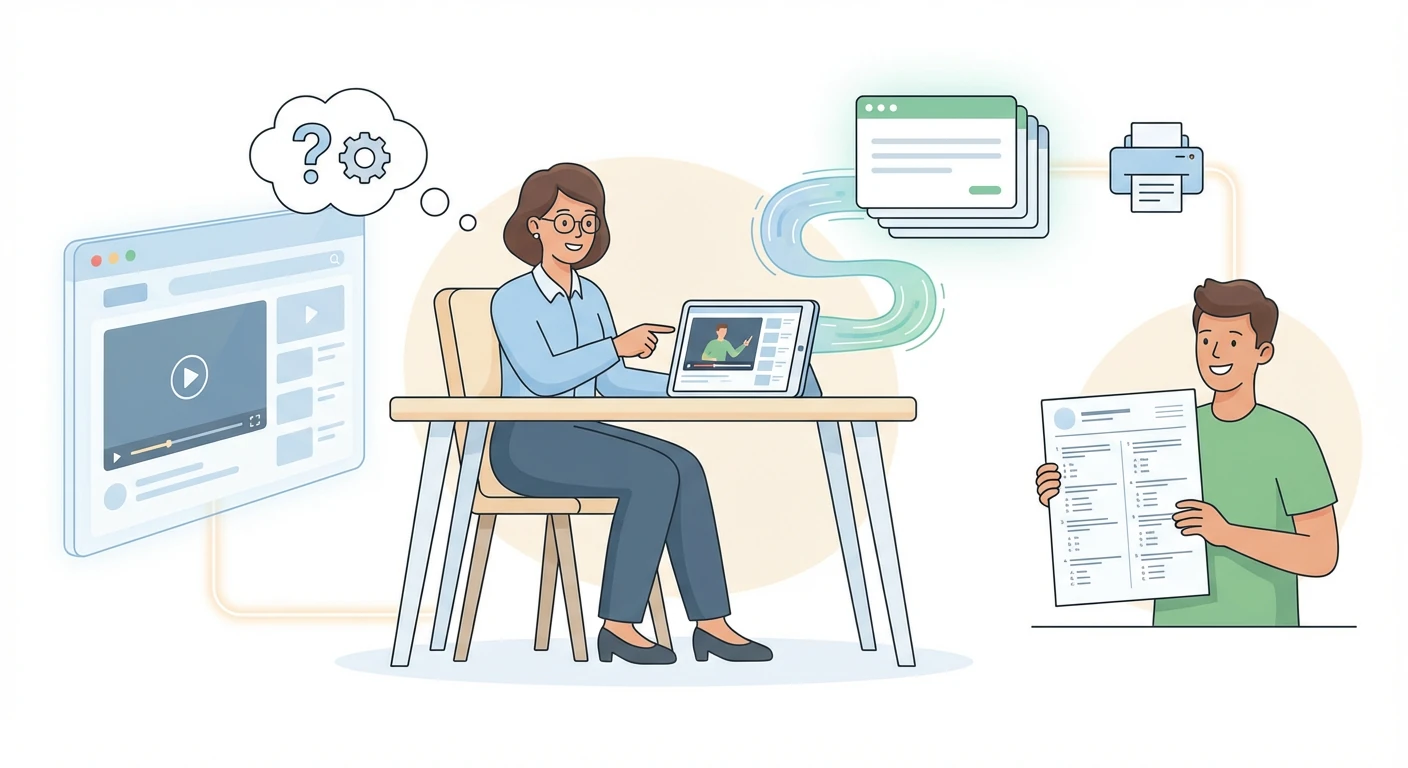
After a company training webinar, participants struggle to recall specific procedures and policy details covered in the recording. Upload the training video to iWeaver to generate cloze and Q&A flashcards capturing each key takeaway, then export them as doc files for team distribution.
Capture Takeaways
Drop a YouTube link or upload a lecture video. iWeaver generates editable Q&A and cloze flashcards from the transcript, ready to export as doc, PDF, or Markdown for your next study session.
Try It Free