
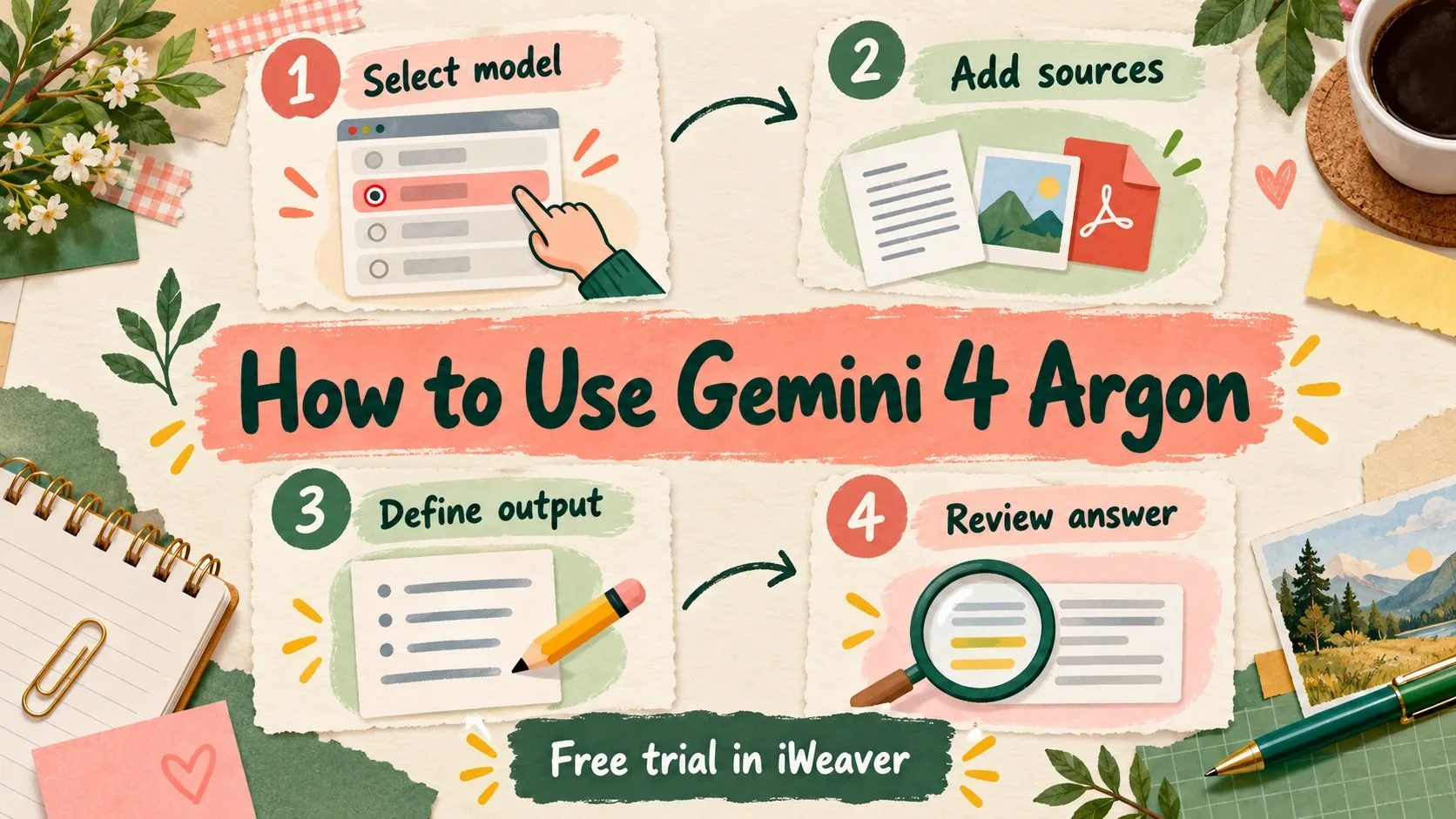
Gemini 4 Argon is now available in iWeaver, and iWeaver provides a free trial of the model. You can use it to work through a research question, compare documents, or create a decision brief without setting up an API integration.
This guide walks through a practical workflow: select Gemini 4 Argon, add the material you want it to use, describe your desired output, and refine the answer. We will use a comparison of two research proposals as an example, with a prompt you can adapt to your own work.
For background on the model, read our Gemini 4 Argon capabilities overview, including how its shared context budget affects large document tasks.
Start with one question you actually need answered
Choose a task where you know what a successful answer would contain. For example, you might need to compare two research proposals and explain which has stronger evidence. Gather the proposals, your decision criteria, and any supporting material before starting the conversation.
Avoid combining unrelated requests in the first trial. If you ask for a summary, a market forecast, a slide deck, and an implementation plan at once, it becomes difficult to tell where the model helped and where it guessed. One well-defined brief gives you an output you can check from beginning to end.
Step 1: Open iWeaver and select Gemini 4 Argon
Open iWeaver, sign in, and select Gemini 4 Argon in the workspace's model selector. Start with the free trial and a task you already need to complete, such as comparing two proposals or explaining a difficult report.
Decide what you want to receive before sending the first message. For our example, the goal is a comparison table and a short recommendation supported by the supplied proposals. Keeping that goal specific makes the next steps easier to follow.
Step 2: Add your source material
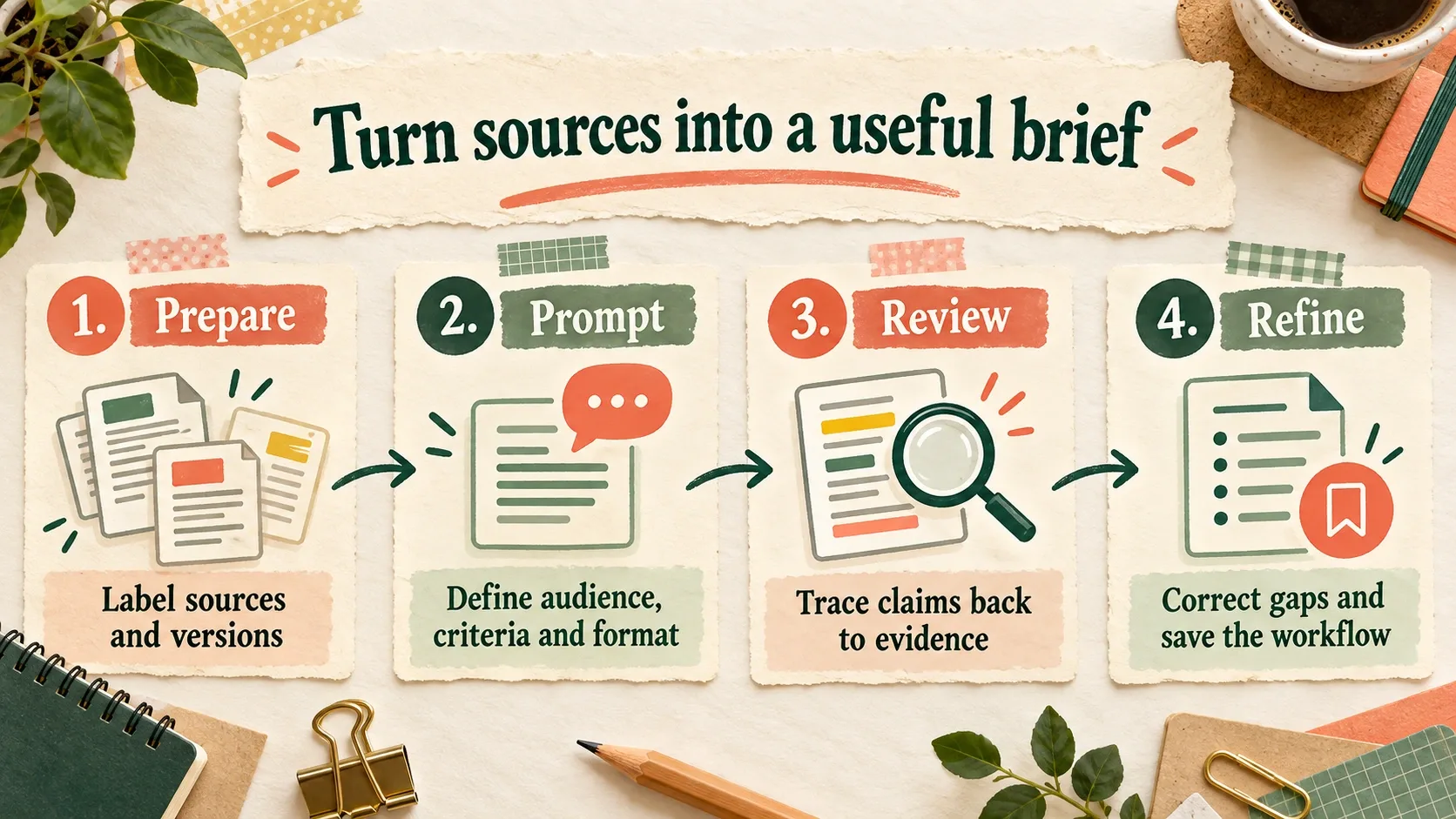
Add your material through the input options shown in the workspace. Give each source a short label, such as Proposal A, Proposal B, and Evaluation Criteria. If versions differ, include the date and tell the model which one should take precedence.
For multiple documents, spend a minute defining what each source contributes. One may contain the proposal, another the evidence, and another the constraints. iWeaver's guide to analyzing multiple documents provides a related workflow for organizing a comparison around a specific question.
Do not fill the workspace with every file you have. Start with the sources necessary to answer the question, then add another source if the first pass reveals a genuine gap. This also makes it easier to trace a disputed claim back to its origin.
Step 3: Describe the output you need
The prompt should explain the task, audience, evidence boundaries, and output. Here is an example you can adapt:
Compare Proposal A and Proposal B for a research team choosing its next project. Use only the supplied material. Evaluate each proposal against the supplied criteria. For each finding, identify the source and section; use page numbers only where available. Separate documented evidence from your interpretation. Flag missing information rather than estimating it. Produce a comparison table, a 300-word recommendation, and the three questions we should resolve before deciding.
This instruction makes the answer easier to review because it names the deliverables and tells the model how to handle uncertainty. It also prevents the recommendation from silently depending on outside information you did not intend to include.
Step 4: Review and refine the answer
Read the recommendation and trace its main claims back to the sources. Check whether the model compared equivalent measures, kept proposal versions separate, and represented missing information honestly. A source reference is useful only if the referenced passage supports the claim.
When you find a problem, correct it specifically. For example: “Proposal B does not report participant retention. Revise that row to show missing evidence and reconsider the recommendation.” Then inspect whether the correction changed the later reasoning as well as the table cell.
For a passage that remains difficult, ask the model to explain the relevant sentence before using it in the comparison. A dedicated PDF Explainer can also help with a document-focused explanation workflow.
If you already use Flash for similar work, apply the same source packet and prompt to both models. Our Gemini 4 Argon vs Gemini 3.8 Flash guide explains which differences to record before choosing a model.
Step 5: Save a reusable workflow
Record what required correction and how long the final review took. Ask whether the answer reduced your work, whether you could verify it, and whether the same prompt would be useful again. An impressive first draft is less valuable if checking it takes longer than preparing the brief yourself.
Keep the successful prompt, source labels, and acceptance criteria together. Next time, change the documents while retaining the review method. That gives you a repeatable way to evaluate Gemini 4 Argon as both the model and your workflow evolve.