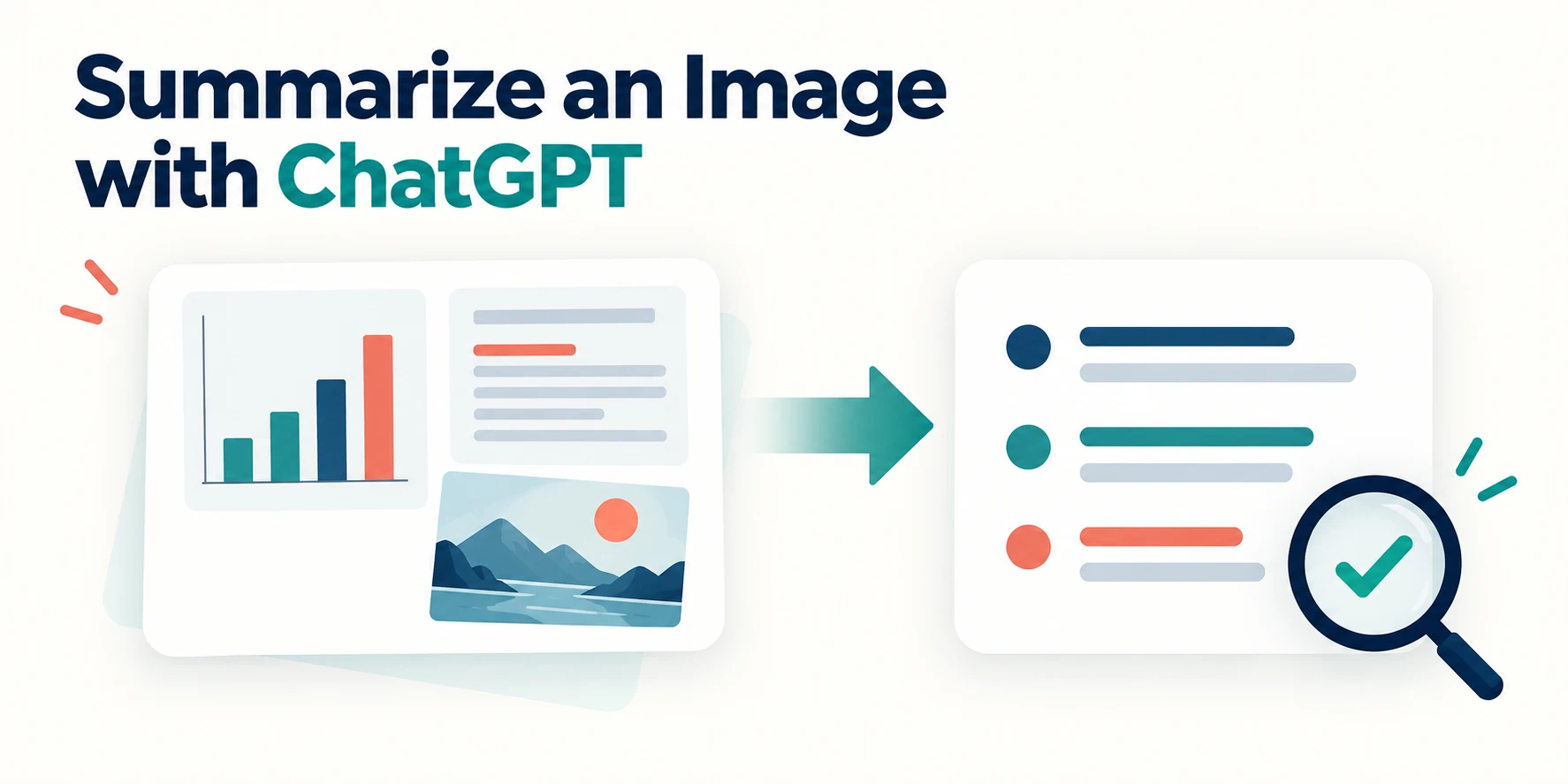
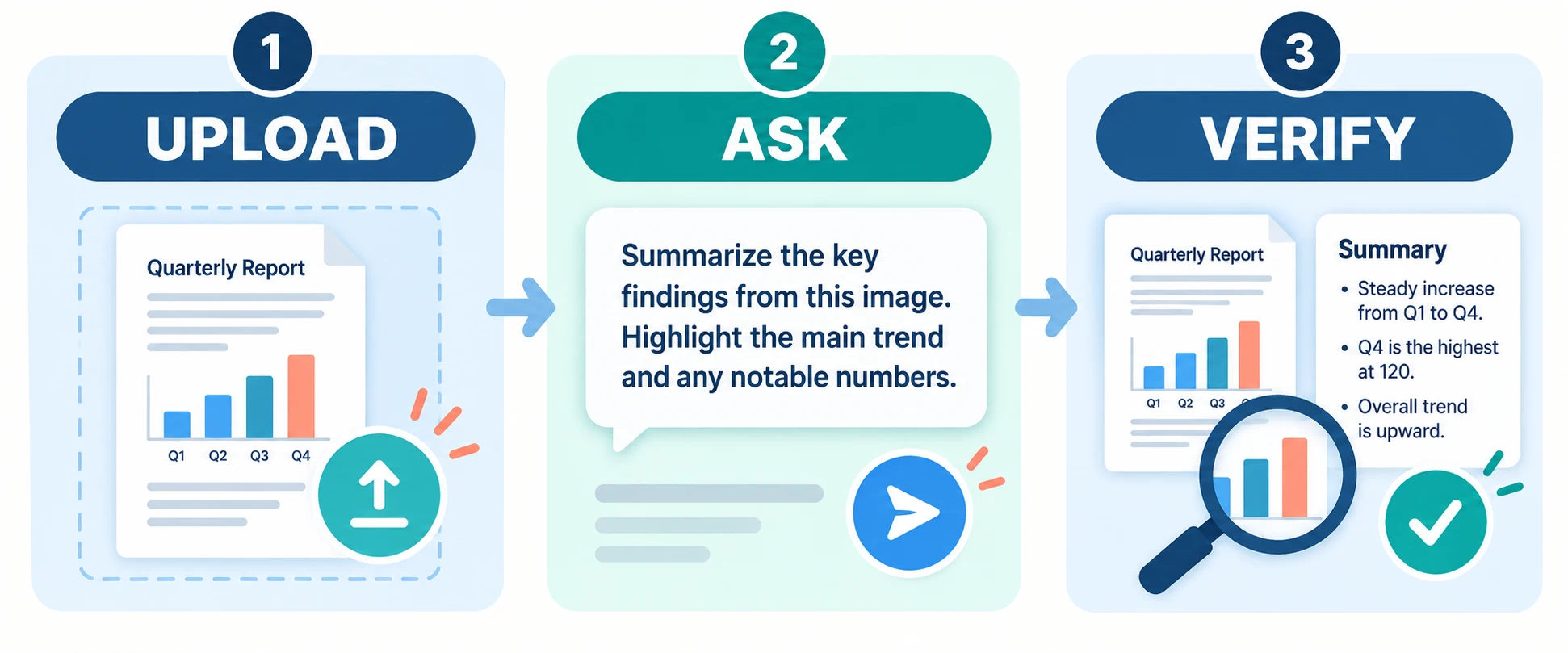
To summarize an image with ChatGPT, upload the image, tell it what information matters, and ask for a short response that separates visible details from interpretation. Then compare the summary with the original image—especially numbers, small text, chart labels, and anything you plan to cite or act on.
ChatGPT can analyze image inputs, including photos, screenshots, and visual documents. The exact model shown in your account may change, so the workflow below focuses on the task rather than a model name. OpenAI's image input guidance describes both the capability and its limitations.
Decide what kind of summary you need
“Summarize this image” can mean several different things:
| Image | Useful summary |
|---|---|
| A slide or infographic | Main message, supporting points, and figures |
| A chart | Trend, axes, units, key values, and uncertainty |
| A document photo | Purpose, important text, dates, and action items |
| A product photo | Visible features, labels, and condition |
| A screenshot | Screen purpose, visible controls, and error messages |
Choose the output before uploading. A two-sentence overview is useful for scanning; a structured extraction is better when you need to check details.
Step 1: Upload a readable image
Use the clearest version available. Crop irrelevant borders, but keep titles, axes, legends, footnotes, and other context that may change the meaning. If the image is blurry or contains dense small text, enlarge or divide it into sections before asking for a detailed summary.
Avoid uploading confidential material unless you are authorized to use it with the service and have reviewed the applicable data settings.
Step 2: Give ChatGPT a focused instruction
Try a prompt that defines the task and asks the model to acknowledge uncertainty:
Summarize this image in five bullets. First describe what is visibly present. Then state the main takeaway. Quote numbers only when they are legible. If any text or chart element is unclear, say so rather than guessing.
For a chart:
Identify the chart title, axes, units, time period, and main trend. List the two most important comparisons. Separate values you can read directly from interpretations you infer.
For a photographed document:
Explain what this document appears to be, then list the visible dates, names, decisions, and action items. Mark any uncertain text as unclear.
Step 3: Check the result against the image
An image summary can sound confident even when a detail is wrong. Verify:
- Names, dates, amounts, and percentages
- Chart axes, units, legends, and direction of change
- Whether a statement appears in the image or is the model's interpretation
- Text near the edge, in handwriting, or at low resolution
- Missing context outside the crop
OpenAI notes that image models may struggle with unclear images, rotated text, visual details in graphs, and precise counting. For high-stakes decisions, inspect the original source and seek appropriate expertise.
Step 4: Ask a follow-up question
Once the first summary is accurate, refine it for the next task:
- “Turn the verified points into a meeting note.”
- “List only the figures that are visible in the chart.”
- “What information is missing before I can draw a conclusion?”
- “Rewrite the summary for a reader unfamiliar with this topic.”
Follow-up questions are especially useful when an infographic mixes claims, data, and decoration.
What if you have many images?
Use a consistent structure for each summary: image name, visible content, key facts, uncertainty, and next action. Review each output before combining them. If the images come from a report or presentation, preserve page order and captions so their context is not lost.
For an iWeaver-specific workflow, the AI Image Summarizer offers a separate place to work with image content. Treat the two products as separate tools: do not assume a ChatGPT summary automatically appears in iWeaver.
Image summary vs. text extraction
A summary condenses the meaning of an image. Text extraction attempts to reproduce written content. They serve different purposes.
If you need exact wording from a receipt, form, or screenshot, extract the text and check it line by line. If you need to understand the main point of a slide or diagram, ask for a summary that includes the relevant visual relationships. For a critical chart, request both a description of the visible data and a separate interpretation.
A reusable image summary template
Summarize the attached image for [audience]. Use these headings: What is visible, Key facts, Main takeaway, and Unclear or missing details. Keep the summary under [length]. Do not invent unreadable text, numbers, or context outside the image.
The best image summary is useful because it is specific and checkable. Start with a clear image and a focused question, then verify the details that matter against the original.